Short answer: not possible.
A normal app can only access its own devices.
Using WebAPI it’s possible to access other devices. I don’t know if alarm is accessible. But WebAPI is not used.
Short answer: not possible.
A normal app can only access its own devices.
Using WebAPI it’s possible to access other devices. I don’t know if alarm is accessible. But WebAPI is not used.
Yeah, it’s no surprise.
It also isn’t even possible to set an alarm time by flows.
Thanks for looking into it!
Happy to learn today that your excellent community app is able to access HA via http://127.0.0.1:8123 from the Homey SHS Add-on 
Nice, got me trying to connect it per Docker network, 172.130.x.x This works as well!
You’d know the “Custom device” is the (easier to use) successor of the Compound device.
The custom device doesn’t need the HACS Homey integration, including these yaml entries.
Yes, Peter is right.
Don’t use compound device and use custom device instead. Much easier and more flexible.
I would like to remove compound device someday.
Hi,
tried out the “Custom device”. Its working great but I would have some suggestions.
Each time I want to add a new entity I have to filter again for the device or a part of the device/sensor names wich can take some time….
Would it be possible to
Filter for a part of the device/sensor name for example tablet
You get all entities that match
You select on or more and add them
4a. on a next page you can modify them like changing the name…
4b. no next page and you can/have to modify the entity with the given functionality.
Please don’t remove the compound device because I have a lot of them. Specialty if have device where only a part of the sensor name changes you can just copy and past an existing yaml and only modify the sensor-name with search and replace.
It’s only so much to enter one you add a number of devices 
The details are dependent on the entity itself. So it won’t be possible to select several entities and then edit details. For example you have different options for a number_input entity (range) or energy entities.
And at the end it’s easier to handle the data in one page 
First I’d install the app from homey.app store, without removing anything up front. It just gets installed again.
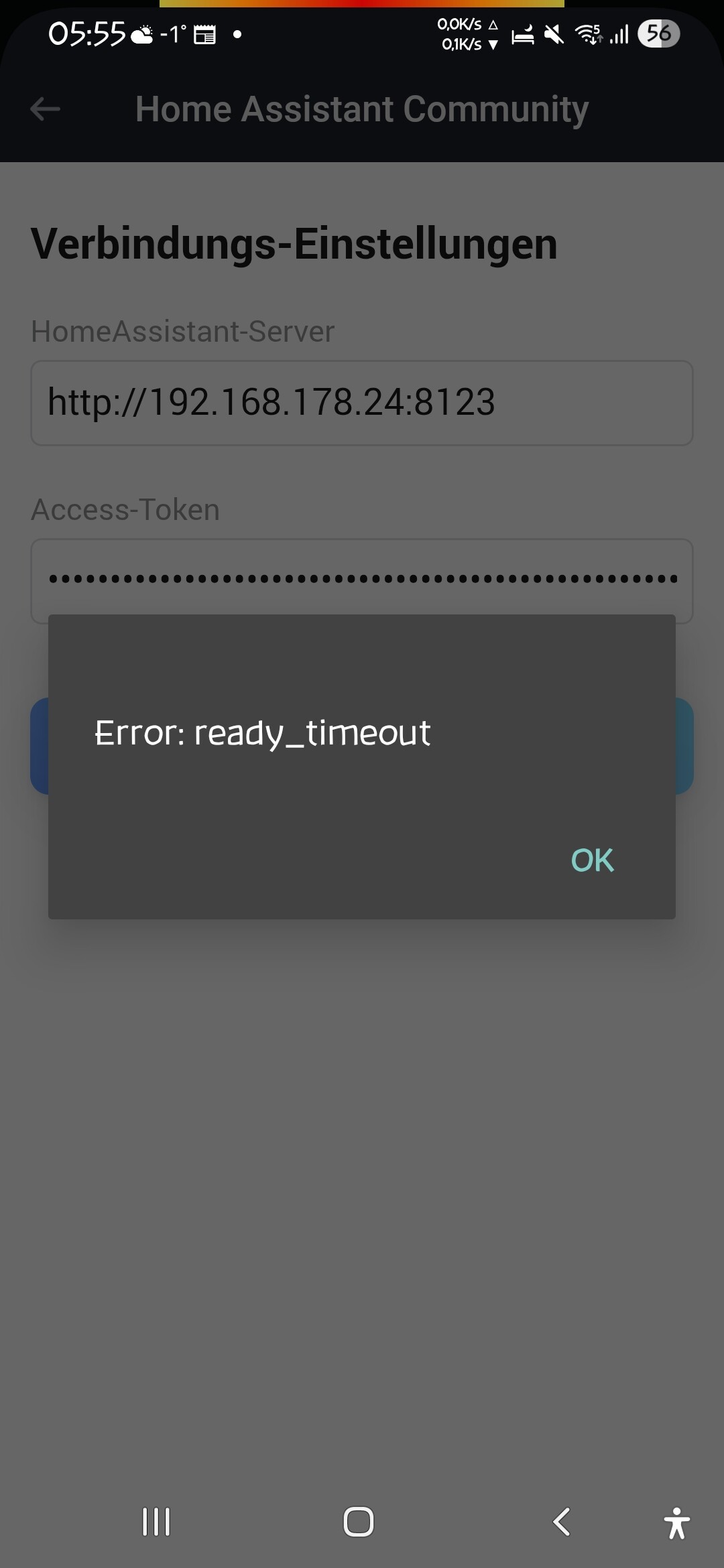
It seems there’s something else going but just in case: If your “long-lived access token” disappeared from app settings, you just copy-paste it back, from the safe place you stored it right after creation.
If you lost it, jusr create a new one per instructions
(Since [update x] the /security part shoud be added)
When it all works again, delete the old token from there.
Your log is empty - as if the app is not running 
After restarting Homey everything is back to normal 
New test version 1.15.0:
When using an input_number entity, you can select to use a changeable number capability. That means, you can change the value in Homey using a dim capability (and slider control) to sync back the value to HA. Now you can also select a target_temperature capability (and thermostat control).
Hi. Great app. I have one issue though.
I have three heat pumps in a multisplit system, so three indoor units connected to the same outdoor unit. Witch means they share one power plug.
In Homey I have addet the entity from HA that measures power in all thee devices, but only one gets “live” values. The other to are stuck on an old value.
On all three devices I have added the power consumption entity the exact same way:
Any idea why this happens?
Hi,
short explaination…
This is a functionality to help adding power data to HA devices - the simple devices like switch or light added by type selection in pair view. These devices can only be added once - or better: the selectes entity can only be added once. And the power entity is also only used once. That’s a 1:1 assignment for ligths etc.
In your case, only one power entity is registered for updates.
You have two alternatives now.
Ok, thanks. I understand the limitations and I get it. I just don’t use the Homey energy section so it doesn’t really matter to me that it’s wrong.
It would just be easier for me in a few ways to have the power reading directly on each device.
No big deal though. Thanks for clarifying.
It’s very simple. Just add the enties manually:
Open repair mode
Select “Add Entity”
Enter entity ID
If you need a maien capability (fro HomeyEnergy or other benefits like using in PowerByTheHour), you can select “Main Capability”.
In this case, only the marked cabability name is used:
Add and enjoy 
This way, you can add entities to several devices. You can also add an entity several times to one device and adjust the value using converter functions. Sometimes you need a x1000 or /1000 calculation for energy data between Homey and HA
I’ve tried exactly that. Look at the video in the link below. It just dissapears as soon as the value comes through.