Maybe if possible: Make the text field a fixed maximum with and user must move the finger sideways on the text too read the it.
Moving fingers on the widgets has been causing me loads of problems with the sliders, so reluctant to go down that rabbit hole again.
I am thinking of how I can allow the wrap but detect it to add more height to the widgets.
“Enable Edit Mode” is even better.
Thanks a bunch, Adrian. I aimed at personal preferences, but I guess there’s only general app/widget defaults.
Nice to see the initial ‘Title’ field is empty now, so I don’t have to disable it for every widget 
Next little issue, the widget height isn’t sufficient for devices with many capabilities. This way I can’t de-select the invisible capabilities (Android 13)
Example screenvid, the “Washer mode” cap. (dis)appears:

(Hit the play button @ bottom-right)
Thanks!
Could you try turning of the Dense option to see if it has enough space then?
maybe in that mode I need to account for a bit more space per capability.
I thought I tried that alr, but indeed without Dense mode it appears correctly, Adrian.
OK, I will add more space to the dense mode.
Jepp, you did it. Great work. Thanks alot.
1 Like
New test version should hopefully fix the widget height for dense edit mode and lines that wrap.
1 Like
Looks very good with a “short text”, but if I increase the length, it begins to override the next line in the widget :
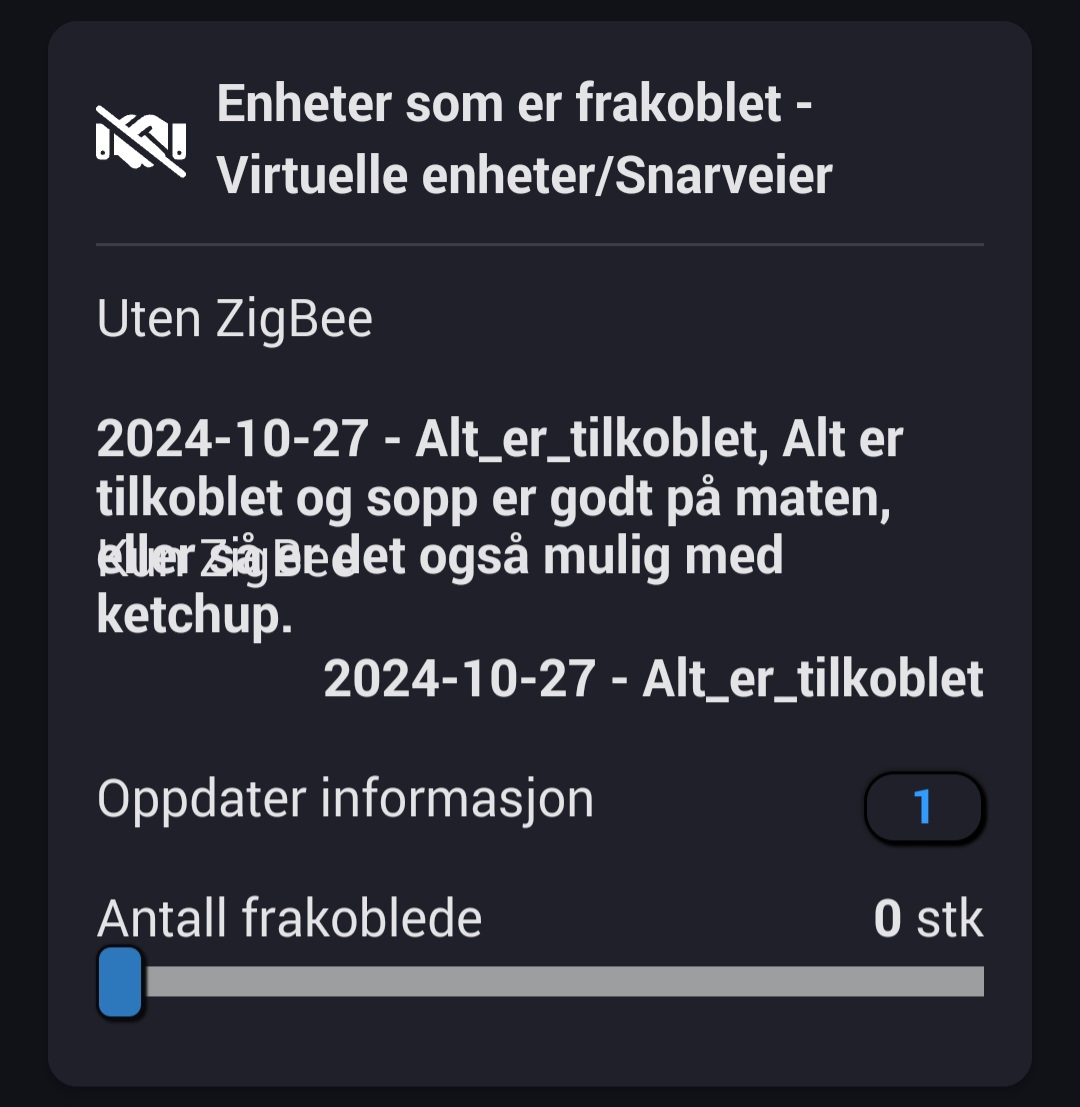
Well don’t put so much text in 
I will take a look but I’m not sure what I have got to simulate the problem.
Hehe. It is a variable that reflects how many ZigBee devices that is disconnected, and how many Non-ZigBee devices that are disconnected. Regarding to ZigBee, i am sorry, the text is always more then “all_connected” 
1 Like
Aqara devices by any chances?
Different vendors. I think it is a Chip issue of Homey, so I have bought a Sonoff Dongle-P to run on a different hardware then Homey, and connect with Zigbee2mqtt instead and connect back to Homey. But this is a little bit off-topic, so we can talk more in DM if you wish.
2 Likes
New test version should fix the long value issue.
I felt free to test it.
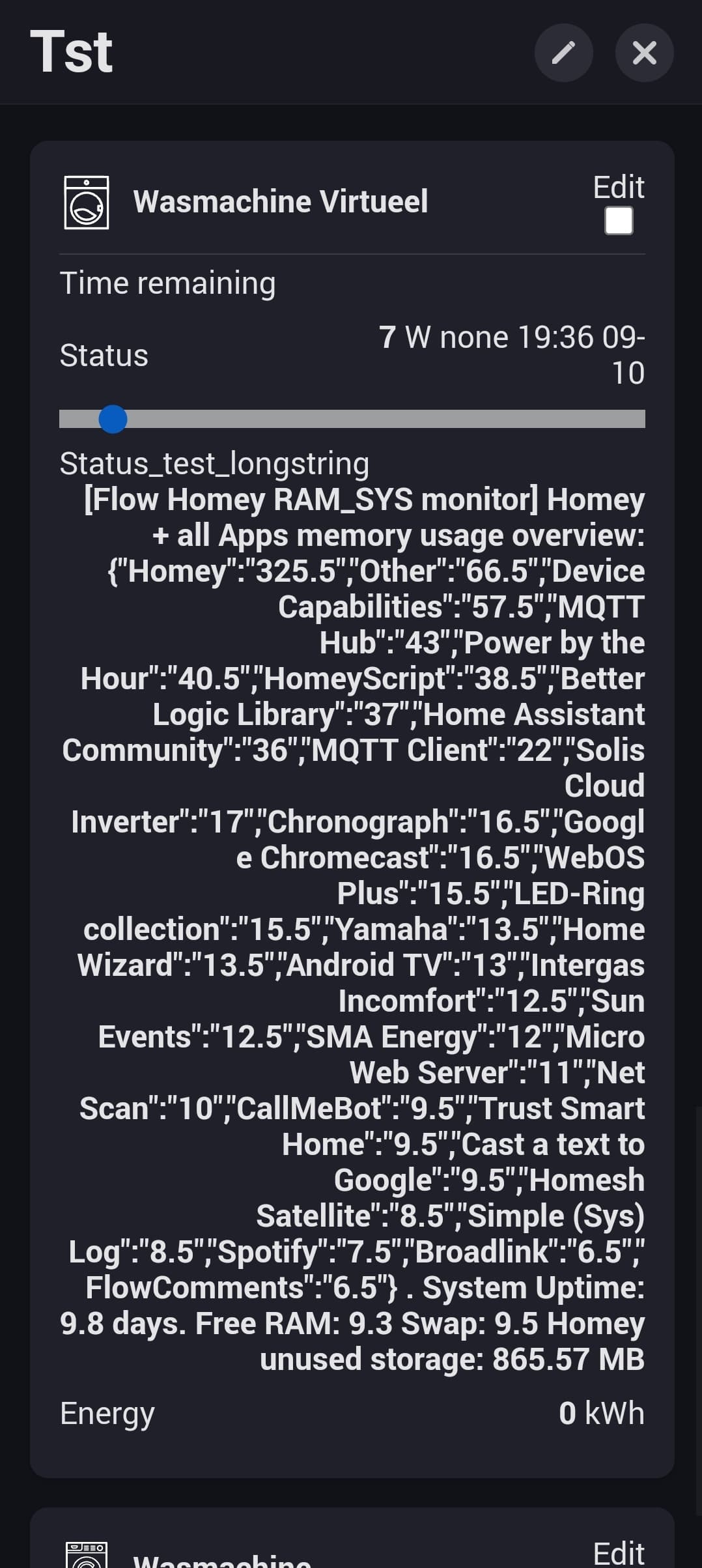
A looooong list (to me that is) fits with Dense view enabled:
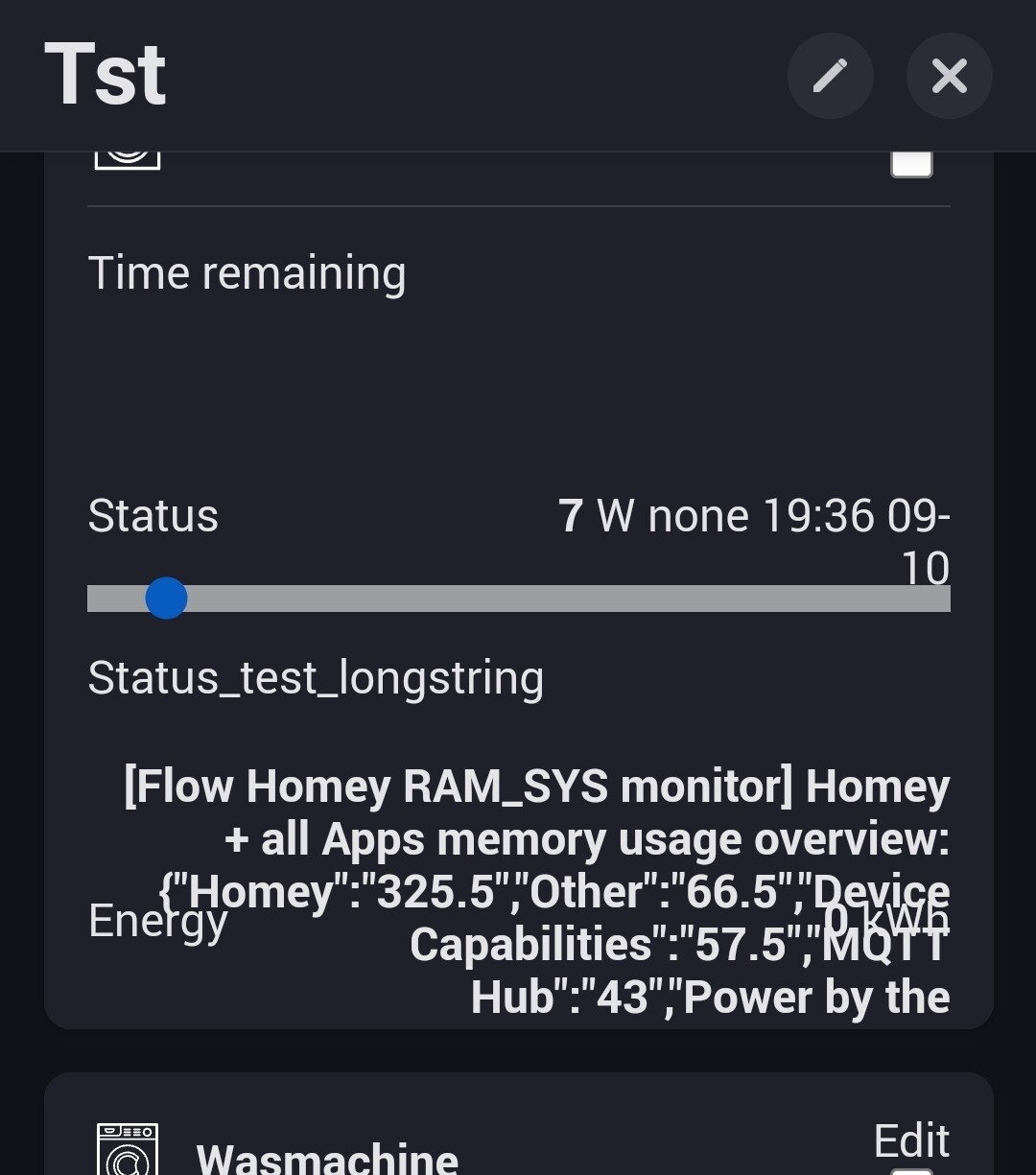
It doesn’t fit in normal view and overwrites the capability below it:
That is my experience too. But it does not have to be that long, Peter 
Tests should be done thouroughly, Marius 


1 Like
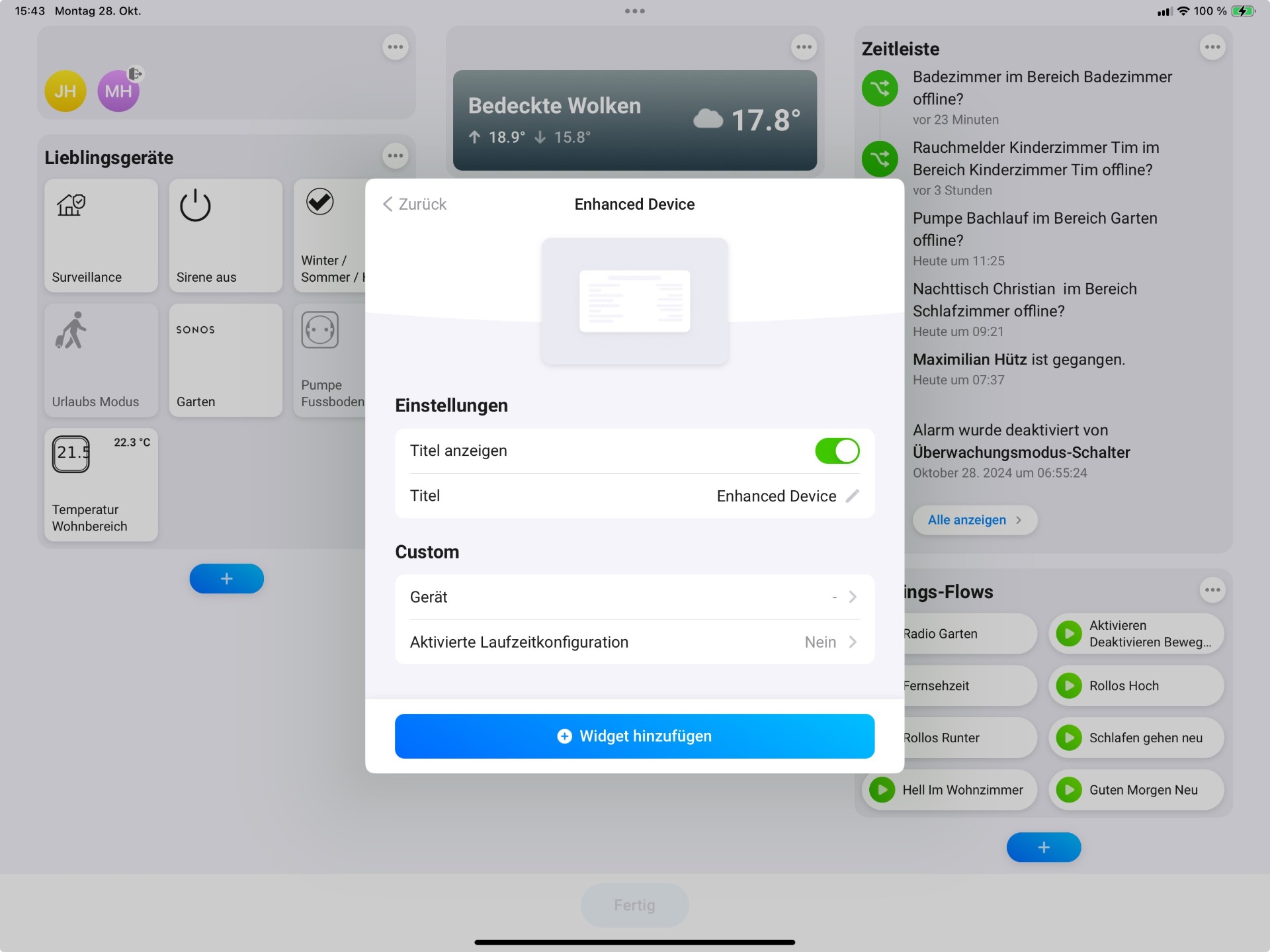
What am I doing wrong? When I add a widget, I also don’t see any configuration options, and the hourglass keeps spinning endlessly… I’m using the test version with the dashboard and the live version 1.0.6 of Enhanced Device Widget. My system is iPadOS.
Thank you.
As soon as you select to add the widget you should see the configuration screen
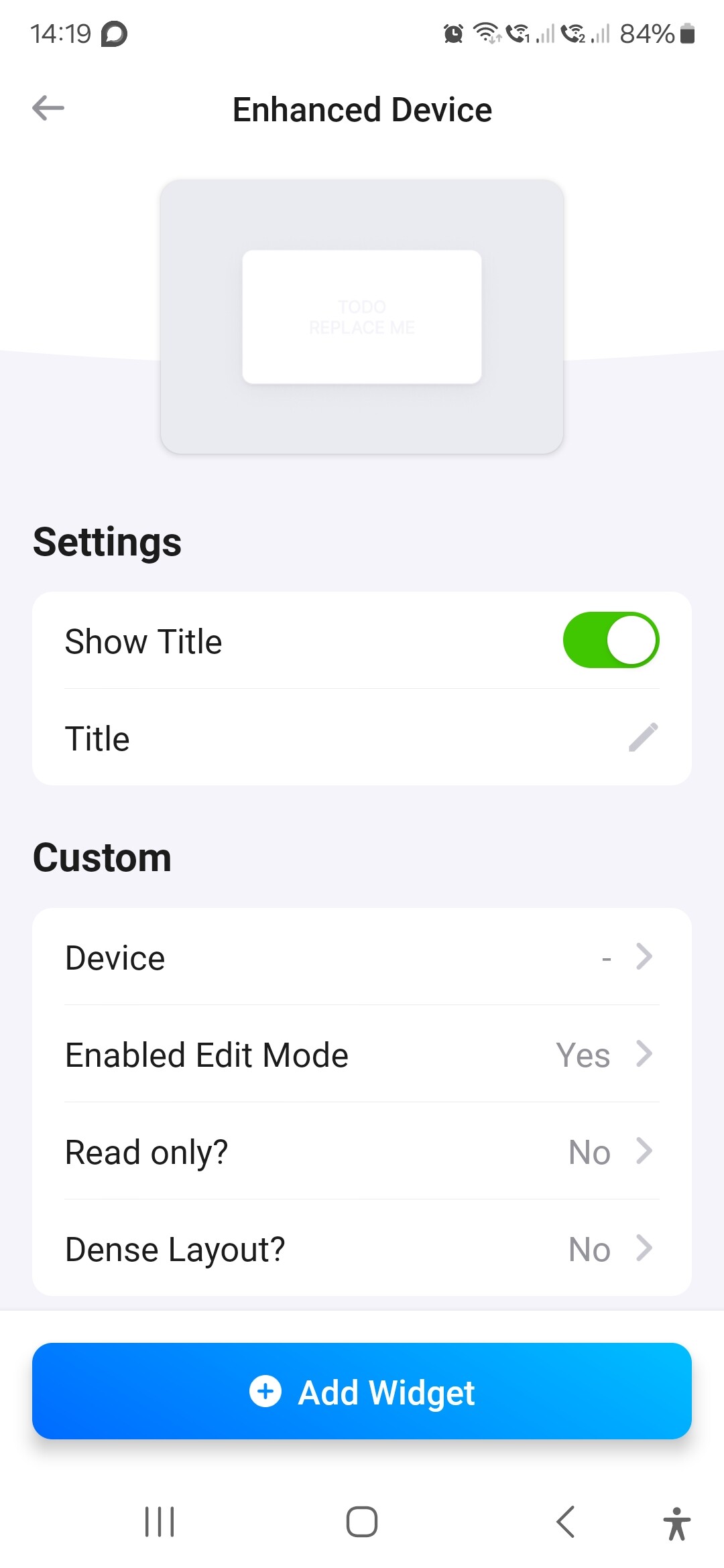
The number of settings will depend on the version of the app you have installed.