You need to calculate them together, now they overwrite everytime
1 Like

So make a number variable , in my case “opgetelde waarde”
The 2 temp cards are in your case both values you want to calculate. After that you put the variable “opgetelde waarde” in the datavista card.


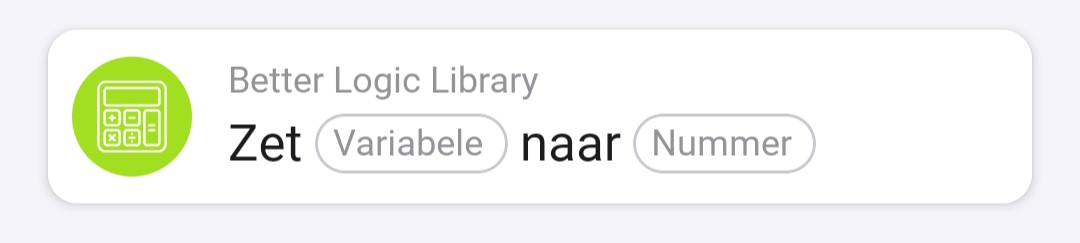
I am not sure if DataVista will accept Logic results of type “Text”, so you may need to transform the result to a number afterwards. Maybe the app Better Logic Library could help with that.
Unfortunately, I am not able to look into how to do this for you at the moment. Perhaps someone else here knows this off the top of their head.
Odd, in English the card has these (correct) token names, I don’t see “text” anywhere:

I also used a numeric variable to save the calculation result to; it will error when the result is not saved as numeric value!
1 Like
That’s odd indeed. I was looking at the screenshot from [APP][Pro] DataVista - #226 by RoyWissenburg but I may just misinterpreted the card placeholders.
I couldn’t determine who you replied to, but I’m convinced it’s a numeric variable.
Roy’s posts are hidden to me (personal reasons).
Indeed its a numeric variable
2 Likes
Thank you both !!!
Do I have to make an advanced meter?
Do I also get to see the wattage in the meter or just the power?
guess you can use the normal or advanced meter, thats up to you.
And only the value wich you feed into the meter wil be displayed
1 Like
Hi Erik,
Thanks for the nice gauge so far.
I have some strange behavior with an input I take from a temp sensor of a Shelly (add on) module.
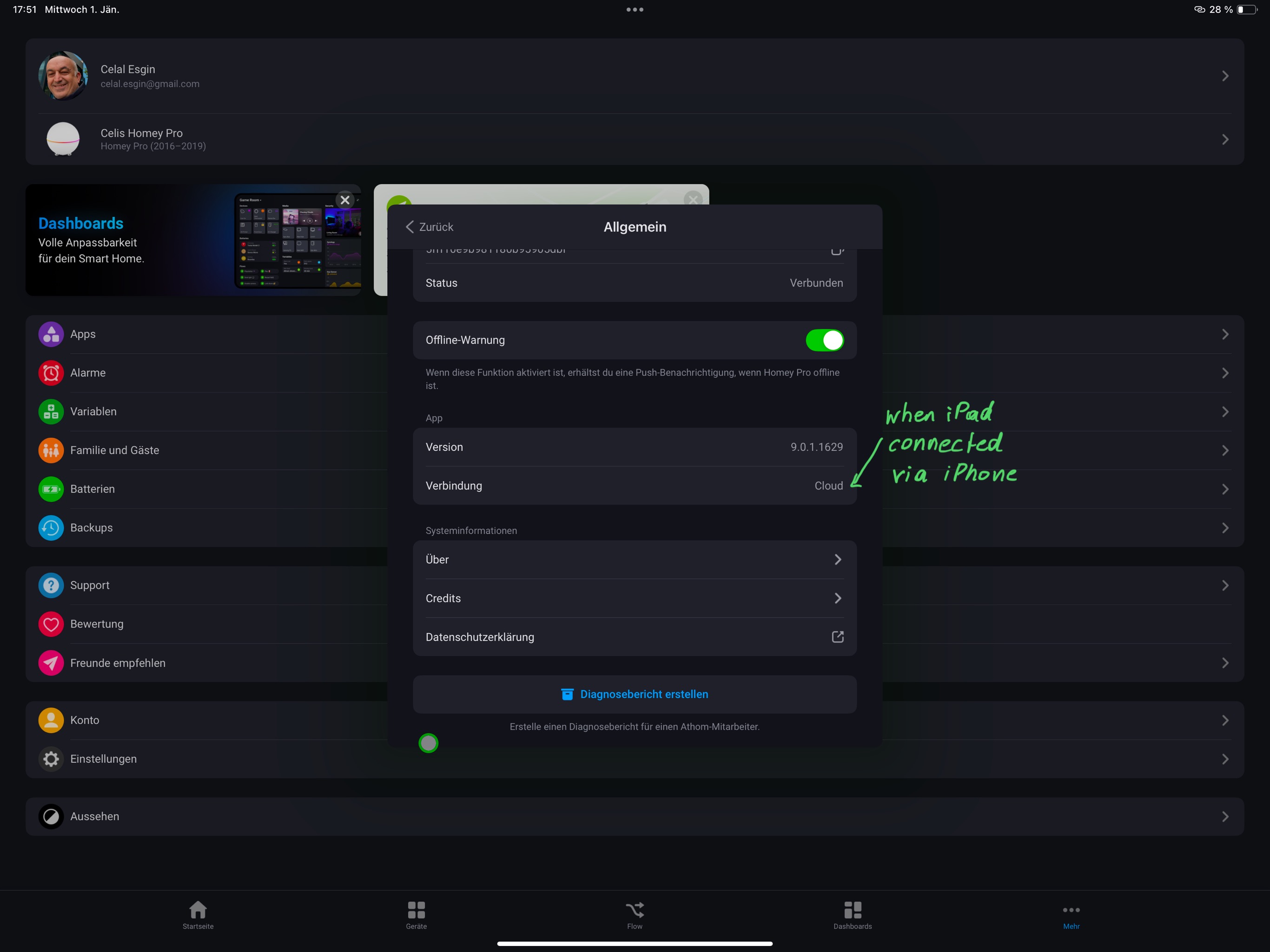
I can get it to work but it only shows the gauge when I am connected via 4G on my iPhone. When I am connected via the WiFi (at home of course) it keeps spinning and doesn’t show the gauge. Tried the simple and advanced. Same behavior.
Also on the iPad it showed once the gauge but an hour or so later same spinning circle and no succes anymore.
I restarted the Homey, no improvement.


Any idea what goes wrong here?
Thanks!
Hi Chris! Could you reproduce the issue and immidiately after create an app crash report and share with me the crash id? Hopefully the logs will give some hints on what’s going on.
1 Like
Hoi Erik.
Diagnostic report created 10 seconds after trying to get the gauges via WiFi : AE112AB2
Diagnostic report via mobile 4G network (working): 37DB0C32
Hi Erik,
I have exactly the same issue as Chris_Hannes1
Best regards
What i noticed in the homey settings:

1 Like
@Erikvl87 and @Peter_Kawa when I make an advance meter it’s says configure me when there is no power anymore
I want that to zero
With a normal meter it stays zero
What’s the different ?


I had the same issue with the progress bar widget. After toggling the ‘show name’ item in its settings, the widget loaded again normally.
@Erikvl87 I have some requests regarding the status badge widget, which - by the way - is a really nice way to present information  . Specifically the ‘name’ part. It would be nice if you could:
- Choose the text alignment of the name. I’d like all the names to align to the left, instead if them being centered;
- Change the background color of the name or at least have the option to make ik transparent.
Everyone will probably have their own preference regarding these aspects. Would be nice if you have a choice.

1 Like
How do you make that temperatures with colors? Looksnjce
You can format the status badges via the dedicated DataVista flow card:

Whenever the temperature changes, I check (via the standard Logic cards) based on certain thresholds (<18,5, between 18,5 and 22,5, and > 22,5 Celsius), in which of the three categories the temperature falls. Next, for each category I use the said status badge flow card to format the badge. Including the colors you see in the screenshot.
The screenshot is in Dutch, but hopefully you can make sense of it using my explanation.
