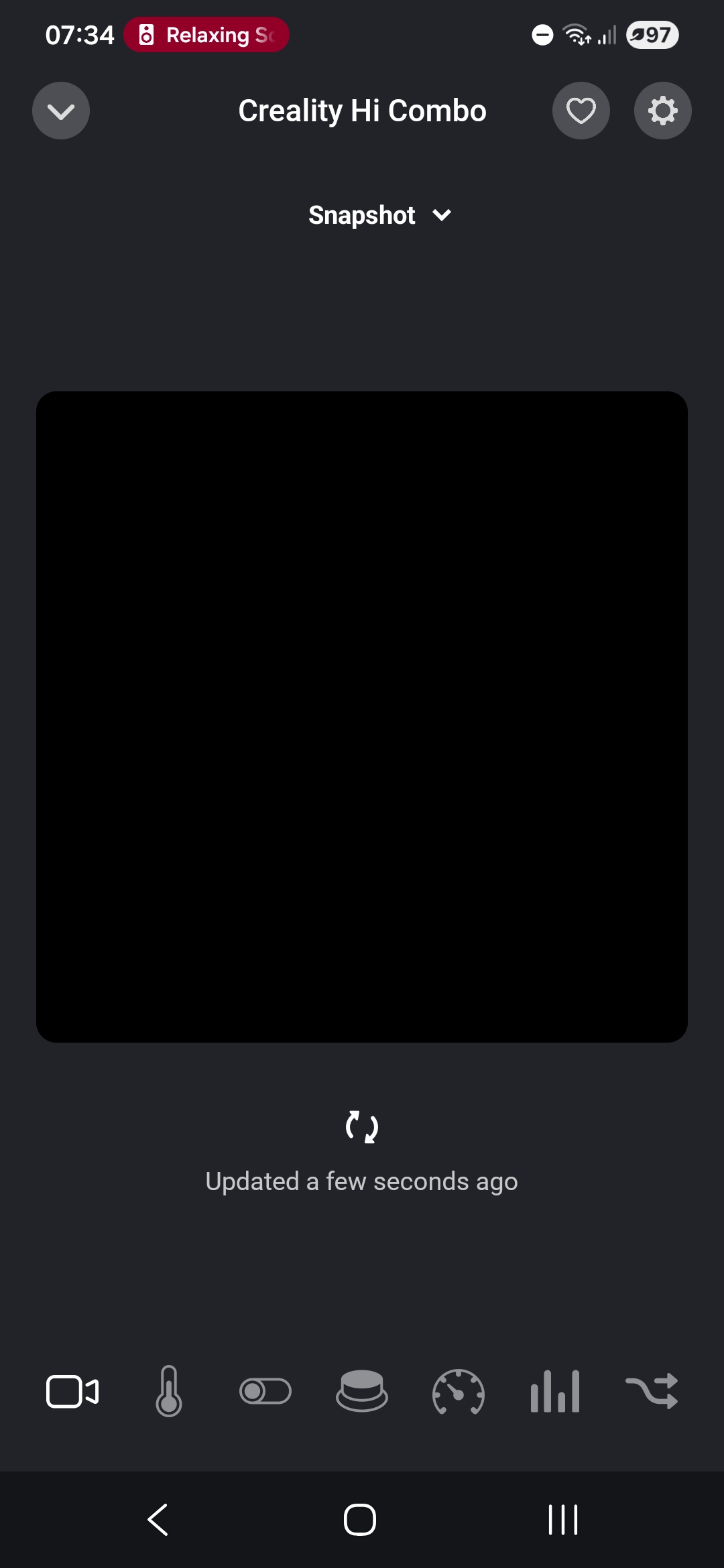
Camera fixes for every platform: the printer camera now has two entries. Snapshot is a still image that Homey Pro fetches from the printer itself, so it works in the Android app, the web app, and remotely. Live (iOS only) is the MJPEG video stream, which only the iOS app can play on the local network — Android cannot decode MJPEG video and browsers block the plain-HTTP stream from the secure web app, which is why only iPhone showed live video before. Also added one-time camera diagnostics logging (model, firmware code, WebRTC support flag) to help bring live video to more platforms in a future update.
Fixed live camera playback on K1 Max printers whose MJPEG port is unavailable. The app now verifies the MJPEG stream before registering it and uses WebRTC when the printer supports it. Camera snapshots appear only when a valid image is available.
Added print details to Flow triggers and optional Homey notifications for print events. Improved print-state detection and command safety. Added filament estimates for Moonraker printers when slicer metadata is available. Expanded the Hi Combo CFS widget with material editing, a four-slot view, and saved colour presets.
Version 1.2.13 — Improved print-state detection during startup, self-test, pause and cancellation. Cancelled prints now correctly show as Stopped. Improved filament runout detection using the printer’s material sensor when available. The alarm clears when filament is reloaded. Fixed preview caching to prevent new prints from displaying the previous job’s cached image. Target temperatures now remain stable while awaiting printer confirmation and recover correctly if confirmation fails. Prevented CFS material editing while the printer is processing or performing a self-test. Fixed 1% print progress incorrectly appearing as 100%.