Yes sorry. That is the correct latest version
@Gruijter thanks for all your work, it looks really good. From my side everything seems to work correctly.
Would it be possible to write data back to the inverter? It would be useful to be able to change settings as, Battery first, Grid first, load first and winter mode
Maybe that is possible. But for now it is not on the roadmap. Let’s first get the present functionality working for everybody 
Hi Robin,
Thanks for all the work you’re doing, really appreciate it. I do have one ‘complaint’ however. Recently you’ve replaced the device icon for the inverter device from an icon that looks like the inverter for an icon representing it’s function. I do understand that, I get the idea behind it, but it looks a bit of in my opinion. I’d rather see hte default device icon representing the device itself and if a user want an icon showing it’s function he or she can replace it with a function icon (provided by Athom)
Just my opinion, it’s up to you but I just wanted to share it, it’s totally up to you to ignore it
This is how it looks for me now:

You are right. Im waiting for new icons from Athom. I only released this version (with temporary icons) so people can start testing the functionality. The stable release will be good again
New version 1.1.3 is ready for testing: Growatt | Homey
- New driver icons.
- Reduced polling to 5 minutes interval.
There seems to be a rate limit how often the server can be polled. I’m still trying to optimize how often the Homey app can poll without running into issues like ‘temporarily unavailable’.
Hi Robin,
Just FYI: I found my inverter to be ‘unavailable’, probably due to the rate limit;
I deleted it, but, when I want to add the inverter again after updating to v1.1.3, it errors with “invalid credentials”, while I’m sure the credentials are correct.
So I changed my pw and successfully logged in to the ShinePhone app with the new pw.
But still I got the “invalid credentials” error when I wanted to add the inverter.
Is it possible to have it return a somewhat more realistic error, like “Rate limited, try again later”?
Or are those error messages generated by Growatt API?
During pairing Homey creates the error message. I can look into it if I can forward the API error during paring. Thx for the feedback!
Same problem here, inverter was temporarily unavailable.
- updated to 1.1.3
- deleted the unavailable inverter
- now my credentials aren’t right anymore but i’m sure it is.

And i was so happy that my old crappy inverter was supported for 3 days
Yes. Just disable the app for a while, and it should start again when the api rate limit has been lifted for your account. I dont know how long that takes 
Good news, Robin.
I just tried again, and again the “invalid credentials” result popped up. I tapped “OK”, and right away tapped “Login” again, now it started looking for devices and I could add the inverter.
Diagnostics: 8ef9a43d-d693-4023-b49a-18aa8cc4a4e3, maybe it reveals something useful.
I built a check flow now:

Regarding the rate limiting, does every device do it’s own API request or does the app do one and then send the information to the applicable driver which sends it to specific devices?
Now its the first, but I already planned to implement the second strategy🤓
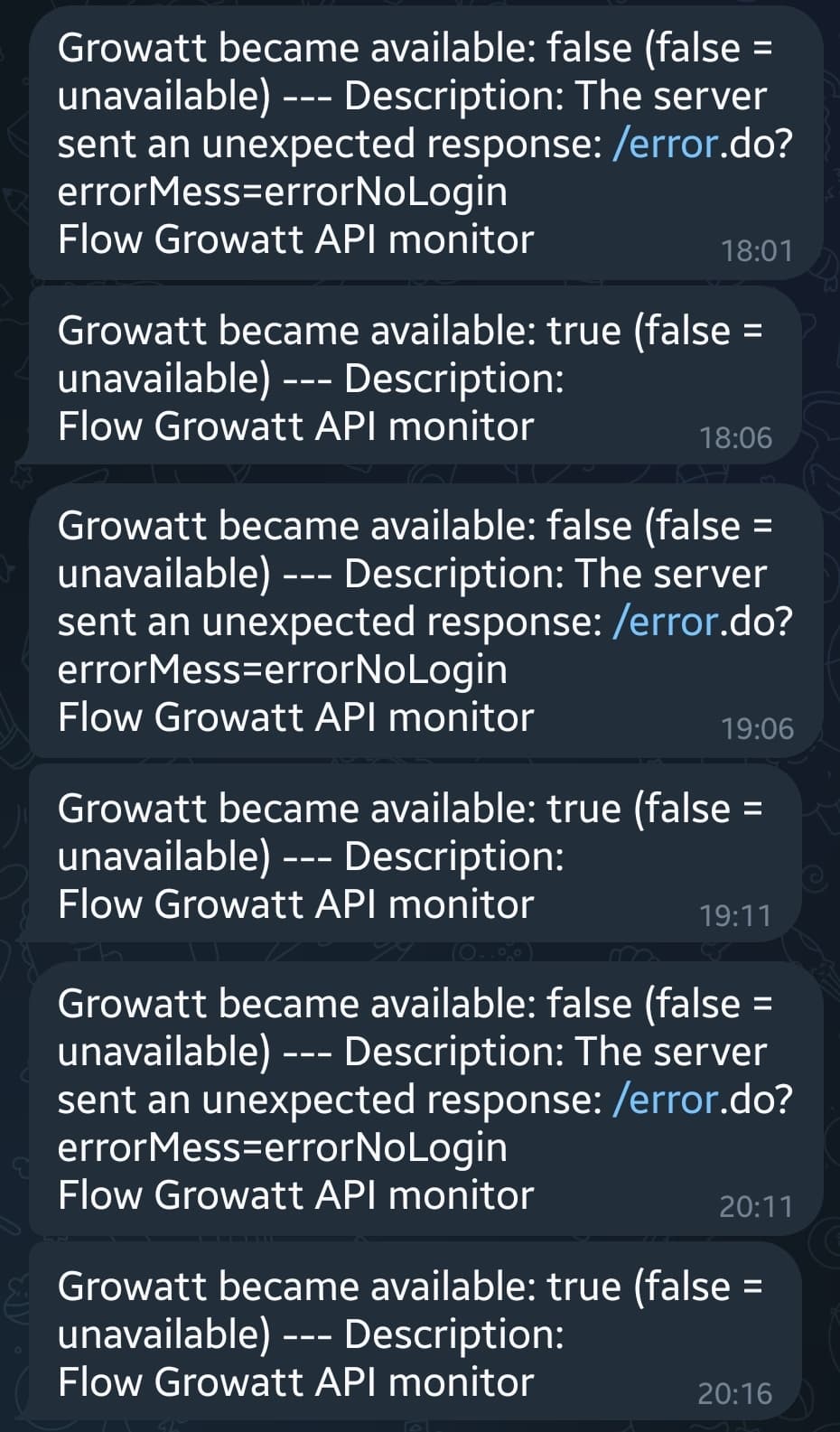
thanks for the quick response!
i immediately disabled the app and just restarted it and tried to log in again. i got an error message again, immediately after the error message i pressed login again and now it works again (wonder for how long haha)
new version 1.2.0 is ready for testing: Growatt | Homey
- Improved PV Inverter detection.
- Added settings to Battery and Meter.
- Reduced polling to 15 minutes interval.
- Implemented combined session handling for reduced API calls.
I did my utmost best to get rid of the API rate errors (‘temporarily unavailable’). Please test and let me know
Hi Robin!
It doesn’t report unavailable anylonger, only available, which might indicate the flow trigger I used isn’t working flawless;
It also seem to report every hour, after it came online;
But, at 14:15, no notification…

I found the device to be unavailable just now:
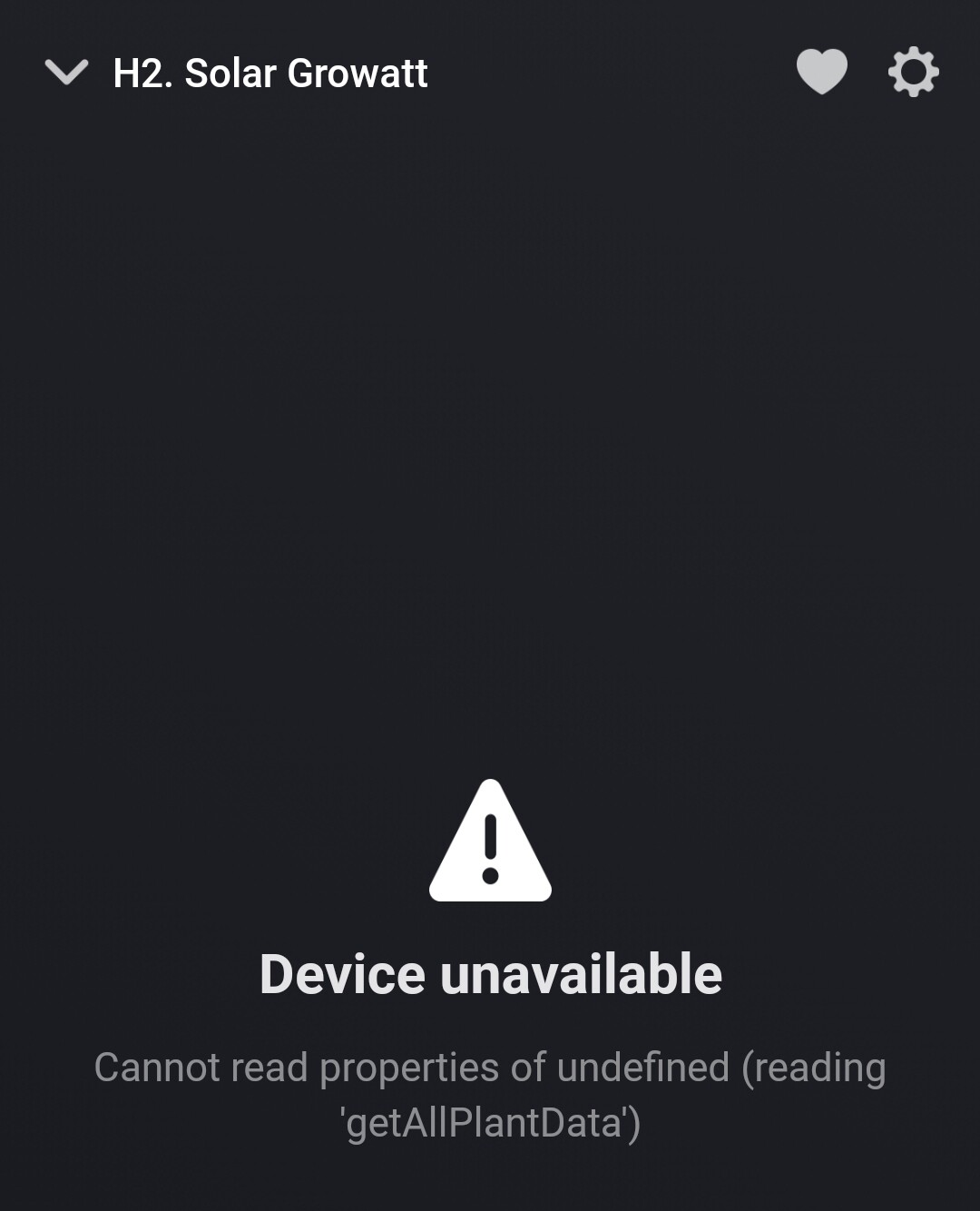
But that seems not to influence on the measured / reported values, they’re still active
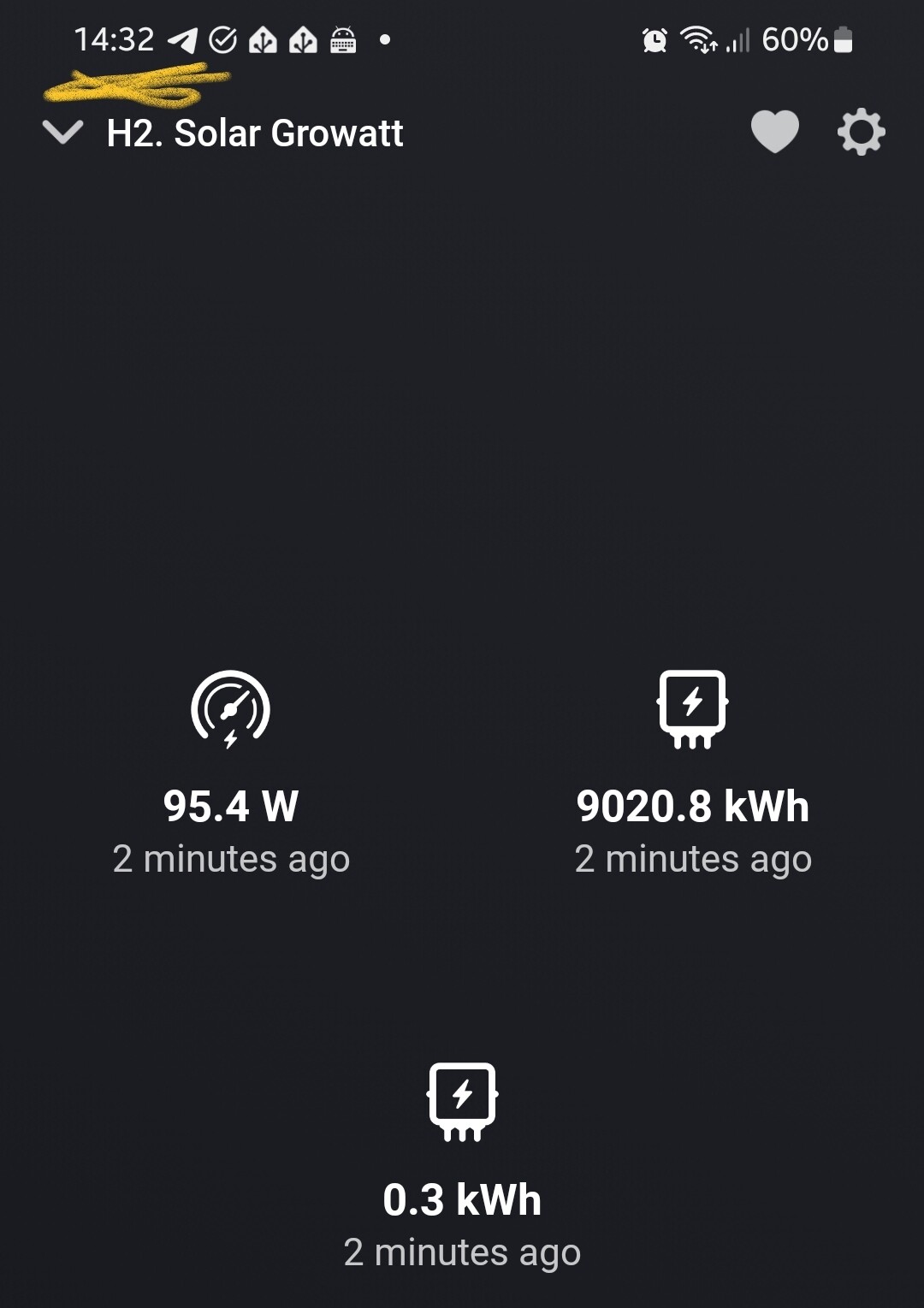
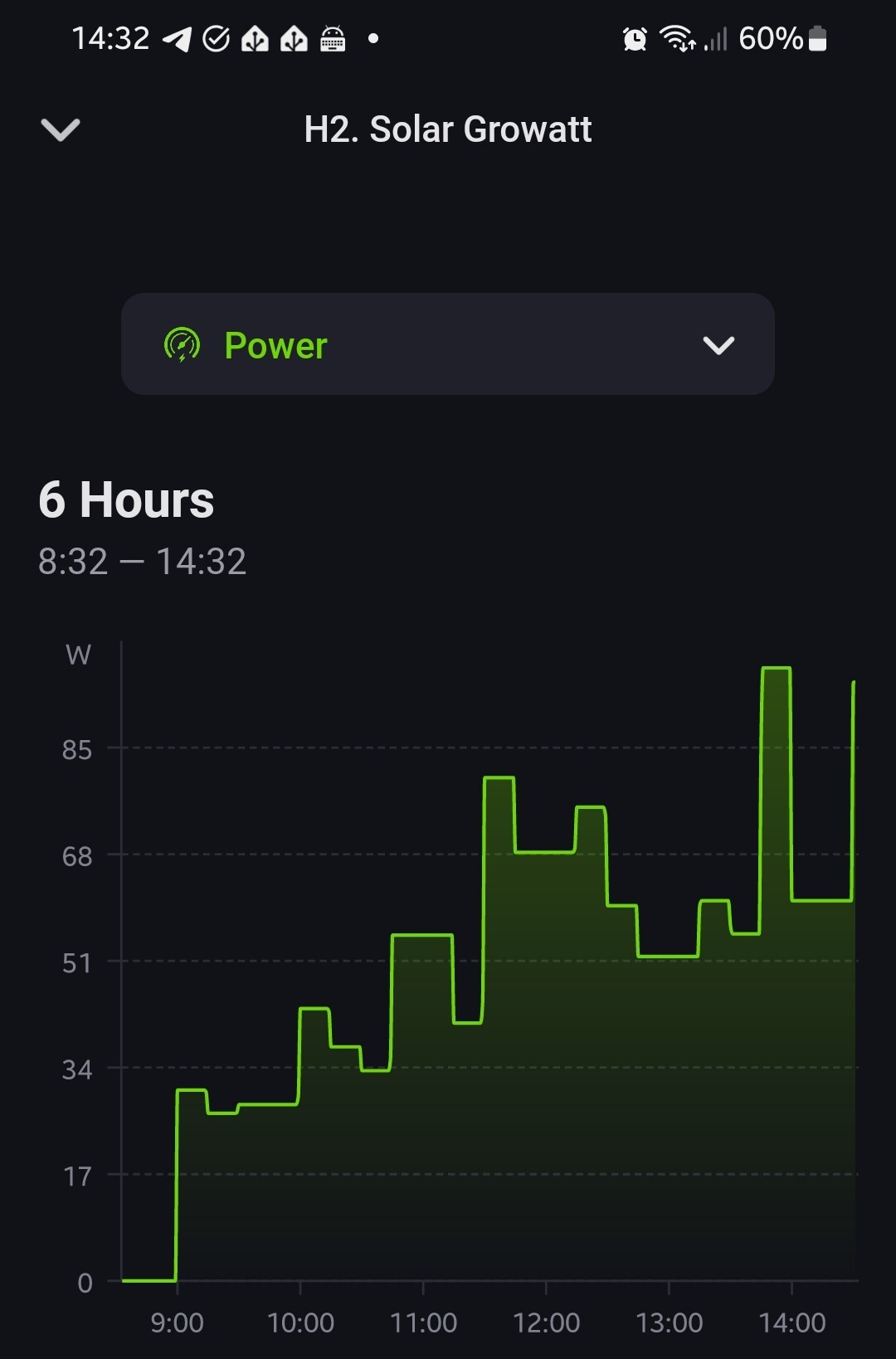
I created a diagnostic for you, maybe it’s of any use: a8ddd02e-629c-4ce6-83f0-3899cd1e8b07
Note: I did not remove and add the inverter after updating to v1.2.0
Hi,
I started using the the official Growatt app the last couple of days and quite often I see this error message:
Device Unavailable
The server sent an unexpected response: /error.do?errorMess=errorNoLogin
After about 5/10 minutes it starts working again. Is this a known issue?
Thanks!
a013d69a-2ae7-4bf3-a2be-8d1a83f189ae
The latest app version is better in handling server rate issues. And more improvements are work in progress.

