That’s gona be fun in winter 
I hope it will be solved by then… .
.
Of course then it is solved. Now on vacation without a laptop. After my vacation (in 3 weeks) look further.
Enjoy your holiday!
By the way, my message was directed as a wink towards @JohanP’s remark. So please don’t feel pressured  .
.
Hi, Lately the app is becoming a bit unstable. All values return 0 (like temperature). Internet connection seems fine. If I restart the KNMI app the data gets updated to the correct values again. Even though it works again after a restart, I do see 4 “Unexpected error occurred.” error messages in the server status. (Maybe these where from before the reboot?, I dont know.). Sadly, in about 5 minutes it stops working and values are 0 again.
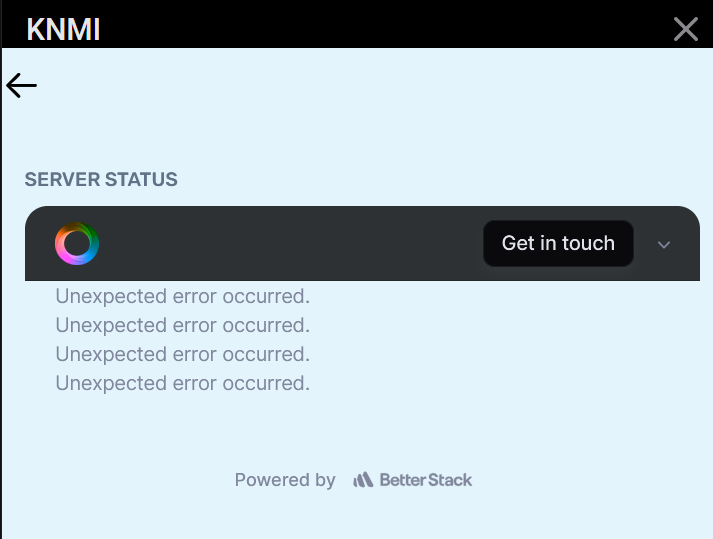
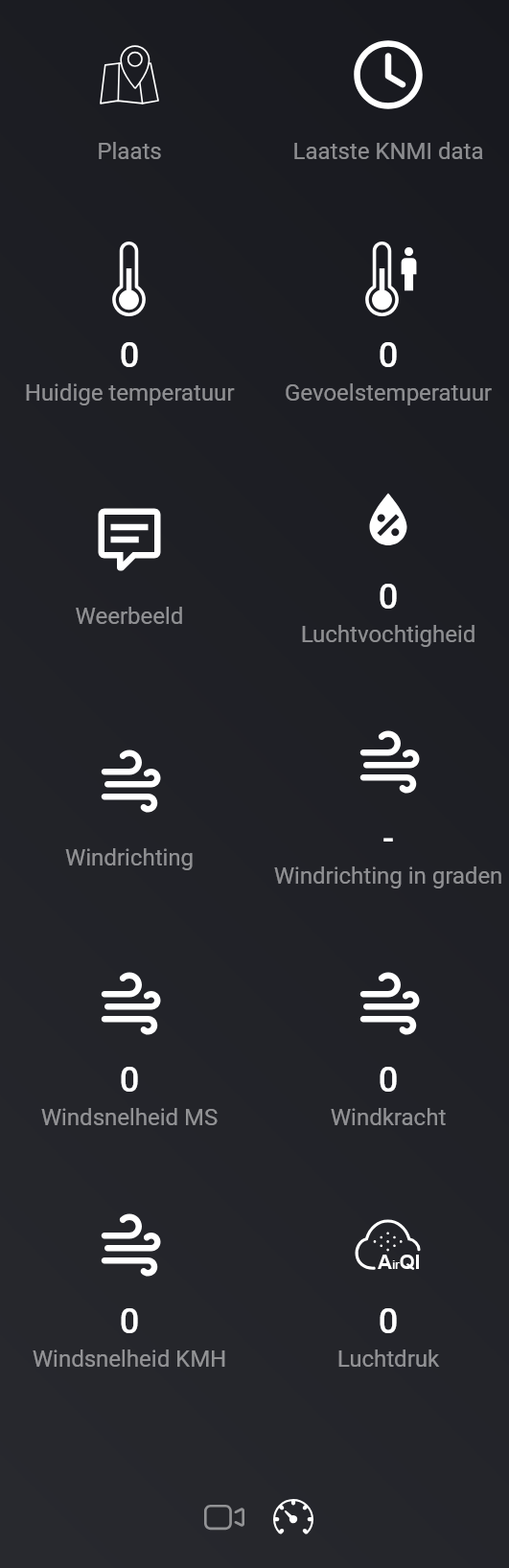
I have made a diagnostics report. maybe that is helpfull:
6025fc08-012d-44a7-8dc4-1c73a40fee87
Please read a few posts up in this thread:
And a possible temporary flow to restart the KNMI app:
Hi, clear. Sorry I have not seen that post. 
Hoi bij mij werkt het nog steeds niet na herstart van KNMI app werkt het voor een paar minuten en daarna staat alles weer op nul, ik lees hier ook steeds over de api key die heb je toch helemaal niet nodig je kan hem toch ook nergens invullen.
M.v.g Fred Hogerheide
There are two KNMI apps. The official one, which is covered in this section of the forum, and the community version. The latter is called ‘KNMI (Netherlands)’ and requires you to have your own API Key. The community app has its own forum topic: [APP][Pro] Knmi (Dutch weather, for Homey firmware v5 or above)

Ok sorry
Dit is het goede community voor deze app zonder de api key.
Yes, it is .

Hi @Joris-Jan_Gerritse
Ik begrijp het niet helemaal, maar waar haal jij herstart app KNMI vandaan? Kan deze nergens vinden, wil jij me helpen?

Ja zo dus!


Zoals @Victor_Bicknese aangeeft, komt die kaart pas beschikbaar als je de Power User-functies inschakelt. Die vind je bij Instellingen onder de sectie Experimenten.
Super bedankt!
