Can someone confirm that the RM4 Pro supports 315mhz? And works with Homey using this frequency?
I guess it should, at least my does.
Try and tell us - I’m using frequency sweeping, which actually shall identify the right frequency but I don’t have any 315MHz based device
Newbie to Broadlink here. Read thru the posts, and have successfully managed to:
- install Broadlink App on my phone
- install Broadlink App on Homey
- check the firmware (skipping updating)
- install rm4pro in Homey
- add/learn a IR device
- add/learn a RF device
- control devices via flows in Homey!
So, happy user here!
One small issue. In the Android App (and in one of the posts showing the rm4pro) I see humidity and temperature data:
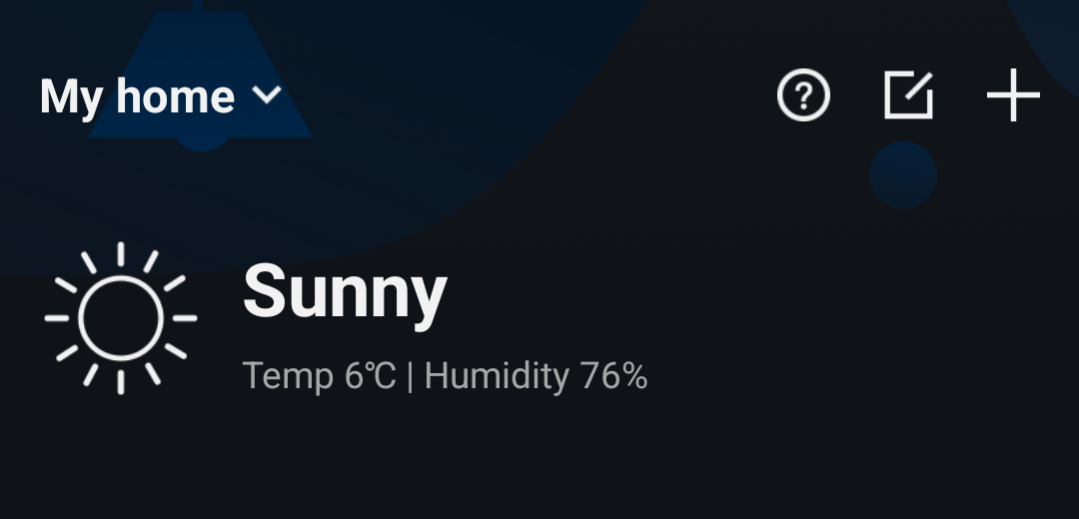
But in my Homey these two are not available:


It’s a minor issue but I am curious if it is solveable.
Thanks!
The temp and humidity you see below “My home” is not the same you see in the RM4 Pro device. Those are weather data based on your location vs local device temp/humidity data.
Have you tried to restart the app ? If so, submit a log from the Homey Broadlink app.
That’s a quick reply! Thanks!
I enabled logging in the App and restarted it. Still no T or H.
Log 19c15eca-18a5-464b-af68-f06a43718cc6
Don’t see anything strange in the log - have you tried to re-plug the device as well ? I saw that also randomly happening in case of my RM4Pro, sometimes the device stops sending updates of temp/humidity, usually after longer uptime, however.
Removed the power supply. Waited a minute and powered it up again. Still no temperature / humidity.
Thanks again for the quick response. It would have been a nice addition, but the most important stuff is working, so…no worries!
Strange, and you are on v62092 firmware ? Also, when you go inside the Broadlink app on mobile, is temperature and humidity shown ?
I added RM4 Pro to Homey successfully and then tried to add my RF Remote. This worked flawlessly in the Broadlink app after entering the frequency 433.92 All buttons were immediately recognised.
Unfortunately learning RF in Homey doesn’t work. LED turns orange but after 30 seconds button is not recognised. Device is unlocked so not sure what I’m doing wrong?
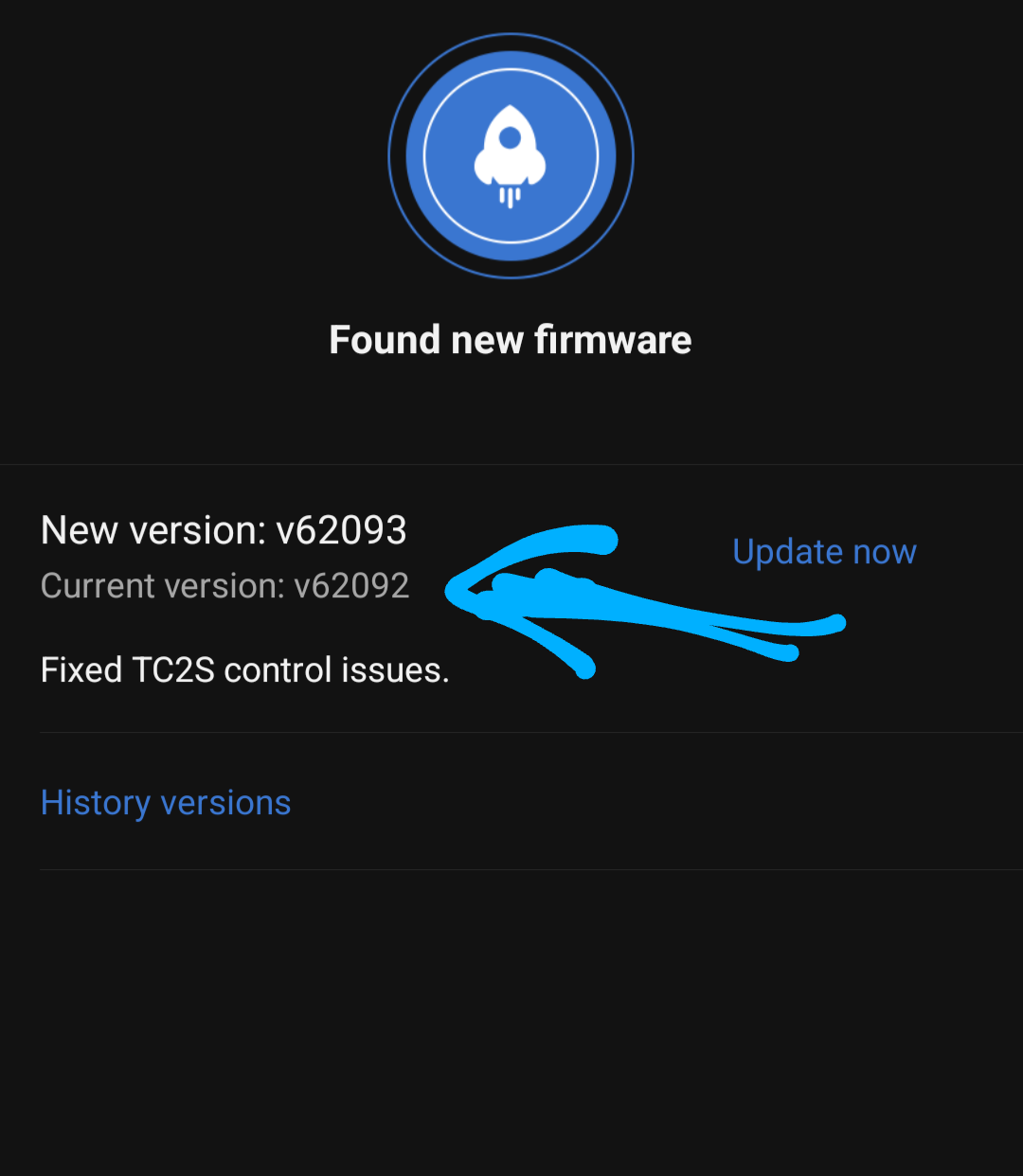


You must go inside this device to see the actual data

I am a new user. I saw nothing happening on the Broadlink, learning RF and IR worked without any led activity…
In the App settings the learned commands just miraciously showed up.


No worries!
BTW, is it wise to upgrade firmware or should I stick to the current (working!) one?
When you will upgrade, the integration with Homey will stop working, so do not update.
Have an issue with my RM4Pro
Without anything changed, it stopped working.
I have a flow to start my ceiling fan. If I try to start it via the Broadlink App, it works (both on and off). So, communication via the Broadlink App and hardware is working.
If I try to switch the fan on via a Homey flow, I get a spinning wheel followed by a red time out.


Code: 60a4e4e8-e76c-4b15-911f-59d546f5dc75
I re-started the App. PTP on the RM4PRO. No luck.
What could be wrong?
That’s key information. Can you check, if your RM4Pro is still Unlocked in the Broadlink mobile app and if it’s still on firmware version V62092 ? When you open the genuine app on mobile, you can still control anything succesfully ?


And you have Broadlink and Homey on the same network, correct ? Try to restart the app and send diag. right after - but previous log simply showed that communication is timing out between Homey and RM4Pro 
