Where do you see ‘Playlist’? In the Twinkly app, there are only ‘All’, ‘Ambience’, ‘My Effects’, and ‘Favorites’, but no ‘Playlist’. I have saved my effects in ‘Favorites’ and ‘My Effects’.
I found it, the option was well hidden. It works now."
It’s the little play button with the list thing in the upper left corner.


I have the same issue with controlling a group of two Strings: only one is responding.
On the other hand, I also have a group of two Partylights which works fine from Homey.
It might have something to do with the first group consisting of two different model types.
I have just contacted Twinkly. Let’s see what they have to say.
I have received a response from Twinkly. Apparantly this issue has to to with one device being Gen I. Somehow the Homey app is unable to control a Gen I-device. Which I think is strange, since the Twinkly app works fine. So the functionality is there. Homey just has to make the same call.
Yeah, it does seem strange from user perspective. But you need to understand that both apps use fundamentally different APIs.
Homey uses the cloud api by Twinkly. To put it simple, Homey does never see the individual devices. What Homey is seeing are controllable light objects. If you now have a grouped device, all those devices appear as one controllable light object to Homey. Means Homey might see capabilities which are not supported by all devices in the group. Gen1 devices in general only support on/off and dim on the Cloud API. I don’t know whether there are any plans to change that on Twinkly side.
But this might explain the behaviour you are seeing.
Technically Homey only controls these light objects and the Twinkly API takes care of dispatching the according commands to your cloud connected Twinkly devices.
But I only want the lights to turn on/off, so that should work fine with Gen I. I can imagine that not all functionality is available with all generations, but turning on/off always worked for all generations. I hope Twinkly will take a look at this.
That’s actually true. on/off should not be an issue and afaik is supported. Maybe talk to Twinkly support again about this please.
For me, every year (4  ) wifi problems with the Twinkly’s. But after a few resets it works. But with homey… it is bad. When I use the native Twinkly app(on android) the connection works most of the times. The Twinkly app on Homey loses connection more than once a day. Some Twinkly’s are “grouped”. Not all. Sometimes it’s fixed when I switch off with smart plug en restart. But now it seems not to work. I know Twinkly uses cloud API. But there are more devices with cloud API and keep working. What is wrong with Twinkly API? Any suggestions?
Not much I can do there. You can only report the issue through Twinkly’s official support channels from their website.
For me, every year ( ) I explain how it works.
So what Homey see’s are not the devices themselves but virtual lighting objects which can represent a single device of a group of devices. These objects are controlled though Twinkly’s cloud api servers.
It might just be that their servers are experiencing a peak load or something ran out of sync. But only Twinkly will be able to tell. The Homey app only reflects what the Twinkly cloud servers tell it.

The error seems to be fixed after updating the Twinkley firmware and the Home app 
Which Twinkly firmware does your devices have? All of mine have 2.9.1.
I currently have all my Twinkly devices unavailable in Homey Pro and when I click try to repair I end up at the Twinkly login page, after I enter my credentials I get stuck with a loading spinner.
All devices work fine using the Twinkly app.
Diagnostics code:
b3c0089f-c844-4ae0-9a67-59da72d89dbd
Firmware: 2.10.0
Can’t see a update firmware button/info anywhere in the Twinkly app … under devices and then selecting a device and going to settings I only see the firmware version, no info about a newer available. Did you get a message that there was a new available or did you go into some menu to start an update?
Hi,
there was a Popup inside der Twinkley App.
Perhaps it’s just a rollout over a few days?
If not, just ask Twinkly support. They’re very friendly and quick to help.
I’m experiencing the same issue (device unavailable on a Homey Pro). My Twinkly is on firmware 2.9.1 (after the initial setup when connecting with a new phone), and I don’t see any option to update it further.
I have internet and a tool to search it:
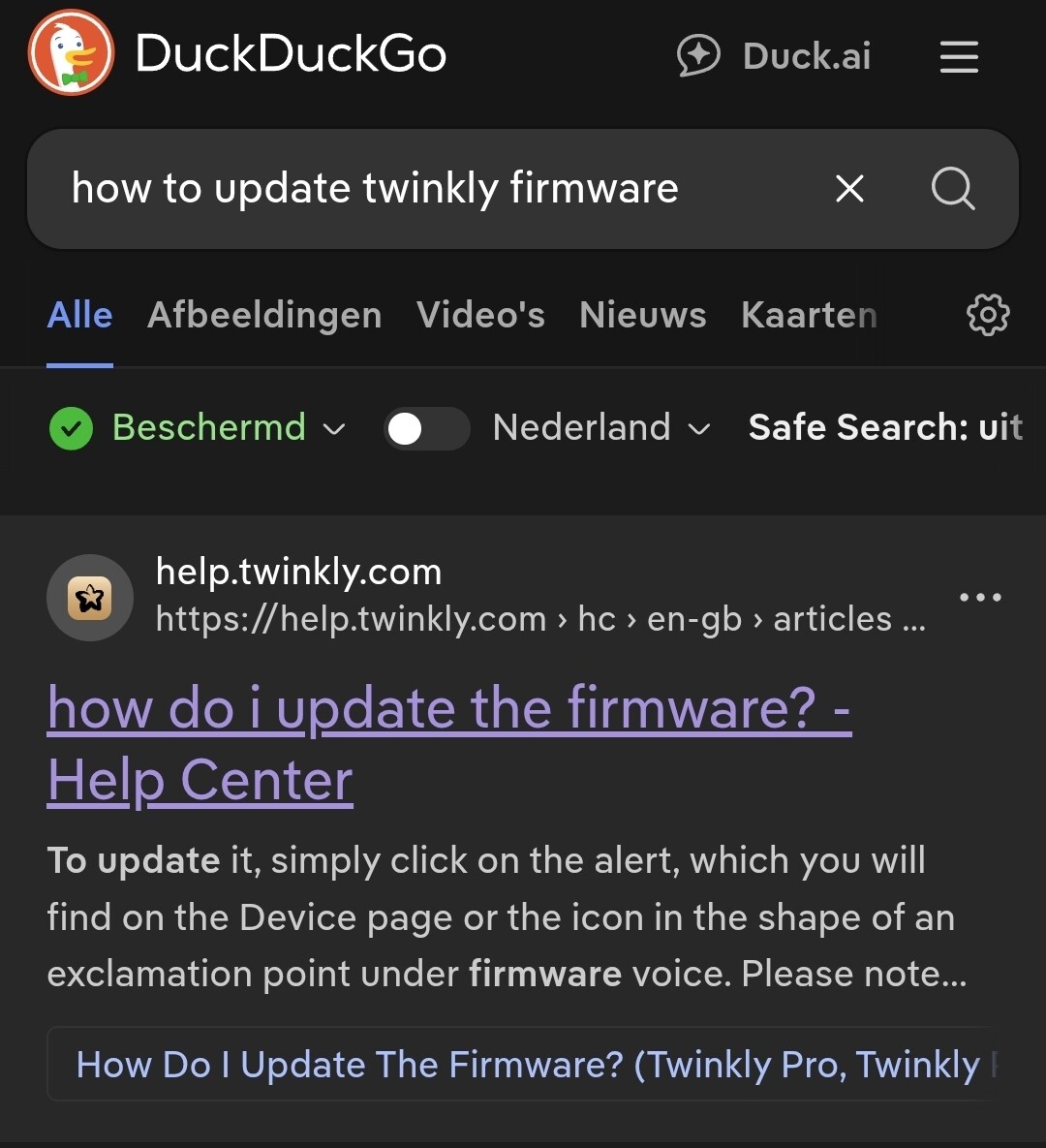
https://help.twinkly.com/hc/en-gb/articles/18277802776605-how-do-i-update-the-firmware
My devices are green in the Twinkly app, but there is no update available. I asked Twinkly about the latest firmware available, this was the answer I got.
Latest Firmware Versions Available are:
-
Twinkly Retail Generation II: 2.9.1
-
Twinkly Net: 2.9.1
-
Twinkly Retail Generation I: 2.3.5 (2.3.8 if you have installed also Twinkly Music)
-
Twinkly Music: 2.1.2
-
Twinkly Plus, Lightwall: 3.4.4 in the App and 3.4.4 on the WebApp
-
Twinkly Pro Wifi: 2.9.1
-
Twinkly Pro ETH1500: 3.8.0 available on the App, 4.0.0 available on the Webapp
-
Twinkly Pro PLC21: 3.8.0 available on the App, 4.0.0 available on the Webapp
-
Twinkly Pro SPI21: 1.5.0
-
Music Player Pro: 1.2.2
So the next step seems to be to remove the device from Homey and add it back again to see if it helps. But hate doing these things when you use the device in multiple flows …
