Not sure whether relevant: in my case the Switchbot Curtain 3 device shows two additional sensor values, including the luminance level. If my understanding is correct, the solar panel includes the luminance sensor, which it reports to Homey. Note that I don’t have the solar panel, so the luminance value is always displayed as 1.
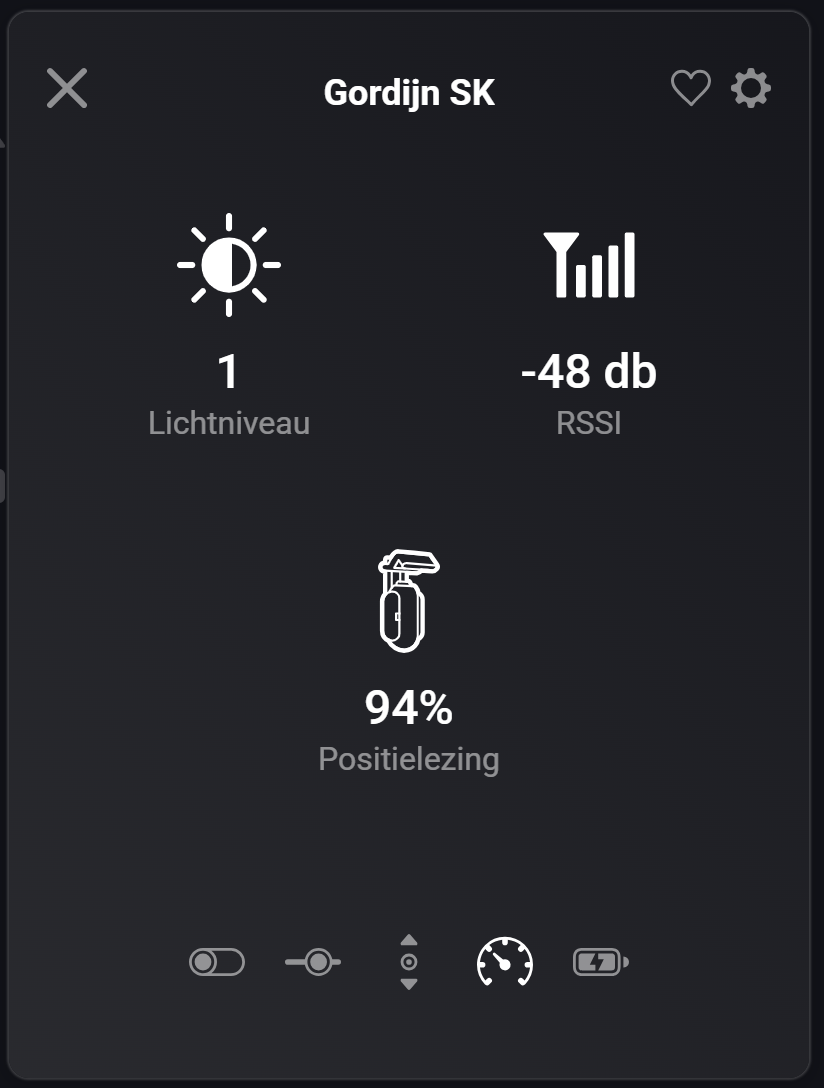
Oh that is weird, did you connect it with bluetooth or with the hub?
Via the ESP32 BLE hub.
Oh i only see the positioning.
Strange. Those extra sensors were always there in my case. Also when I connected via Homey’s BLE antenna initially. Did those sensors never showed up? Also before the solar panel was connected? Not sure whether the device is tied to many flows, but otherwise removing and re-adding the device might do something.
I will check the code when I get home as I am probably wrong  .
.
Ok, so the BLE curtains have the light level capability, but not the hub version.
1 Like
Okay than it is clear, thanks for looking into it!
That is indeed too much work, the switchbot curtains are in too many flows.
You haven’t seen this neat script yet I guess
1 Like
Added the Bot today via the hub (2). While it works perfectly in the switchbot app, the pressing of a button does not work via Homey? I can add it to Homey without a problem but turning it on and off does not trigger the “arm” of the bot…
Hmm, seems to work OK for me. What mode have you set it to?
Could you open the app settings page and select the Log tab. Then set the mode to Basic Information and operate the bot from the app. Then go back to the log and Send it.
Mode = Switch.
Just send a log. Tried just about everything. Only odd thing seems to be that every now and then within the switchbot app it says on the bot settings that it has no connection to the hub.
Edit: solved! Apparently the range between Hub and bot has it limits…
1 Like
Is it actually possible to integrate the Keypad Vision?
I am mainly interested in the doorbell button, which can be connected to Alex or something similar using a flow.
2 Likes
@Adrian_Rockall
A while ago I added 2 ESP32 for better BT connectivity
Now after 1 month 1 of my 2 ESP modules do nt connect anymore.
In my network I cannot find them at all, the one still working I can access and is found in my router and I can connect to it via a browser.
But the second one is not to be found, also not after a power cycle etc.
I reflashed it and setup WIFI again, but still after connecting to the WIFI the ‘switchbot’ hotspot is disappeared but still I cannot find it in my network.
The router does not detect it and the IP reserved is not repsonding…
How can I change the IP address (or wifi settings) of the ESP32 device when I am not able to connect to it?
When I reconnect it to my laptop I can read the ESP chip,I can create a dump file, so the device is still working.
Have you tried moving it closer to the wifi router just in case there’s interface?
Apart from that I have no idea.
after some experimenting I got it to work again, no idea what i did different but the problem is solved.
1 Like
I connected a SwitchBot water detector via hub. So far so good but the alarm does not disappear in homey. In the SwitchBot hub the alarm has gone for 13 hours 
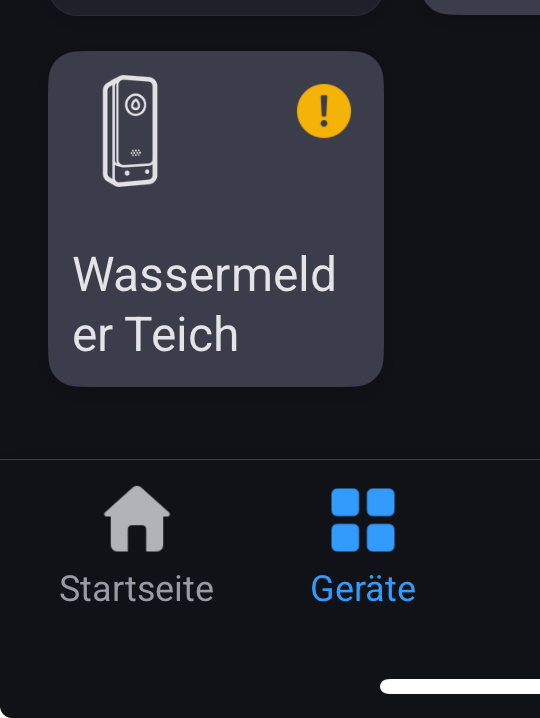


Could you try restarting the app.
The water leak sensor uses a webhook to detect events, so maybe it missed it for some reason. When the app restarts it initially polls each device to get the current state.
Hi Adrian - I already did this (several times)
(I use the test version of your great switchbot app)
