Of course, multiple Switchbot hubs are possible if you need IR in different rooms.
If your entertainment electronics are located near the AC, you can of course also control these devices via the hub.
In short, anything that has an IR remote control, the hub can also learn.
2 Likes
i get recently every 15 to 30 minutes (from homey) a message that the tank is empy.
Before i received it only once when the device went offline, but now with intervals.
The firmware itself it not changed, but the API on switchbot side could be updated that reports sooner.
Hi Adrian,
Firstly, I would like to express my gratitude towards your commitment to the development of this app, thanks a lot!
It seems that I’ve ran into the same problem as you regarding the Bluetooth of my Homey. When I visit the development-page I can see my SwitchBot Curtain but the connection times out when I try to connect. I’ve tried to restart my Homey, repair, delete the app and even tested the beta-version.
I have now also realized that my two Mi Flora-devices does not work anymore after I installed the SwitchBot app. The symptoms for me initially was that my SwitchBot Curtain would not appear when I tried to add it in the app (BT w/o the bridge), but after maybe 10 tries it found the device (the switchbot was maybe 10cm away from the Homey the entire time). But even after the fact that I managed to add the SwitchBot It does not work when I try to use it from my Homey “Still sending previous command to switchbot name” and then “Timeout after 30000ms” or something similar (does not appear consistently).
Do you have any guidance here as to what I can do next? Is the only way for me to get this to work to buy a SwitchBot Hub?
All the best,
Zakarias
And once again, thanks for your commitment Adrian!
I’ve had no news from Athom yet about this. One of my Homey’s works perfectly but the other is no go.
There are two options:
- Get a Switchbot hub.
- Get any ESP32 and install my bridge code on it.
Option 1 is the easiest but option 2 give the best response.
1 Like
Hi,
@Adrian_Rockall since last night i have problems starting a scene, every action i try i get a red error, see screenshot.
I already restarted the switchbot app but this had no effect.

I hope this can be fixed, i currently cannot start any scene, i can control devices directly (via ble) but not any scenes.
I am running test version v1.1.6
I’m guessing the authentication token is broken. Could you try adding a device via the hub or repairing a device that’s connected to the hub so that it goes through the login procedure again.
all devices work via hub.
I can controll all devices via Homey via switchbot hub, only thing what is not working anymore is the scenes…
So when i control a curtain in Homey which is connected via the hub then this curtain works, only when i try to execute a scene i get this error.
When i add a scene i do not get any list of scenes to choose from
update:
I tried to repair and logged in again, i again got a token error after repair but after 1 minute it worked again.
So problem solved, dunno what happend but it works…
1 Like
Strange, but I’m glad it’s working again.
I have a suspicion that the refresh token obtained at login expires after one month. After that, new access tokens can’t be fetched. Normally with OAuth2, a new refresh token is returned along with the new access token, but Switchbot always returns the same refresh token. I will ask my contact at Switchbot if this can be changed, as it’s not convenient if we have to reauthenticate every month.
I’m also wondering if your devices that worked were added prior to the new login method?
The app continues to support the old user input token on devices that were setup before the new OAuth2 login was introduced and that token never expires.
My devices are added a long time ago, remember when i asked you if you could add this to smarthings, you then ordered yourself a curtain motor and build this app…
Since then the devices where added…
The scenes where added since you released the option for scenes, so everything is working a long time without changing anything…
But everything is luckily working again 
1 Like
Hi,
I just bought the hub mini alongside a SwtichBot contact sensor. All seems to work great except the “someone exited” and “someone entered” cards. I have em all connected to Homey via the hub mini and I’ve set mode to “motion” rather than “button” in the settings of the contact sensor in the SwitchBot app.
It works flawlessly when i make a scene that triggers via someone entering/exiting in the SwitchBot app, but via the Homey there seems to be no reaction at all when i try. Any tips regarding this or is it a known issue?
All the best,
Zakarias
It’s working OK for me. Can you try the test version as it might already be fixed in that?
Also if you look at the device in Homey, the Someone Exited should show a - when the contact is closed and then either Yes or No when someone enters or exits.
Cheers for the fast reply.
I downloaded the test version and i repaired the contact sensor via the hub to no avail. The “Someone Exited” under the said device shows a “-” but does not change when i enter/leave, and if i press it it states last value unknown. The contact alarm seems to work, but not reliably as it only triggers 1/5 times i try to open the door (via Homey pro that is). The log for the device from the Switchbot app seems to log everything alright.
Can you open Homey Developer Tools and select the SwitchBot app, then open the Log tab. You should see message appear in there when the contact opens and closes:
* 2022-06-14T11:56:03.240Z
* Got a webhook message! {
  "eventType": "changeReport",
  "eventVersion": "1",
  "context": {
    "deviceType": "WoContact",
    "deviceMac": "",
    "detectionState": "DETECTED",
    "doorMode": "OUT_DOOR",
    "timeOfSample": 1655207762962
  }
}
* 2022-06-14T11:56:06.586Z
* Got a webhook message! {
  "eventType": "changeReport",
  "eventVersion": "1",
  "context": {
    "deviceType": "WoContact",
    "deviceMac": "",
    "detectionState": "NOT_DETECTED",
    "doorMode": "OUT_DOOR",
    "timeOfSample": 1655207766192
  }
}
If you don’t see those then check the firmware on the hub and devices via the SwitchBot app. My hub is on version 3.7-2.4 and my contacts are on version 1.1.
Also make sure the hub is within range of the contact sensor as when you use your phone with the SwitchBot app it will try to connect directly with the contact via BLE.
I did as instructed and got no such logs (I sent you the log if it might help you in any way).
My Hub version is on 3.8-2.4 and contact sensor is on 1.1.
But there seems to be a mysterious bug as I’m not able to reach the contact sensor always via the swtichbot app, prior to this i got the “failed to load, please try again later” message maybe 1-4 times per week, but now when i tried to move the hub mini even closer to the contact sensor it seems to appear almost always…
Don’t really know what going on… As im not getting the webhook, It appears as if im on an older version but i’m not? hmm o.O
Can you contact Switchbot support via the app to see if they can help.
I’m not sure if they have broken something in the new hub firmware.
I got your log but it just shows the app is polling the server, which can easily miss events.
Sorry to reply so late and in the middle of a different convo, but I just wanted to let you know that two weeks or so ago, the webhooks started working like intended, without me changing a thing. Don’t know what happened, but I can’t complain  .
.
That’s just my phone being a dick. I think. It’s always stopping services, driving me mad. Like not notifying me of new messages unless I open the app a couple of times a day. Not an issue for this forum, but just to let you know it’s probably an issue on my end. The webhooks are still coming through though, so all is well. Thank you very much for your time and effort.
1 Like
Hi @Adrian_Rockall,
I seem to have problems again. I ll send you my diagnostic report : 6d1b70bd-22f0-49fe-8137-358cb6785868
I tried to repair and tried to log in with the correct username and password a couple of times but sadly it doesn’t work. Hope you can help me (as always)
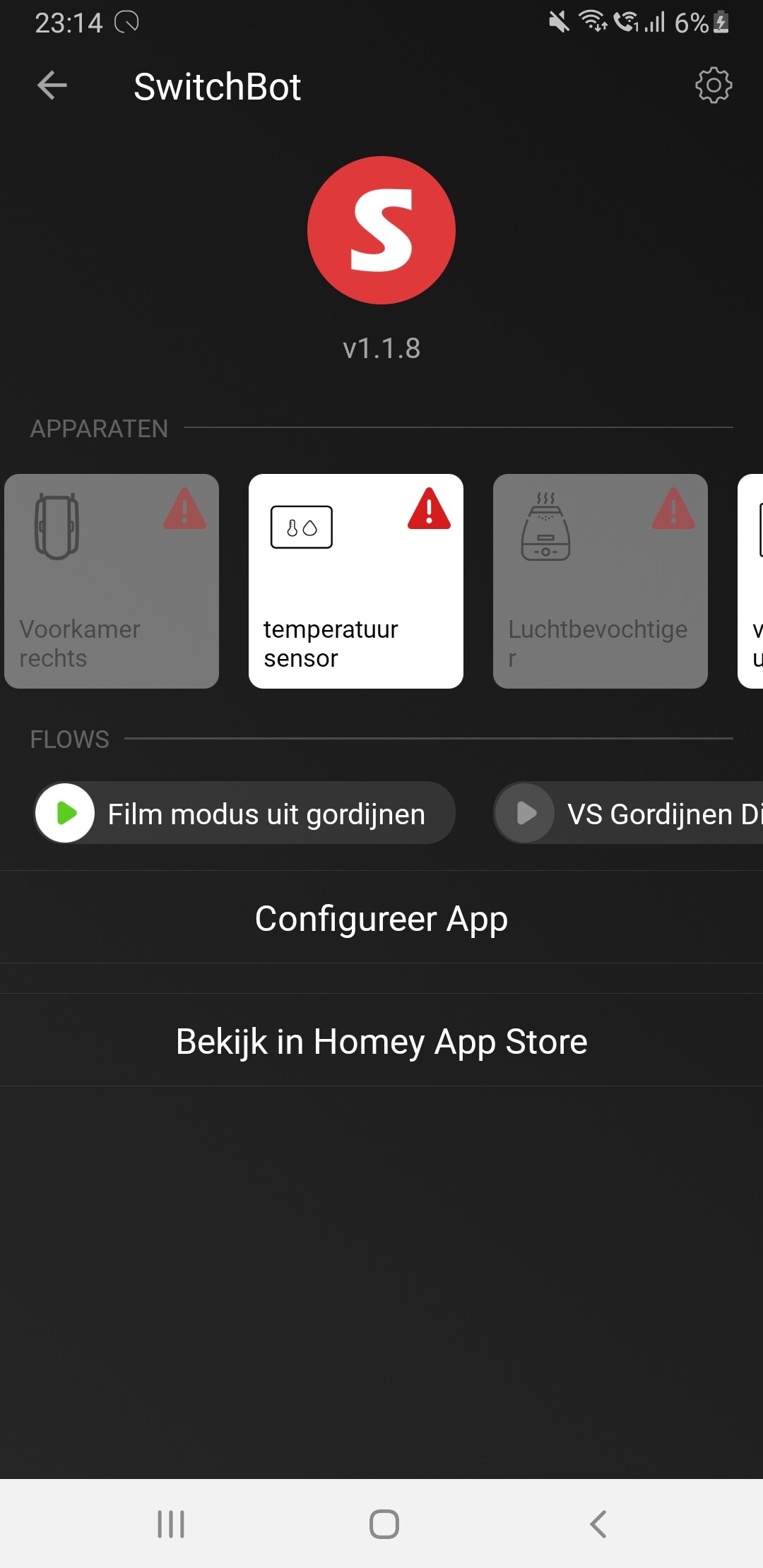
Can you send the log from the app configuration page as the diagnostic reports go to SwitchBot.
It might also be worth restarting the app to ensure all the devices get the new codes, although I have found that they do normally start working again after a few minutes.
1 Like
Sent
