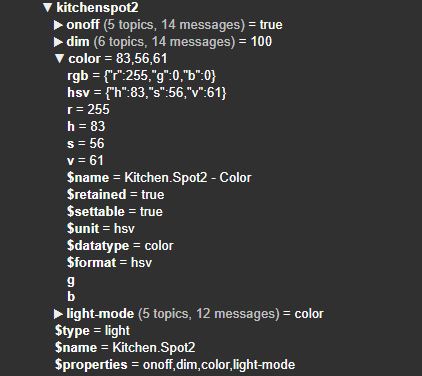
This screenshot is from mqtt homey. MQTT homeassistant says: “color_temp_value_template”: “{{ ((value | float / 100) * (500 - 153)) + 153 }}”,
This screenshot is from mqtt homey. MQTT homeassistant says: “color_temp_value_template”: “{{ ((value | float / 100) * (500 - 153)) + 153 }}”,
All values in the screenshot are integers. So most likely the problem is on the HA side.
Try rounding the template value?
Did you try the HA community?
Not really, I just noticed the errors in log. It’s not something critical I guess.
Then I have another question. I can control devices now in HA (and therefor also in Lovelace  ). Is it possible to get notfications from Homey? For example, I now get a message on my phone when there is mail. This is a flow in Homey. It would be nice if I could see that same message also in HA. Better say, I want to send messages from flows to HA.
Is that something which MQTT Hub supports? If not, will it shortly be supported or is there another way to do this?
Witch card are you using in HA for this?
Good question. That’s also something I have to find out later.
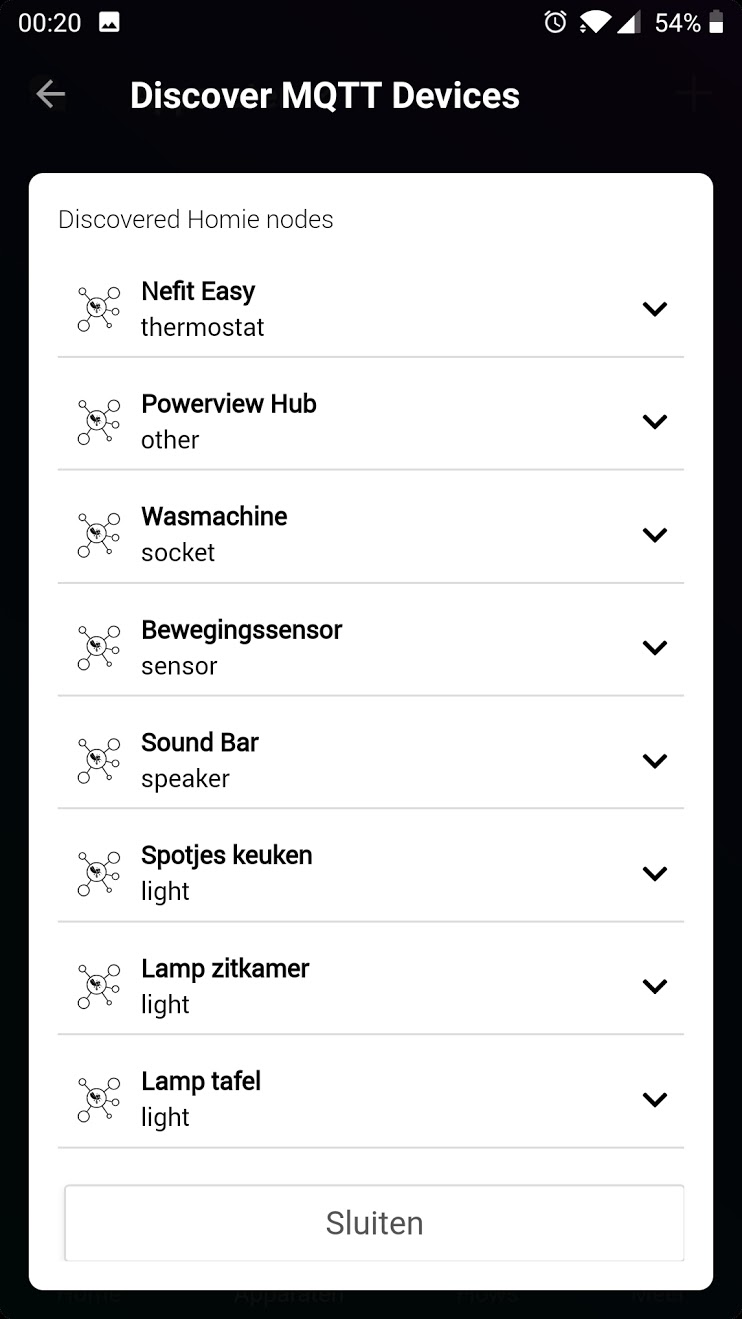
This is the state window with all discovered devices. I dont have time atm to make a lovelace cards.
Create MQTT Devices + Auto Discovery.

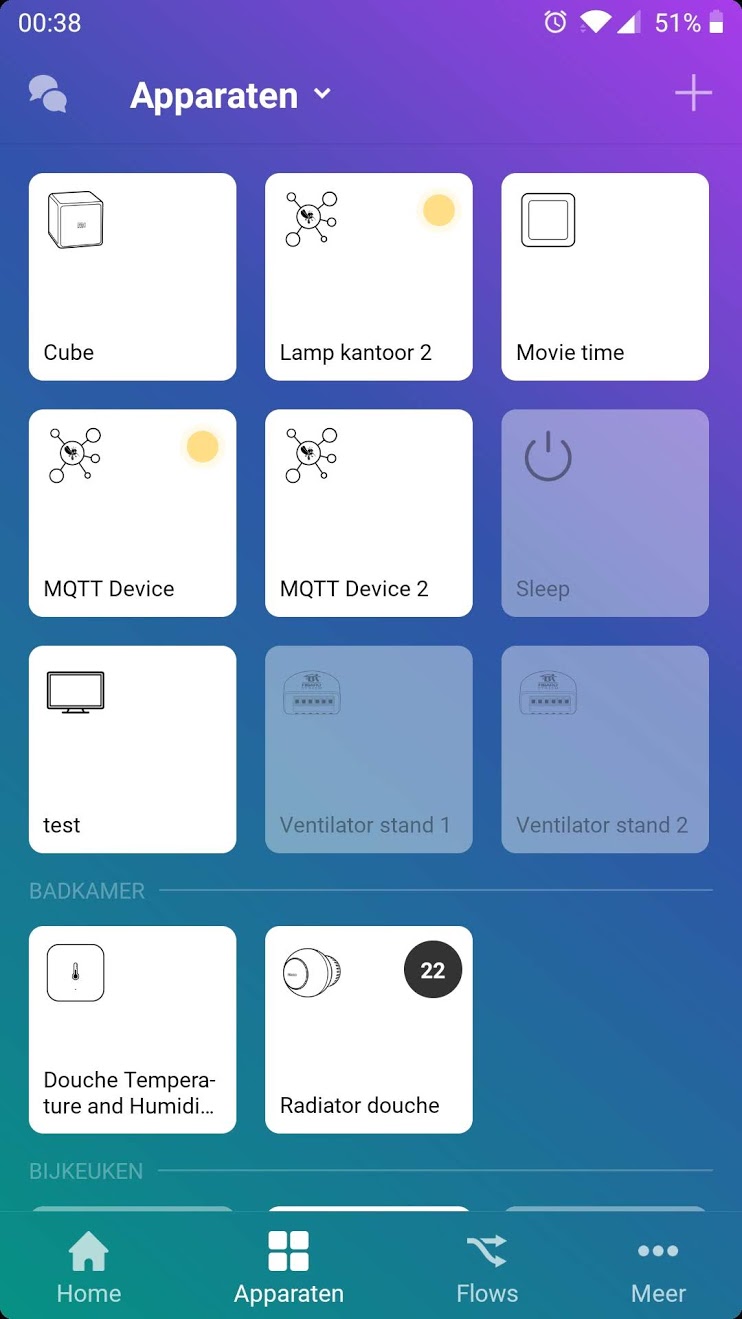
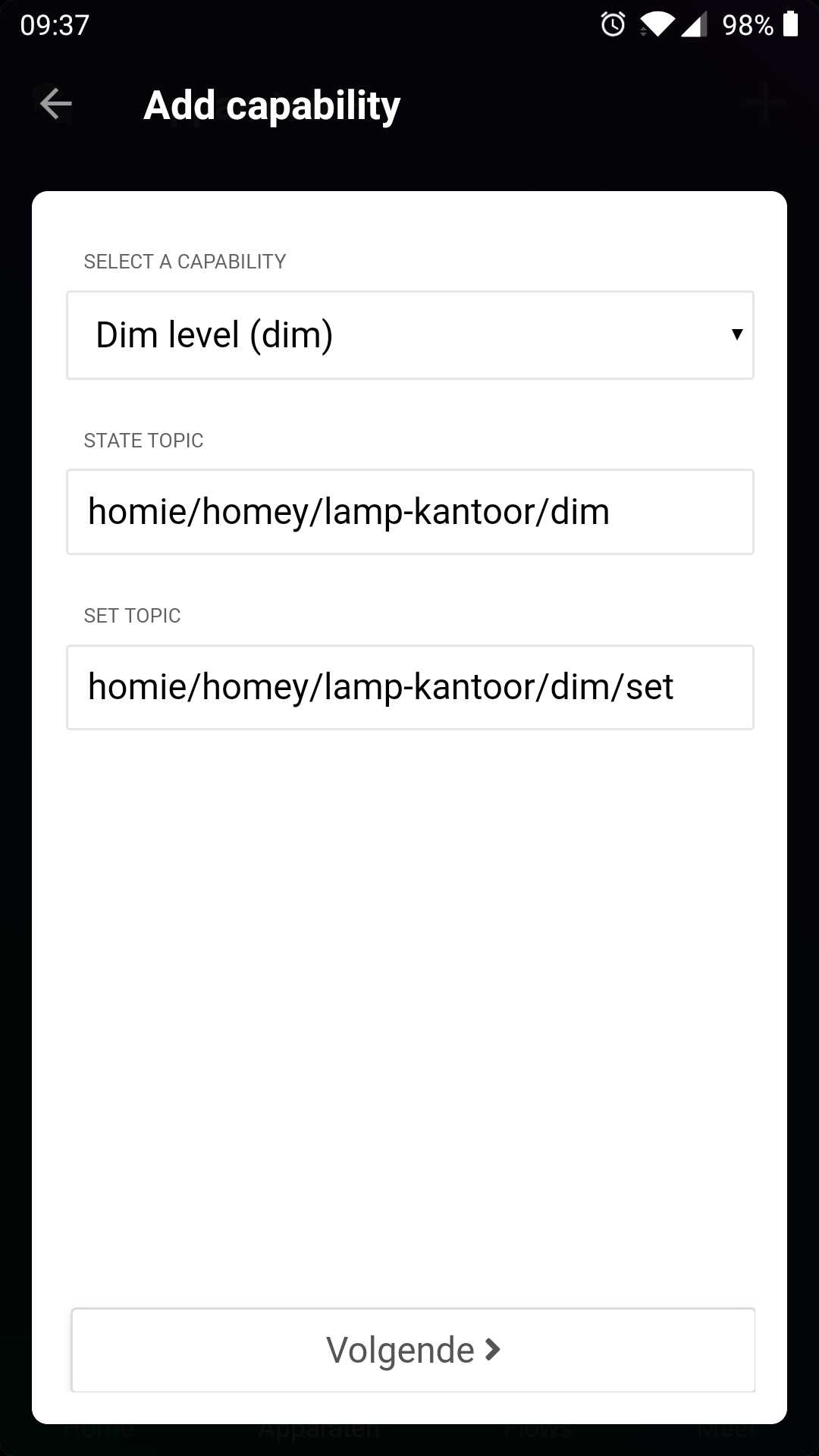
Create Virtual Devices controlling external devices over MQTT by linking topics to capabilities.

Discover external devices and create Homey devices with a single click.
Automatically tries to match topics to capabillities. Manual selection if no match was found.


Available in the app store (beta channel).
Hi
Thanks for your great app , new to this MQTT
Can i add my blue iris trigger with your new MQTT device / Discovery ?

Thanks
@djesko That’s what it’s build for  . It probably won’t show up on auto discovery, unless it supports the homie3 convention. But adding an MQTT device manually pointing to the topic in the screenshot should work.
Did you try already?
did try but dont know what to write in the discovery topic
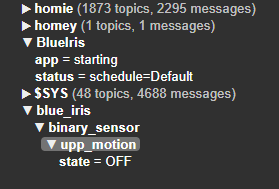
Just add an mqtt device, you know the exact topic after all.
sorry but no , did try blue_iris/binary_sensor/upp_motion etc … still learning
thanks but no luck …will try some more / reboot etc
Thanks
Try restarting MQTT Client & hub apps (in this order) via more > apps > mqtt client/hub > cog icon.

no luck , will try more tomorrow.
It all shows in MQTT explorer and HASSIO
well done @HarriedeGroot 
Your engagement is really great. Thanks a lot!
just two points to improve, but maybe you have it already in mind.
Yes it’s all on the list…
Damm Harrie, your’e developing in a high pace. Nice!