But then u fill in the wrong tag in the test field?
How do you mean? 
What happens if u put a test in the Locative app?
On ur phone.
Send test request.
It says ok. But i dont get an pushnotification from homey?
Do i need to activate something on my homey or create som variables? I am not totally stupid because i managed to follow your excellent guide on dishwasher
Did you create a flow yet?
Yes, we got it to work when i deleted the AND-card but none of us has understood why it didnt work 
If you do test in the Homey app you have to fill in the < tag > as Thomastest. Else it will always be an error.
Is the flow activated?
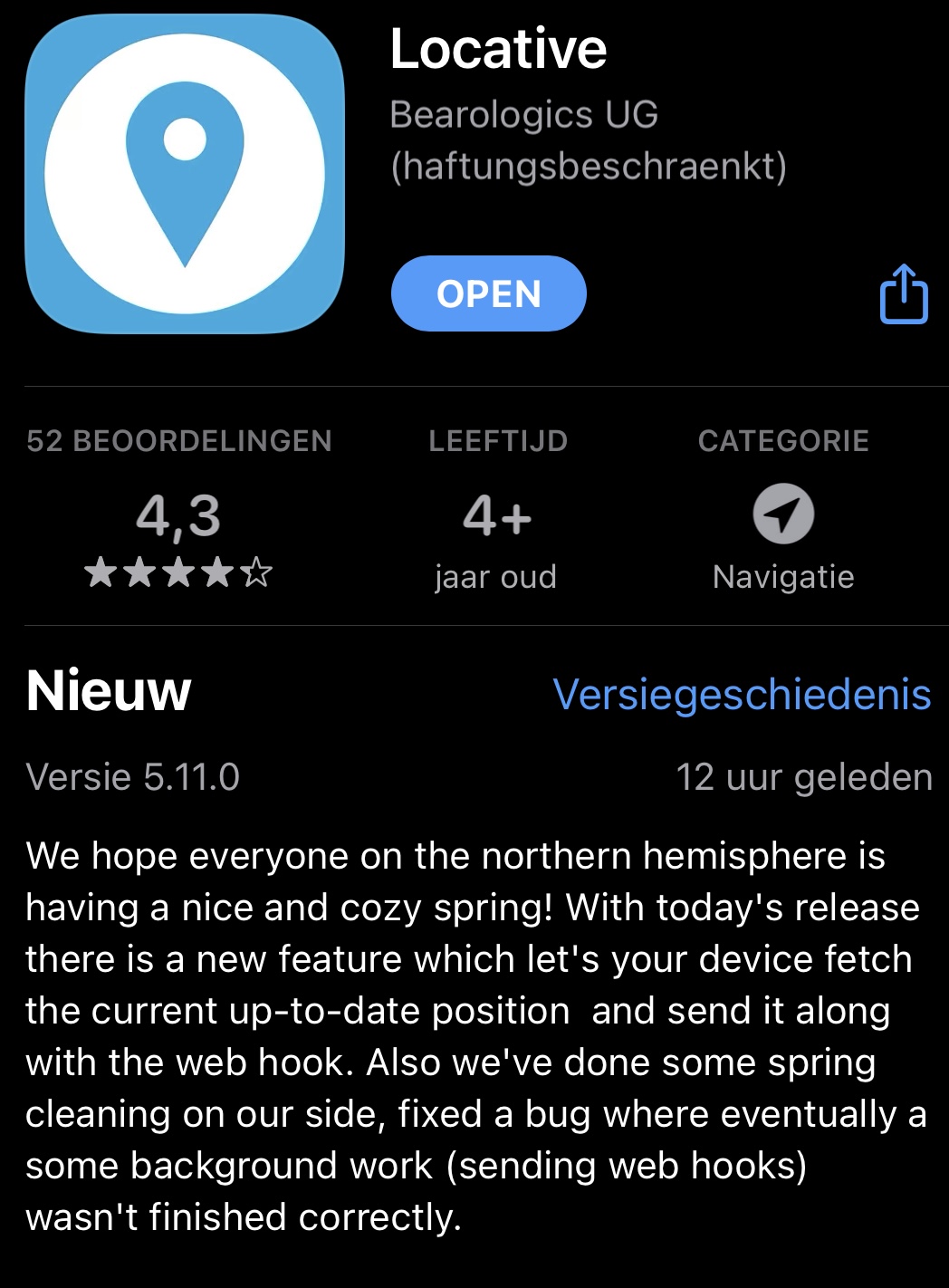
Hi, I’ve been using this app for years and it worked super. We moved to a new house yesterday, I changed the address in the locative app to the new address. But it’s not working as it’s supposed to, it keeps setting as leaving and coming home all the time. Do I need to change anything else? Do I need to change anything in the flows ?
Homey location tracking sucks, Locative sucks… the only thing that have always worked since build is presence in combination with Owntracks.
Also much more possibilities
I have used locative on the “old” homey and it works great.
Now on homey 2023 it don’t work anymore, test in house is ok and shown on the timeline from homey.
By normal use, locative works ok, but on the timeline from homey i see nothing.
More people this problem?
It works just fine but the url is now like this:
https://webhook.homey.app/Homey-cloud-ID/event?tag=tag
Also, don’t forget to change the Homey cloud ID for the new Homey.
Homey location tracking works fine here.
Never change a winning team !
I built a flow in which I switch the in-house Homey presence function to present and away. Do I have to use two different event names for the webhook in the Locative app for arrival and departure? or the same event for both?
See this link IOS Presence app (locative) - #153 by Rocodamelshekima
Thank you. Okay, then you can do this with two different tags. But it also works with two different events like I tried. I only have one home 
Thanks for this guide, @Rocodamelshekima!
It took me a while, but I finally managed to set it up correctly in my flows.
FYI: It’s used to trigger a flow when I’m 1.5 km from home. That flow checks the availability of charging points in my neighbourhood (sorted by distance from my house) and sends a message to a Telegram chatbot, which I receive on my CarPlay. 
Most of the time, I was struggling with the Homey endpoint. It turned out that for my Homey Pro Early 2023, I needed to use the https://webhook.homey.app/Homey-cloud-ID/event?tag=tag URL. So that’s a free tip for new users .
That solved all the errors! 
Cheers!
