Thank you for all the feedback. I will try to fix those today.
1 Like
Thanks for your help!
Out of pure curiosity;
I have never had any issues with the connection with 1.13.x firmware. When I go to the 2.x firmware I regularly suddenly see a clock on the button+ screen with 'Likes '. This is not what I am waiting for and also the reason for me to go back to 1.13.3. Any idea what triggers this?
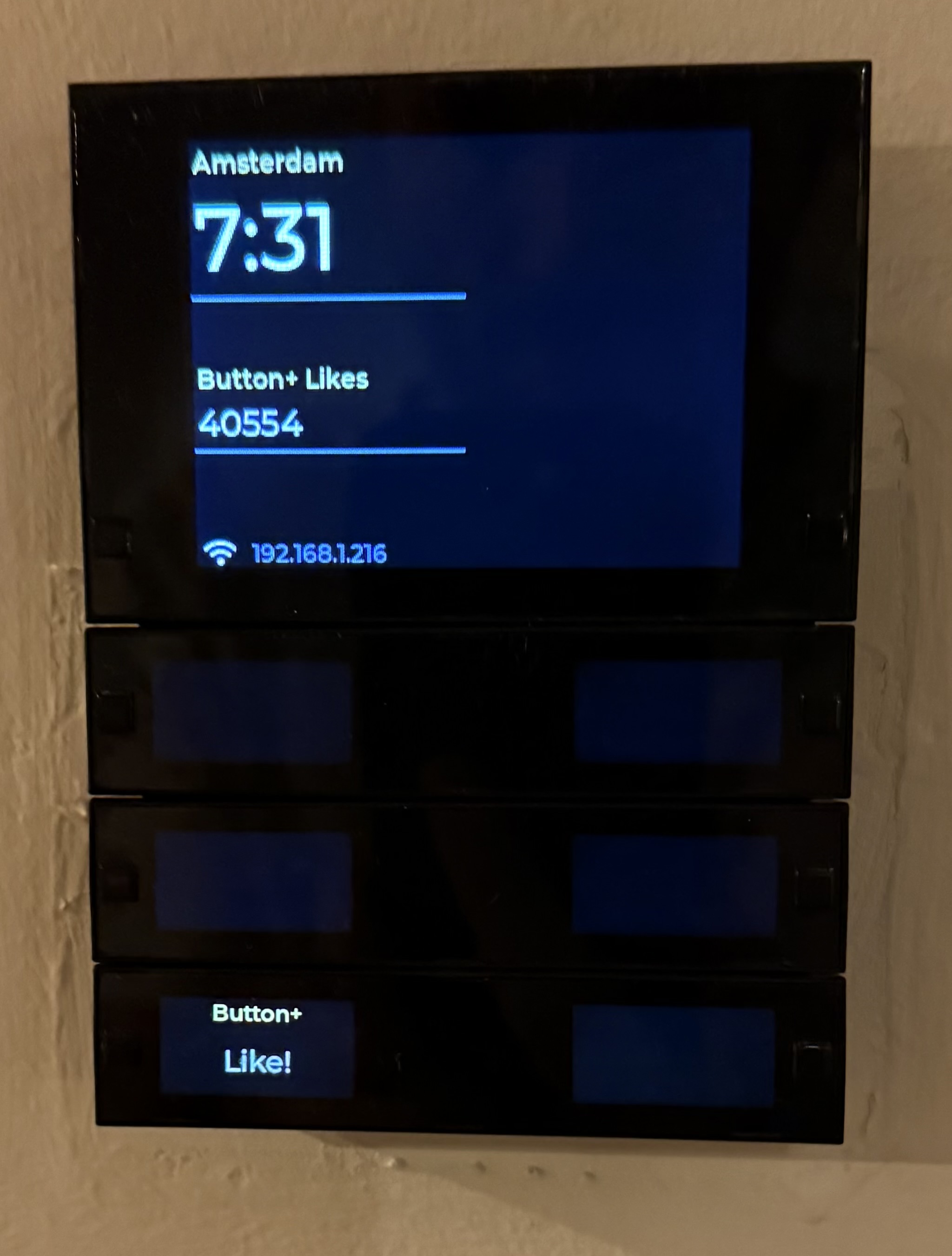
That’s the factory default of the Button +.
I guess that somehow it’s resetting its self. Could you backup your configuration and send it to me so I can try it?
1 Like
Very strange. The display stops updating every 1-15 min and no longer updates with adjustments in logic variables. This is since the very last test version. (Fw 1.13.3)
Edit; it looks like the device variable are updating. But it looks like all logic variables on the display do not update after some minutes. (Also not on the web interface).
I have published a new test version that should fix the Configuration Name issue.
1 Like
Hoping to clarify what is happening with the display:
I have installed both firmware 2.0 and 1.13.3 (full flash erase and reinstalled everything (incl bootloader and firmware)
Since yesterday’s test version, all device variables or variables written by a flow card (set button x to y) seem to be updated.
Display components that track a custom Logic variable are only updated by a full config rewrite.
Perhaps this info will still help to find the issue? It is since yesterday’s test version release. Thanks for help!
I have published another test version that will hopefully fix the issue with variables on the display not updating.
Thanks for all the testing and reports, please let me know if I have missed any.
1 Like


1 Like
I can confirm that variables on the display are updating. Thanks!
With app version 0.7.8 I get the following error tag when I want to update a button label:

Same for a different connector and configuration:

Variables update again. How super that you fixed this so quickly! Super super thanks!
2 Likes
Sometimes the reason is so obvious it just hides in plain sight 
I will investigate.
1 Like
What I see here is that changing button config to another one sometimes result in a black button (no label, no text). I can set it manual with a flow.
Edit: Very strange. Sometimes when I change a button status (on/off) or change the text on the button suddenly the labels (top small text) of that row of buttons disappear. Any idea what that could be? These flows have not been adjusted.
Another interesting thing is that when I make a backup of the config (export) it will be rejected when I try to import it.
(Fw 1.13.3)
Screen variables are working great again!
Sorry Adrian for all the spam today, in my case it is also the brightness… Cranked it up and all is OK again…
Edit: 1.13.3 is OK with 0.7.8: with FW 2.0 the horizontal position of display items is NOK.
Here is some additional info;
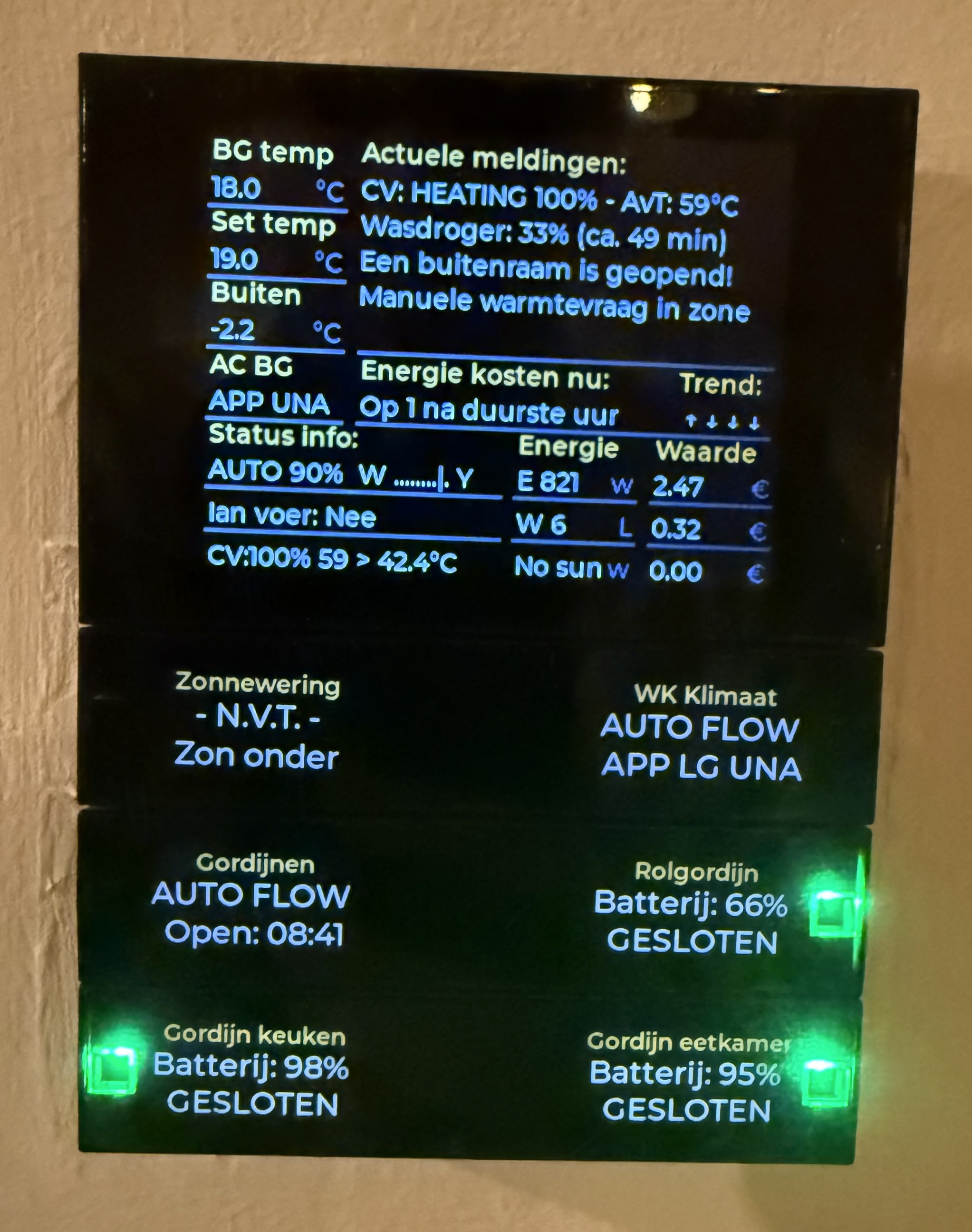
These 3 button configs do not have a blue wall LED active. These are still from previous configs. Also, all the configs have a name/label at the top of the config button. These all disappeared over the night. Example:

And after reapplying the config:
Thanks again for all your great work!
The “set-color” card doesn’t work properly on 0.7.8. When “both” (frontfacing + wall) is selected, only front changes.
On two different button+, both on the latest testversion, but both on different firmware versions the flows for the display buttons don’t seem to work anymore.
If i start the flowcards manual, it is working but on both b+ devices the hardware button doesn’t seem to trigger anything.
On the 2.0 fw b+, the manual action of a ‘big display button press’ is initializing the device twice before the action is executed.
New test version published. This should fix the the change button config issue and blank the button displays if and empty string is sent.
1 Like
Currently, everything seems to be working fine here now (latest test version app, firmware 1.13.3)
Thanks so much for your time! Just made a donation for a cup of good coffee or something as a thank you! 
1 Like
Edit:
I still encounter some problems. With 0.7.8 the entire brightness was 0 by default. Changing the brightness made the displays visible again.
With 0.7.9 (and Button on 2.0.0) the main display is often black. When pressing the display buttons my usual default config is visible again. It seems like the default page is wrong. I haven’t set anything, just that display config number 4 is selected (and the only one I use).
Is this a bug or am I missing someplace where I can set the default page?
i am on the latest firmware and app version, but this problem is still happening to me.
When I switch between display configurations it also completely reboots the BT+ every time. some configurations are correct in the settings but don’t come across on the display. i notice that the device freezes and reboots itself very often now.
