Jep! That fixed it. Sometimes solutions are just that simple 
I would like a widget that will show an overview of all sensors ( example … all measured temperatures / humidity in my house )
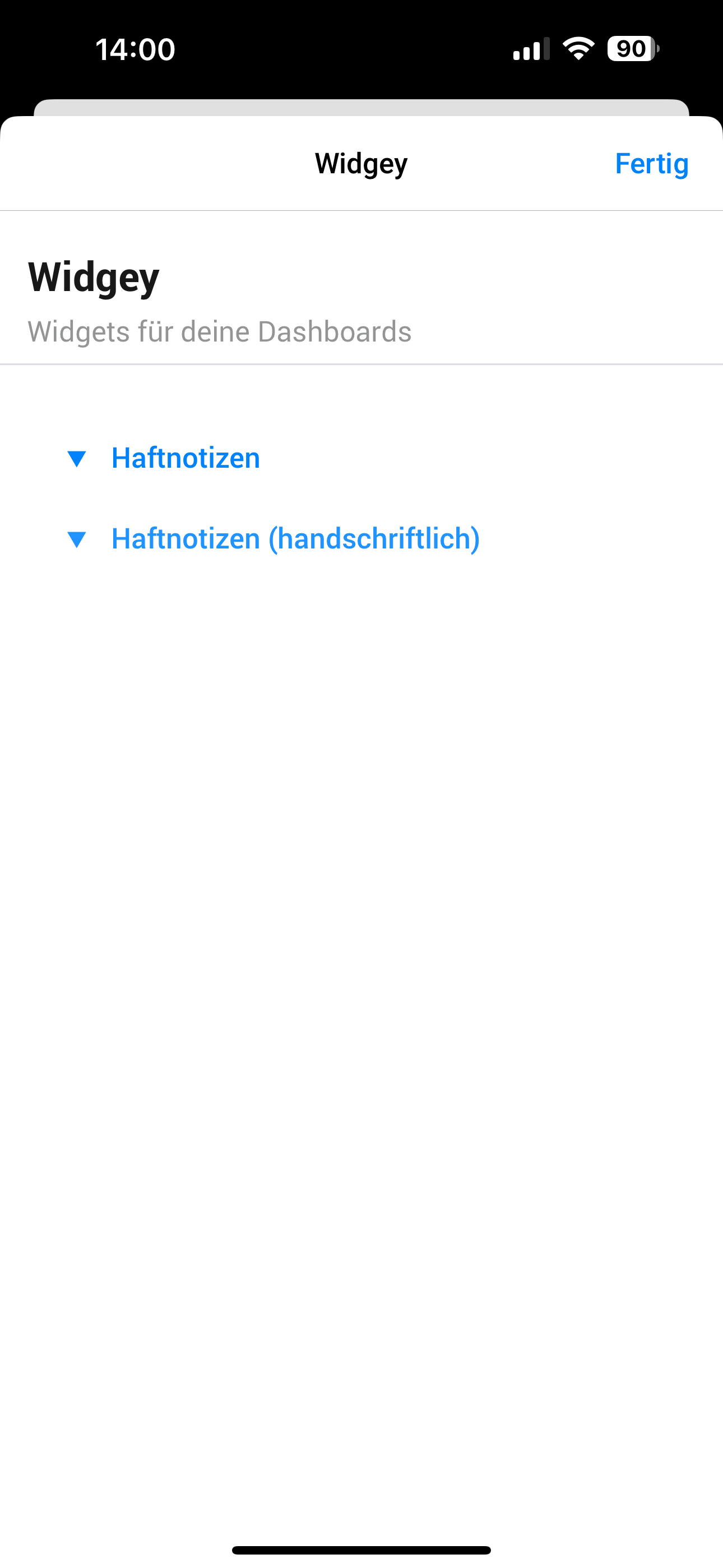
You’d have to create a note widget first by adding it to a dashboard.
Only then will they show up in the settings and will you be able to set the text by flow.
Make sure to name the note, as notes with the same name will share their value.
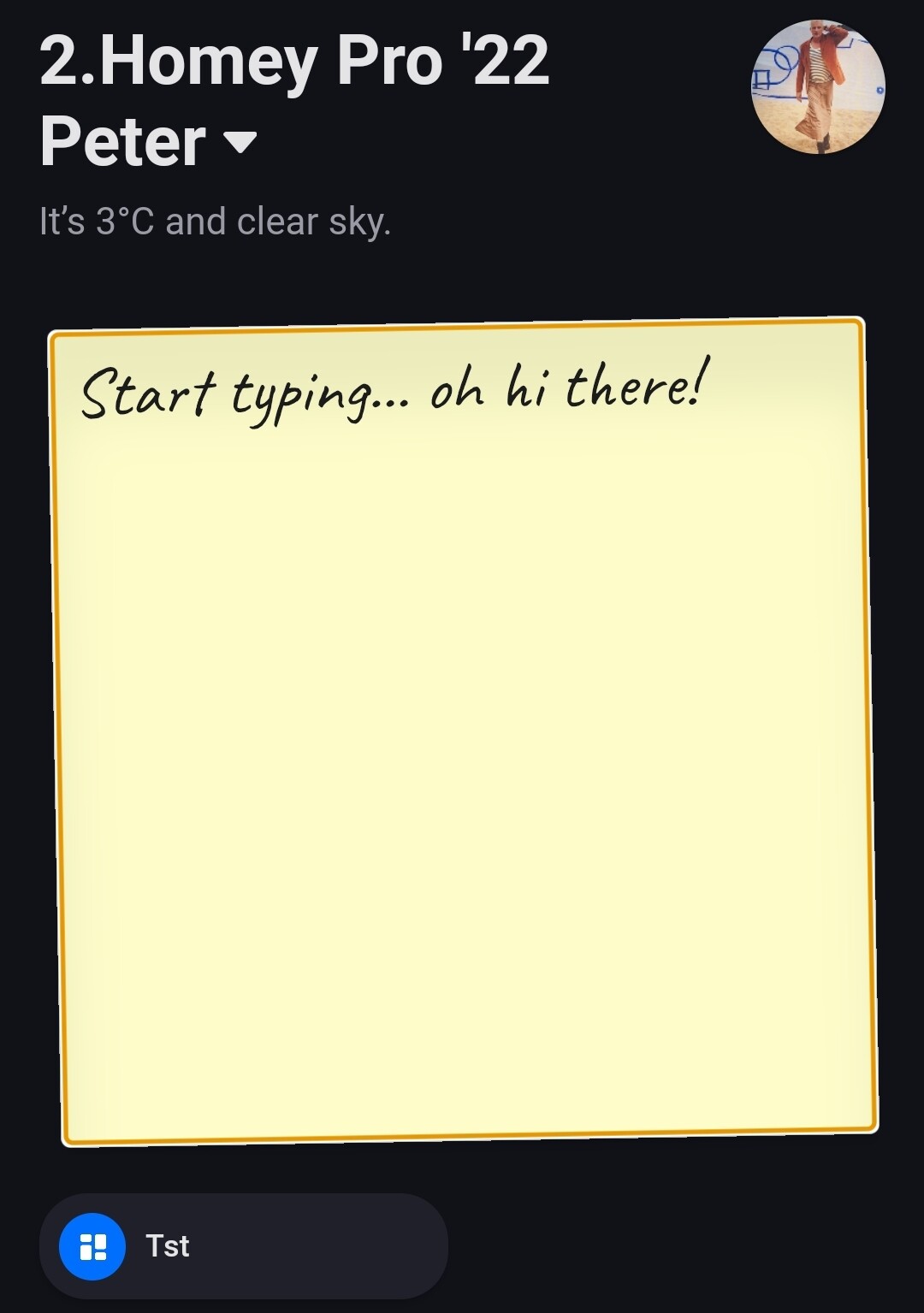
I have already created a note on a dashboard. I also gave it a clear name. Unfortunately, this note does not appear in the flow or in the settings. Not even after app restart.




Hi 
I seem to have the same problem. I created a post-it in a dasboard but it isn’t available in the flow.
I can’t select a post it in the configuration - it simply doesn’t show up.
I tried restarting the app, uninstalling and re-installing the app but it still doesn’t appear in the configuration page 
Dunno if Limofant fixed it or not but I can’t seem to get it to work.
Hope you’ll look into it
Here’s the diagnostics report: 5b09cb8e-6a40-46e2-a4d2-c67823187917
Thanks for submitting, sadly I want be able to take a look for a while as I’m currently in the middle of a house move 
I’ll have a look as soon as I can
No problem Waldo.
Good luck with your house move 
