The number changed. See https://www.callmebot.com/blog/free-api-whatsapp-messages/ for latest setup instructions
Thanks, have an API Key now, the service is down however…

Is the service down for WhatsApp often? I want this app to replace [APP][Pro] WhatsApp - Simple. Reliable. Private since this app is waiting for the new SDK and upon till now using too much memory…
Only use it to send alerts nothing that special…
It is run by one volunteer on a small server. So if you need higher reliability, you might want to also add alternatives as fallback. Send SMS maybe
Also, you should remove your phone number from the screenshot.
Wout, as a long-time user of Signal & Telegram from the CallMeBot “pool” , I can say it works very stable.
That’s unrelated to CallMeBot WhatsApp, I know, but I can’t imagine one of those being flaky and others aren’t.
Now you’ve encountered the WhatsApp service being temporary down, at the moment you subscribe: makes me think of Murphys Law.
I have patience, will wait till Murphies law is over…
And it is over, works like a charm! Thanks… saved me 100MB Memory 
@Rjwerf Thank u for your kind donation! 


Although I have received an API, I keep receiving the following message when I try to add a recipient for WhatsApp messages: 208:
Message to: +316xxxxxxxx
Text to send: Homey can send messages to this device!
Your Account is Paused due to technical issues.
Please send the word "resume" to your bot (+34
What am I doing wrong? I would appreciate some help. I send Resume a several times. Regards, Mark
Hi Lamkram,
i get this message as wel and i don’t now how to fix it i try to connect to signal?
i do get a APIkey from the app i can send a test message trough the UTL included.
i did get it working with whatsapp.
got i by using the UUID
Hello,
I do know a solution. Its in writing a bit lower of my message you quoted
The readme is also updated, with a better description how to add “signal” instance.
I use CallMeBot to sent a snapshot from my Reolink Doorbell.Recently it stopped working and I get this error:

I use both the Reolink App and the Onviff App to make the snapshot.
This is a flow I made to test the snapshot, using all the snapshot tags available from both Reolink/Onviff App:

Resulting is these errors:

Does anyone have a similar issue? Any suggestions to get the snapshot wording again?
I have the same errors! Image format not recognized…
@Eternity @Munnikie
Is it with Signal only, or also with Messenger?
I encountered the same issue using Signal bot,
it appears to occur after april 15th (no pictures received since):

but it works fine with Messenger bot, Homey Push notifications and by casting to a ggl Hub.
My guess would be:
either Athom has changed ‘something’ for images, or Signal limited the valid image extensions 


I only use Signal and it’s since october I am not receiving the images. Also not after the app updates.
I do not have messenger.
I only use Signal.
Have now started using Homey native push to my mobile, that works. Unfortunately it doesn’t allow me to keep the pushed image after opening the pushed message.
After the update, it no longers works. Do i have to re add my phonenumer ?
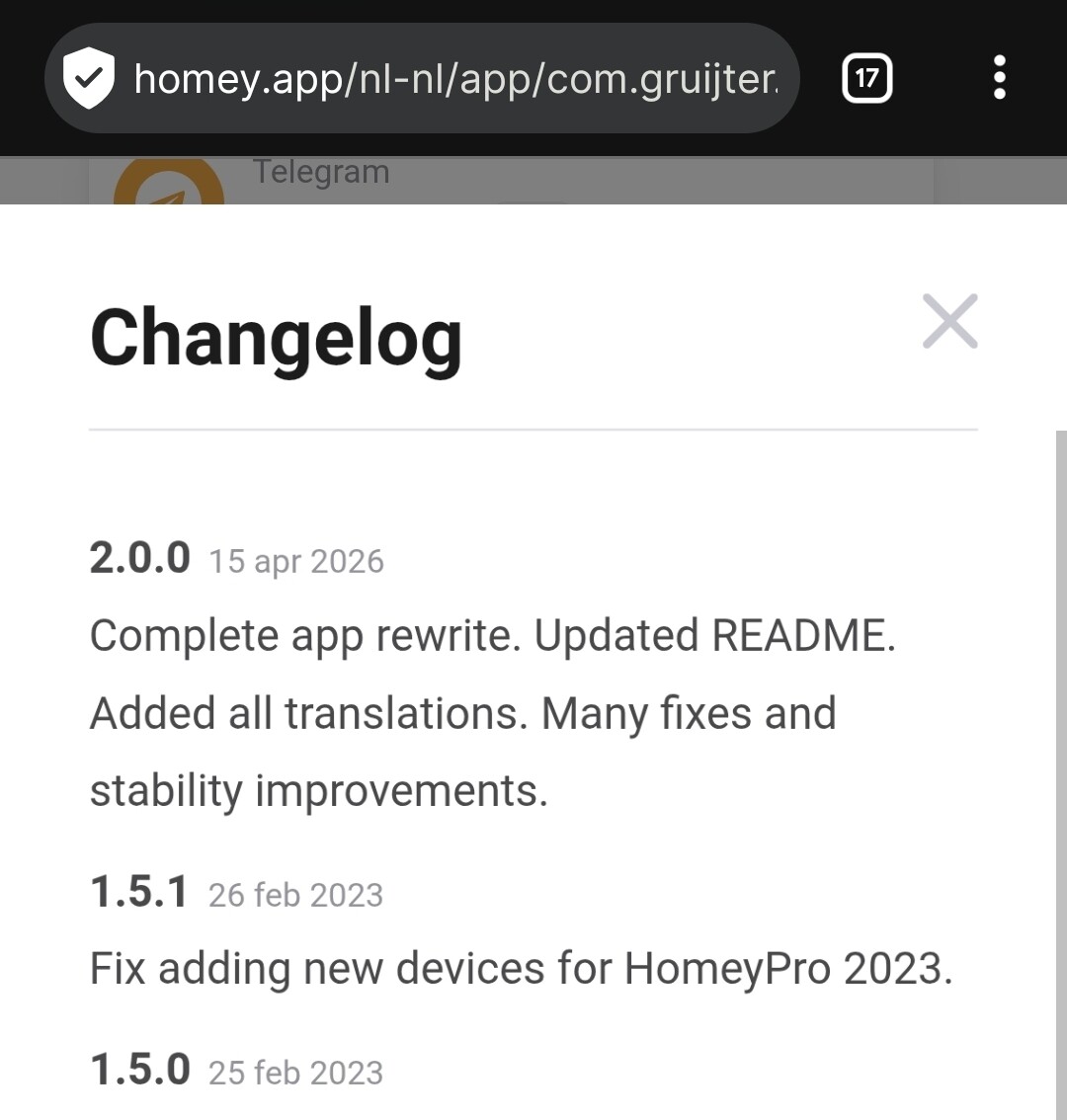
I’m a bit slacking on updates lately (I don’t update automaticly).
Sorry for the hit-and-run. I’ should know better. 
When I send a msg to my Whatsapp through Callmebot I’m not revieving any msg. and I don’t get any error either..
I use the option to send msg to Whatsapp only in case of hight priority so I didn’t notice before…
…
And ofcourse.. I think ‘let me test before I send the reply’… And it now works as it should… 

