Could the problem of generic alarm for vibration device be because vibration capabilities is alarm_generic.vibration ? I have found an alarm_vibration capabilities too in others scripts.
I need more informations could you please send me more diag log
Is that what you need?
bc9907cf-28f3-46e5-8fa6-c92f5cc9d844
Hi Dylan I don’t know if you received my answer on your emails from Johan Bentz his development @ GitHub,
So here my problem with the device again.
This LCD Temperature and Humidity sensor _TZE200_vvmbj46n is been added as a Tuya DP Thermostat see screenshots.
Diagnostic code: 0c64851e-3c0a-48a5-b9ff-5c652209a0e5


Thanks and best regards,
Peter van Werkhoven
Hi Dylan also send you this one,
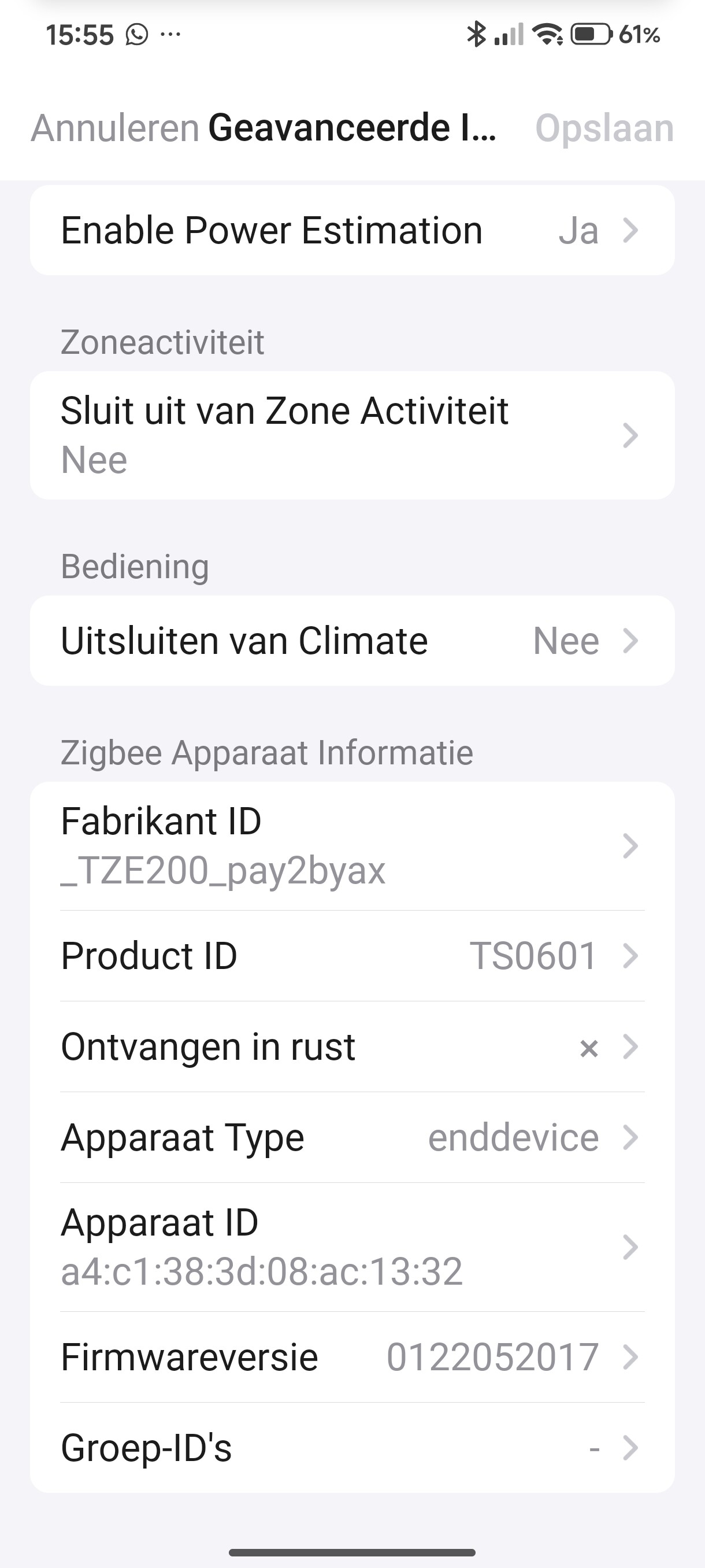
You’re a busy man with an unlimited new device’s I see, I just updated to version 5.11.26 and tried to integrate my contact sensor with Luminance _TZE200_pay2byax, _TZ3000 from Johan Bentz issue #1253 which you mentioned in your mail to me into your app but it adds as a MWave radar motion detector instead of a contact sensor.
See attached screenshots:
Diagnostic code: 4937c244-8b0c-49fb-ab95-d7858270869e


BTW the SOS button _TZ3000_0dumfk2z TS0215A don’t work anymore and can’t get it to repair either  no response on pressing the SOS button, only battery reading oké. The HOBEIAN Motion, Luminance, Temperature and Humidity sensor is still working fine.
Thanks for all your great work again, your the best 
Greetz and good luck,
Peter van Werkhoven
Hi Dylan,
The sensor _TZE200_pay2byax
is not a MWave radar motion sensor but a Door/Window contact sensor with Luminance as I showed you in the former email.
And I’ve added the _TZ3000_mrpevh8p Smart button from the other Tuya ZigBee app to yours and that’s working fine as Single, Double and Long press 
And like I told you in my first reply to you the SOS button is not responding in the latest app version 5.11.26
Diagnostic code: a08fa4f7-7386-4850-974f-3116222bf0b7
Best regards,
Peter van Werkhoven
Dropped v5.11.50 on the test channel just now.
Added a new remote dimmer driver.
With a manual forced update, the app still shows 5.11.33 in Homey
Same for me.
Just pushed v5.11.65 to the test channel.
Fixed _TZE200_pay2byax — moved to contact_sensor driver where it belongs.
IR remote still not working. Learning mode can’t be activated.
Diagnostic: 7c78441f-f74a-4cea-bd34-6919532492f2
v5.11.67 is up on the test channel. Some internal fixes in this one.
It works 
Just pushed v5.11.75 to the test channel.
Fixed a memory issue and improved overall stability.
Ver.5.11.64. Contact sensor installs, but no communication with the sensor. Moving magnet nothing happens.
v5.11.78 just went up on test. Cleaned up some internals and reduced app size.
Hi Dylan,
I gave my switch (TS0726/_TZ3002_pzao9ls1) with v5.11.64 a new try and re-paired it. All physical buttons still show up correct in Homey when pressed but there is no reaction an pressing virtual buttons to physical buttons. With v5.11.33 all physical buttons switched on or off when one virtual button was pressed.
Diag: 4b6d80ec-67b4-450c-925c-6f74ac32dd72
Best regards, Hartmut
Most probably the AI tool just made that one up;
alarm_vibration is indeed the right capability.
Ref.: https://apps-sdk-v3.developer.homey.app/tutorial-device-capabilities.html
Just pushed v5.11.86 to the test channel.
Rewrote garage door driver to fix some issues (#128, #137).
I will check thx
