What beep do you mean? The ISA speed alert?
That’s not possible via API.
What beep do you mean? The ISA speed alert?
That’s not possible via API.
“Yes, that’s the one I meant. It’s a pity that it can’t be done through the API, but thanks for your answer.”
It’s only possible with S3XY buttons/knob via Bus dongle.
I want to heat up the car to a certain temperature and defog all windows. I think the defrost is too much when it’s not that cold that you have ice. May be it is possible to add a possibility to turn on front and/back defrost?
The API only offers temperature and max preconditioning (defrost), but no front/rear window heating (anti-fog).
But anti-fog is normally activated automatically based on conditions (low temp, high humidity).
An alternative would be:
Deactivating defrost only disables defrost mode, but climate (preconditioning) keeps active. So you can keep your temperature.
Thanks for the suggestion. Instead of the inside temp I use a timer (CountDown) now that stops defrost after a defined number of minutes.
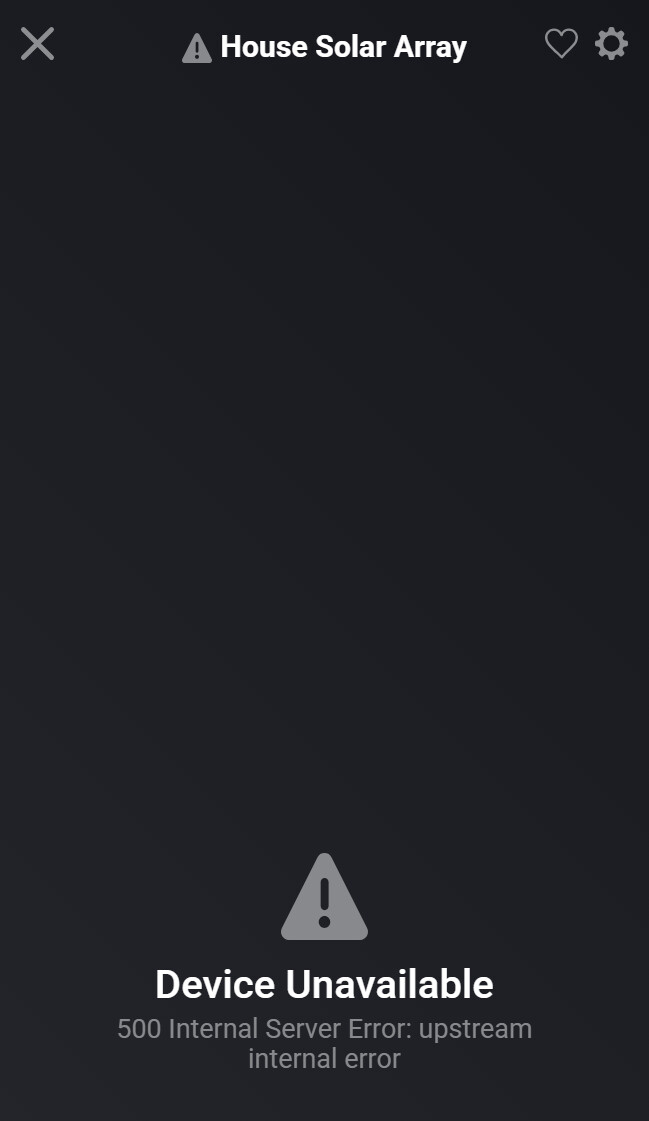
Hi Ronny, I’ve got the car working no problem, and checked the api and scoops, made sure Urls are correct but whenever I try and do the energy site it gives me the “500 Internal Server Error: upstream internal error” Any ideas. It also reflects correct on my Tesla app so I know it’s uploading the information to Tesla correctly.
Hi man. Is it possible to add an action for Living front seats forward or backward? Like the easy entrance. And also the steering wheel? Idk if that’s via BLE or API if it’s even possible
No, that’s not possible. That’s only bound to the profile/key.
I never saw this error. 500 means server sind error. I think it’s more a backend issue between API/TeslaCloud and perhaps reading device (live) data.
There a no details about 500 errors.
https://developer.tesla.com/docs/fleet-api/getting-started/conventions#server-errors
The car syncs fine but when I do the energy site it just comes up as a warning….kinda stuck

Please send me a diagnostics report. Hopefully I can se a bit more.
Hi Ronny!
Update:
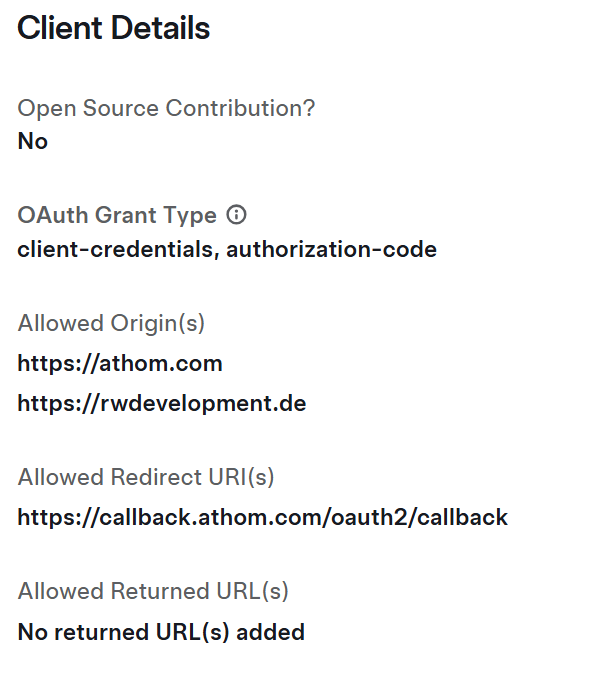
Went to the site for developers, logged in, and reused my ‘old’ app.
Now, everything is up and running again! 
Thanks!
Earlier the app worked perfectly, but now I noticed that my scripts are not reacting anymore.
Charging state is always disconnected.
Created a diag report, but somehow the code got lost. So I created a new one: b490ddfe-257c-4096-94ea-ca3dca776ba4
Got some errors while I was fiddling around, refresh token is invalid.
How to fix?
Then your login is invalid. Just “repair” the car device and login again.
It’s better to add the EV charger energy consumption to Homey Energy. Using the car, also charging sessions away from home could be counted. Select your location to track charging only when you are at home.
You can add your cars energy to HomeyEnergy with device settings of battery device:
First setting addes power (kW)
Last settings addes energy (kWh). This will only be added after disconnecting the charging cable. Tesla has a “energy added while charging” value. But you can start/stop charging while connected. So it’s only useful to sum up a virtual meter capability when charging is ended (cable disconnected).
Did you already charge after activating the settings (and disconnected the cable)?
And remember the car need to sync the data after disconnecting. If it goes to sleep too fast, you will get the energy update on next sync if the car is awake again.
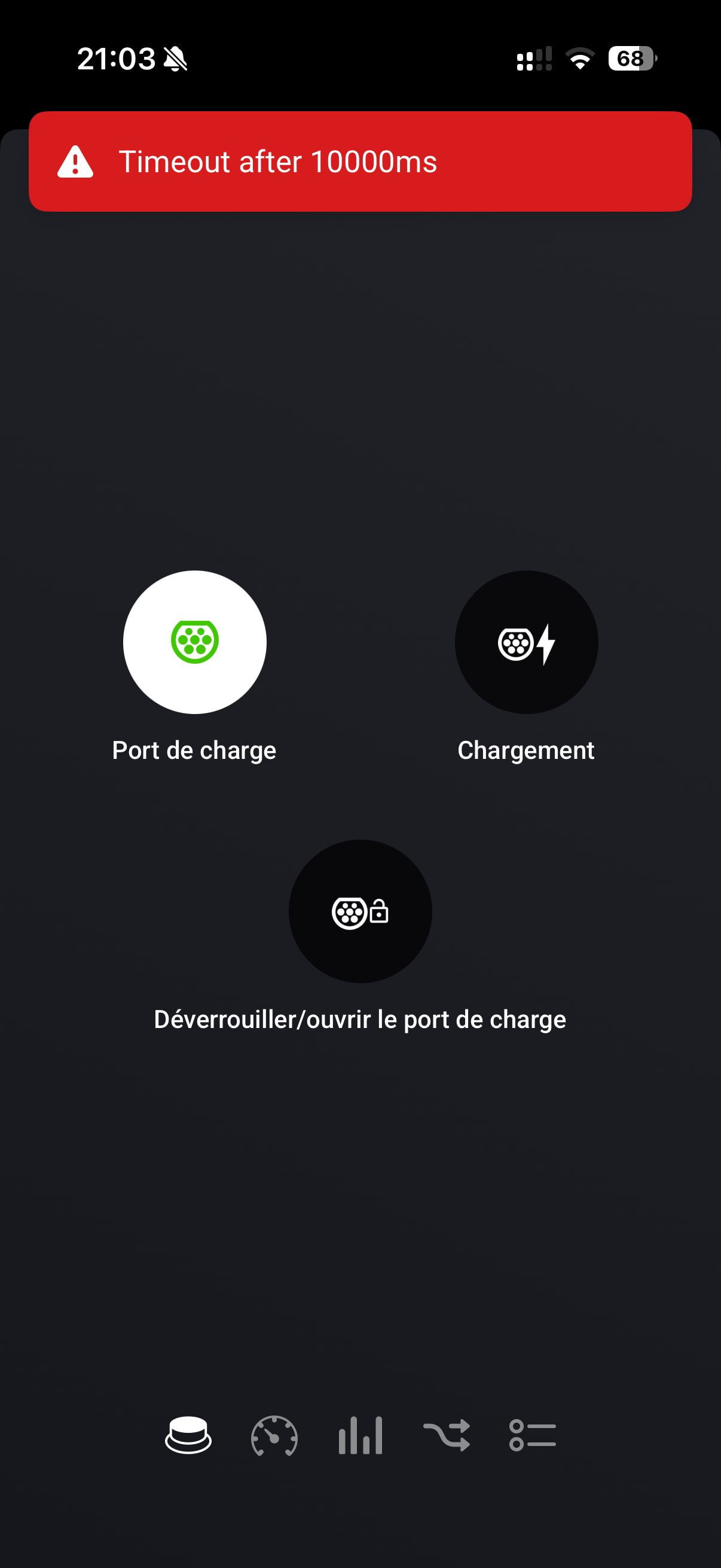
If the car is asleep when you press a device button, the request needs more than 10 seconds. The Homey app is showing this error. But the command is sent nevertheless.