I get this error on my second car. The first car can send commands, but I cannot get the second one to work. Does the app I created in the tesla dev portal only work for one car?
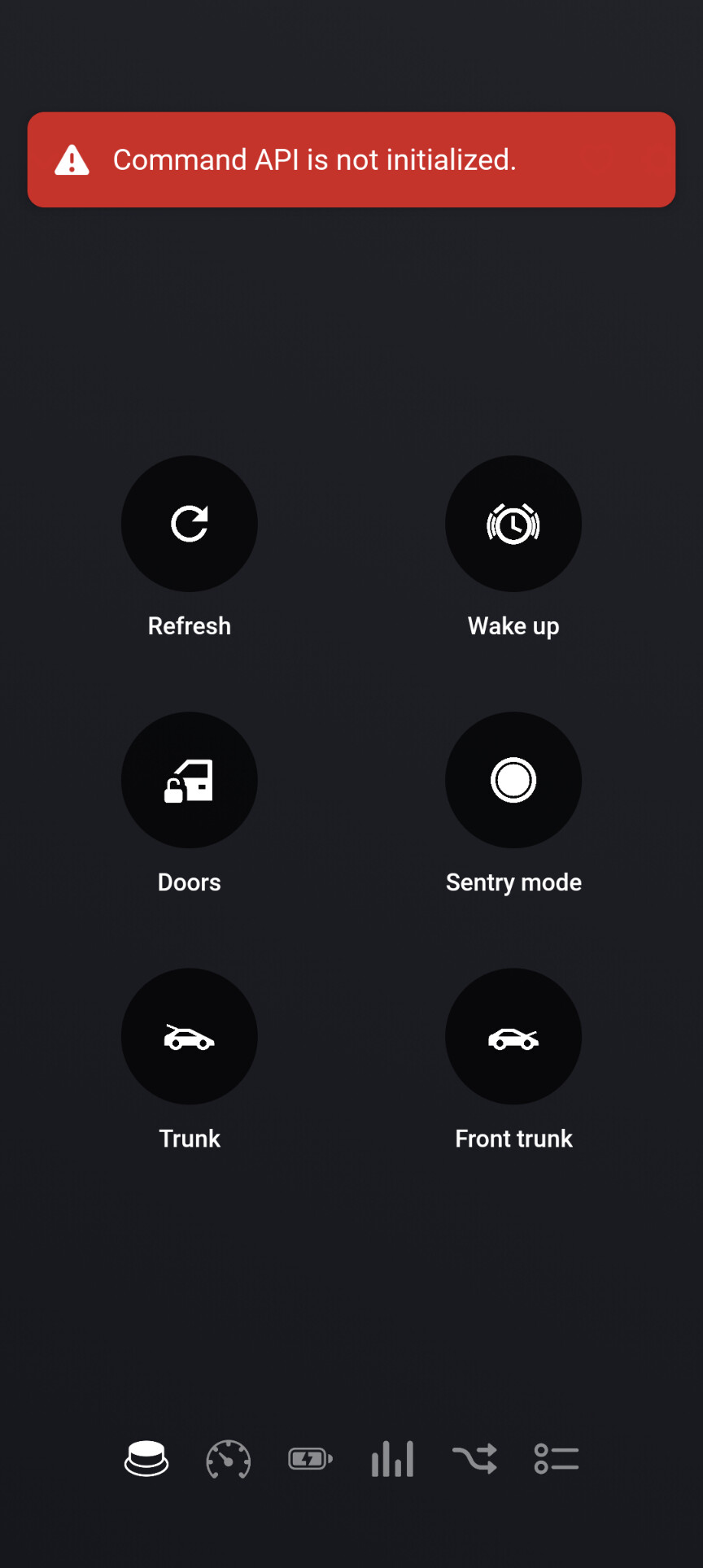
The Tesla dev api key is used for the Homey. The Homey-ID is used to provide the certificate.
So on first car you can insert client_id and key.
On 2nd car, the client_id and key is already set and you can continue with your Tesla car account.
Both cars are using the app ID and are counted on your 10€ debit. That’s a little disadvantage.
To your issue:
It seems, the private key (certificate) could not be read. Did you somehow change the client_id or secret while adding the car?
Both cars are using the same key. So if one car is ok and the other not, then I have no idea what’s wrong.
Can you please restart the app, then send a diagnostics report. Then try if a restart solved the issue 

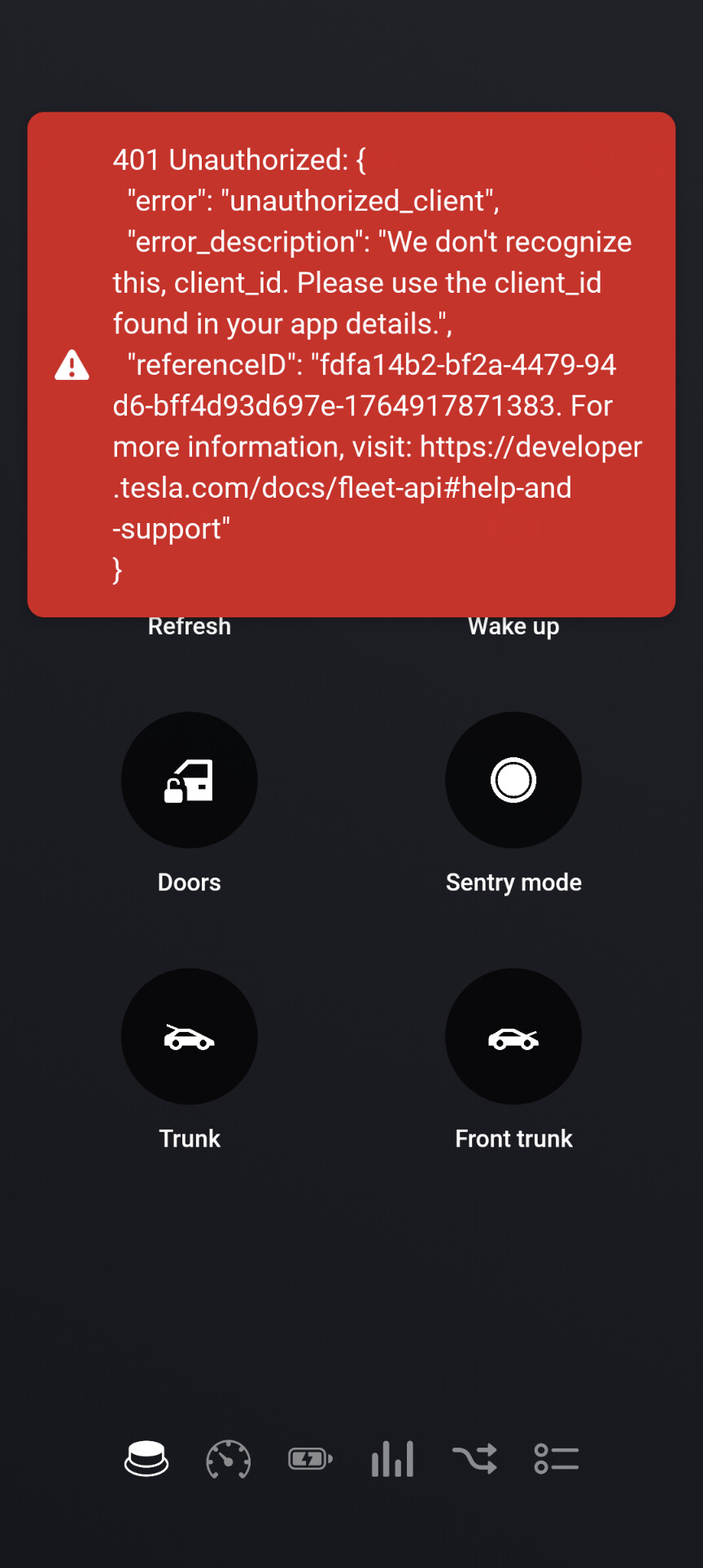


Please make sure to copy/paste the client_id and secret from Tesla developer account into pair view. In most cases, it was not copied correctly (perhaps an space added).
New test version 3.3.0:
-
Changed offline timer to a state check timer.
The offline timer has no use since using developer account without the older rate limit.
So this timer is now changed to a state check. It checkes the online/offline state (without counting on your 10€ quota).
This way you can react better on a state change. The app is reading the data if state changes (e.g. offline to online). You get a much faster update in Homey to trigger your flows. -
Deactivates EnergySite meter data due to Tesla API change - only live data is currently available.
Tesla deprecated an internal API used by FleetAPI. That’s why historical data is currently not available. Live data is still updated.
Because of not updated meter data, HomeyEnergy won’t show the usage.
Update the app to this test version to keep EnergySite working without umavaiable device issue.

On Homey SHS without a Bridge you are unable to add a vehicle. It says it requires a Homey Bridge becaus of the BLE functionality. Not sure if this is something you can fix @RonnyW or something that Homey has to change as the BLE/Bridge isn’t actually required to add a vehicle.
New test version 3.3.1:
- Removed BLE from required connectivitiies to enable install on Homes SHS without Bridge.
It seems, only required protocols should be added, and not optional ones. Now it should be possible to install the device on SHS without a Bridge.
FYI: @xiutit If you want, you can try the linked test version.
That was quick! Installed the test version and works as expected. Thanks!
To all users with Tesla EnergySites:
The current API for historical data is broken. I filed a bug report.
Please vote up so that we can be heard at Tesla 

Yes, This this also solved it for me
Hi, I can’t seem to send heated steering wheel settings via an advanced flow. Error is: REST command commandSteeringWheelHeatLevel not supported yet for CommandProtocol
Is it possible for this to be fixed in the future?
Thanks
For command API (signed commands), only the on/off command is documented. I haven’t found a command or additional parameters for heat level.
Now some more details…
The app adds the possibility to use Fleet-Telemetry. That’s the Tesla protocol to get realtime data from your car. I decided to use an own server to host the telemetry server. If you tried Telemetry and like it, a donation via Paypal friends would be nice
More details are available on my Blog:
Excellent news, thank you. According to Tesla developer site, with application logic optimisations, API costs can have up to a 97% reduction (apparently)
Yes, with 2 cars I got to the limit after 20 days with 10/15min polling.
Now I’m ~1€ at end of the month.
Brilliant work, thanks for all your efforts. Same with us… we have two as well and limits are hit quite early.
Any idea on ETA for release? No pressure of course!
First some checks as test version if all is running without issues. Especially if all data is updated correctly. If you want to try, just update to the beta channel. If that’s live, you can over install tje live version to go back to live channel.
Test version:
Some technical insights…
Before working with a real sever I tried to get it to work on Homey itself.
And yes, it needed to reverse engineering to create a telemetry server on Homey. At the end, the telemetry server is only a Websocket server listening for car data - and some fancy encryption and Proto details 
All was running fine for me after 3 months of work. But using Websocket it’s not possible to forward Websocket traffic via Athom cloud to Homey. This solution would only work for users with Public IP or DynDNS - and a CNAME entry in my Homepage DNS because Tesla only allows connection to the registered domain.
A serverless version is technically possible but not useful for common users.
That’s why it ended up using a vServer and the Tesla telemetry server. So the car can connect to the public server and Homey can connect from you LAN to the server without limitations.
