@RonnyW gotcha.
Well. The whole purpose with my idea is to use it at home when I have to leave for work. Because I’m lazy and it’s much more cool to open the door via a flow 
@RonnyW gotcha.
Well. The whole purpose with my idea is to use it at home when I have to leave for work. Because I’m lazy and it’s much more cool to open the door via a flow
Hi Ronny! I have a Homey PRO 2025 and run it in test /experimental mode, should I still be able to set the Tesla app up?
I get the following error msg:
400 Bad Request: { “error”: “unauthorized_client”, “error_description”: “The ‘client_id’ and ‘client_secret’ combination is invalid. Include client_id and client_secret assigned to the application in the request.”, “referenceID”: “be1a9aaf-fecc-4f35-a3c3-29b47b3d947d-1756320334088. For more information, visit: https://developer.tesla.com/docs/fleet-api#help-and-support” }
New test vesion 3.2.0:
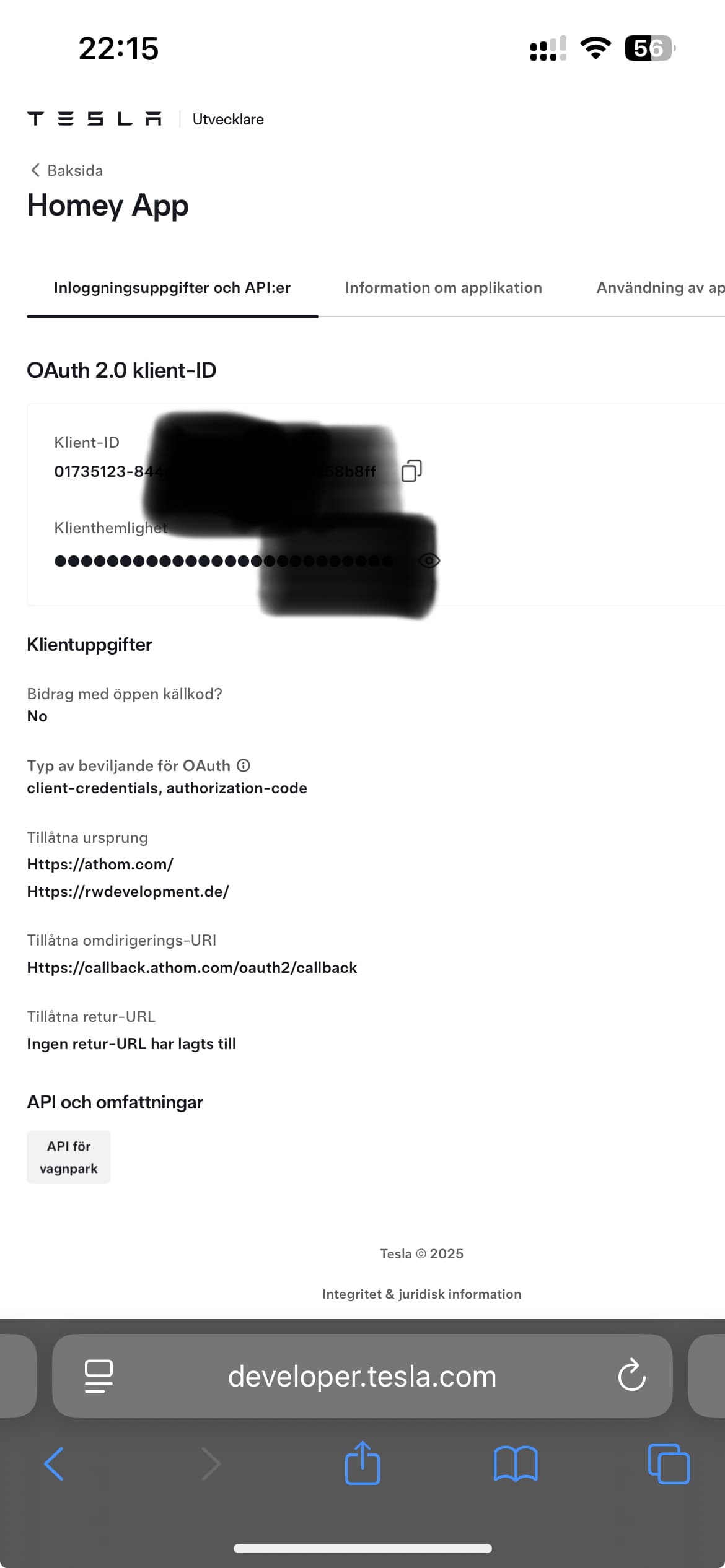
Did you follow the instructions (Tesla developer account, app ID etc.)?
The error message says the client ID + client secret is invalid. In most cases just a copy/paste issue 
Just make sure that you copy/insert the values correctly.
Ok, used the button on the side so should not be the issue. Will try do delete the app and follow the steps again.
No need to delete the app. Just start over the pairing.
@RonnyW Damn! You’re insane! I will test it out asap! Thanks for your sick quick response! 

Added the tesla dev app again and now it worked. Thanks for creating this great app.
I’ve been playing with this a little bit yesterday.
Tried to connect to the car using the repair view. It’s a little bit a hit or miss. Sometimes it doesn’t connect and on other occasions it returns that the key is whitelisted.
However, even with hardly any other devices connected to the car (disabled bluetooth on the devices), it never worked to set the charging current. So this one would fail time and again:
So, I thought pershaps it cannot set the charging current because charging hadn’t been started yet. So I started charging from the Tesla app and then started the flow from this step. So, just setting the charging current.
That didn’t work.
So, first using the repair view check the key status and indeed…. it cannot connect. Tested the connection status multiple times and time and again it cannot connect. And the flow time and again doesn’t set the charging current.
Now the really weird part kicks in. If I run this flow:
this works flawlessly!
And after that I can set the charging current perfectly (of course since I am using the fleet API). Switched back to BLE only and I cannot set charging current anymore.
So, for some reason using BLE only sending a/this command is an issue.
I also had a looot of issues with BLE.
FleetAPI was over this month (10€ limit) and Homey did not connect to the car for days (via Bridge).
Then I just restarted the Bridge and the connect was ok.
So there is still something wrong in Athom BLE implementation 
I can forward these issues to Arhom dev again and hope for a solution.
I can’t debug the Homey core code, and it’s not public, so I can’t do as much as interpret the symptoms to point Athom to the right direction.Yeah, really frustrating after putting a lot of time into BLE 
Please do! I will help with hoping for a solution
Yeah, really frustrating. On the positive side: Athom is still actively developing and supporting Homey and the software, so we can expect a solution at some point. And with every iteration things get better!
I have the same sentiment with my car: every software update adds new features and improvements and I never have to go to the “dealership”. Something that a lot of competitors can learn from!
@RonnyW Hey man. So I tested the open doors card a bit and I can’t get it to work. The doors simply not opening 
Is the car connected via BLE?
@RonnyW Yeah it is
I don’t mean the key registration. Is the car accessible via BLE? You can check in pair view / key state check. If that doesn’t work (peripheral not found), Homey can’t connect and FleetAPI is used instead. It’a hit or miss using BLE
It’s connected in the right way