i use the widget on a wal mount tabeld dashboard locked by a password.
a reload ad a frequenze wil work i think.
but i wil be even nice if i can be with some kind of flow.
for example: if window sensor has changed state then reload Spacey plan widged.
in my mind it is so easy, but i know it is hard to implement and make it working. i am very happy with the time and effort you already put into the widget!!
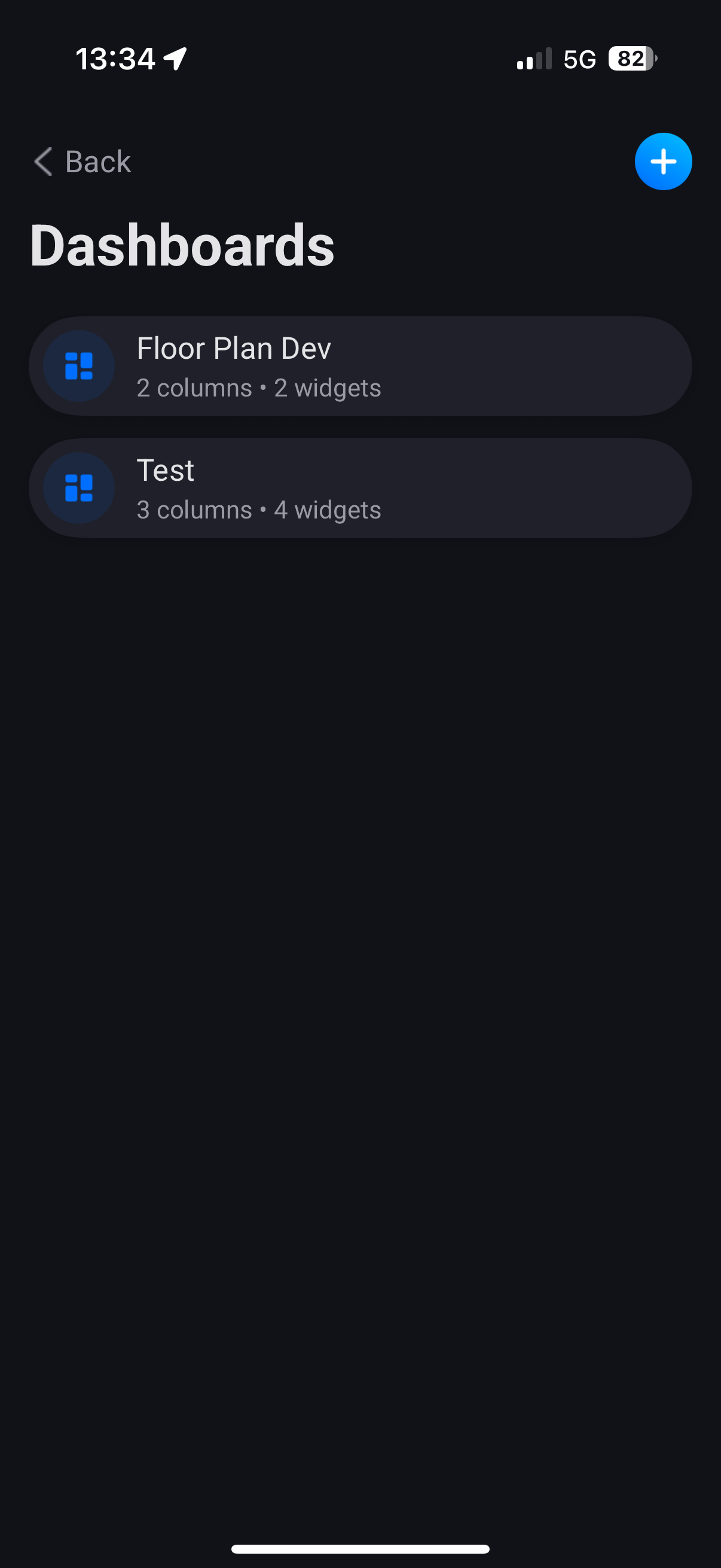
But again are you using Dashboard Featuer in Homey or not. A widget is not a Dashboard feature by default. You can have widgets on the homey Home Screen for example. That is not working since of how Homey have made it. You need to use the real Dashboard feature. Then of course devices update automatically on change. That’s the whole idea with the app.
This is from my phone. You need use Dashboard and build them up.
if i use the butons on the dashboard then the tile in the room wil light up but if i use the tile the dashboard wil nog light up.
i wil try to opload a movie, give me a moment i never put a movie online before.
i did a restart of the app an now it is working again.
it was a sugestion from @Adrian_Rockall for the enhanced widget on the left of the dashboard.
for the moment it looks like it is working again, thanks for the quick response
Strange yes it should work like we are talking about. But there is of course limitations both on device and Homey and my code. So I guess a restart every now and then helps out. Will check if we can maybe have the app like restart it self as well to help with minimizing issues.
is there an option to see the house over the entire tablet screen? i only now can use it on 1/3 of the dashboard. i have a wide house. would be nice to see it on the entire dashboard.
Only Athom can add layout options, like defining how many columns you’d like.
I’ve split my home in 3 parts, to make it show “fullscreen-ish” on 3 columns.
Indeed one of the best apps I’ve every seen, but still a pain in the @zz to put the device on the map…
Too bad we can’t have “bigger” dashboards, like a full screen dashboard on a tablet or an iPad…
the best i could find to get a sort of full screen was to put the tabelt upright and screen zoom to the max than lock screen turning and put it back horizon tal.
the disadvantage is that te icons are turned as wel and even with a max pixel hight of 800 it stil is not full screen.
I love what you guys are doing with this app. Took me so much time so I really like to see all applications on it. Sadly I have so many projects running right now that its hard to focus on it. To be frank I have not even had time to setup my own screen with it. Its laying here next to me . Doing nothing
But you never know when I get bored and stuff happens.



 we have to get athom fixing it.


 . Doing nothing