Mine working flawlessly in general. Great work! Just have to remember to remove changed or deleted units.
I have though a thermostat (HeatIt x-TRM3) that shows up with empty values, while all others (thermostats and sensors from Roth and Aqara) gives values.
All righty some fixes in new version 0.1.7 (test out now and waiting for approval) @J273@Paal_Aamaas maybe more see if the temperature stuff works now
@Rembo038 added a debounce see it if works better now
Things I know of: Been working on showing the temp directly on the Map. It works now but the styling is not really working and selecting to show icon/temperature is not working either. But have no more time to fix it right now.
It works as before, so the update fixed the bug that when you turn on a device it immediately turns off again.
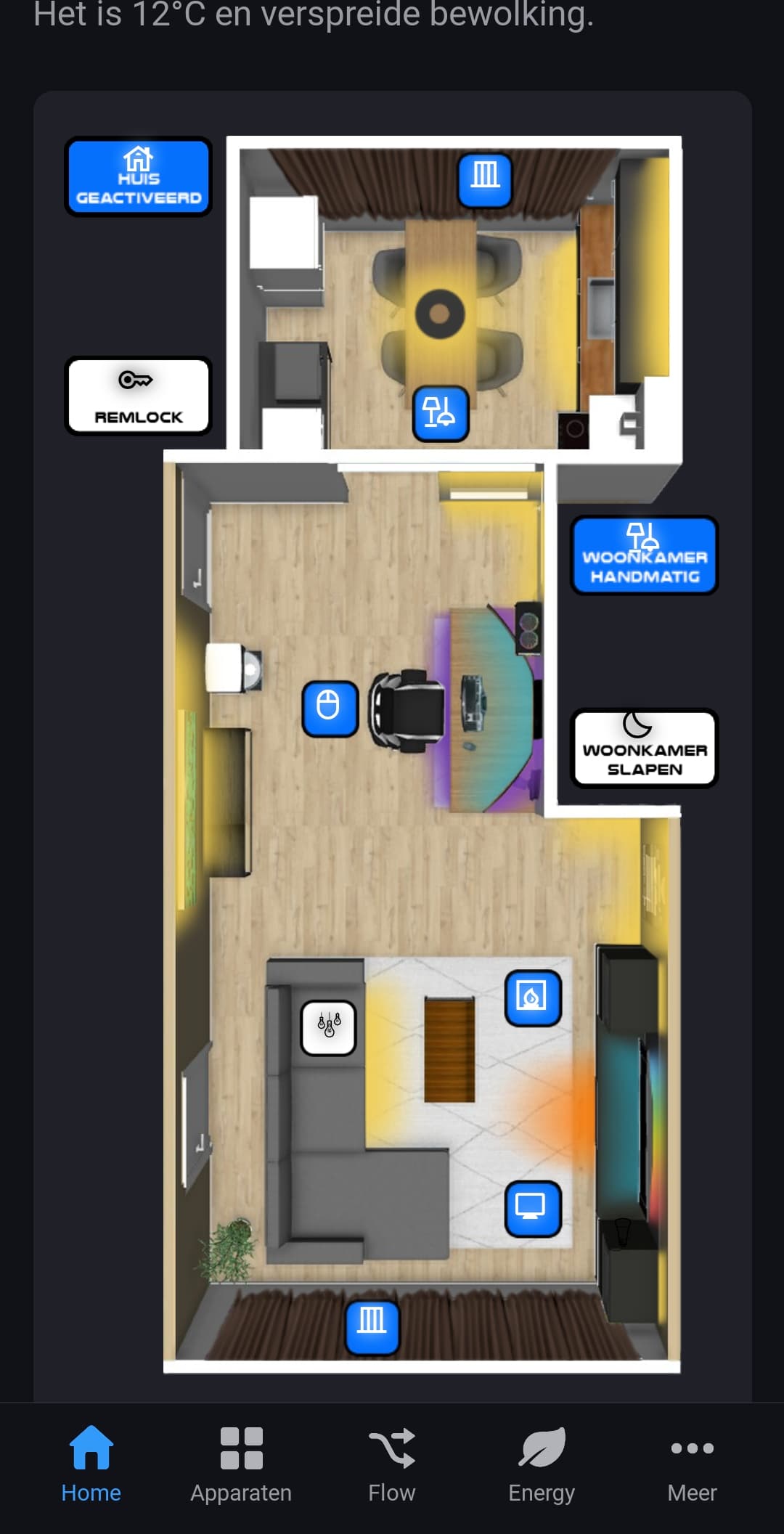
With 1 device (the icon on the couch in the photos below) the icon does not change after I added an extra line in the app that should change the icon. It does not matter which icon I change it to, it stays the same even if i change it to an icon that works on another device . That is the only bug, but I am not annoyed by it. I am already very happy that the above bug has been fixed, the widget is now usable for me again. Now I can use the Spacey plan again.
Thanks again and it’s a great app!
Below are 2 screenshots of how I have arranged and designed the Spacey widget. The first photo is when all devices are off and the second photo is with almost all devices on. It took quite a few hours of designing :
Have you tried removing the device in settings. And then add it again? The app caches custom device icons since there is not real way of retrieving them live.
@Ludvig
Yes I have removed the device in settings and then added it again, but the icon remains the same. Also restarted the app, but that didn’t work either. Maybe this device is bugged?
@Ludvig
In the search list and also if i click the line off the icon switch it says the changed icon, but only on the map it doesnt change. After the Homey restart also no icon change.
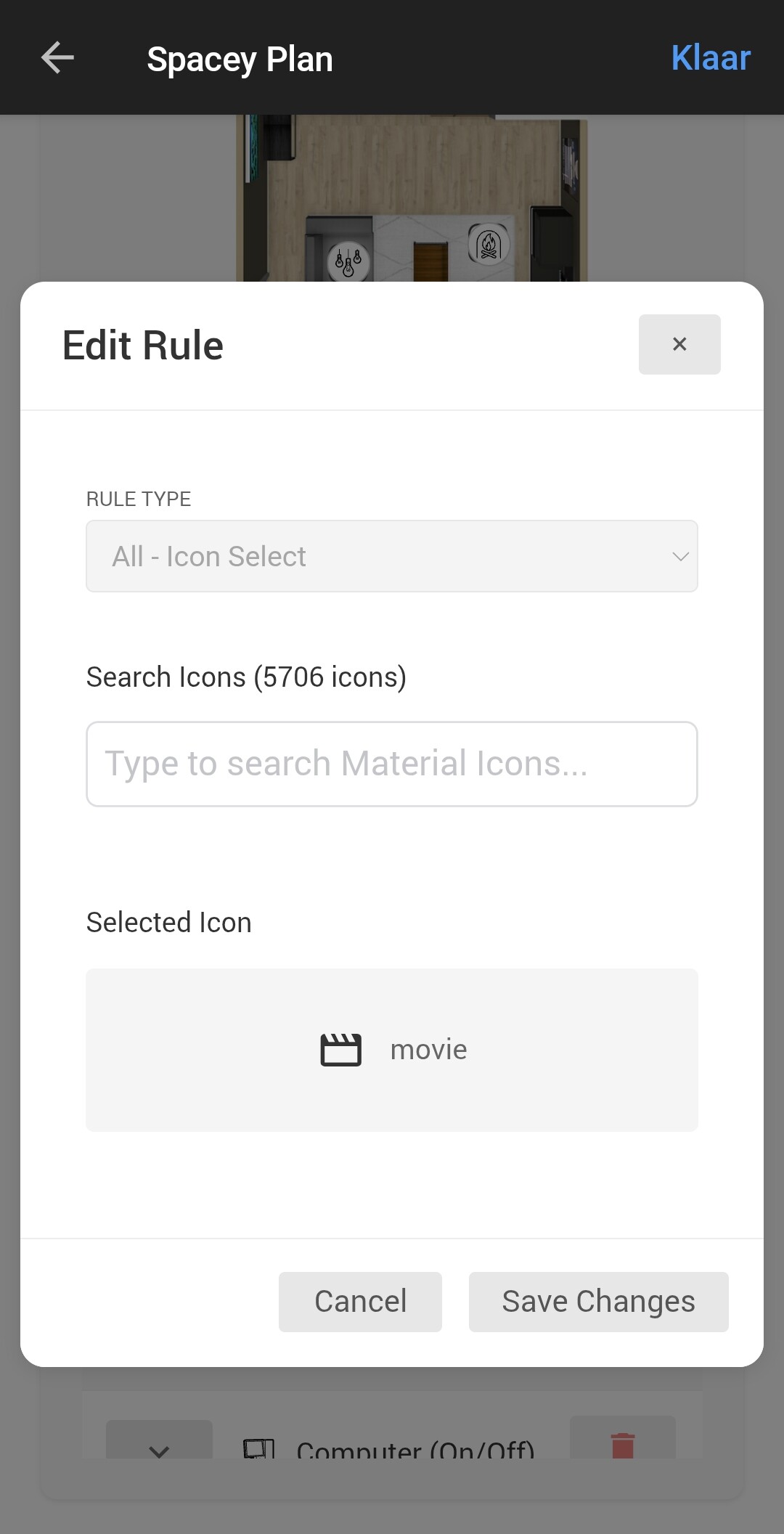
Ouu. So its a Icon Select icon? I thought you had custom icons in Homey. I would image there is something strange with this icon then. Have you tried just a random other icon and see if that works? which icon is that you try to use?
Yes this Icon will not show on the Settings Floor map only the Dashboard Floor map. Custom Icons in Homey will show on settings as well.
Yes, that’s right, it’s an icon select. I’ve already changed the icon in Homey itself, I’ve also chosen another icon in icon select and the same one that works for another device on the map. But both changes didn’t work and the icon stays the same on the map in the widget.
The icon i want to use called “movie” in your icon list.
Is there a maximum number of changed icons in the app? Because I’ve noticed that the first 10 devices have their icons changed and after that the icons aren’t changed anymore, I just added another device and that icon isn’t adjusted after changing it in “icon select”.
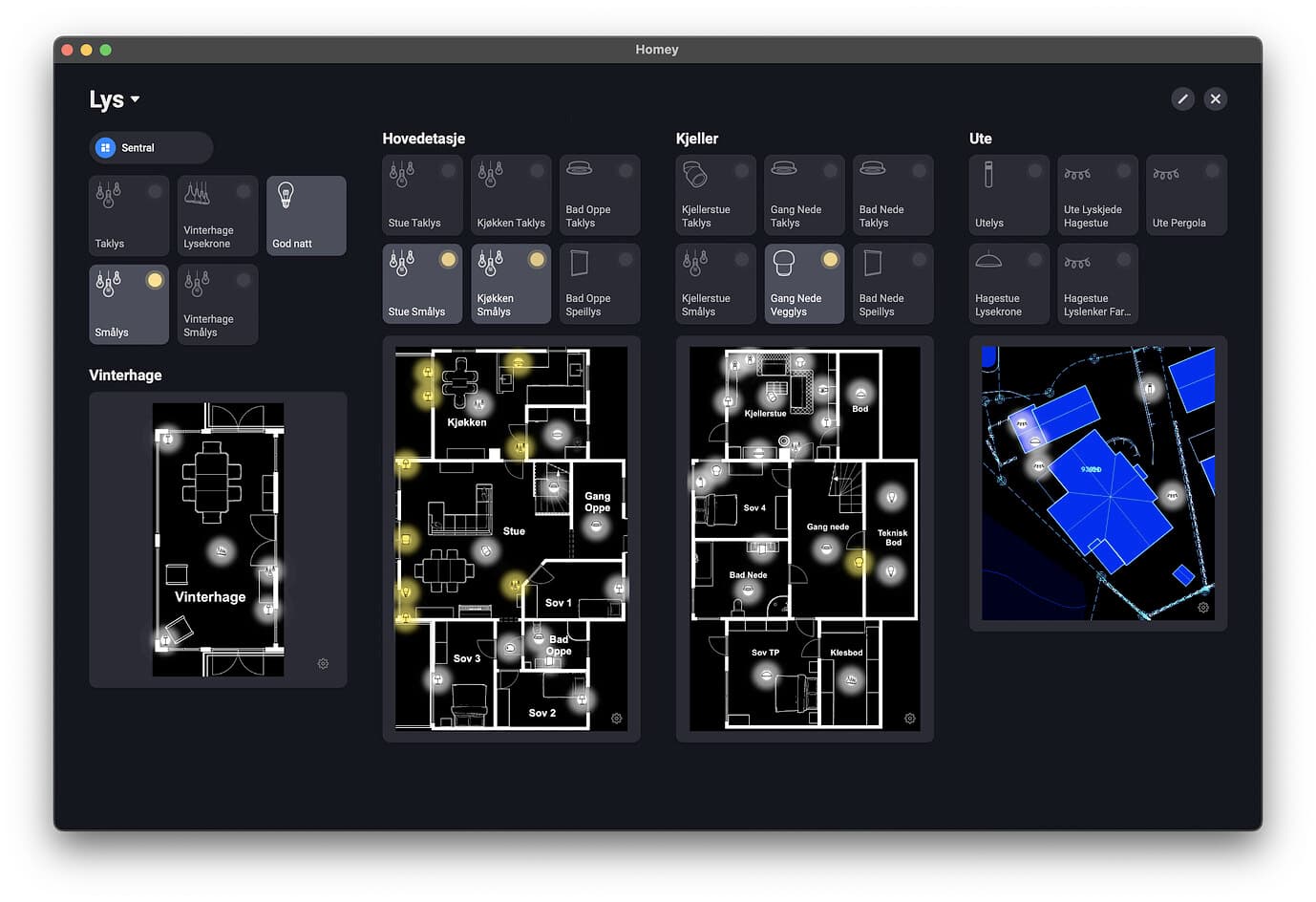
Can some of you please post the apps used to do the plans? Especially the ones seen from above? Are they sketched by hand or you already have predefined furniture?
I also have my door/window contacts in the one on the tabled so i can see if there is a door open, works like a charm and not a lot of effort and knowledge needed this way.
since a few day’s i use a widget on a tablet which one is always on, The floorplan only update’s if i refresh the dashboard.
is there a way to automisch it? lets say a flow that refreh the floorplan every time a state of a divice on the plan is changed?
Are you using Dashboard Tab or as a widget on the home? Homey have not added support for working with Widget in a good way on Home screen. It only works correct on Dashboard. There is no way of updating either of them in a good way. Maybe we could add sometime of timeout that reloads the widget on a frequenze. that could work but dont know if they support a reload even.


 :
: