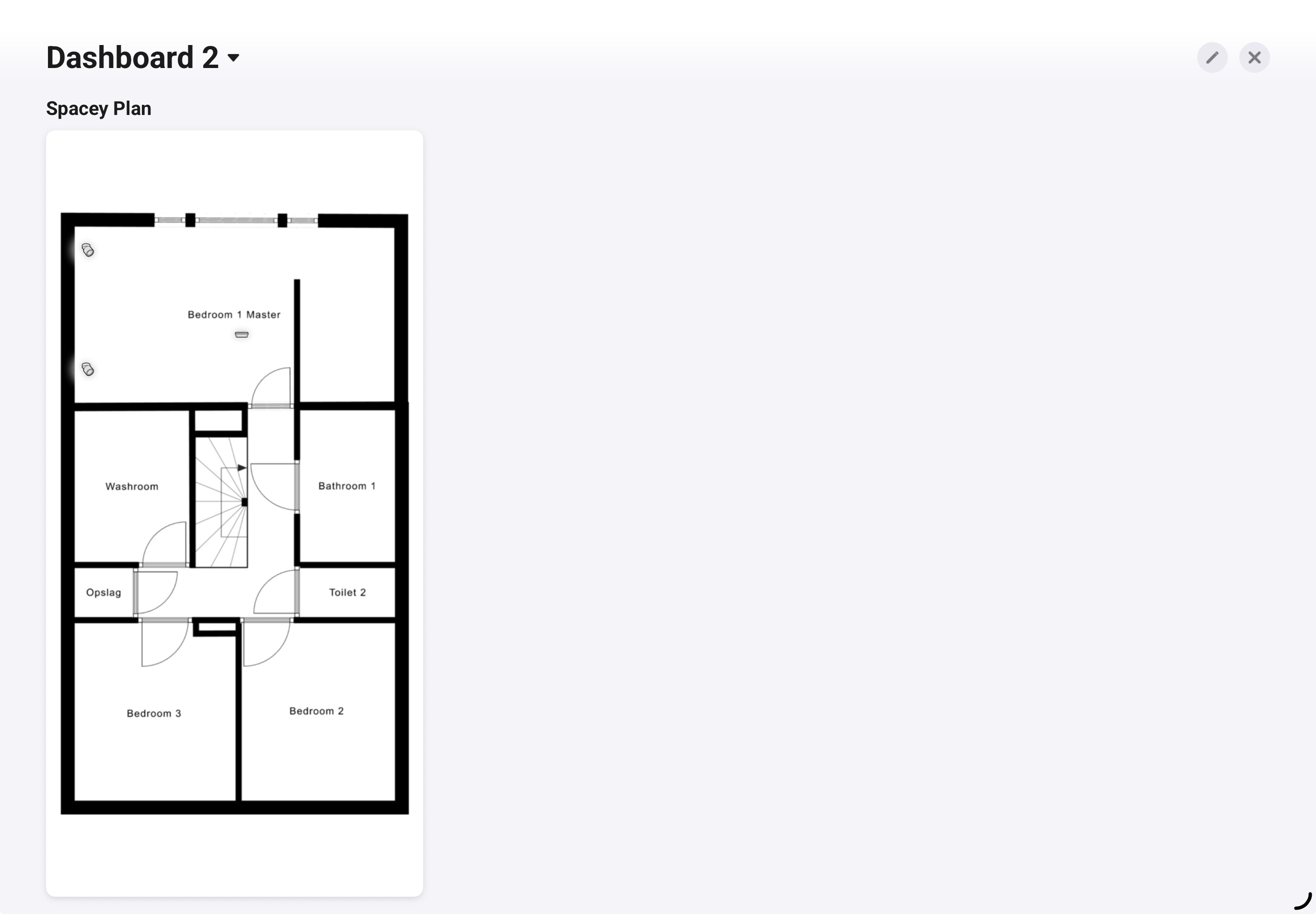
My floorplan was made with SmartDraw, an online application.
You’ve got a 7-day tryout, so make sure it is made within those 7 days, otherwise you will lose your work. You also can’t export or print it unless you pay over a hundred euro for a subscription. But a screenshot works fine (as you can see here above).
First attempt using floorplanner. I am not sold on the black/white theme. But I am very happy with the Spacey Plan app, need to play more with different options to get the most out of it. When looking at other screenshots I think resolution/zoom makes a big difference. I made my screenshot on a Ipad air 5th gen (M1 chip).
When Aquara Door Sensor updates, only the dashboard, but not the Startingpage is updated.
When IKEA parasoll Sensor updates, both get updated.
Wuld it be possible that everytime Startingpage and dashboard gets updated ?
Your app is fantastic, I hope you find the time soon to create your own floor plan. Because once you’ve done that, you’ll definitely want more and will make even more devices available…
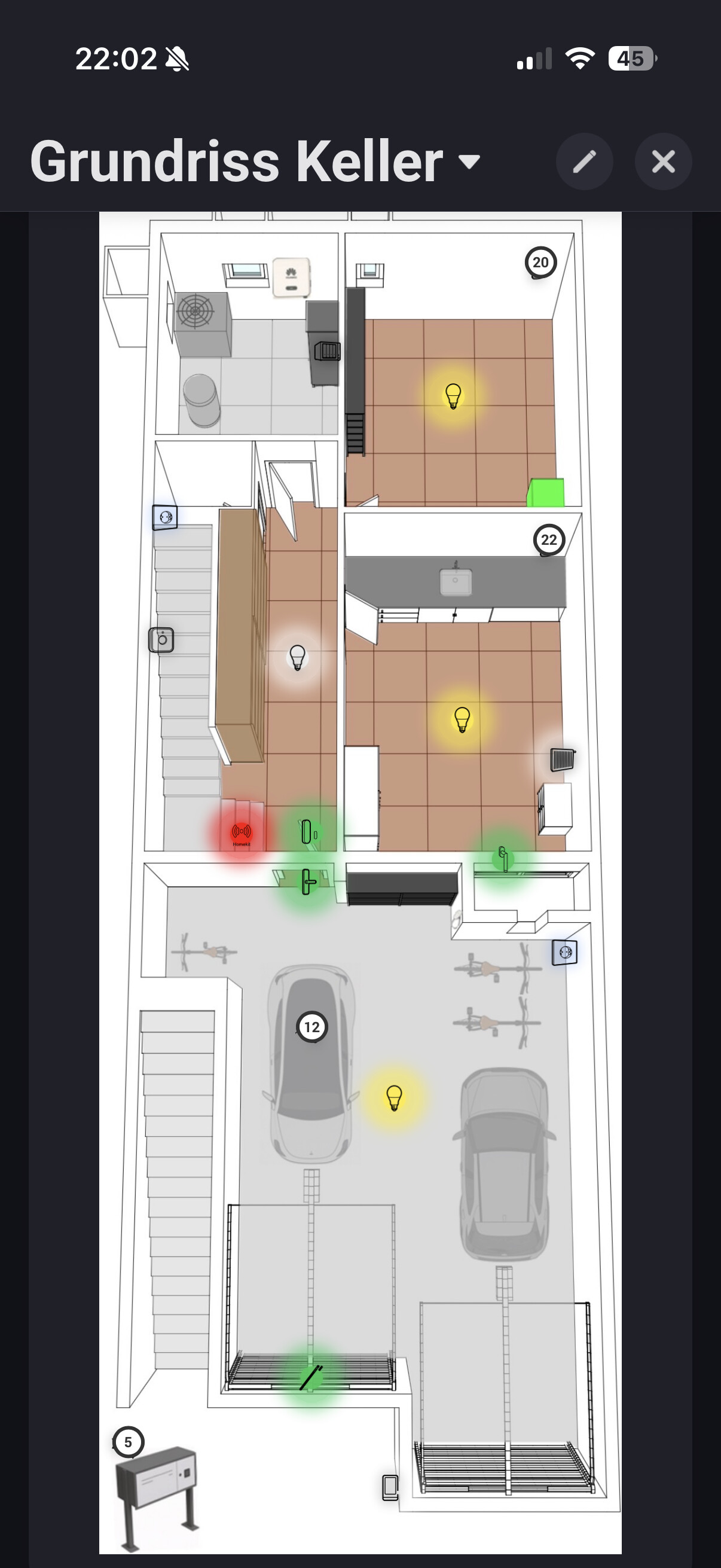
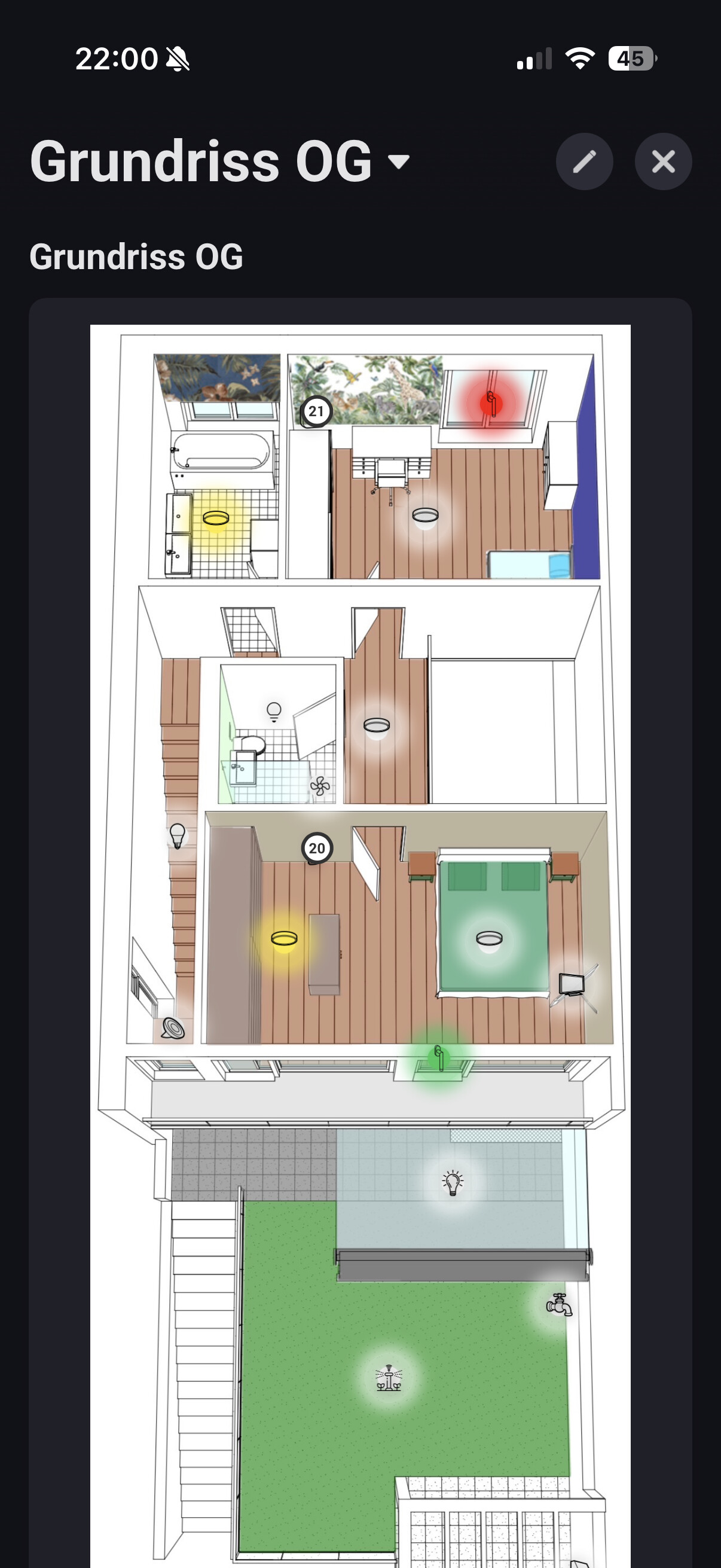
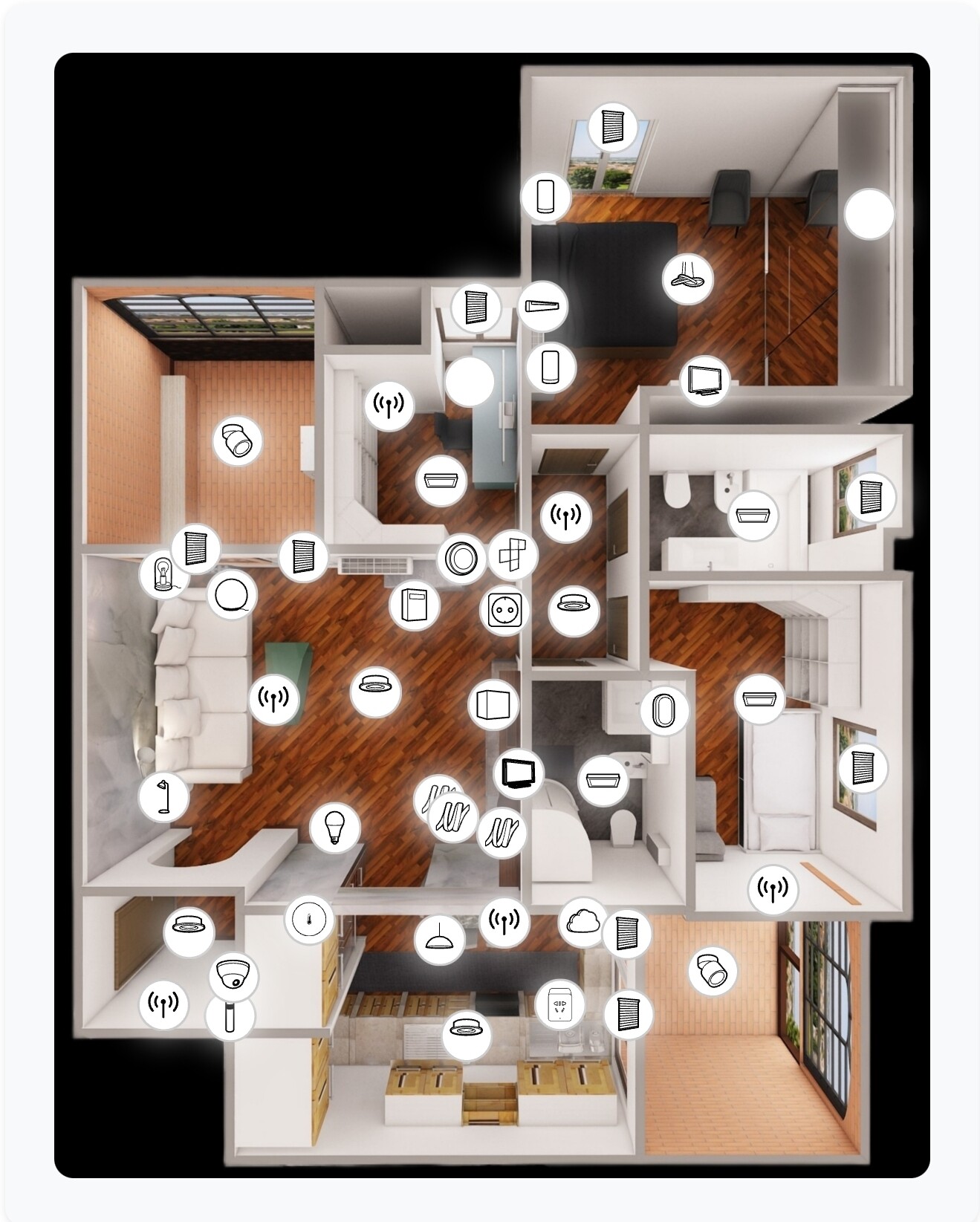
Great app. I would suggest the possibility of loading 3D maps, making the maps dynamic, and allowing map size management even within the dashboards (this last point depends more on Athom than on the app).
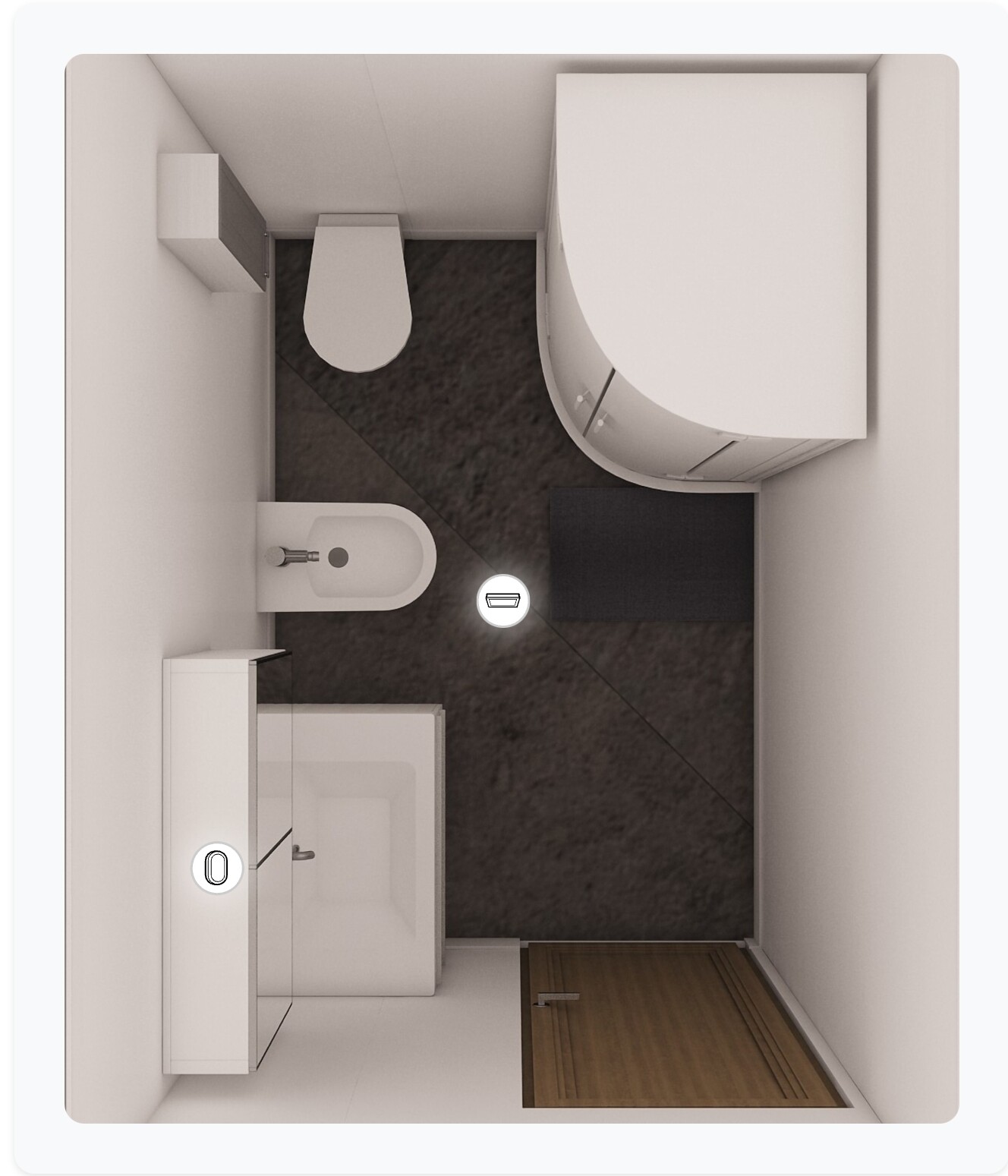
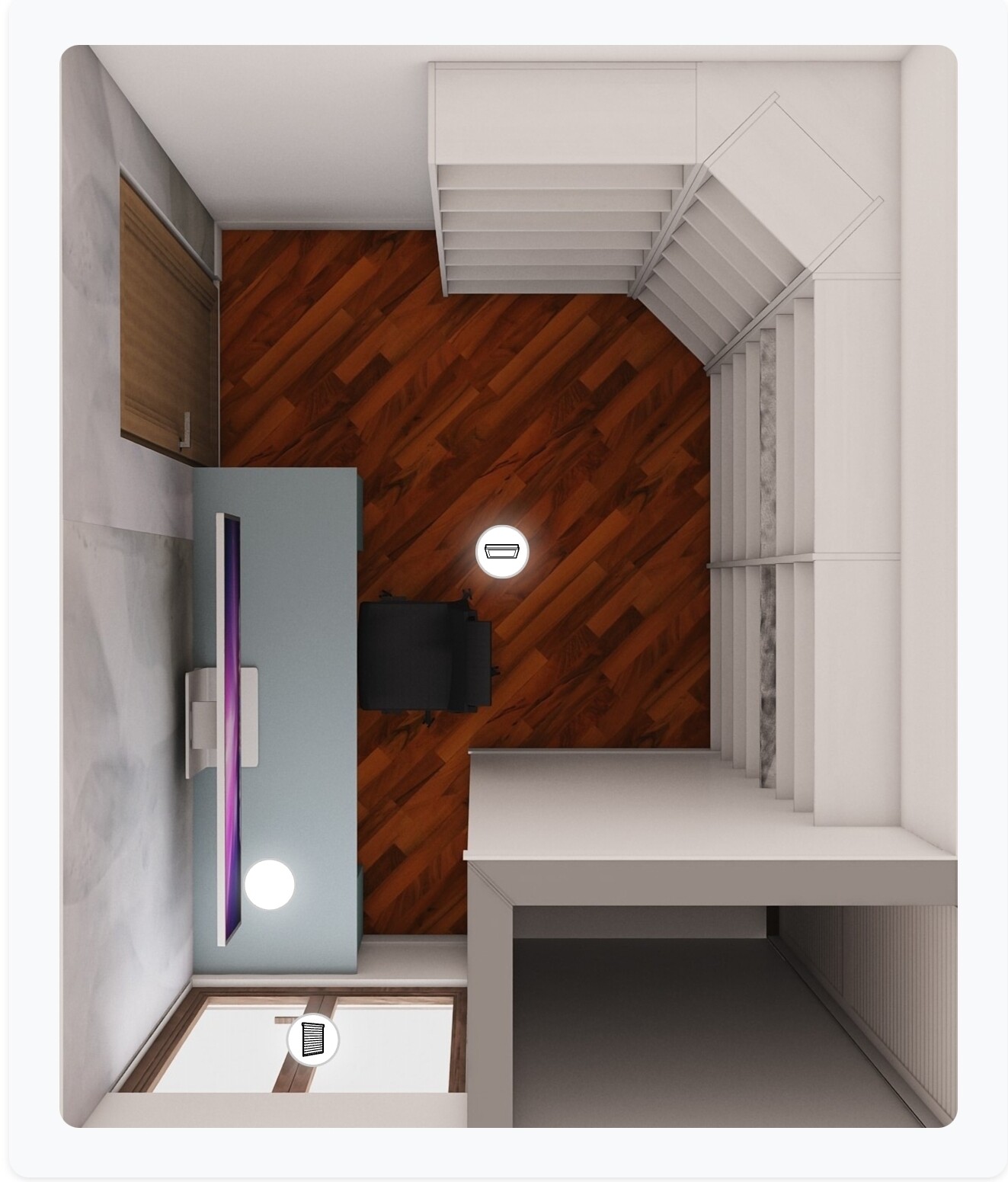
I am also attaching some examples; perhaps they could be useful to others.
Love the work you are doing with the app. It’s making the effort worth it. Sadly I do not have that niche time prioritizing it. But feels like you guys are coming a long way here. Love it
Very nice! that first overview is chaos I would be frustrated clicking the wrong thing. But I assume you use it to see the status and not so much control.
Thank you, and yes, the first one (but also all the others ) is mainly used to see the status of the devices, although it is not that complex to click on it
I am still building my smart home. You said you use it for overview, you automated the rest with sensors? Or just add some buttons (and you flip screens for every room/floor?)
Yes, it is all automated with magnetic, motion and static presence sensors; all the buttons in the house are connected and I have a series of Flows to manage various scenarios. I use dashboards mainly for visual feedback and to have quick commands.
 Because once you’ve done that, you’ll definitely want more and will make even more devices available…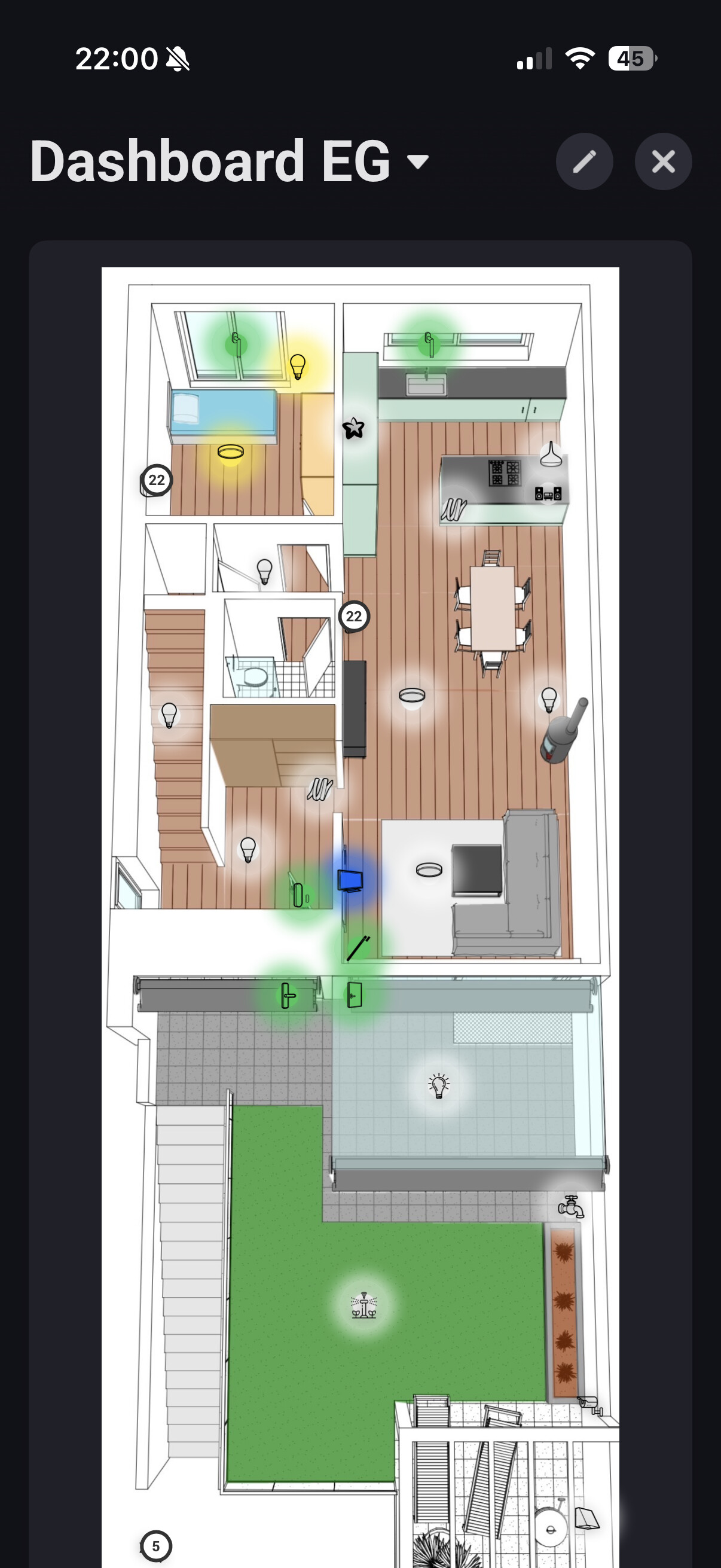





 I would be frustrated clicking the wrong thing. But I assume you use it to see the status and not so much control.
 ) is mainly used to see the status of the devices, although it is not that complex to click on it
