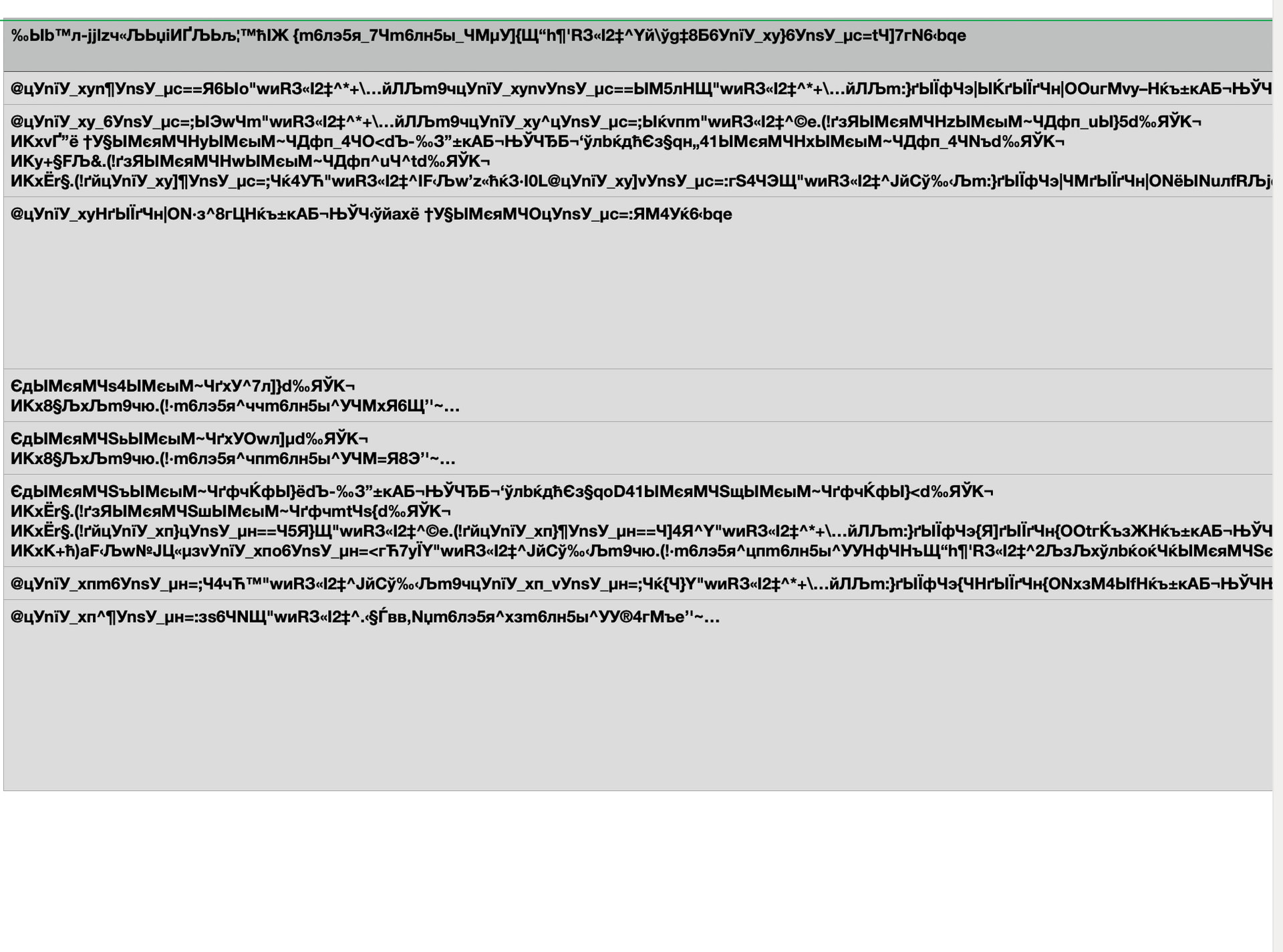
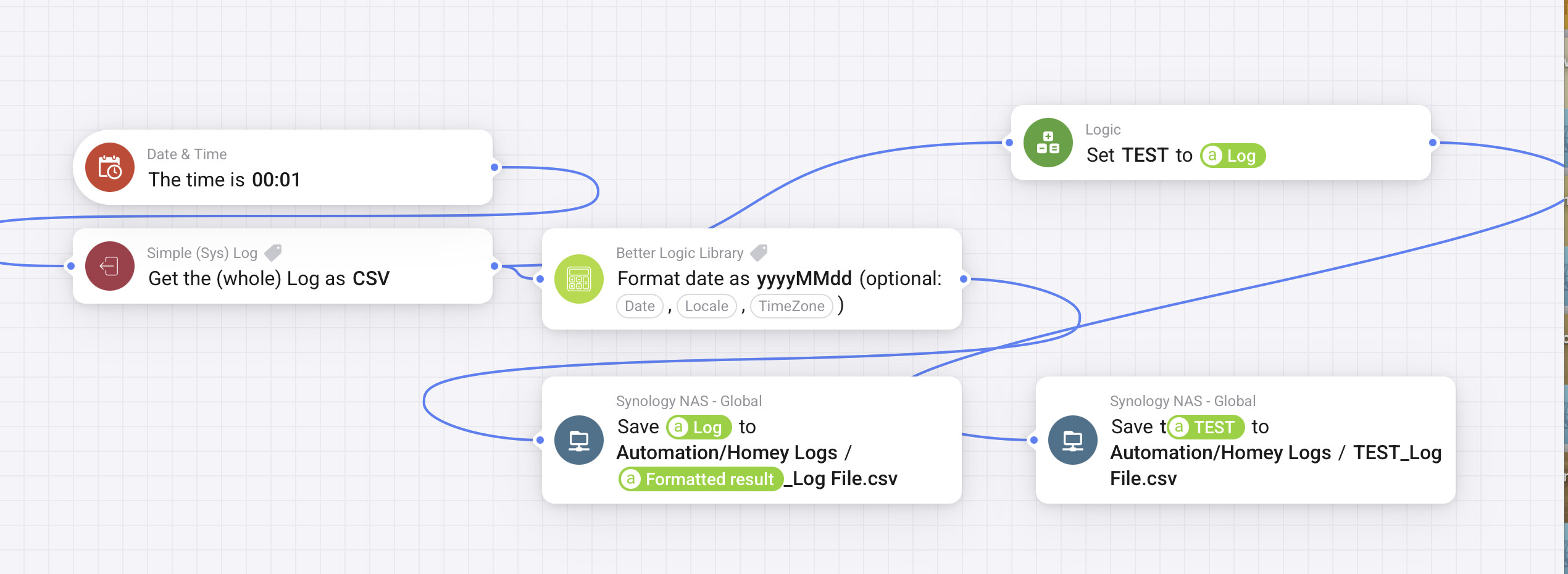
I thought it was working as my log file was created fine, however when I came to run in earnest and looked at the content it is lots of fairly random characters.
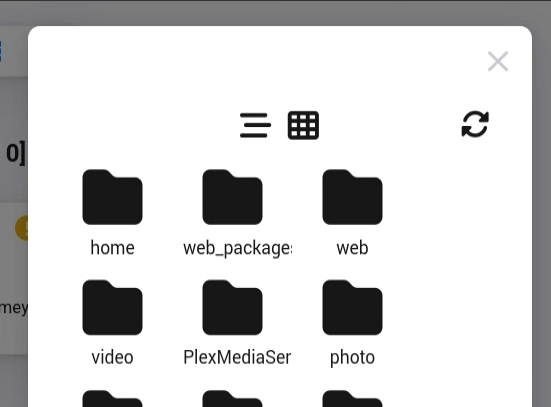
If I look at the LOG tag as got, by hovering over the tag, it looks fine. If I save as another variable it looks fine so I guess it is something to do with the file and only difference I can see is that your card shows a folder symbol, whilst mine doesn’t.
I reinstalled the app a while ago, hoping it would eliminate the crashing I experienced before. Unfortunately, it didnt.
Here is a log of event, it seems there is a pattern. (Every night at three o’clock, I clear the log older than 20 days). It looks like it takes a bit longer to do the cleaning every day, until after three days it can’t do it anymore (for whatever reason) and crashes.
Column 1
Column 2
Simple Log ‘App “Simple (Sys) Log” started.’
Timeline
19-1-2026 8:37:23 AM
The app Simple (Sys) Log has stopped working. The developer has been notified. (Today at 03:00)
18-1-2026 3:00:20 AM
17-1-2026 3:00:16 AM
16-1-2026 3:00:10 AM
15-1-2026 7:32:30 AM
The app Simple (Sys) Log has stopped working. The developer has been notified. (Today at 03:00)
14-1-2026 3:00:20 AM
13-1-2026 3:00:15 AM
12-1-2026 3:00:11 AM
11-1-2026 2:28:10 PM
The app Simple (Sys) Log has stopped working. The developer has been notified. (Today at 03:00)
10-1-2026 3:00:21 AM
9-1-2026 3:00:17 AM
8-1-2026 3:00:13 AM
7-1-2026 6:16:34 PM
The app Simple (Sys) Log has stopped working. The developer has been notified. (Today at 03:00)
If not, check the login or connectivity, by going to the device tile of the NAS, and starting the repair function, to view the folders, and check if you can view or enter a folder
Hello, thank you for this fantastic application which I use daily. I’m encountering a problem: when exporting (to Excel only), the application crashes and nothing is exported. Here is my diagnostic report.
How big is your log? My experience is that exports of large logs can be problematic. As a work-around I clear my log every month, after having made an export of that month.
Is there a way to not show syslog message on the timeliness? I want severity messages from a certain level to be logged but not in my timeline… Couldn’t find this option:
Really like this app and are currently working implementing automate cards and log cards in my flows from the API script.
I have som questions then:
Is it possible to specify what Severity the log shall be entered under. For now you can only make global change in the flow for all the trigger/condition/action cards. Say I want the log from a condition card to enter as “debug”, and another log from a condition card to enter as “info”. Is it possible?
I want a little easier access to the log without going through all the steps to open the settings app inside the Homey app. Can I export the log to somewhere it is a bit easier to look at? Maybe a widget in the home screen in the Homey app. Just like the bulit in Timeline in Homey. And then maybe filter out just the logs classified as error er debug?
I’m still very happy with this app and the message center I built around it:
However, my Homey Pro now runs ~230 devices , so I’m trying to move some heavier apps to my Homey Self-Hosted Server .
A good example is WhatsApp. I actually only use it in one flow: sending notifications from my message center. Ideally I would move the WhatsApp app to the server to free memory on the Pro (±100 MB).
The challenge is that a device running on Homey Server cannot be used directly inside an Advanced Flow on Homey Pro .
So I’m thinking about the following setup:
Replace the WhatsApp card on Homey Pro with a Simple Log client entry
Send that message to a Simple Log server running on Homey Self-Hosted
Trigger a flow on the server that forwards the message to WhatsApp
This would let me remove WhatsApp from the Pro while keeping the same notification flows.
Two questions for the community:
Does this architecture make sense? And how to do this?
Has anyone already used Simple Log as a cross-Homey message bus like this?
Curious to hear thoughts @Peter_Kawa or better approaches.
I think you’re better off using an MQTT Broker and Client for this. Set up the broker on the Homey SHS and run the client on both. It’s a great way to interact and share information between two Homeys. I still find it strange that Athom has nothing in place for this purpose except Homey-link or a bridge connection.
Moving to a SHS is also quite complicated. I’d love to see them create an ecosystem that makes it easier to transfer apps, devices, flows, variables, and Insights data between Homeys. It’s also currently impossible to back up a SHS to the cloud. That said, it’s still great that they introduced the Homey Pro in the first place.
Thanks @HvN I am also hoping for better integration between HSH and the pro… I also hope there is a better possibility then MQTT… Had that earlier in my setup for a different purpose, but that is not relieving the load pressure in the short run
This script (version 1.0.6) still generates incorrect error log cards for Notes and Any/All cards in advanced flows. This can be fixed by replacing the if-condition in line 164 from: