just released a version ready for the new Homey Build adding better support for the new standard power management features. So now the app is compatible with the energy dashboard better.
I did remove the onoff capability in favor of the new charging capability.
This can mean that some of your flows might break if you use them.
All other flow actions should still be available.
Idea:
I see that the more newer Shell recharge chargers have a very limited local API to retrieve the actual charging values.But mine does not.
I also used some time to research on controlling the load speeds. It is possible by faking the load protectors that newmotion supplies.
there are two types of those, Modbus based (unfortunatly over special connector and not UTP) and the P1 version.
There are some projects that use Arduino boards to fake the modbus version, that might be interesting. Unfortunatly my charger doesnt have that either but the P1 version.
Based on the modbus concept it must be possible to create a fake P1 smart meter host with arduino also. Connecting the P1 from the charger to the arduino and the arduino taking commands from Homey.
then using the available Amps per Fase we can trick it into slowing down because we claim there is less space available.
So this is a each out: I can run this project and see if we can make both types work and create a DIY projects with opensource code for the two arduinos but I need some help on the Arduino front, not a experience ESP32 etc developer (did some small projects).
Specially the P1 version requires some understanding on the serial port to P1 part, I see some examples of reading P1 meters, so we should be able to do it the other way around I recon, open the port and send fake messages.
If we can get this working we can create this into the shell recharge driver for homey as advanced feature.
Since I dont own a later model (there are multiple generations) it is also impossible to test this with the modbos and local api for those devices. The local api to read current charging speeds only requires a UTP cable connected to your local LAN.
So someone needs to donate a lolo advanced or later to work on that part.
So just putting it out here, and see if people are interested in that solution, and if people are willing to participate, either by skill or by getting the hardware available (I see them on Marktplaats for 100-250 euros for example).
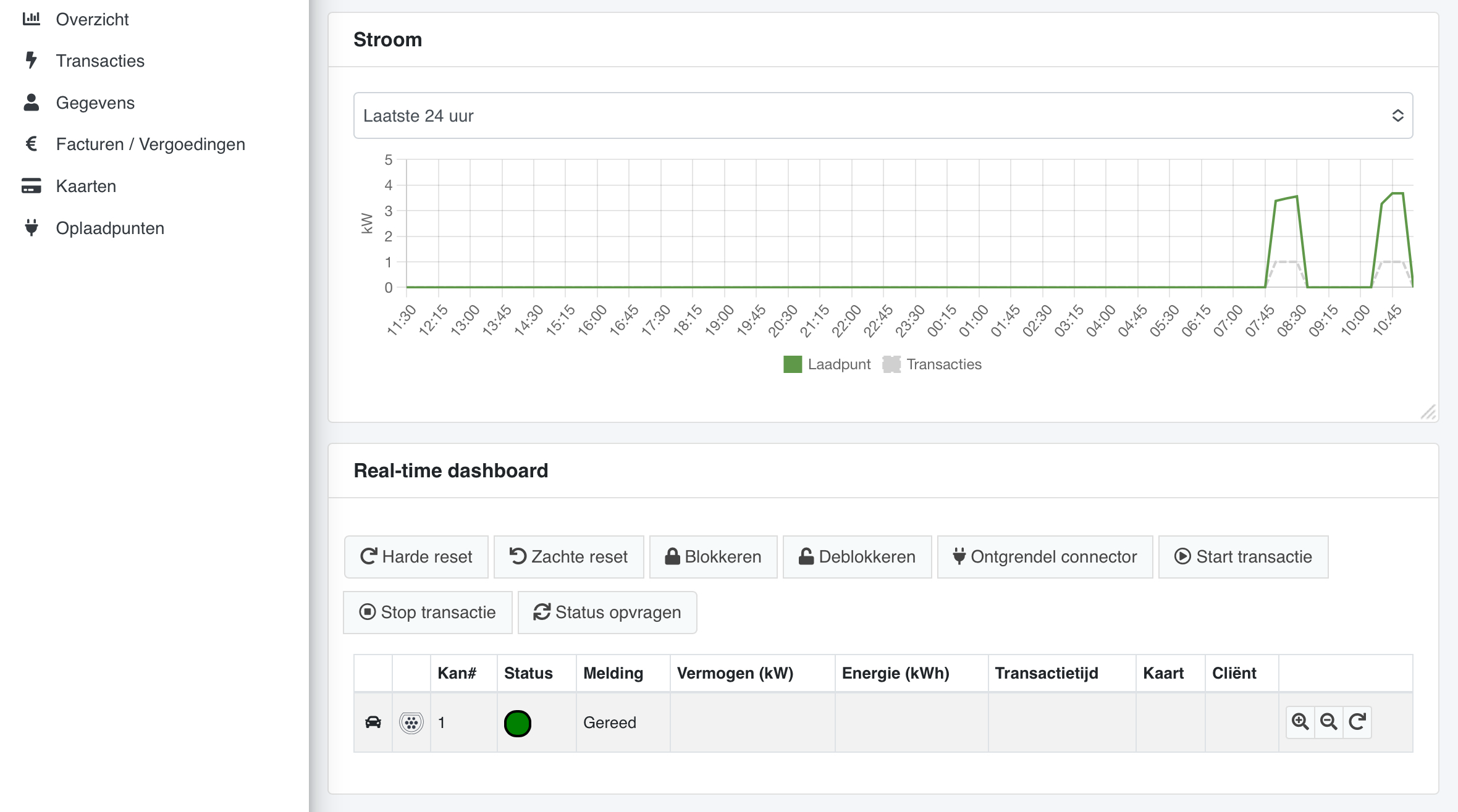
Since this morning my charge point is offline in homey app and in shell recharge app. The charge point itself still works (manually with card). I’m afraid this is because of the migration to 50five (we received a mail a few days ago the migration will take place in coming 2 weeks).
Anyone else already migrated? Any solution on connecting the charge point to homey or home assistant again?
I searched the internet but that doesn’t look promising.
Maybe you can see something in debug-log?
I did restart of charge point (with 15 minutes power down) and restart of homey app.
This is (Dutch) content of the email. Everything using 50five app, so I’m afraid shell recharge api connection is history
Je laadpunt migreert naar 50five
Beste klant,
Zoals aangekondigd neemt 50five de huidige thuis- en werkpleklaadpunten over van Shell Recharge Solutions. We geven je hier graag meer informatie over!
Hieronder vind je de belangrijkste details die je moet weten over de aanstaande migratie. Wat betekent dit voor mij?
Je thuis- en/of werkpleklaadpunt(en) van Shell Recharge Solutions worden binnenkort gemigreerd naar 50five. Als gevolg daarvan word je klant van 50five en krijg je toegang tot hun diensten, inclusief laadbeheer, abonnementen en automatische vergoedingen (indien van toepassing). Vóór de migratie
De migratie van je laadpunten is gepland voor de komende twee weken. We vragen je vriendelijk om je laadpunt gedurende deze periode niet uit te schakelen in je meterkast om een soepele migratie te garanderen. Bij voorbaat dank voor de medewerking. Tijdens de migratie
Tijdens het migratieproces:
*Worden alle online laadpunten gemigreerd. Dit duurt gemiddeld tussen de 1 en 2 uur. De duur van de migratie kan variëren afhankelijk van verschillende technische factoren.
*Als je een lopende laadsessie hebt tijdens de migratie, wordt deze gestopt en niet automatisch opnieuw gestart. Je moet deze handmatig herstarten zodra de migratie is voltooid. Facturatie en terugbetaling van de stopgezette laadsessie zal worden verwerkt door Shell Recharge Solutions. Laadsessies na de migratie worden verwerkt door 50five.
*Als je een laadsessie start terwijl de migratie bezig is, kun je een foutmelding krijgen (d.w.z. een knipperend rood lampje op het laadpunt dat aangeeft dat de laadpas wordt geweigerd). Geen zorgen, dit komt door de lopende migratie. Probeer opnieuw te laden zodra de migratie is voltooid.
*Als je niet kunt laden bij je laadpunt, kun je nog steeds de Shell Recharge App gebruiken om te laden bij ons publieke netwerk. Na de migratie
Zodra je laadpunt is gemigreerd, wordt het onderdeel van het netwerk van 50five. Je ontvangt een bevestigingsmail van 50five met meer details, waaronder instructies over hoe je kunt inloggen op de 50five e-mobility app. Deze app is essentieel voor het beheer van je laadpunt, automatische vergoedingen en toegang tot nieuwe functies.
Houd rekening met de volgende informatie:
*Na de migratie is 50five verantwoordelijk voor alles wat met je laadpunt te maken heeft. Dit betekent dat je de 50five app moet downloaden om je laadpunt te beheren en om de transacties op je thuislaadpunt te zien. Meer informatie over de 50five app volgt in de bevestigingsmail van 50five.
*Het beheer van laadpassen en tokens blijft in handen van Shell Recharge. Dit betekent dat je de Shell Recharge App blijft gebruiken om je Shell laadpassen te beheren en je transacties op het publieke laadnetwerk te zien.
*Je Shell-laadpassen blijven werken en je kunt deze op dezelfde manier blijven gebruiken als op je huidige thuis-of werkpleklader. Je kunt ook overal blijven laden via het Shell Recharge-netwerk en onze roamingpartners in heel Europa.
*Als je vragen hebt over facturen, abonnementen of automatische terugbetaling, ga dan naar onze veelgestelde vragen.
Je ontvangt binnenkort meer informatie in de bevestigingsmail van 50five zodra je laadpunt succesvol is gemigreerd. Als je nog vragen hebt, ga dan naar onze veelgestelde vragen.
Two days after chargepoint was blocked at shell recharge we received the welcome mail from 50five. From within the app we did a password reset (create password) and received a reset link email right away. There is also a website you can login: 50five.
All data (including charge card number) is converted from shell to 50five. The charging sessions we did in past days are recorded.
So far it looks good, but I’m very curious if @Kaoh will be able to find a way in to control the charge point….
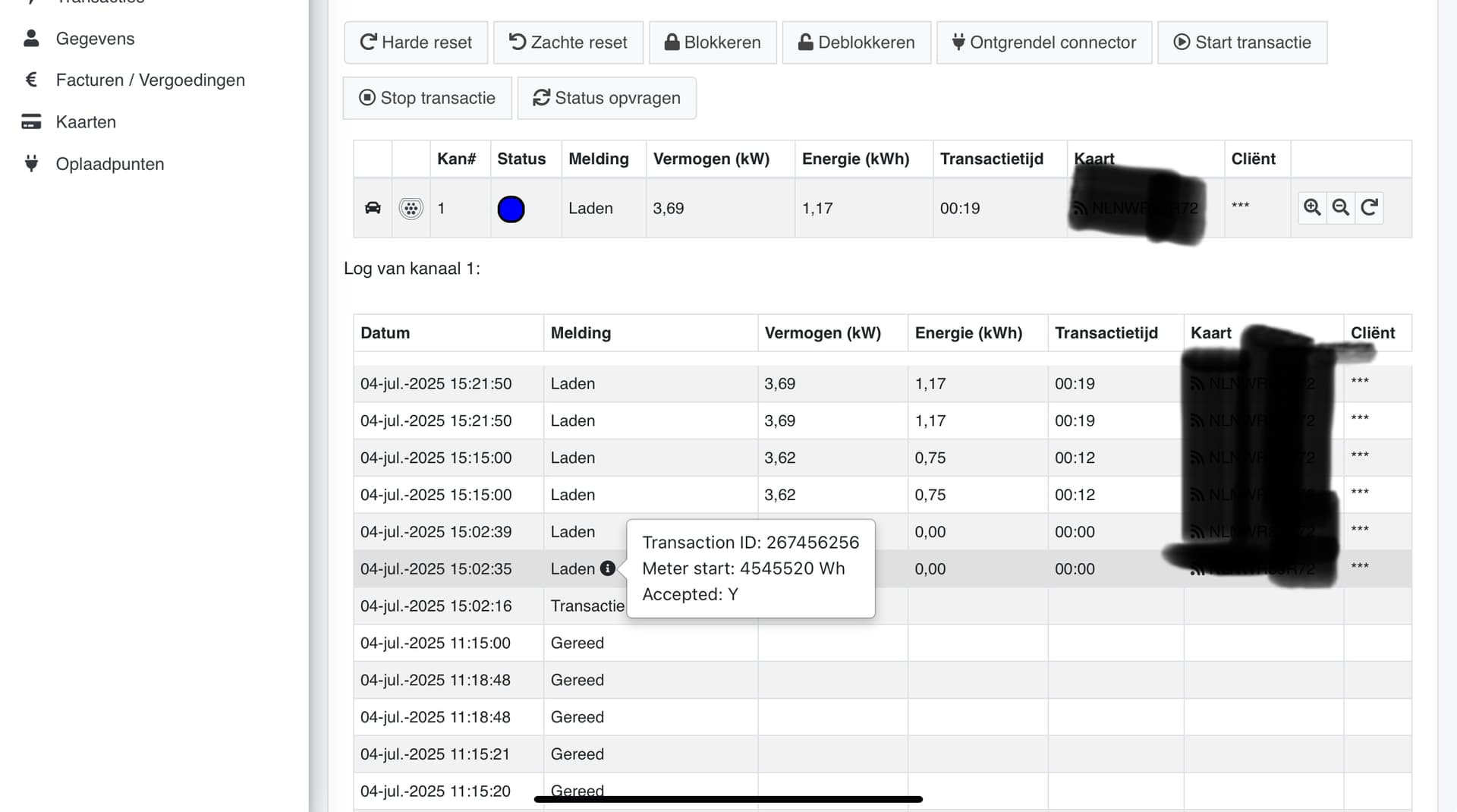
Website charge control: