I’m using the legacy samsung tv. It doesnt recognize wether the tv is turned off. When I set the polling interval for tv status, I get the following error: this.addPollDevice is not a function
I would like to trigger a flow (to reset the sonos groups) when the tv is turned off, do you have any ideas if there is another solution?
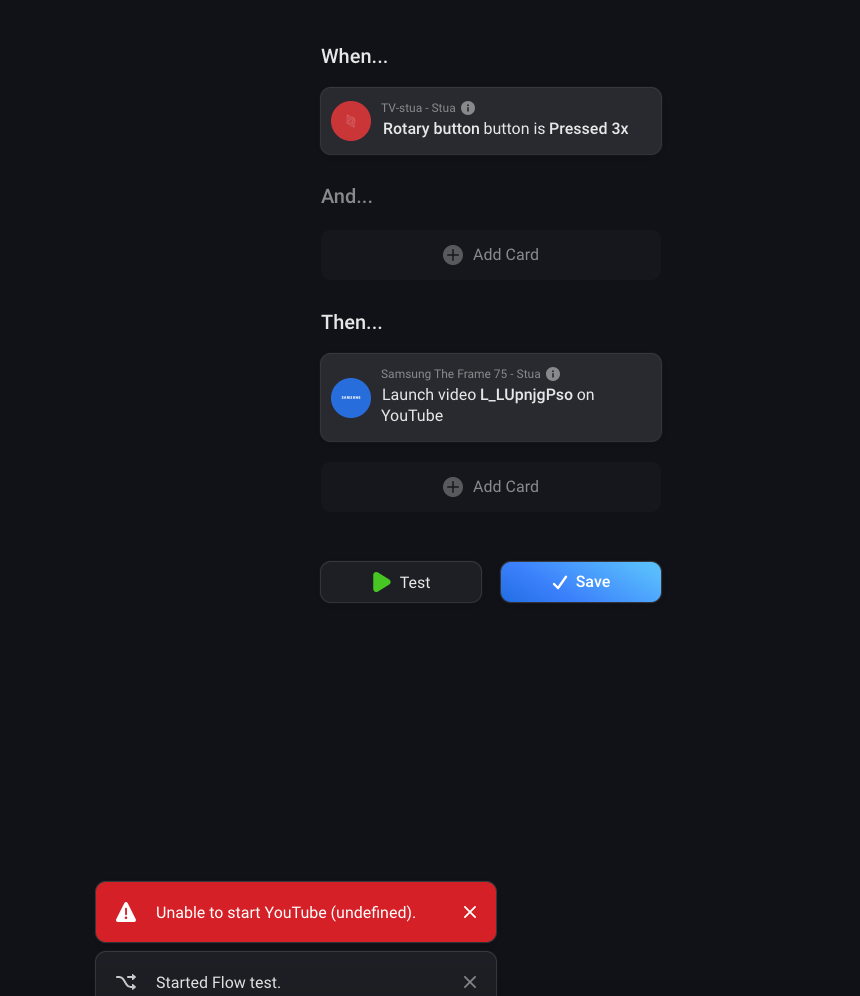
Hi, does anybody have an idea why I can’t start Youtube on my Samsung Frame 2021 65"? Turn on/off, starting Netflix or any other app etc. works fine, but while trying to start Youtube, I always get an error saying “The application request must be authorized”. SmartThings API is also activated.
Could it be possible that you will get the installed apps via the smarthing api.
(like the smartthing app will do)
I am missing some apps that are installed. I try now to add them in the source code and re-install the app than, but form a maintenance prospect a dynamic generated list would be much better
I just connected my Samsung TV from 2018. I can switch it off but when I want to switch it on again I always get the message: power off in progress. Can’t find a solution in the previous posts. Is there anything I can do?
For quite some time i’m enjoying your Samsung smart TV app. Thanks for developing it!
Sadly since a couple of days (i guess since the homey update to version 10.1.4) my television is not responding to Homey anymore.
When I check it out on the devices page in Homey the TV is off, but IRL it is on.
Restarting the app will directly resolve the problem for some time, but a day later I have to do a restart again.
I checked if the TV is on the right IP settings and responds to the http://“TV IP address”:8001/api/v2/ link. (yes it does)
Is there maybe anything I can check or do to resolve this?
Homey version = 10.1.4
Samsung app version = 2.1.0
TV type = Samsung Q64AA
Hi @balmli! I am experiencing the same issue. Did the Samsung API change? If you prefer, feel free to share the code with me - I can submit a pull request with a fix if I’m able to figure it out. Write me, and I’ll share my GitHub/GitLab-handle.
I don’t have any issues turning on the TV, but once it’s turned off, I can’t turn it back on using the app. There’s an error message, and I have to turn off the TV and use the remote to turn it back on for it to work again. So, in its current state, it’s unusable for me.
if the tv is OFF and i send a homey command turn OFF all devices in house
everything is going OFF and stays OFF but the tv that is already OFF turns ON then
so the command that is send to the tv is probably
If OFF turn ON
if ON turn OFF
no matter if the homey pro send OFF All the tv turn ON
Hello,
i am using an Samsung QE55Q7FGM. And all is fine with netflix.
I can power on the tv and can start the app netflix.
But it wont work with prime. I read something about static appid’s?
Where can i check the id’s you use and the id’s the tv is using?
Can I start an APP with only the id and not with a name from a list?
Hi
How to add more apps from the TV collection?
I have installed the swedish app TV4 Play in my TV and I want to trig flows and other things with this app but I can´t find it in the apps collection.
How It works? Can I add it in the developer tools?
@balmli I have to say this app is fantastic and what samsungs official integration should have come close to, thank you for the time and effort on this it’s been great to use so far.
I was wondering if it would be possible to add some of the “then” cards to “when” cards. This would make for for some amazing automations. “When key send ‘pause’ is sent and its after 8pm then raise the lights brightness” if you pause tv to get up during a movie, then dim again when you push play.

 If you prefer, feel free to share the code with me - I can submit a pull request with a fix if I’m able to figure it out. Write me, and I’ll share my GitHub/GitLab-handle.