Are you sure it is not updating? Which version are you using, the stable one (v0.3.3) or the test one (v0.5.0)?
If the values don’t change, the app won’t update it, and it will show “updated X hours ago”, even through an update was received, but the value did not change.
For my robots it still appears to be properly updating, I had a cleaning planned from a flow tonight and the status is properly reflected in the UI with me.
100% confirmed not to be working. When you run a clean, it should change the “is cleaning” to “yes”. Once it’s finished it should go back to “no”, similar to the charging status. That should then show in the app as “updated xx hours ago” (when the updates were received and set to “no” again or in case of charging status should give a latest update when the charging finished and switched to “idle”.
I have a trigger set when “is clean” status changes to “no”. This worked a day or 3,4 ago still but since a later app version they are not received consistently/at all.
Once you restart the app the status updates come through for a short amount of time (1, 2 hours?)
hi, yes I am like Hannes85, I am using version 0.5.0, and it is the same for me, it is in particular the status “is cleaning?” that is not updated correctly, I have the impression that it is a bit random. Since I use flow cards with this status that triggers a shareholder to open or close the robot’s closet door, if the status “is clearing” does not change to yes, at the desired time, the robot cannot exit and ends up returning to its base.
That’s completely weird - I’ll see if I can find something though…
Especially since the manual calls still work, you can send out the robot to perform cleaning actions. So the connection towards the Roborock API is not broken, it is still properly working.
Additionally on my side the updates still come in correctly, even after several hours.
Could you guys check to see if you change the update interval that the updates work again (although maybe for limited time)?
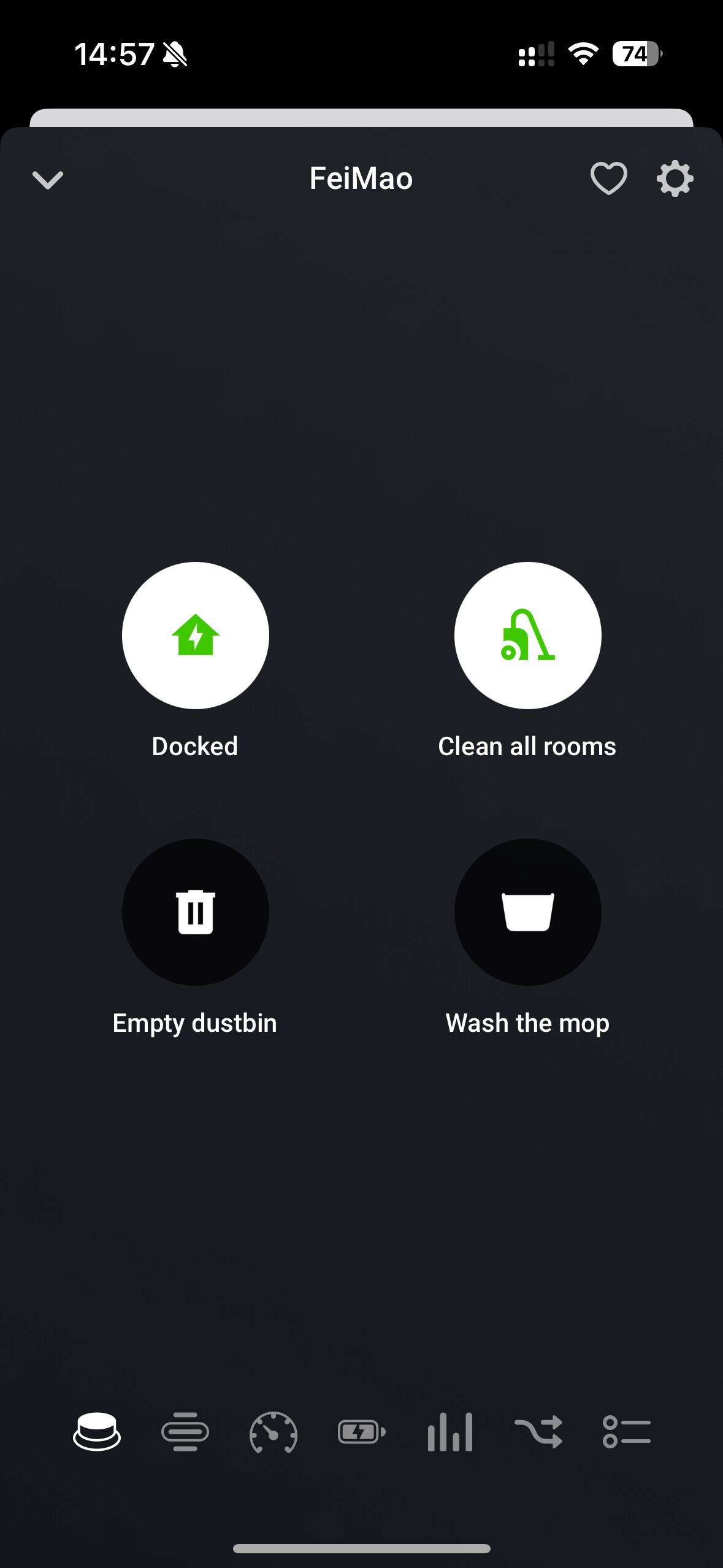
Could you also check how the button for manual full cleaning reacts? That one responds to the notifications of Roborock it should be highlighted during cleaning.
Changing the update interval should normally reschedule the sync job.
As per your request;
Changed the update interval to 2 minutes, started “clean all rooms” from the Homey app, let it run for 8 minutes but never did the status update. Then forced the robot to stop cleaning and go back to the dock, updated the update interval and still nothing.
I love (sarcasm) problems which don’t occur with everyone … just wondering what is different at my side.
Could some of the people with the issue send me a diagnostics report? Maybe with the logs I can find something out.
You can do this by going to the Homey settings (either on the webpage or in the app), navigate to the apps, select the Roborock rock app, click the gear icon (only in the app), and then click on “make diagnostics report”.
I hope I can figure out what is going wrong based on that.
@Hannes85@Antoine_Chaulieu@Daniel_Fille
Based on the diagnostics I’ve received, the sync process is still running, but the app doesn’t receive a response. I’m guessing something occurs which causes the responses not be kept available.
I’ll check if I can add some failsafe handling. Currently the app does not properly handle the fact that we get disconnected from the queue, this might be the cause of the issues you are facing. I’m not sure though, so this might be an iterative process.
I’ll try to publish a new test version tonight which add a number of fail-safe checks.
@Patrik_Hojman
Is there already a device registered in Homey? You cannot add the same device twice.
Wow, I have been waiting for this app so long. Thanks for this!
How to update the room list? After installing this app and playing around with it I added more rooms in the Roborock iPhone app. Now the advanced setting of my Roborock is not updated with the new rooms. I have even removed and re added the device in homey. How can I update the rooms list?
@markusv
The next release will include an attempt to automatically refresh the rooms / maps information if they are changed in the Roborock app.
This implementation is based on what I observed when I change the map in my home for my robots. This is nowhere documented, so this might not work properly, I simply guessed here that this might be the trigger that map info has changed.
@Patrik_Hojman
Did it every work for you? Because if you manage to login, and no devices are presented, this implies that the Roborock API does not return the app any known products. Without that information I’m unable to register the devices in Homey either.
@Hannes85
That was my initial though too, but looked at the code and I cannot seem to find what might cause that. There were some changes, but not in the API-related code. Based on the diagnostics report, the get_status command is send out to Roborock, but no response comes in. I don’t know why, this could be on Roborock’s end, or the connection that got lost somehow.
I had on my backlog to add some more failsafe there, because there is little or no error handling there, the next release should improve that, and hopefully fix the sync issues you are facing.
I managed to login but then I got ”not able to retrive token”. Saw that several others had that problem so waited a few days, today ”no new device found”. So no, it have never worked but for different reasons.
Is it only me having the problem then it must be something in my system/device. Thanks for your your replies and efforts, I’ll check in again in a week or so, you never know!