Hey @Frikish
The q7 series is not fully supported yet. We only have basic support such as reading properties out. Starting cleaning, docking and so on is not supported yet.
Mvg
Hey @Frikish
The q7 series is not fully supported yet. We only have basic support such as reading properties out. Starting cleaning, docking and so on is not supported yet.
Mvg
Hi @KennyMoens I have made the first flows for my Saros 10. And they work fine, although I have to restart the app as the first step to make sure the robot accepts the commands. Is there a way to have the error messages in a variable? Now the robot only says it has an other error: yes.
Could you make me a diagnostics report?
Hi,
Thanks for the app. I just got my new Roborock Qrevo CurvX, and there’s two issues:
The Clean Room card doesn’t seem to work.
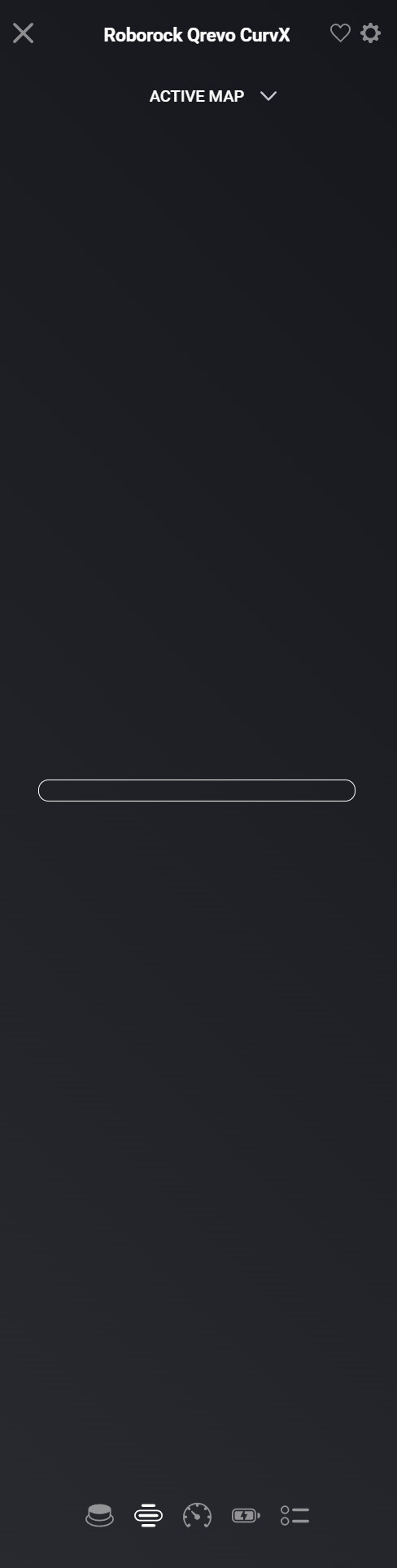
And the active map remains empty:
For me the clean room is an important feature since these are buttons on my dashboard. I will reward if i have a stable working app!
c72cadb0-0e2d-419a-a750-ec3dae7ae539
Good job!
Hey @Quakerix
I had a quick look at your diagnostics report and it shows me an error which I haven’t seen before.
I will dig deeper into it during the next days, to learn more about it. Hopefully I can solve it.
Normally your robot should be properly supported already.
Mvg
Kenny
Hey,
I just noticed that your triggered a room clean, and that it says the Data for it is invalid.
Could you try if a global clean works?
Thanks
Hi @KennyMoens,
Global Clean works. Thanks for diving into this!
Hey @Quakerix
What I see from the logs is that you tried to trigger room cleaning for the kitchen, but the app could not map it to an Id.
Which flow did you use? The one where you manually type the room names or the autocomplete varient? The first one could allow you the specify unknown room names, the latter one should always use correct ones.
Could you als restart the app, wait roughly 30 seconds and submit a diagnostics report again? The room names are only fetched at app startup.
Mvg
Kenny
Hello guys,
I’ve pushed v2.17.0 towards test (pending review for stable), this release brings the following changes:
Enjoy!
Kenny
Hi @KennyMoens,
There was no auto-complete. So i just typed in the name of the room. I used a old-school standard flow, not an advanced flow. Since I just wanted to test.
Going to do the restart-thing now.
Hi @KennyMoens,
It works now. Since I just bought the device, the rooms were not created. I connected it to Homey first, then created rooms and started testing.
So the restart was the trick 
I’m all good to go for now! Thanks Thanks - i’ll do a donate
sorry to mix two topics. The error message I am looking for are the messages I can find in the Roborock app but not in Homey. E.g. today the robot stopped its routine due to a blocked main brush. Homey sends a notification that an other error happened=yes. I would like to see what the error was in that notification, without the need for checking in thr Roboroch app that the error was a blocked main brush. Would be nice to have the error message in a tag.
Hi @KennyMoens, firstly thank you for developing this app!
I recently got my Q10V+ vacuum, tried to add it to Homey Pro, and although I could add the device successfully, it doesn’t work - the device screen blinks between different versions, see screen recording here: iCloud Photos - Apple iCloud
Do you have any idea what to do?
Hey,
The q10 series (same as the q7 series) are still an pain in the a** to get supported. They are only partly available.
Could you submit me a diagnostics report so that I can know more of what might be wrong in your case?
Thanks
Kenny
Hey @charlie_s ,
I’ve seen this error with a few people recently, the “not authorized” one, it appears only with the Q7 / Q10 series, and it is completely unclear to me why it is happening.
Could you try to remove the robot from Homey, remove the Roborock Cloud app in Homey, install the app again, and then try to add the robot again?
Once done, please submit me a diagnostics report after restart, after 30 seconds and after 1 minute.
Thanks,
@KennyMoens Hi! First of all, thank you for your great work on the Roborock Cloud app for Homey Pro.
I’m writing because I’m having trouble getting routines to work on the Roborock Saros 10. I can start a cleaning using the latest “cleaning” function, but I can’t find or trigger the routines that are available in the Roborock app.
Is there a specific way to access or use routines through Homey?
Alternatively, if you can point me in the right direction, we’re also happy to use the SEND command action to send a specific command to the robot—if you can tell us the correct syntax or payload.
Thanks in advance for your help! We really appreciate your work, and we’ll be making a PayPal donation to support your development.
@KennyMoens Thanks
Hi @KennyMoens, just completed the steps as you requested, this is the Diagnostics report code: d9333559-354b-4131-9d89-6519c8a2177b
Hey guys,
There is a flow card which can be used to trigger routines you have defined in the Roborock app. This is for the then clause.
You are facing a temporary ban from Roborock, this typically lasts 24h. The options you have are: