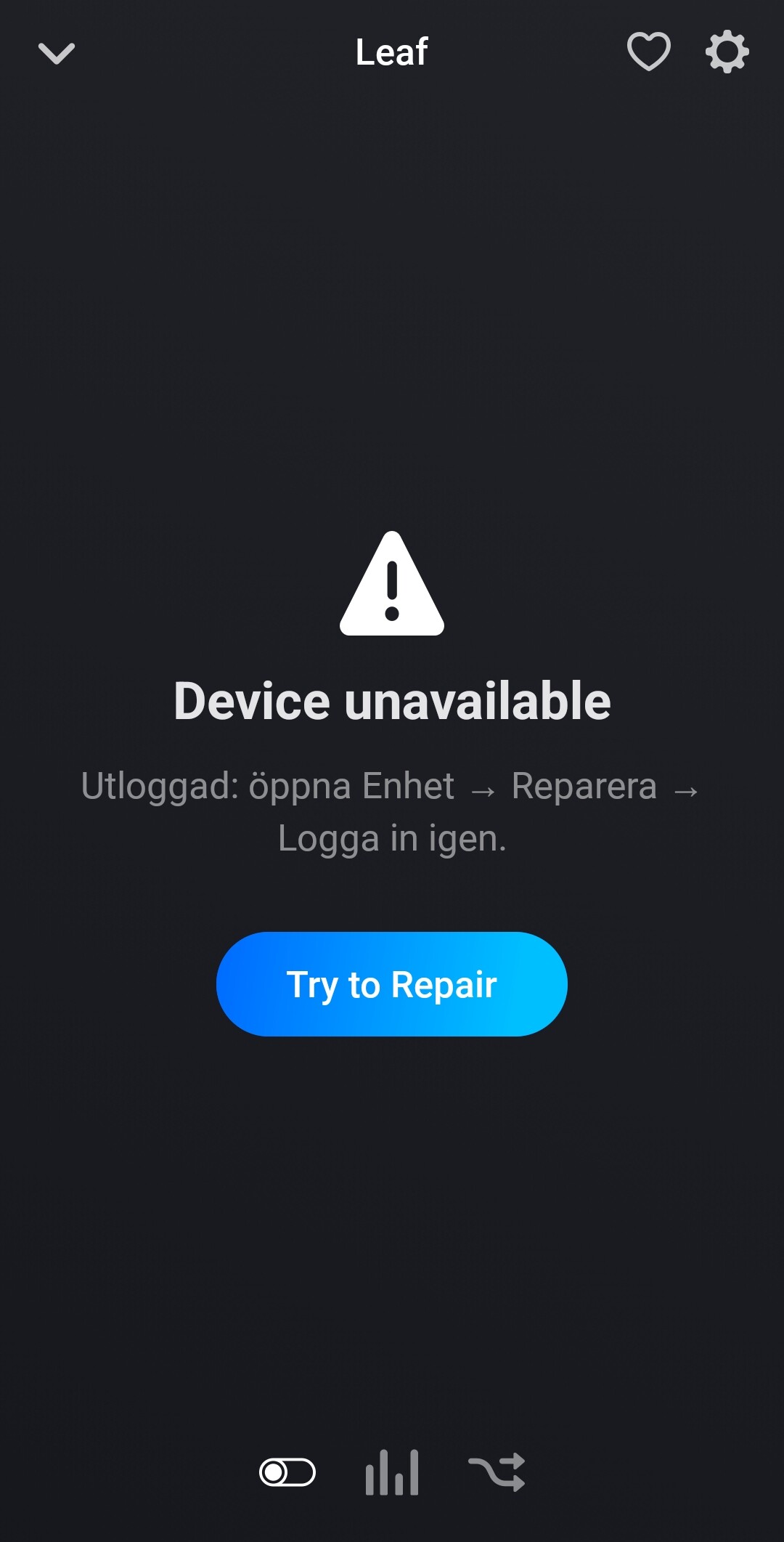
If you got that far, I suppose you could actually login and add the car, but then you lost the connection? Did it work for some time or did this happen almost immediately after adding the car? What does it say if you attempt to repair? Have you tried to remove the car, uninstall the app and reinstall?
I installed this morning, it shows unavailable within a minute after. Deleted app after 4 hours and tried again. Have now waited 10 hours and its just the same. Try to repair does nothing.
Please trigger a diag report. I suspect could be related to the app trying to use a “feature” that is not supported for your car/subscription (looking at some old issue for the HA app). However, this app only uses very few features so far, and those are battery status, HVAC status, and lock status, and I assume you got all these features in your NissanConnect app? So not sure, but I will add more logs and only poll status for features that the API say are supported and see if it helps.
Status for battery, HVAC and lock are updated every 10 minutes. While HVAC is enabled status is updated every minute. To avoid 12V battery drain while plugged in but not charging, a 24h “refresh” window starting from when plugged in or when charging stops, is implemented. During this window the car will be woken up for every update (10 minutes) to refresh the charging status, but outside of this window data is only fetched from Nissan without waking up the car, essentially meaning a change in charging status or SoC will not be detected.
There is a flow card that can be used to force an update of the battery status. This can be useful if the car has been plugged in without charging for more than 24h, and then if you start charging you can use this flow card to force an update so that the charging is detected, and a new 24h refresh window is started (12V battery should be charged when car is charged as I understand).
When the car is not plugged in it will update status every 10 minutes without sending refresh, but SoC will be updated by the car anyway when driving so the correct SoC will be presented in the app.
Thanks alot for a great app that alot of people have waited a long time for😃
I can now finally make a flow that will stop charging when reaching 80% and a button for my hallway to start the heat in the car. And messages on the speaker in the hallway when it’s warm🤩
It would be great with a “and” card for plugged in and charging state yes/no. Don’t know if this is possible? No rush with the last one
Thank you! Yes I mainly had those two reasons for developing it, be able to stop charging at any SoC, and to have an easier way to start HVAC without opening the extremely slow and annoying Nissan app
You can use the logic (yes/no) cards in the flow builder to achieve “plugged in and charging”. Or perhaps I misunderstood what you want to do?
Perhaps I should add cards for that anyway to make it easier. But at least you have a workaround. The best support I can get is that you use the app and give me feedback on how it’s working and what can be improved. There are only 7 installs so far and I would like more users that install the test version before I release it in the app store. Let’s see what happens. Thanks for your feedback!
I installed the app and first impression is that it seem to work great with Nissan Ariya. Battery status, HVAC on/off etc. works. I will try to do some automation and give feedback if I run into issues.
I almost never use CHAdeMO but today I did and I noticed that the app did not detect that the cable was plugged in, and therefore also didn’t detect that charging was started. I don’t know if it’s a limitation in the car/API or the app, need to look into that. When I activated HVAC the app sent the refresh and both cable and charging status was reported correctly. Another workaround is to use the flow card to force a refresh.