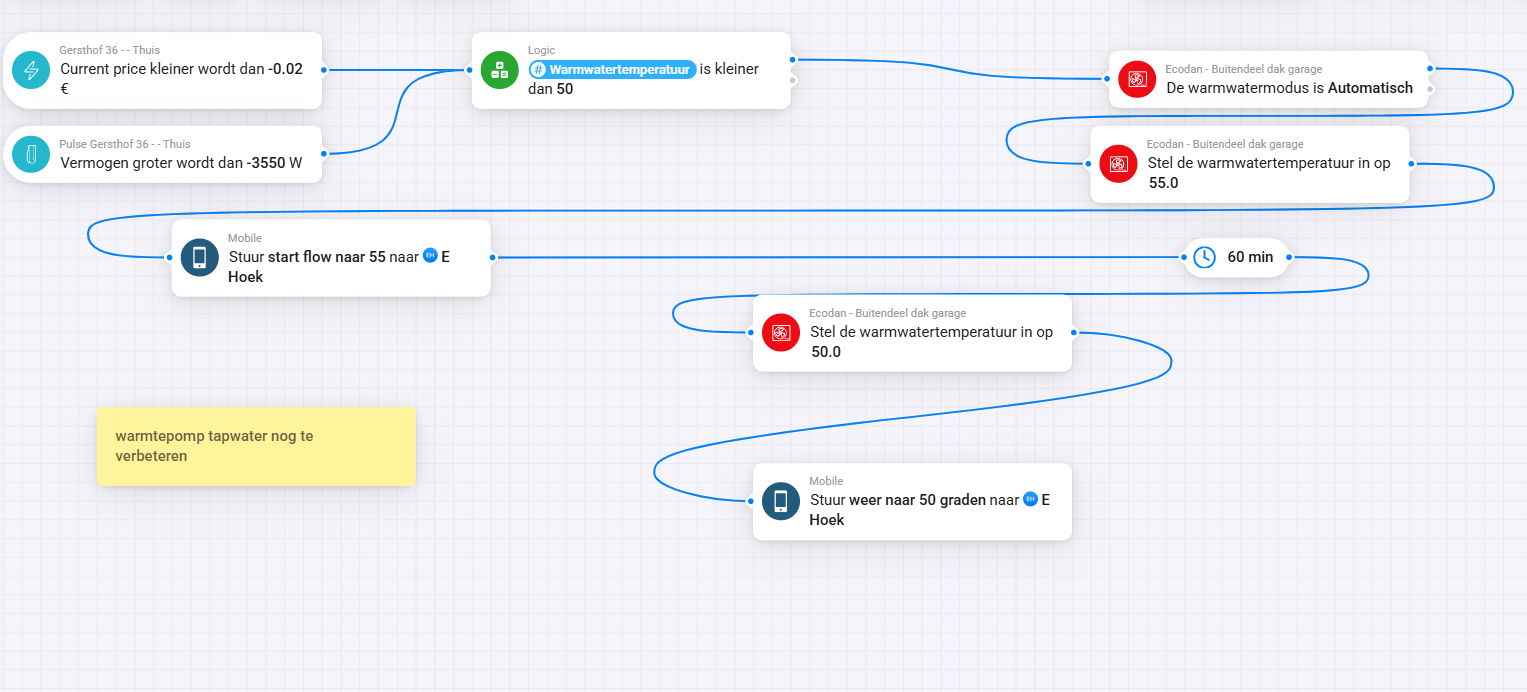
Thanks, I've installed the new app. Does it work in the background based on prices at Tibber? And can I still see what the app is doing somewhere
Hi Kjetil,
Thanks for the explanation!
Just one thing: When I open the faceplate in Homey it says failed to fetch data from MELCloud. But everything seems to run fine.
You shouldn’t run any additional flows, as this will reduce your savings. The app already uses advanced algorithms and AI to optimise your system by learning your house and usage patterns.
If you want to monitor it more closely, you can also add the heat pump as a new device in the app and follow its performance and timeline updates there.
Yes this is only a display that comes sometimes but no worries as the app runs fully any way.
Also the savings calculation in the settings page is not correct and I will fix this in the next release

I could not connect then I tried to login on the MELCloud webpage to see my password were still okay. After that I tried advanced: manual connect with the id on the MELCloud dongle and building id. After filling in the rest of the options and saved it. The tool said that the optimization runing  After that I tryed again to login with my MELCloud credentials and it start working. I still don’t know how. Hope you get it to work.
i had to try it 3 times and the do you have the last version?
Yes, latest version is installed. Also reinstalled the latest version, still no success.
Hi Kjetil, thanks for your answers
Then I might have a problem (or several)?
- We are away often (3-5 days 2-3 times per month)
- We have a water-jacketed stove and 500 liter accumulator tank connected to our heating system (when we light a fire, we have 21 degrees in the house without the heat pump starting for about 6-12 hours depending on the outside temperature)
- Sometimes when the electricity price is very low (negative prices) we connect the heat pump directly into the accumulator tank, set the heat pump to 60 degrees and charge the accumulator tank to be able to use the stored heat later when prices rise.
I would be grateful if you could advise me, is it suitable for us to use Melcloud Optimizer under those conditions? Which of the above “disturbs” most?
I hope to be able to continue using the optimizer as I see that it is a competent control system with great potential to save money.
Br / Jan
have you testet to press the refresh list several times?
Hi Jan,
Thanks a lot for your detailed explanation – it helps to understand your setup very well.
The Optimizer is primarily designed for households where the heat pump is the main source of heating, and it continuously adapts based on electricity price signals, outside temperature, and the house’s thermal response. In your case there are a couple of things to keep in mind:
-
Wood stove and accumulator tank: When you light the stove and inject a lot of heat into the system, the Optimizer will “see” that less heating is needed and will naturally reduce or pause the heat pump. This doesn’t disturb the control logic, but it can make the optimizer’s learning a bit less consistent, since it cannot always predict when the extra heat source will come in.
-
Charging at negative electricity prices: This is slightly different – the Optimizer normally avoids running the heat pump at very high setpoints (like 60°C), because that reduces efficiency (COP) and increases wear. If you manually override to charge the tank during negative prices, that’s fine, but it will temporarily “break” the optimizer’s strategy. Think of it as a manual mode.
-
Being away several days: This works fine with the Optimizer, especially if you use a lower comfort setpoint while away. The system will still optimize when and how much to run.
 In summary:
You can definitely continue using the Optimizer. The biggest “disturbance” is the manual charging of the tank at high temperatures, but as long as you’re aware of it and treat it as a special use case, it won’t hurt. The stove heat is less of a problem – the Optimizer just adapts.
So I’d recommend:
-
Keep the Optimizer running for daily optimization.
-
When you want to charge the tank at very low/negative prices, switch temporarily to manual control, then back to Optimizer afterwards.
I agree with you – it’s a strong control system, and even in your mixed setup it can still save you money and improve efficiency.
Thanks, Kjetil.

Very clear. Another question: does the optimizer also look at the solar panel's energy consumption? If a lot of energy is fed back, does it make optimal use of that energy?
Great question! At the moment, the Optimizer does not directly read solar panel production data. Instead, it bases its decisions on electricity prices, temperature forecasts, and how your home responds to heating and cooling.
That said, if you have excess solar production being exported back to the grid (especially during low or negative price hours), the Optimizer will indirectly take advantage of this, since it already prefers to use energy when prices are low or negative. In other words, the solar effect is partly captured through the price signal.
Thanks, I used the optimizer for the first time today (see screenshot). I noticed that the temperature in our living room normally doesn’t rise above 20 degrees Celsius, but with the optimizer, it stays at 21.5 degrees Celsius all day. Can I set it a bit lower? I’ve set it to 20 degrees Celsius in the app. Question 2: I don’t want to use the cooling because I noticed condensation on the floor (at a maximum of 19 degrees Celsius).
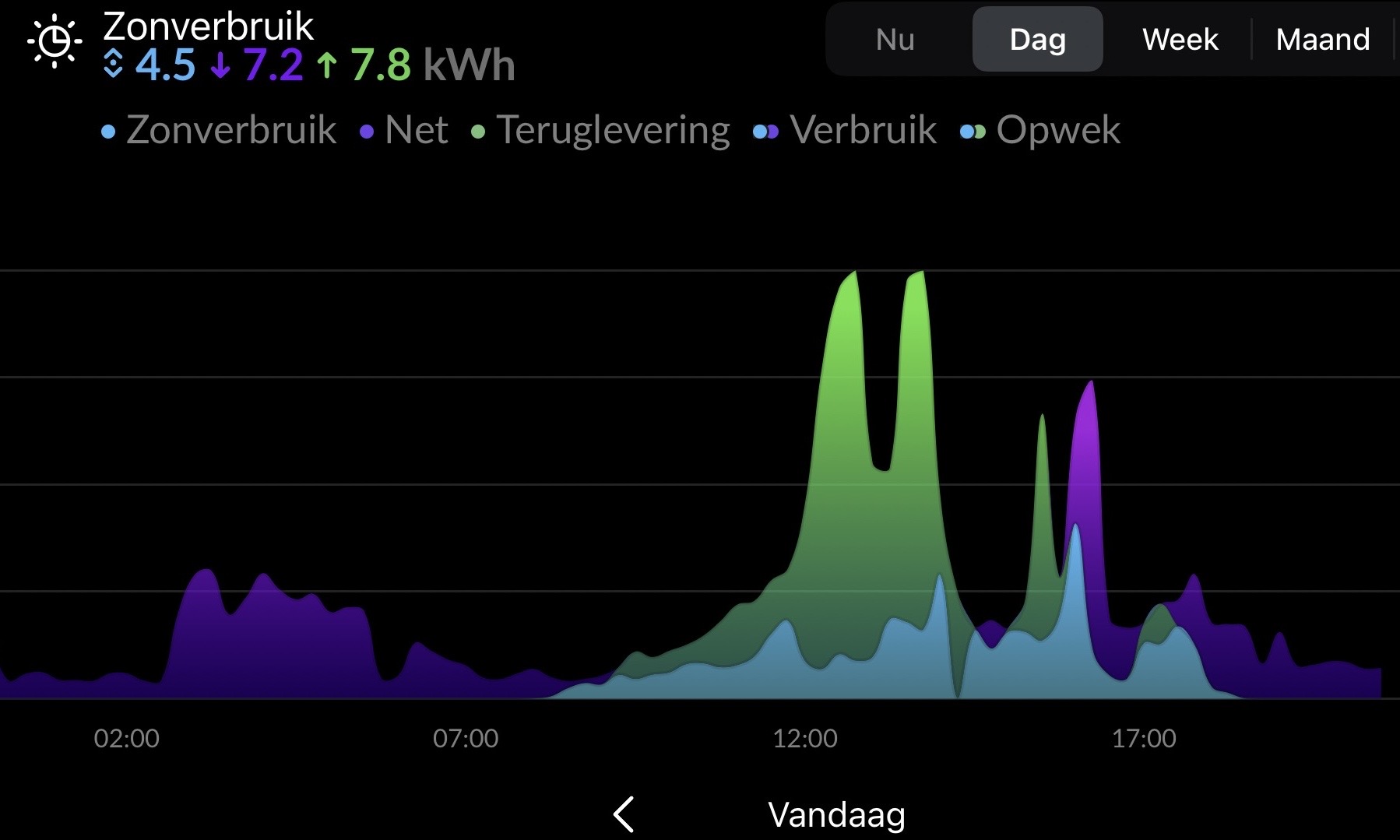
Thanks for sharing the screenshot – great to hear you tested the optimizer today!
-
Room temperature (setpoint 20 °C vs. actual 21.5 °C)
The optimizer sometimes allows the indoor temperature to drift slightly above your setpoint. This is intentional – it pre-heats a little during cheaper or solar hours to avoid using expensive power later. That’s why you saw ~21.5 °C instead of 20 °C. If you prefer it cooler, you can try lowering your setpoint in the app (e.g. to 19 °C). That way, the optimizer will still use the same smart planning but aim for a lower average indoor temperature. -
Cooling & condensation
You’re right: cooling to 19 °C can cause condensation, especially on floors if humidity is high. If you don’t want cooling at all, you can simply disable cooling mode in your app/device. The optimizer will then only plan heating based on your setpoint and prices/solar production, without activating cooling.
So in short:
-
Lower your setpoint a degree if you want a cooler indoor climate.
-
Disable cooling to avoid condensation.
Thanks we Will try
Hi Kjetil,
Thanks for the answers so far! I’m going from clarity to clarity and soon I think I’ve got the system working in an optimal way.
But there’s still one thing I can’t get to work (or understand) that’s how to switch between Home/Away (i.e. how can I reduce the base temperature when I’m away for a while). The options I’ve tried to read up on / tried to set are (I’m attaching screenshots):
1, In the App use occupied / away band which seems to be the wisest solution when setting a recommended range (0.8-1.5). But I can’t find anywhere where you can switch between these (in a flow for example?)
2, In Device turn on Holiday Mode where I’m unsure of what is triggered? Same here, is it possible to control with a flow?
3, In Device raise or lower the Target temperature (which is the only option that is controllable with a flow!) but there I get the impression that it can clash with the settings for occupied / away band, or am I thinking wrong?
I will soon install Optimizer for the heat pump on our other property which is “simpler” as the heat pump is the only heat source and it will be interesting to compare these 
Br / Jan


