I have just published a test version that will hopefully fix the problem.
Thanks Adrian, I will report back asap.
Edit:
Can confirm you fixed it Adrian! A small donation is on its way to you. 
All of a sudden I get < and > arrow on the side of my status widgets, it dissapears after a reboot of the App.
Not shure if is has been mentioned before, search didn’t give a hit in ‘Horizontal scroll’…
I didn’t get the time for testing but with the new version 1.1.26 the text capabilities updates ok. Thank you Adrian.
As I mentioned earlier there is a (minor) problem with text values displayed on the next line compared to where the capability name is displayed. Dense layout or not, same issue but when changing the widget to Read only the capability name and value is on the same line. See attached screenshot

@Adrian_Rockall my widget is not updating anymore
Was working fine ?
Have an enchanted device with device capability’s (temp) from each room
Is there anything changed ?
What version are you using?
The release version (1.1.25) hasn’t been updated since November but the test version (1.1.26) was updated 5 days ago.
Test version
Could you open the app settings and check if there are any errors in the log.
If not then set the log level to All information and check if the changes to capabilities are being picked up.
See no errors I think
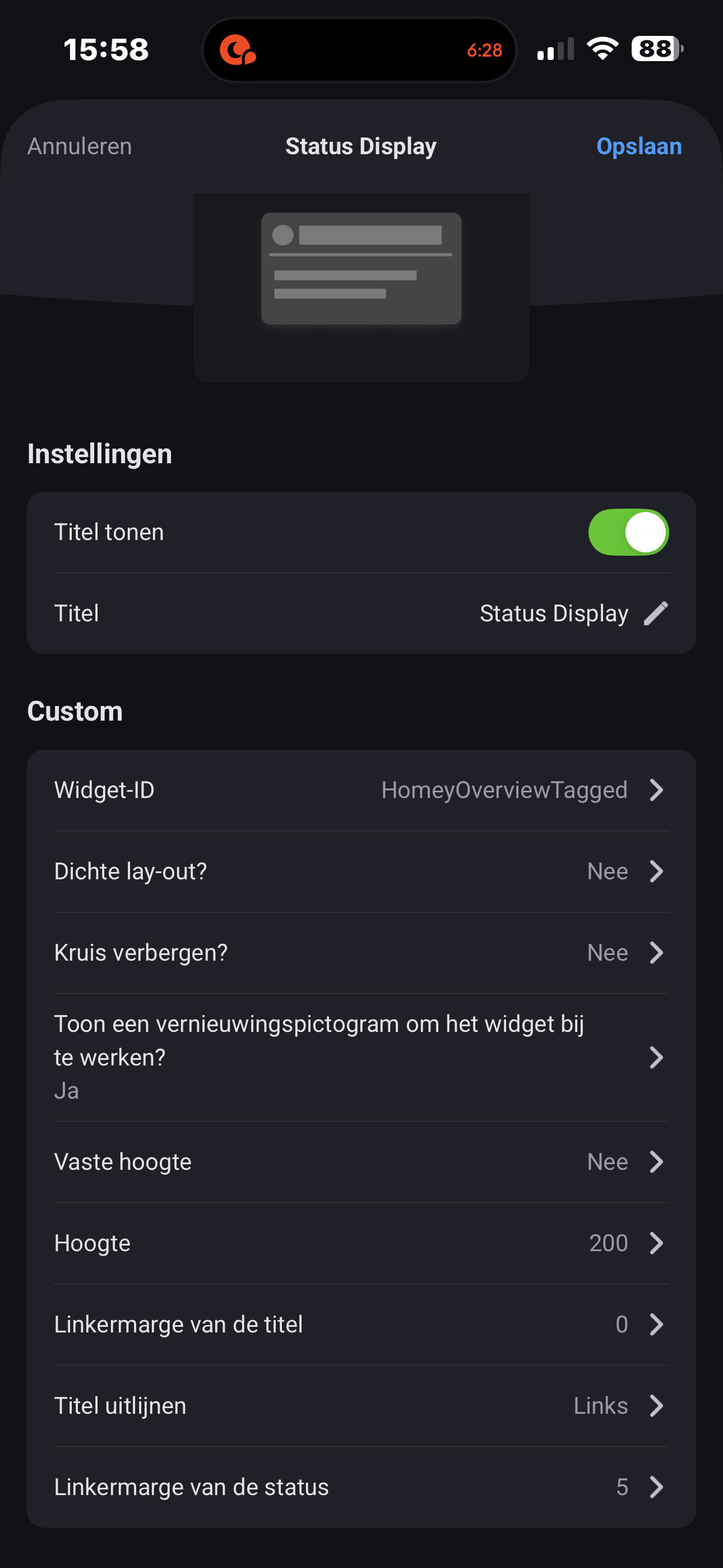
I somehow don’t understand/get it with this “widget-id” stuff or make somewhere a really dumb mistake.
Why is this not working and displayin the result (tekst) in my enhance status display widget?



Please help/explain.
In general: what’s an widget-id and how to use it (and specify it in flows). What is my dumb brain  missing??
It looks like you have almost set it up correctly. The Widget-ID in the settings can be any text you want that is used in the Flow to identify the target widget. In your case you have set it to ‘HomeyOverviewTagged’ but used ‘HomeyOverViewTagged’ in the Flow card, so basically they are different as one has a ‘v’ and the other has a ‘V’.
It took me a while to spot the difference though 
Dear Adrian,
Thank you for your fast answer and solution.
Me : 
It works now :

Using this Flow :

Maybe you could add a function to convert all widget-id entered in the flows but also in the widget self internally to complete lowercase so this kind of errors/difference doesn’t occur. Many people are not aware/ used to be acquainted to case sensitive name differences.
Have a nice weekend.
By the way it’s this HomeyScript :
Hi,
I’m using a few Enhanced Device Widgets on my Dashboards, and they are great for seeing device/sensor status. My only issue is that each widget takes the full width of the row.
Is there a way to make it the size of a single tile while keeping the same functionality? A custom device image would be a bonus, but just text in a more compact form would be fine.
Thanks!

Unfortunately, the API only allows me to set the height of the widget and the width is fixed by Athom.
Athom obviously have more control as they don’t use the same API and aren’t as limited.
That is unfortunate. They should really make the widgets more flexible.
Anyways, thanks for the quick reply!
You could make AVD’s for the devices, put the required status in the Statusfield and add those to your dashboard ?
Or is that what you showed above ?
I admit, I have never fully figured out AVD. But from what I understand, the status is shown in the top right corner(?), and it is quite small. The main advantage of the widget is that I can use different background colours to recognise the status without even reading the text. As far as I know, AVD does not support custom colours.
EDIT: The above image is just a mockup of what I’m after.
Any news about the transparency in widgets?
