I have now tested multi floor with version 1.0. Unfortunately it does not change floor/map automatically. I have tried the card for changing map “Switch to” then the card for vacuum multiple rooms and then select the rooms for e.g. second floor. It does not change floor but starts mapping a new map. I also see in the Dreame app that it stays on the last map selection. However, if I select the correct map in the Android app in advance and then run the flow, it works correctly.
Indeed, I now already have three floors with the same rooms…
I trust Mr. Pjotr to fix the problems! 

How can I select multiple rooms in the “Clean rooms” card (advanced flow)? Or is there some other solution to sweep selected rooms (without mopping)?
I wish for a “Robot water tank draining” card. I would like to activate the card via virtual (and physical) button for easy emptying of the robot when doing maintenance.
Just read my testreview… there you get all answers.
My Dreame X50 lost its way while using multi floor management. Cleaning the first floor took 220 minutes, normally 78. Restarting the cleaner solved the issue.
The best way is to select the floor in the official Dreame app. I am not sure if the Dreame cloud app caused the problem, but it started when I added the third floor in the app.
@Pjotr_Grootkop : can you make it possible to disable multifloor management? (My X50 can change the floor automatically)
My Dreame D10 Plus Gen 2 does not change maps automatically so yes there needs to be an optional feature to automatically turn multifloor on or off**.**
It got awful quiet here? Missing multi map… 
Indeed but I 'm still happy with this app. I use a lot of workarounds to avoid all the bugs. I do not use the multi floor map (disabled in the flows) and cleangenius method, these just do not work.
Wooow - I just found this - Thank you so much!
I’ve been waiting for this option for 1½ year now - Had given up on Dreame implementing the L10 Ultra long time back.
You are fantastic for putting in time in this!!
Kindest regards Dennis B.
Dont get me wrong, I am also very grateful for the work mr. Grootkop has done, but he was very “on” in the beginning, but It’s been several weeks without a sound. But for me personal I must have the multi floor support up and going. Else I must use the native mobile app.
Hi everyone,
I’m new to Homey and am trying my best to automate things at home. Right now, I’m working on automating the cleaning process with my Dreame L20 Ultra. It’s connected, I can start cleaning specific rooms, and the map shows up perfectly. The only issue I’m facing is that I can’t get the “Room X cleaning is finished” trigger to work.
Here’s what I want to achieve:
-
When everyone leaves home, the Dreame should start cleaning Room 1.
-
Once finished, it should set the variable “room 1 vacuumed” to “yes”.
-
Then, it should check again if no one is home and proceed to the next room.
-
If someone comes home, it should return to the dock.
-
I’m using the variables so it can pick up where it left off the next time everyone is out.
The problem is that the “finished” command never triggers, so the variable never updates.
I also tried the operational state “drying” as well as “emptying dust bin” but without success.
Does anyone have an idea what I could try differently?

@Pjotr_Grootkop I’ve tested it but it doesn’t change the map. I see my 2 maps and can select it (Switch to …) But when I then select an shortcut it still is the shortcut from the other map. Only when I change the map in the Dreame app I get the other shortcut belonging to that map
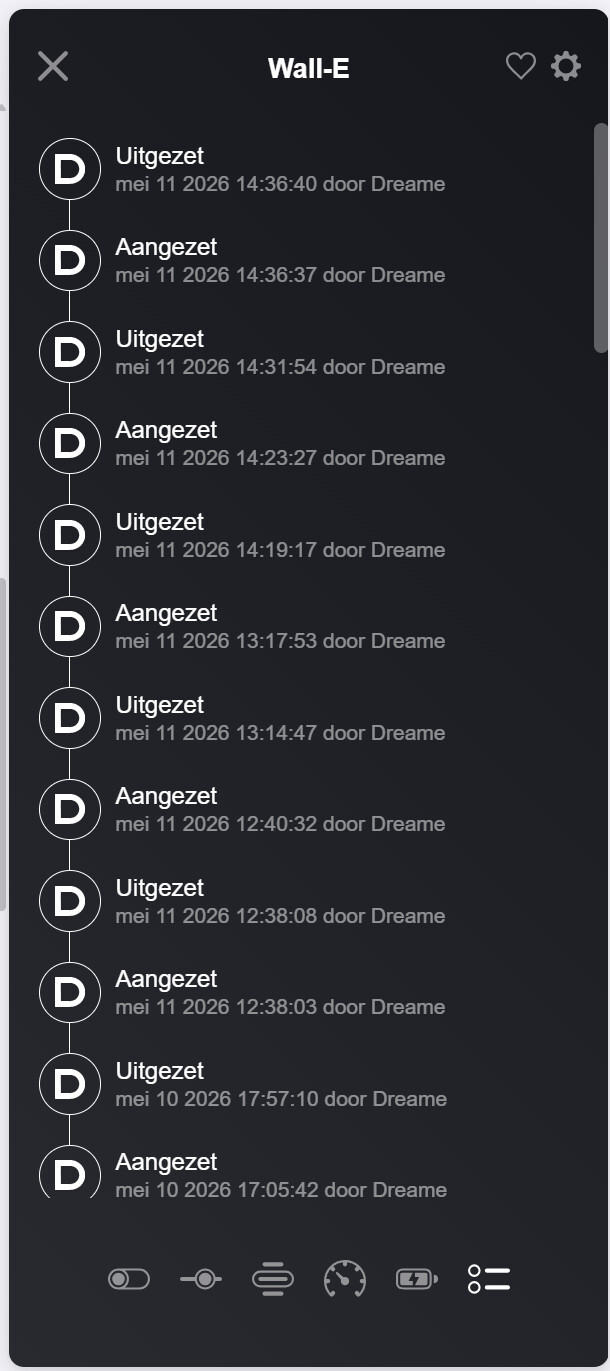
The testversion of the app (1.0.0) works perfectly for me. One thing I noticed was that the vacuum was turning on and off every 5 minutes or so. I also had the same problem on the main version of the app (0.0.40). Is this bug caused by the app? Or could it be something wrong in my network? The vaccuum itself works without a problem with Homey and with the Dreame android app.
Hi @Thomas_Doorn does it change the shortcuts when you change the map or don’t you use them with Homey?
I m afraid that Pjotr does not develop this app anymore… Long time no see
This is now starting to become a well-known problem with so many people throwing out AI Homey apps a little half-finished and then losing interest and dropping out of the community and further support, updates and follow-up.
I do agree with that. Although I am very happy that, after years, it is finally possible to control Dreame via Homey. It may not work flawlessly, but it is workable. So I am happy with the app.
I totally agree.
