
Restart doesn’t work!
Thanks for the quick fix! When the problem with the crash is resolved, I will test it.
Oops, merge conflict caused this crash. Updated new test.
No map for D10 plus gen2. Not possible to draw zone or waypoint. App is working after update. The .30 version worked with map an drawing zone.
Should be solved

I have the same model but no problems with maps, waypoints or zones here. Using 0.36.
Do you have multi floor or singel? I have tried to delete an reinstall but same issue on mine D10 plus gen 2
Do you have multi floor or singel? I have tried to delete an reinstall but same issue on mine D10 plus gen 2
I have multiple maps/floors in the Dreame app, but multi-floor in the Homey app has been removed.
New Test version released with some fixes to bugs submitted via GitHub.
Noob question 
I have a Dreame L10s Ultra Gen 2 and have succesfully paired it with my Homey Pro (early 2023) and made two flows. One is to sweep the room,

the other to sweep and after the sweep, mop the room:

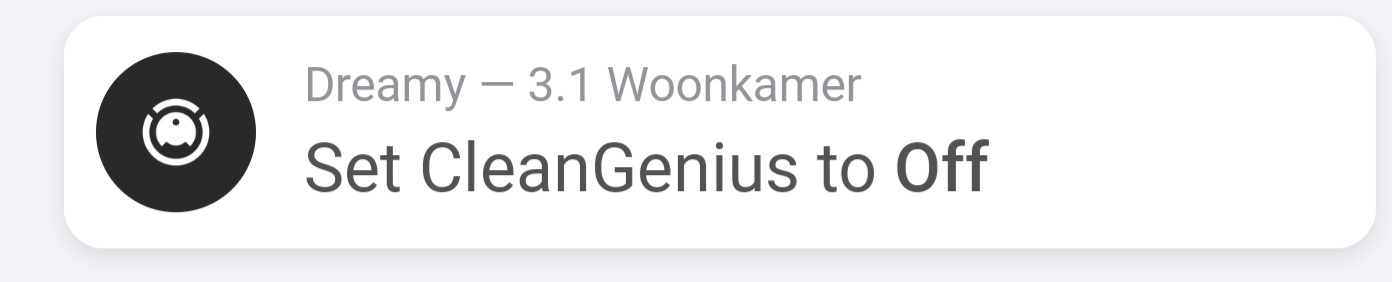
However, the ‘sweep only’ flow still insists on performing a ‘sweeping and mopping”. The notification shows ‘sweep only’ but the hardware perfoms a sweep + mop.
How do I overrule the hardware and make a ‘sweep only’ action?
That is a bug that, unfortunately. That problem also occurs with the L20 ultra. Hopefully, it will be fixed soon. You could use the Sweeing & Mopping flowchart (until the problem is solved). Then the vacuum cleaner only sweeps.
Thanks for the suggestion. Which flow card (?) would that be?

Will give it a try. Thank you!
App works very good with the Dream x50 Ultra! All functions are available.
The dreame matter app is buggy and supports only start/stop/pause…
