You should be able to just install the stable version (do NOT uninstall first )It should convert just fine, some elements might need re-aligning. The latest test version has a backup option to backup the Dashboard Studio Homey Configuration. Basically everything what you can configure in the Dashboard Studio settings inside the Homey configuration. This does not include flows, flow cards and everything inside the Dashboard studio web interface. Like dashboards and uploaded content like images. (Also @Amersfoort). Sorry guys currently on Holliday, so can’t give lots of support right now.
I want DashBoard Studio to show a map or my cars location.
This could be an integrated map, where I load Attitude/longtitude, but also an I-frame option.
Is this planned to happen?
Or does anybody have ideas as work-around?
Jumping in on this — a simple map/marker widget would be huge for me too.
I’m tracking two vehicles (one via a GPS tracker feeding MQTT/local variables, another via the VW EU Data Act portal) and my main use case is just showing where the car currently is on a dashboard. Right now there’s no way to do this in Dashboard Studio at all, so I’ve had to hack around it using another dashboard app’s “URL/HTML” widget pointed at a self-hosted webpage that polls Homey’s local API and renders a Leaflet map — works, but it’s way more plumbing than it should be for something this common.
A full open HTML/iframe widget (like @Olivier67 suggested above) would obviously solve this and more, but I imagine that comes with real security/performance tradeoffs given the wall-mounted/low-power devices this app targets.
Would a smaller, more contained version be easier to ship? Something like a basic Map widget that just takes a latitude and longitude (bound to any live value/capability/MQTT topic the same way other widgets already bind to data) and drops a pin on an OpenStreetMap tile layer. No arbitrary external content, no injected scripts — just coordinates in, marker on a map out. Feels like it’d cover 90% of the “where’s my car/pet/whatever” use cases people are asking about, with a much smaller surface area than a general-purpose webview.
test: copy the HTML source and paste this in a Dashboard Studio image with the same size
if this works well, make a Homey script in an Advanced flow: get de longitude and latitude of both cars and fill in other variables needed, and create an url
export the url to the dashboard and use it in an image
Advanced use:
define a slide bar in the Dashboard to make the zoom level dynamic.
@Satoer Could you indicate whether the confirmation functionality will become available in the software within the next two weeks? Otherwise, I will have to fall back on the existing, but complex, solution for approximately ten devices.
Hi Amersfoort. Sorry, this is not on top of the radar right now. Just came back from Holiday, and I am working very hard on V2. But I still have to do a lot of things before release.
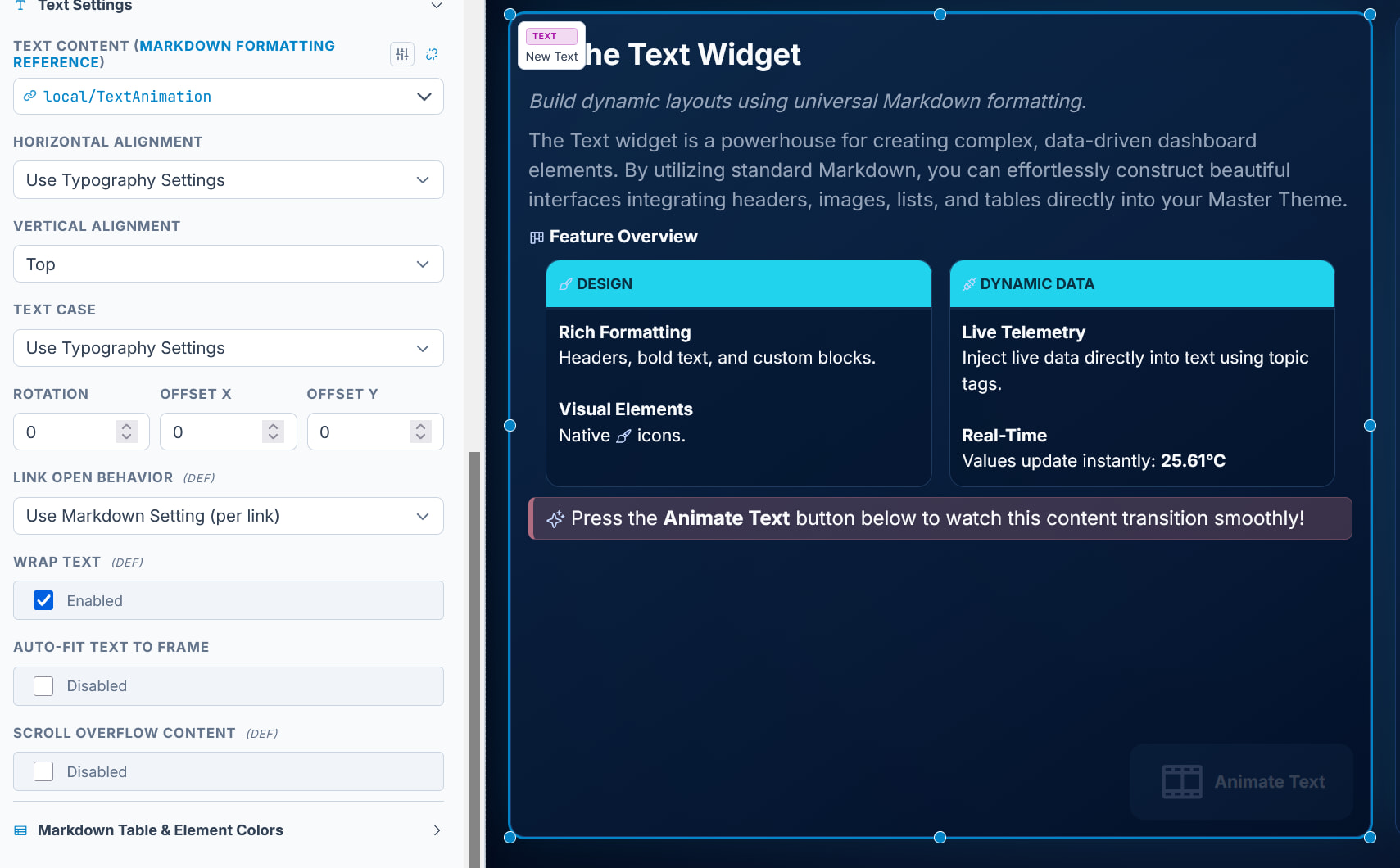
Welcome back Michel! I was a little quiet for some time, so much to do with my home battery and lots of things around the house. But I will pickup shortly. I have one issue, it’s already there for some time. The toggle to fit text into the textblock doesn’t work anymore. If I switch it on, my text disappears. Not urgent, but maybe for your backlog?
Can you post the markdown text in a code block of the text that disappears? If it is dynamic text from Homey you can copy the contents that is being send in the data stream explorer “copy raw value”:
This seems to be related to the “Horizontal alignment” option. If you set this option to “Use typography settings” in the “Text & Typography” section, setting Alignment to Center for Paragraph (depending on the structure of the Markdown table), the values are displayed.
Something else I just noticed: if I want to define a header by typing in the Markdown editor
using | :- - -: | :- - -: | (2 times 3 dashes), this is the result (see dashes).

 ). Sorry guys currently on Holliday, so can’t give lots of support right now.