Have you figured out a way to detect when a movie or something else is paused?
I found here some info: [Testers needed!] Custom state detection rules for Android TV / Fire TV - Development - Home Assistant Community
Have you figured out a way to detect when a movie or something else is paused?
I found here some info: [Testers needed!] Custom state detection rules for Android TV / Fire TV - Development - Home Assistant Community
unfortunately this doesn’t provide the deeplink for the app, it give’s a link but it doesn’t work.
Every time when I want to open a app on the Android TV via Homey with the provided “deep link” the Android TV app on the homey crashes and i need to restart it.
Can please anybody test power on/off. Dont work for me. Tested with nvidia shield pro.
Anybody
Works for me
Hi @Bulletcather , thanks. I cant turn the device on. Did you test on shield?
Yes
Very strange. Dont know why but power on dont work for me
My device shows an error and is not responding. This happend before, every now and then. But it always was easy to fix with an restart or repair device.
Restarting the app does not work now. And when I repair the device, I do get the code shown on the tv which I then fill in inside the AndroidTV app. The tv shows ‘unknown connected’ But it immediately get’s unavailable again.
Anyone else experiencing problems?
Mine hasn’t been working for months and I’ve given up on the app, just as the developer seems to have, sadly. Can’t believe a basic Android device like a Shield Pro cannot be controlled by Homey. Athom needs to launch an official Android TV app. For now I’m using the official Google Chromecast app but it’s only got very basic controls.
I’ve bought a smart plug to make a work around. But to make the smart plug fit in the power strip I had to re-arange the plugs in the power strip, including the plug of the KPN Box (Android TV).
After this I powered on the plug and therefore also the KPN Box (Android TV) and all of the sudden the device was available in the Homey app again and everything works 
Same issue here. When it is on, I can use the switch it off using the “Switch on or off” card. However, when the device is off, it is just unavailable. So it cannot be switched on using any card whatsoever.
@lucasvdh I have a feature request; an option to restart an androidtv device. Sometimes I am not able to control my device anymore using this app. A restart of the app does not fix it, but a restart of the android tv device does. So, an option to sometimes restart my nvidia shield will be nice!
Does anyone has an answer to this?
I never got an app to start. And I think that is what you are looking for, right?
Currently I use key press cards to navigate to the app that I want to start
The Ziggo go, Netflix and Spotify apps are working. Except for the F1 TV app.
How do you directly refer to an app then? I use the “TV Photo” app on my Mi Box S, but I cannot get it to start directly


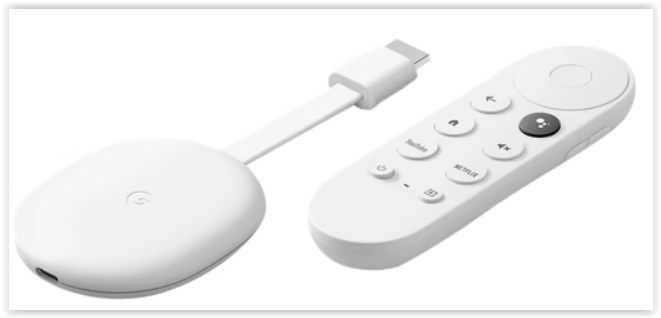
With the ‘virtuele apparaten’ app I create a tile: e.g. ‘Google TV [NETFLIX]’.
With the ‘Android TV’ app and a chromecast remote. (Or a TV with Android) I created a flow.
The Deeplink for Ziggo go: ziggogo://
The Deeplink for Netflix: netflix://
The Deeplink for Spotify: Spotify://
The Deeplink for F1TV I do not know fortunately
Thanks for the info!
I tried Googeling a little bit, but F1TV seems to be odd…
Android TV Remote - App Links/Deep Linking - Guide - Community Guides - Home Assistant Community (home-assistant.io)
Hello,
I have linked my KPN Android TV box to the Homey pro. But since today the KPN TV box can no longer be operated. Tried to fix it several times and also deleted and added it again. But I can’t do it, I keep getting an error message after repairing/adding.
Does anyone have a solution for this?


