Mode Switch for Homey
Want your home to react intelligently without having to build separate flows everywhere?
With this app, you configure your rules once — after that, everything works automatically.
 View and test the app: https://homey.app/a/com.modeswitch/test/
What makes this app different?
You no longer need extensive flows for basic automations.
For example:
-
Motion detected → light automatically turns on
-
No motion → light automatically turns off again
-
Everything configurable per zone
-
Works instantly, without complex Flow logic
Mode-based automation
Your home automatically adapts to your situation:
- Home / Away / Sleeping / Vacation
Can be changed manually
Or fully automated:
Automatic examples:
-
Everyone leaves → Away mode
-
Nobody home for X hours → Vacation mode
-
Everyone asleep → Sleeping mode
-
Someone wakes up or comes home → Home mode
No separate flows needed — everything is managed centrally in the settings.
Smart lighting without the hassle
-
Configure lights per zone
-
Automatically turn on with motion
-
Automatically turn off when no motion is detected
-
Adjustable dim levels
Temperature rules
-
Automations based on temperature
-
For example: control heating or cooling per mode
-
Smart combinations with presence and time schedules
Device monitoring (without complicated flows)
Monitor devices such as:
-
Washing machine
-
Dryer
-
Dishwasher
As soon as a device starts or finishes:
-
Instant triggers available
-
Notifications possible
-
Ready to use in Flows
Scheduling & smart time schedules
Let your home automatically react based on time:
-
Turn lights on at a specific time
-
Only active within a specific mode
-
Automatically turn off again after X time
-
Random times possible
-
Work with time windows
-
Support for sunrise and sunset
Screenshots
Modes — Configure which devices turn on or off when the mode changes to Home, Away, Sleeping, or Vacation

Zones & Sensors — Configure rules such as: pantry door open → light on, door closed → light off. Or motion in the hallway → hallway light on. No motion for 20 seconds → light off.

Temperature Rules — Set temperatures per mode, for example: Vacation mode → temperature set to 17 degrees.

Monitoring — Monitor appliances. For example, when a dishwasher starts, a trigger is sent which can be used in a Flow card for notifications. Or when it finishes, another Flow card can announce that the dishwasher is done.

Scheduling — Configure lights on schedules or after sunset, and automatically turn them off again after a set number of hours.

Automatic Mode Switching — Automatically switch all modes. For example, when everyone is away, the mode automatically changes to Away.

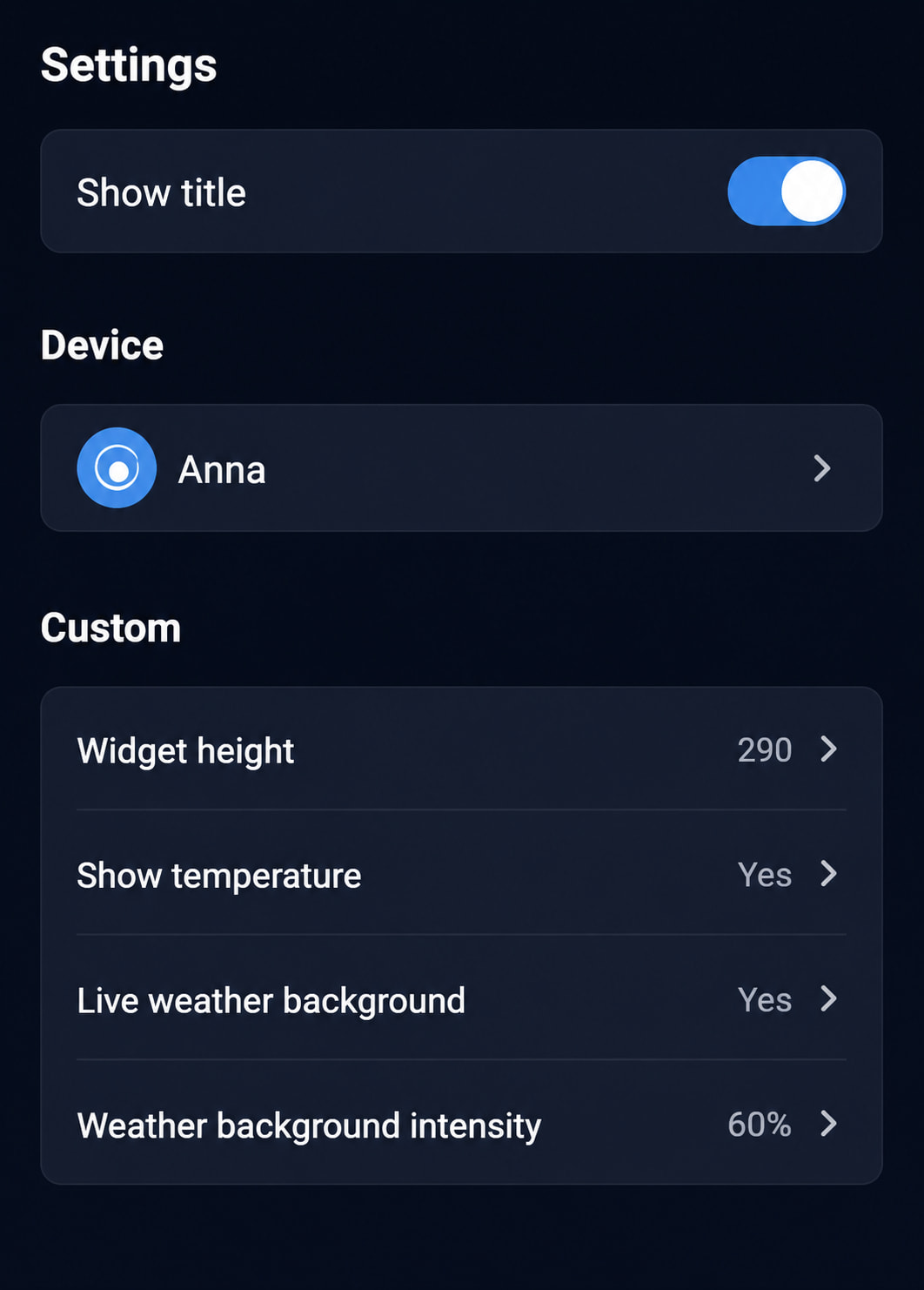
Widgets:


Support
Enjoying the app and want to support development? 
All support is greatly appreciated!
Mode Switch


 I got version 2.8.1 and it works fine. I donated as thanks.