[APP][Pro] EcoHub Control (Nobø)
Welcome to EcoHub Control for Homey!
This app provides full control over your Nobø EcoHub and associated heating zones directly within Homey.
About the App
EcoHub Control allows you to manage your Nobø (Glen Dimplex) heating system with integration for zones, temperature adjustments, and automation. Use this app to reduce energy consumption and create a comfortable indoor climate by leveraging Homey’s powerful Flow engine.
App Store Link: EcoHub Control | Homey
HOWTO Setup
Follow these steps carefully for a successful setup:
- Prerequisites: Ensure your Nobø EcoHub is set up and configured in the original Nobø app first.
- Installation: Install “EcoHub Control” from the Homey App Store.
- Configuration:
- Go to App Settings in Homey.
- Scan your network for the hub or enter the hub’s IP address manually.
- Enter the hub’s serial number and save the configuration.
- Pairing: Go to Devices → Add Device → EcoHub Control. All available zones will appear automatically.
 Important note on structure:
- Hub Device: Used for global control and hub status.
- Zone Devices: Used to control individual rooms/zones. You must have devices defined in zones within the Nobø app for them to appear as controllable devices in Homey.
Flow Control
Many users ask how to use the app in Flow. Here is the recommended method:
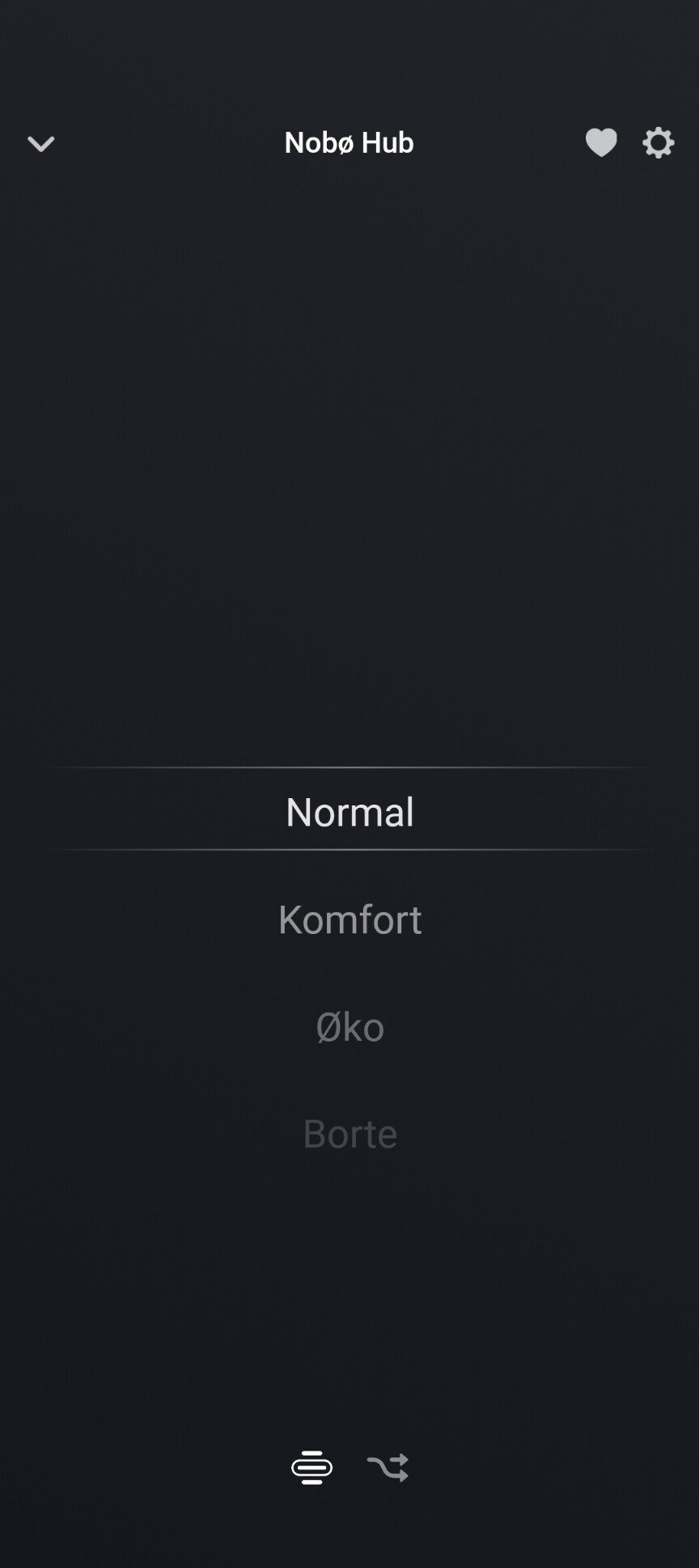
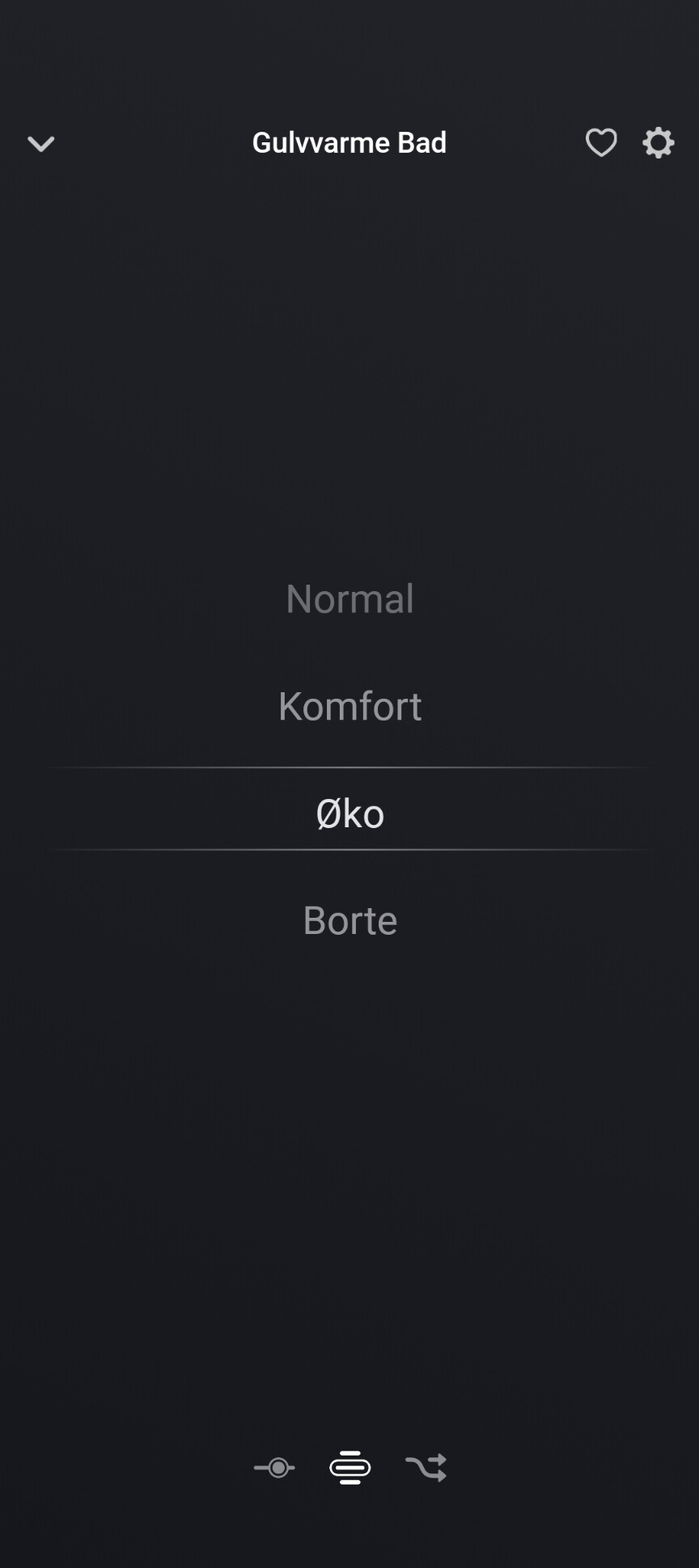
- To set mode: Use the action card “Set Room/Zone device mode to…”.
- To set temperature: Use the action cards “Set eco temperature” or “Set comfort temperature” for a specific zone.
- Tip: Ensure you select the correct zone from your list when building your Flow.
- Hack: You can now set a read temperatur from a device of your choice
Changelog (Version 2.2.13)
- Real read-out temp: Can be activated in device settings and then through a flowcard
- Homey Timeline: Added notifications for mode changes.
- Redesigned settings page: Now featuring zone cards showing eco/comfort temps and current mode.
- Diagnostics: Added a dedicated panel for troubleshooting.
- About section: Added app information and version details.
- Advanced settings: Added collapsible advanced settings for a cleaner interface.
- Stability: General stability improvements for Homey Pro (2023/2026) and legacy models.
Having issues? Please send a diagnostic report via the app settings and include a brief description of the problem.
First, thank you for creating this App! I love it and my home setup is very dependent on it. I use it to swap between normal/away modes for all my radiators when i activate/deactivate the alarm in my countryhouse..
After the update I have reinstalled the nobø hub and am able to see my 3 zones, all looks good (my hub+ the 3zones are visible in my list of devices)- however I am not able to see or select any of these devices when I want to create a flow, as the list of devices is blank.
I have read the text under “NOTE – as of the current version:” over and over again, but I just dont get it. Can you please try to clarify how to set a zone to normal or away in a flow?
Thats good to hear. Im not totally sure what you saying. Do you have problems to list your devices in the dropdown field on flows?
Try update to this test version EcoHub Kontroll | Homey
If you gonna set zone modes you need to choose the correct zone from room list and set your zone and mode.
I add some screenshots
Or is it that you dont see your zones at all in the dropdown field? Are you sure you did removed the app entirely and installed it back
If you still have problems, try sending me a diagnostic report in the app and write: zone fields missing so i can have a look at the log
Thank you so much for looking in to this, maybe I am missing something in the instructions. I removed the app again now and reinstalled the new version and get the same result.
This issues is precisely as you wrote, I cant see the devices in the dropdown list - but they are visible in all other places.
This is the debug code
529ed3d7-87bf-4ad6-b85b-798406438168
Again, so grateful for the work you are putting in to this great app.
…but I can see them in the list of all devices, and in the first steps of creating a flow.
from the log I see that the hub is found. but then there is something confusing with zones, rooms and devices. do you have the nobø app. see if you may have set something up wrong there. you must have a device in a zone for you to be able to find them in homey. I am attaching a screenshot.
Yes, well one thing that is a little bit confusing (to me.at least) is that the zones in the nobø app is called devices in the homey app, but i have assumed that is correct.
I have at least one device in every zone in the nobø app, in most zones I have several. The only “odd” thing I had was a button for control of all zones (global) that was not in any zone. I have moved it to a zone, but that did not change anything.
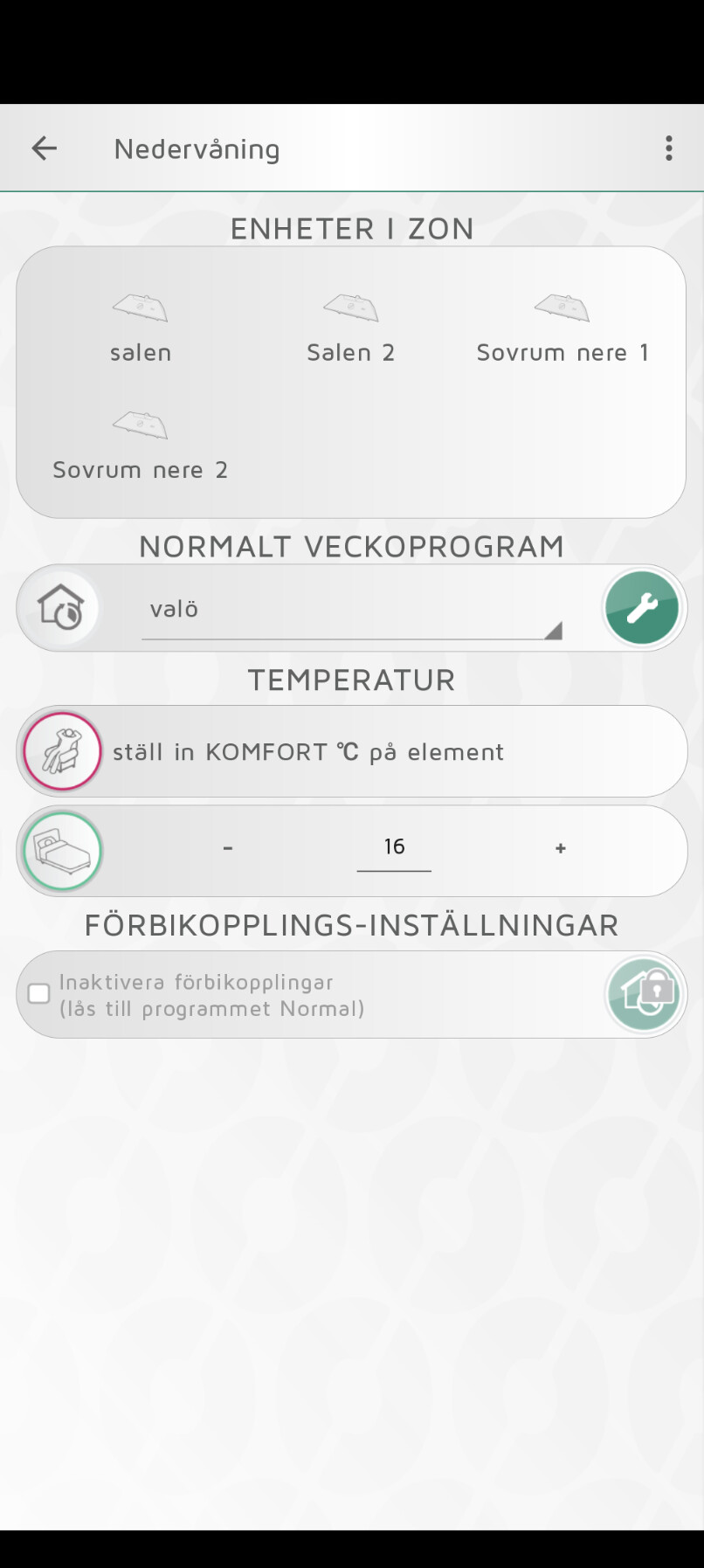
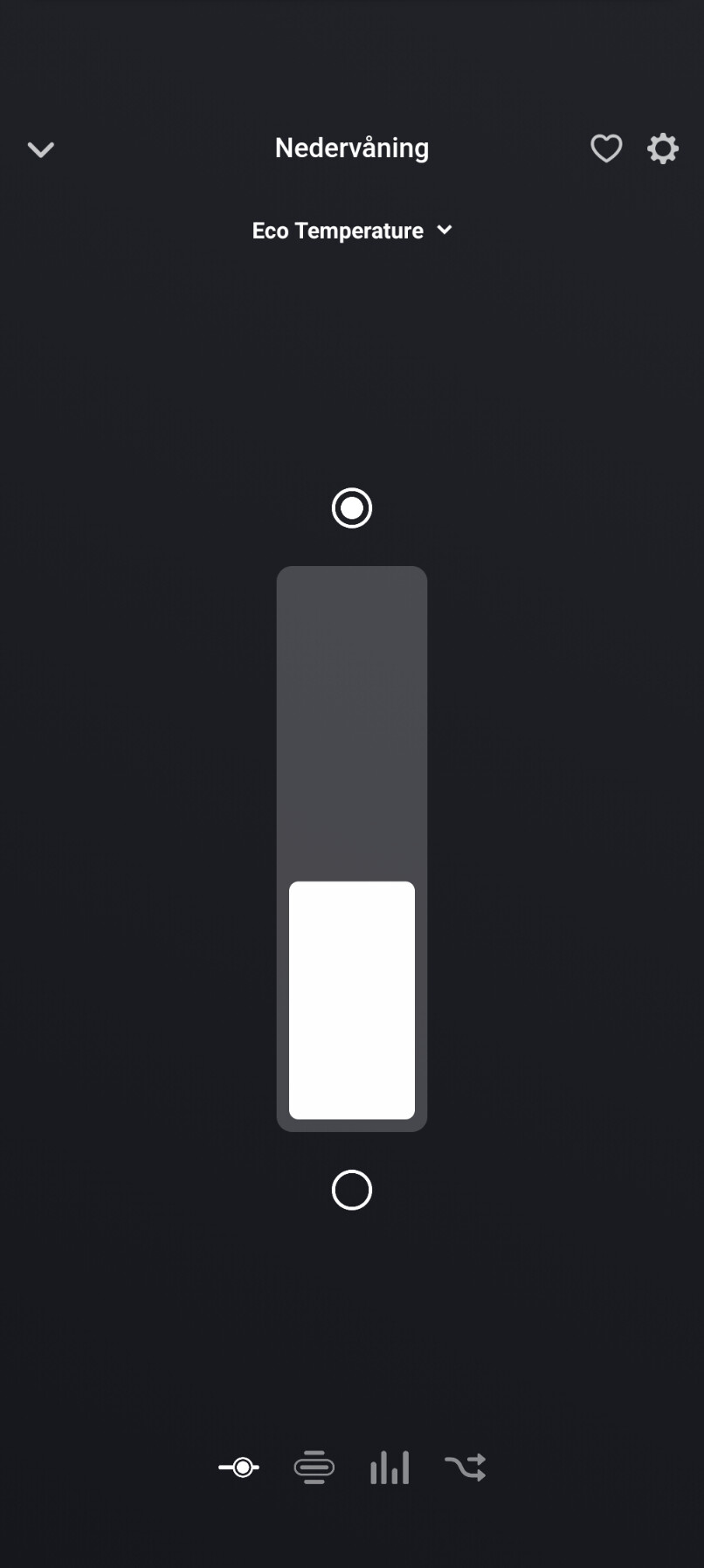
Below is the zone “nedervåning” that i can see in the homey app.
I’m not sure why you can’t list devices in homey.
How many devices does nobø hub control?
I would try testing a zone with just one device. Go to the settings page in homey and save before running pair.
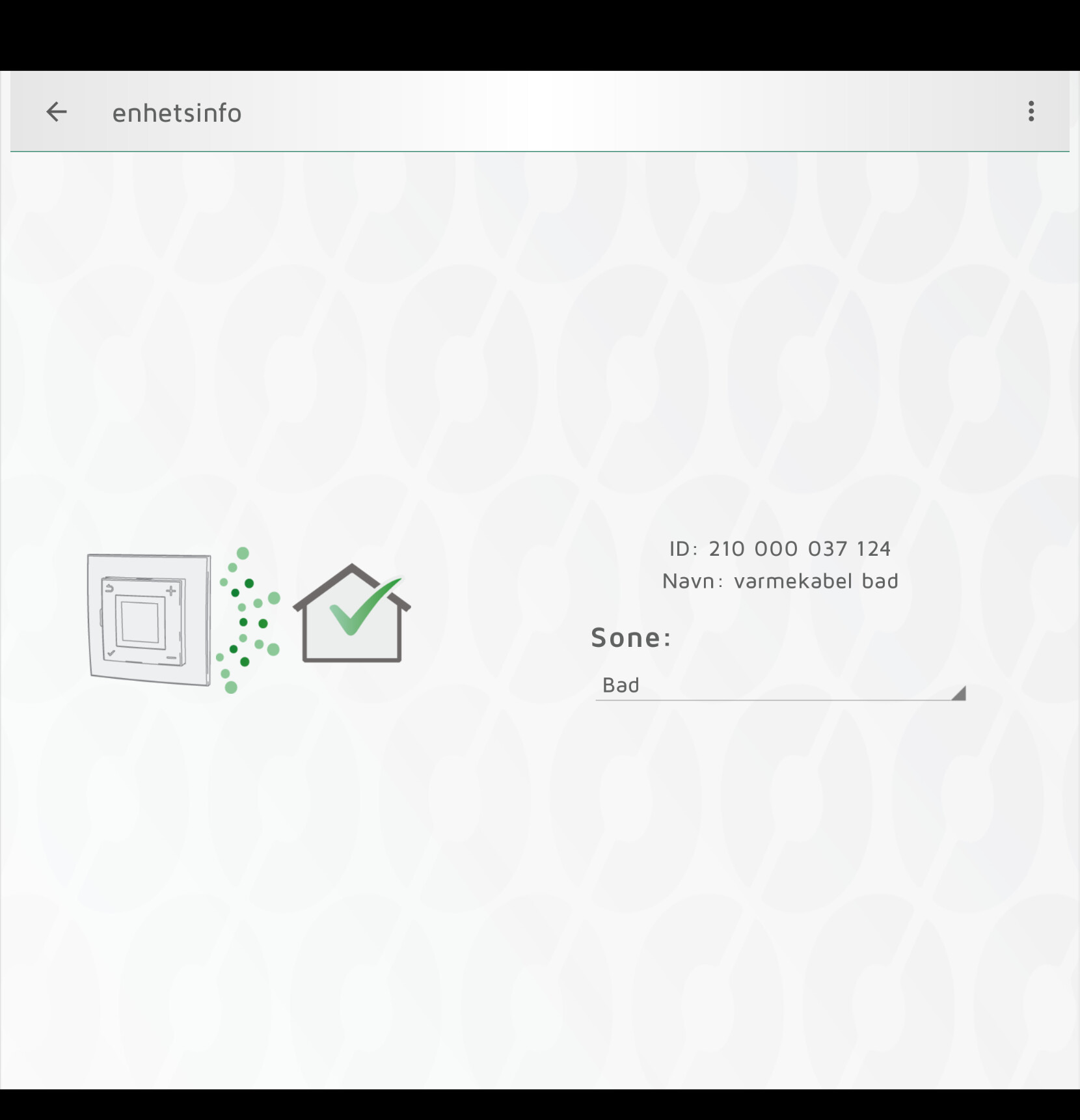
Do you get any information on the device? (as shown in the picture)
Remember Hub device controls global control and zone devices control the zones.
All in all it is 7 radiators, one remote/sensor and the hub. The devices are located in 3 zones. One zone has only one device, the rest of the devices is split between the other two zones. In homey I have the 3zones and the hub listed as devices (i.e there is no trace of the individual devices in the zones in the homey app (where they are called devices).
All zones (devices in homey) behave the same, they all show information (like below, a zone with several devices - but the one containing one looks and behave the same), and if I change mode on a zone, regardless if its the one containing 1 device or the ones that has several devices (or on the hub) from “away” to “normal”,
I can see that the change is executed as it should when checking in the nobø app. So, it seem to work just as it should, apart from the part that I cant see or select anything in the dropdown when creating rhe flow.
I think I may have found a possible bug. The API creates a shared connection many times. I probably need a shared one, because there are too many requests to the Hub.
I’m looking at an update
Yes thats correct, you control the zones and not the device directly in Nobø. And a global control on the Hub device in Homey.
I added a final stable version that works on both Homey Pro early 2019 and Homey Pro late 2023. I have tested it to work on both. And users has confirmed thats is working.
Zones can now be set by using the flowcards for that. Dont matter what room it is in the selection.
Remember to set the Hub device in first, then the zone and the mode.
The final stable release will be published soon. And sorry to all if the cards keep changing in your setup.
This is the last… 
Hey
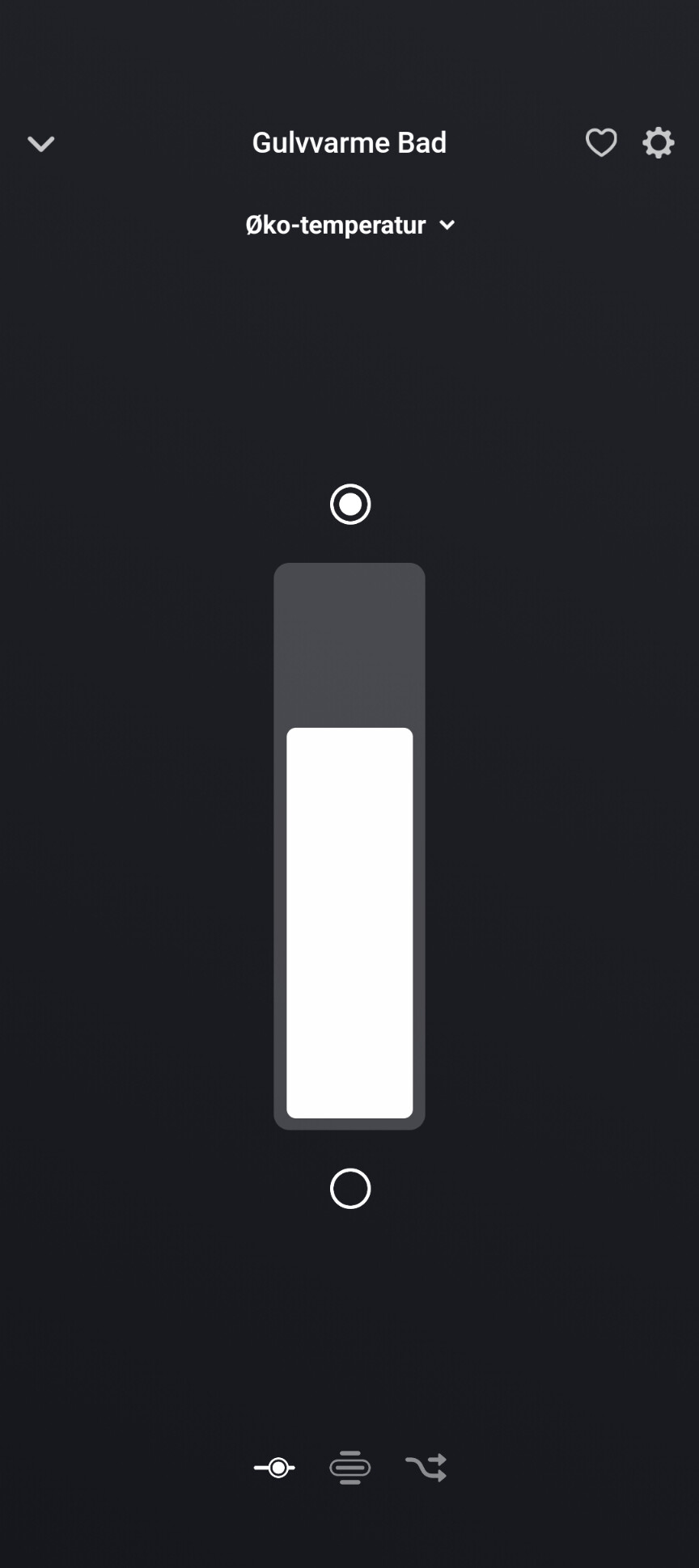
I have implemented a new comfort temperatur UI in capabilities. This is useful for controlling the heat better in Homey, or Google home and Alexa if you have that.
But Nobø dont report any live temperatur so i have added a little hack to it.
In version 2.2.13 (currently install test) you have the option in the device settings to turn on to report a temperature from another device like a pir sensor or other sensor you have nearby to add.
You will then get an extra action flowcard to set it up.
Ill add some screenshots: