No problem! The fix is avalaible also in play store and apple store
Yes it work.
But for auto update i need the ‘android model’ for this
It works  Thank you !
I can confirm it works BUT would it be possible to add some sizes for widgets ?


“9” is to short to cover full screen
I use full screen to display an iFrame widget with my “Posterr” link to see movies posters (for info)
very good! what size is needed? 12? 18?
I was wrong in my previous message (“9” is to short) → “8” is to short !
So i guess a list from 1 to 16 would be great !

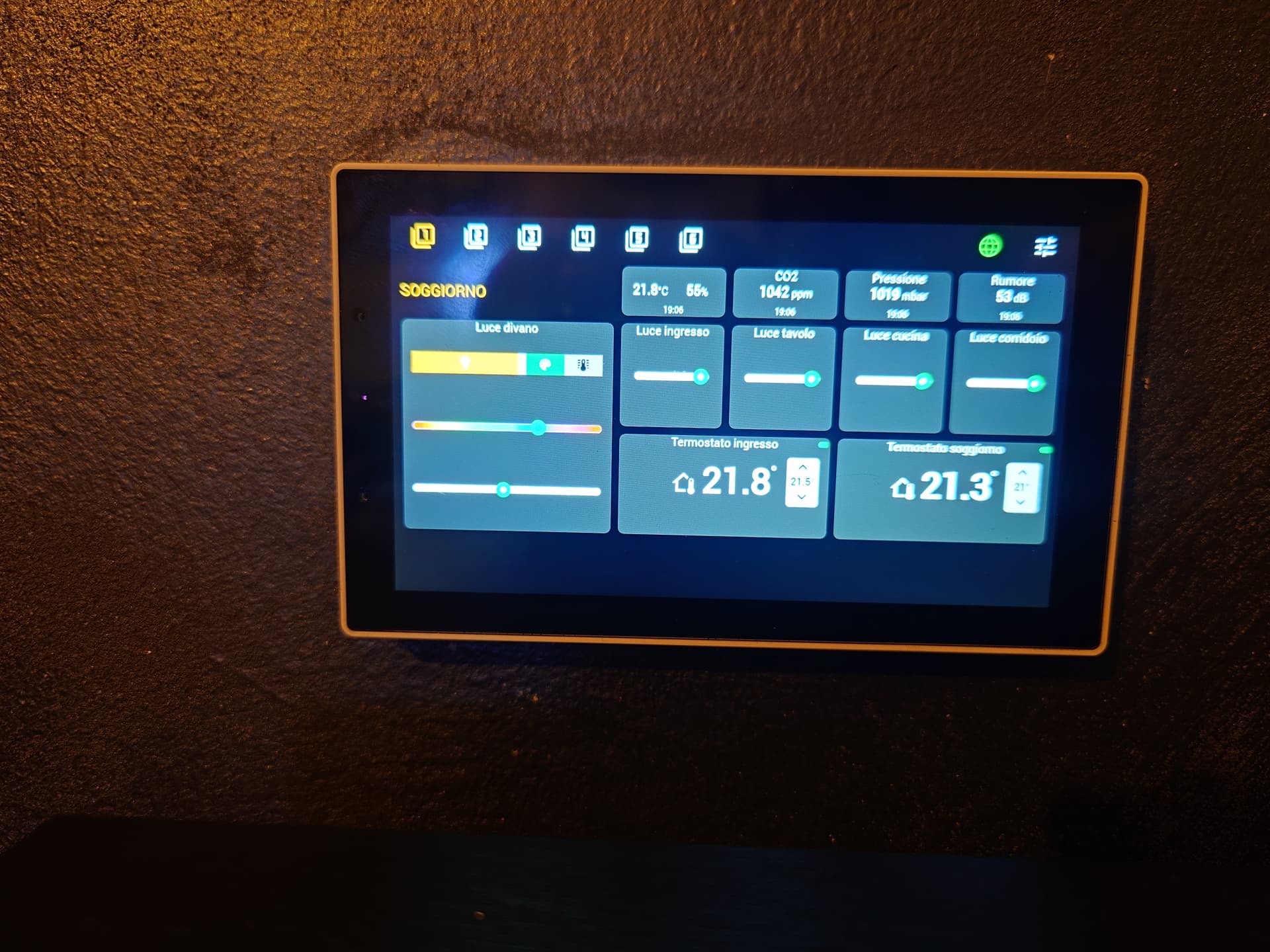
Hello,
I am thinking about buying the NS Panel Pro.
How can I install Smart Dash there?
Are there any instructions for this?
Thank you.
Hello,
Is this a panel or a tablet?
If it is a panel, which one is it?
This is the nspanelpro120 by sonoff.
More info here.
Can you try to reboot router? It can be a connectivity problem
Thank you 
Fond out that I had one device where the app was disabled, after deleting it is working.


mmm, need to add it to socket widget or generic-capability widget.
Can you send me more details taked from https://tools.developer.homey.app?
v0.2503051 - release 1.5.06
- Some bug fix when a device is removed from Homey
- Some fix in thermostat widget

Hi, i’m new here and very much looking forward of making my renovated home smart with some sonoff NSPanel pro’s and IKEA lighting, but is there a installation guide on how to get SmartDash on NSPanel Pro? Sorry in advance if i’ve overlooked it and was allready mentioned in someones reply.
