Yes, when i have times, now i’m more busy 
Yes I know the aspect is not the same between iPhone and NS but I’ve tried every aspect with de same result
Connection are local !
It’s realy strange because I thought it was a Firewall problem (because the cam is not on same local network) but NSPanel via webbrowser can access to the cam so I guess the app SmartDash on it can too !
Hello,
after a couple of month of total satisfaction using th NSPANEL with this dashboard app, I am having difficulties with my airconditioner (Daikin).
The Daikin ONECTA app connected to my homey makes it possible to use the airco through homey and the NSAPP… This work for over 1,5 year.
But now Daikin has limited the number of API-requests to 200 per day…
My counter shows thousands of requests…
Does the dashboard app poll the daikin on the same frequency the dashboard app polls the homey?? What would result in these enormous amounts of API requests…
Is there a solution that the dashboard doesn’t poll the DAIKIN machines this often ?
Hi, SmartDash poll only the homey’s api, i think that your problem is in Homey App for Daikin
I’ve tried everything but it still doesn’t work…
I use now HomeyImage instead… the result is the same 
BTW, the result is not realy the same because I ask Homey a daily reboot OR and software update so HomeyImage URL’s change… I’ve to find another solution
Good morning @diapolon is there a possibility to turn off the background light from the screensaver. Btw, I use a NSpanel Pro.

Hi, need to add some libraries. In next version i study how to!
Hello @WillemG, I saw on previous post you use Unifi Camera (like Doorbell) as me AND a NSPanel Pro like me !
I can ping http://LOCALIP/snap.jpeg through NSPanel (via adb shell). The url works also through the webview on NSPAnel BUT it doesn’t work via the app SmartDash (with virtual camera). Have you done something to make it works ?
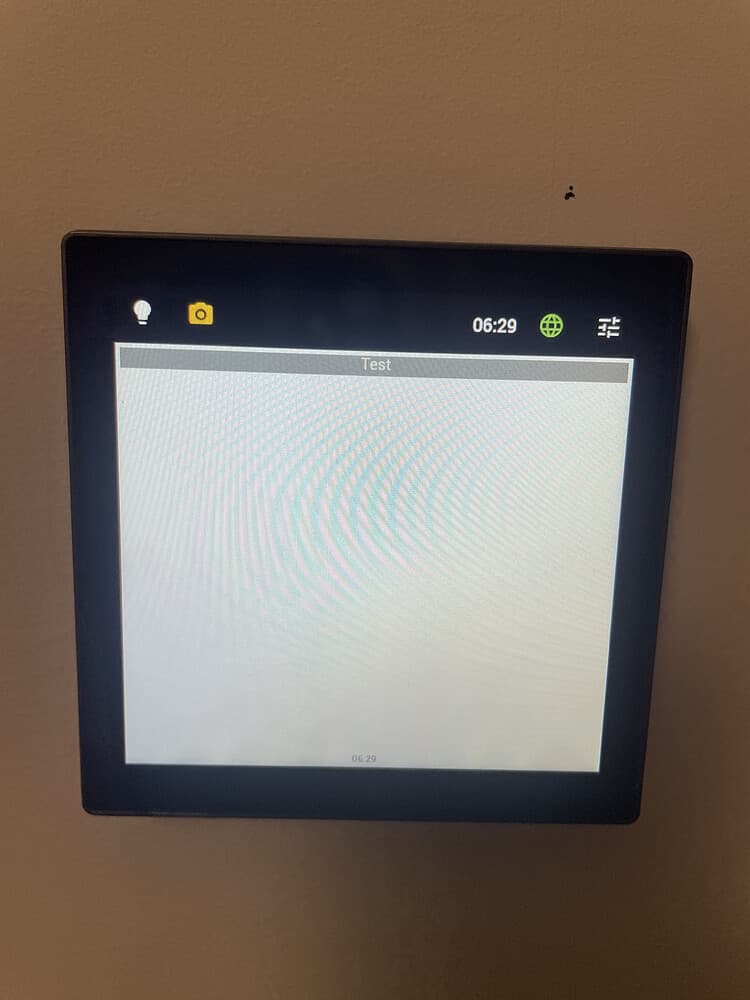
(I don’t have certificate problem because it can’t reach anything…)
Thank you


I have tried the library and she work.
I need some days for add it!
Thank you a lot ! It works now ! I was missing the httpS part !

Hi, try the new update!
Thanks will test it soon
Hi @diapolon where can I find the apk to install the update on my NSpanel pro

@diapolon Thanks already find. Works great 
@Amersfoort Thanks, but i can not install from play store on my NSpanel pro. But it works now.
On Ns Panel Pro you can go in info section and the autoupdate start automatically

