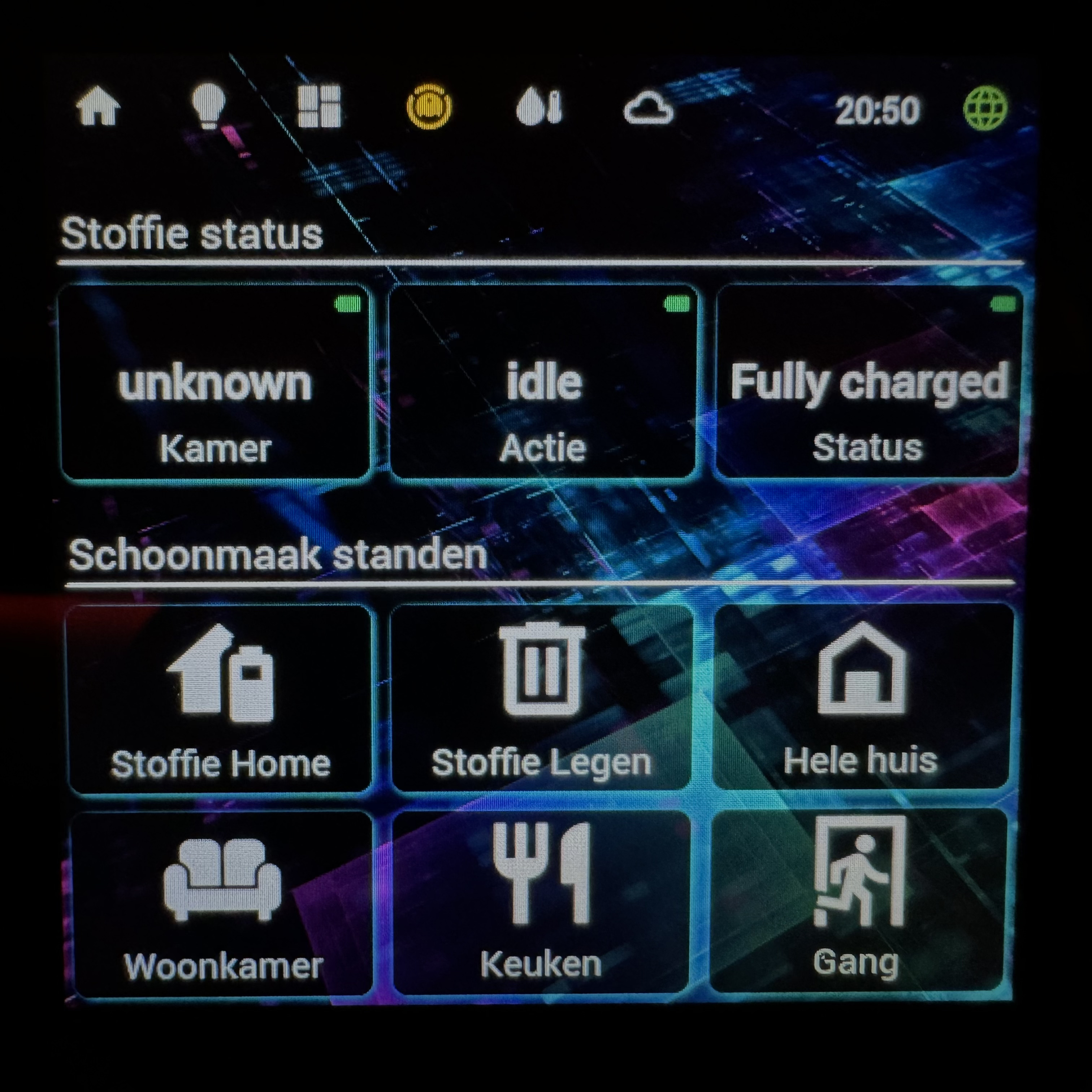
I understand, maybe it can be a 6x9 grid so you still have the correct height for the tool bar and the possibility to chose 3 or 2 widgets next to each other. You lose the square option, but I experienced that I like the 3x2 at the moment more because you can make longer titels in it.
This grid can maybe an option in settings/ dashboard grid? 9x6
Let’s see what others think.
other question, I’m still on the test version. What do I have to do to go to the official?
The app can be official but if need to change the grid i dont release it 
I found a solution. I change grid to 18cols but i map it to 9cols, In this way i can use a 4,5 cols (9cols in grid)
It can work!
New test version released with support for 4.5 col dimension
when I try 4.5x2 it goes to a 1x1
Do I need to clean data from app?
No, i made an error in upload! fix coming
resizing works! but the slider is missing, only light icon.
My bad, it was my css that made it to big to be visual.
This is great, looks very nice!
Finished my CSS NsPanel Pro design  . Thanks @diapolon for making this possible!!
Tip: Use a bluetooth keyboard connected to NsPanel Pro, makes a huge divergence editing the CSS lines.
Very good use! 
Bt keyboard is optimal for write css!
I would like to implement a css share function, for exchange layout from user and when you go in css section add a list with premade css
I fixed another problem, i separated info for 2023 and 2016/2019
Im prepare to release official version
Thnx for all the good work !!!
I took the Robinjo CSS as an example… Still not totally satisfied.
Can someone help me on this:
- Slider bar font is to big.
- Don’t want to see the slider bar when the light is off (garden, hallway and bedroom in this example)
Can we have the setting button move to the toolbar… So not every panel shows “settings” in the bottom ?
Try to set font size at 80% in widget settings
let’s evaluate in future release