How To: Configure ESPAltherma and the Daikin Altherma app.
This assumes your ESPAltherma and MQTT broker are already setup and functioning. See ESPAltherma Github for more information how to setup that part.
Configuring the required information in the ESPAltherma definition file
The Daikin Altherma app will read the need information from your MQTT broker and requires certain information for the devices capabilities. Please make sure the information of your ESPAltherma is published to the (default) topic espaltherma (case sensitive!)
Next, uncommented at least the following labels in the definition file for your particular Heat Pump:
{0x10,0,217,1,-1,"Operation Mode"},
{0x10,1,307,1,-1,"Thermostat ON/OFF"},
{0x10,1,304,1,-1,"Defrost Operation"},
{0x20,0,105,2,1,"R1T-Outdoor air temp."},
{0x21,0,105,2,-1,"INV primary current (A)"},
{0x21,2,105,2,-1,"INV secondary current (A)"},
{0x60,2,315,1,-1,"I/U operation mode"},
{0x60,3,204,1,-1,"Error Code"},
{0x60,4,152,1,-1,"Error detailed code"},
{0x60,5,203,1,-1,"Error type"},
{0x60,7,105,2,1,"DHW setpoint"},
{0x60,9,105,2,1,"LW setpoint (main)"},
{0x60,12,306,1,-1,"3way valve(On:DHW_Off:Space)"},
{0x60,12,304,1,-1,"BUH Step1"},
{0x60,12,303,1,-1,"BUH Step2"},
{0x61,2,105,2,1,"Leaving water temp. before BUH (R1T)"},
{0x61,4,105,2,1,"Leaving water temp. after BUH (R2T)"},
{0x61,8,105,2,1,"Inlet water temp.(R4T)"},
{0x61,10,105,2,1,"DHW tank temp. (R5T)"},
{0x62,2,304,1,-1,"Powerful DHW Operation. ON/OFF"},
{0x62,2,303,1,-1,"Space heating Operation ON/OFF"},
{0x62,5,105,2,1,"RT setpoint"},
{0x62,7,304,1,-1,"Main RT Heating"},
{0x62,9,105,2,-1,"Flow sensor (l/min)"},
{0x64,3,105,2,-1,"BE_COP"},
(Please note, not all labels are visible as a capability but are required in underlying calculations for example for power and energy usage, some are for future use.)
After uncommenting these labels, please make sure to upload the new version to your ESPAltherma device.
Configuring the Daikin Altherma app in Homey
After configuring your ESPAltherma device, it’s time to set up the Daikin Altherma app. Make sure you have the login details for your MQTT broker handy, then open the Homey app and go to the Daikin Altherma app’s settings.

You can use your MQTT broker’s hostname, as long as Homey can resolve it to the correct IP address. If you’re not sure, use the MQTT broker’s IP address instead.
Next, fill in the logon information and click the Connect button
After successful logon, the MQTT Broker authentication state will look like this:
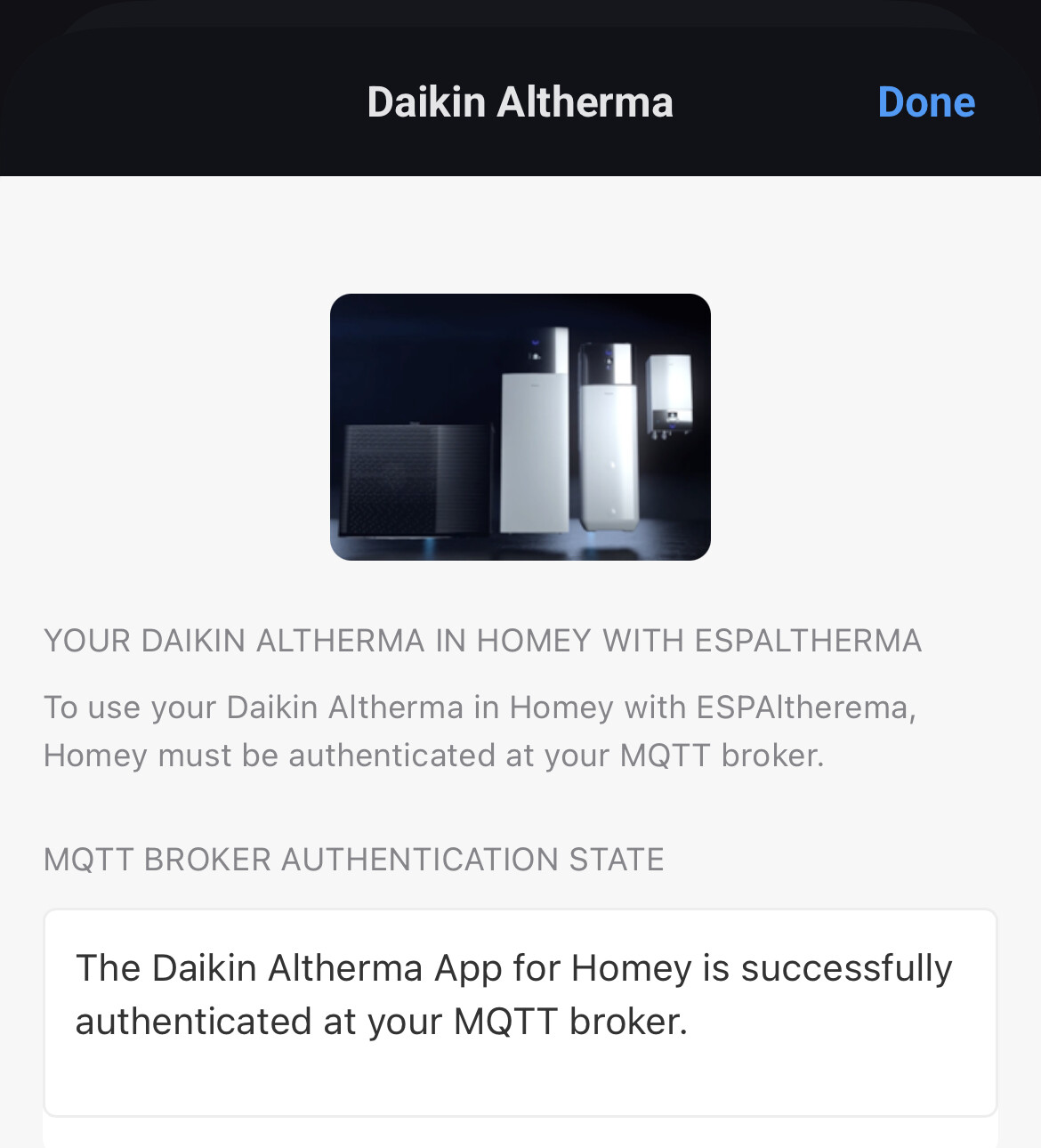
You can now exit the settings by clicking Done and add your Daikin device(s) to Homey!
