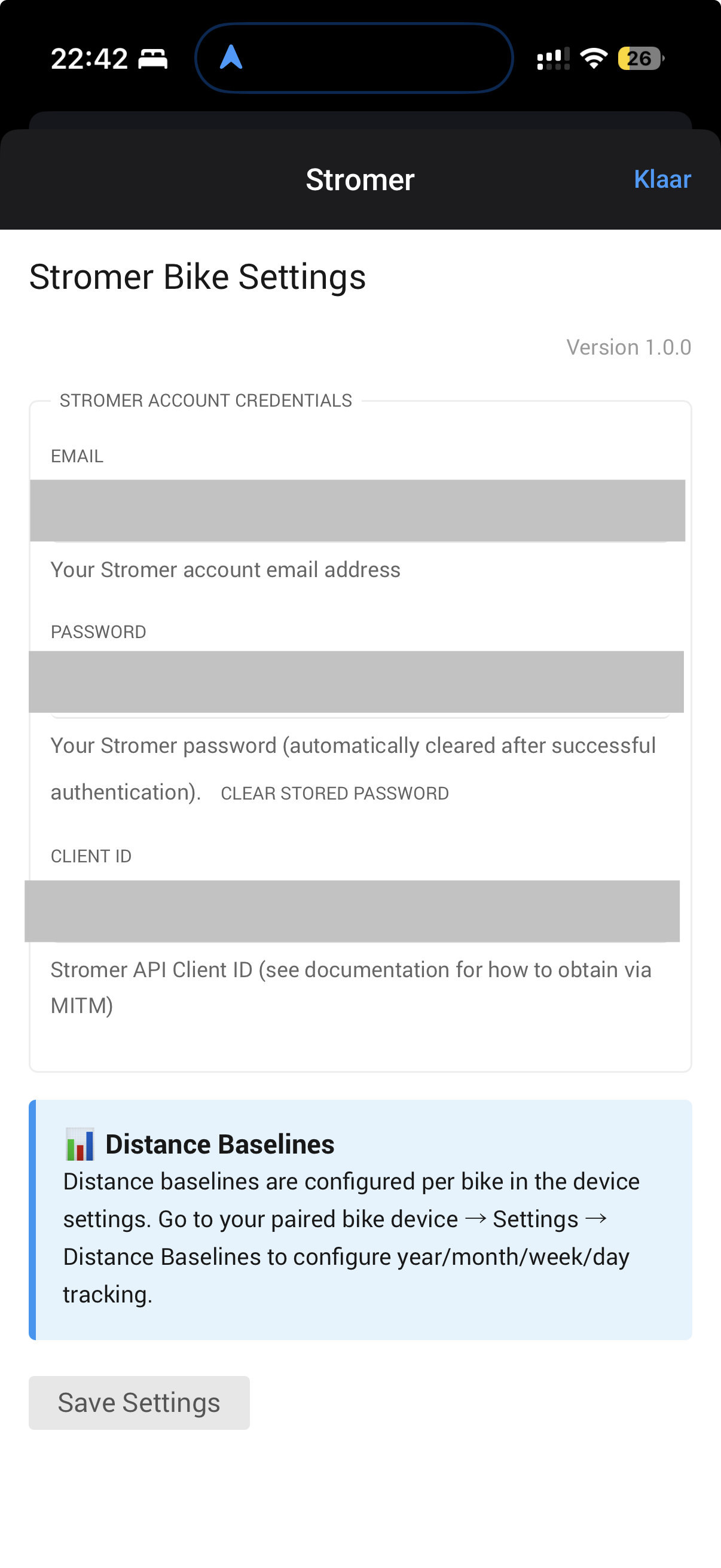
Retrieving API Credentials (MITM Method)
To use this app, you need to retrieve your Stromer API credentials. This requires intercepting the login request from the official Stromer app. Here’s how:
Method 1: Using Charles Proxy (Mac/Windows/Linux)
Step 1: Install Charles Proxy
- Download Charles Proxy from https://www.charlesproxy.com/
- Install and launch Charles
- Accept the trial or enter license key
Step 2: Configure SSL Proxying
- In Charles, go to Proxy → SSL Proxying Settings
- Click “Add” under SSL Proxying
- Enter:
- Host:
api3.stromer-portal.ch - Port:
443
- Click OK
Step 3: Install Charles Certificate on iPhone
- In Charles, go to Help → SSL Proxying → Install Charles Root Certificate on a Mobile Device
- Follow the instructions to configure your iPhone to use Charles proxy
- On iPhone, go to Settings → General → About → Certificate Trust Settings
- Enable full trust for Charles Proxy certificate
Step 4: Configure iPhone Proxy
- On iPhone, go to Settings → Wi-Fi
- Tap the (i) icon next to your connected network
- Scroll to HTTP Proxy → Configure Proxy → Manual
- Enter your Mac’s IP address (shown in Charles)
- Port: 8888
- Save
Step 5: Intercept Login Request
- Open Stromer OMNI app on iPhone
- Log out if already logged in
- In Charles, clear the session (Ctrl+K / Cmd+K)
- Log in with your Stromer credentials
- In Charles, find the request to
api3.stromer-portal.ch→/mobile/v4/o/token/or/o/token/ - Click on the request → Request tab
- Look for the JSON body containing:
{ “grant_type”: “password”, “username”: “your@email.com”, “password”: “yourpassword”, “client_id”: “YOUR_CLIENT_ID_HERE”, “client_secret”: “YOUR_CLIENT_SECRET_HERE” // Only for v3 API }
- Copy the
client_id(andclient_secretif present)
Step 6: Clean Up
- On iPhone, go back to Wi-Fi settings → HTTP Proxy → Off
- Remove Charles certificate from iPhone (Settings → General → VPN & Device Management)
Method 2: Using mitmproxy (Mac/Linux - Advanced Users)
Step 1: Install mitmproxy
brew install mitmproxy # Mac # OR pip install mitmproxy # Linux/Mac
Step 2: Start mitmproxy
mitmproxy --listen-port 8080
Step 3: Configure iPhone Proxy
- Settings → Wi-Fi → (i) → HTTP Proxy → Manual
- Server: Your computer’s IP address
- Port: 8080
Step 4: Install Certificate
- On iPhone, browse to http://mitm.it
- Install the certificate for iOS
- Settings → General → About → Certificate Trust Settings → Enable
Step 5: Capture Credentials
- Open Stromer app on iPhone
- Log in with credentials
- In mitmproxy terminal, press
/to search - Search for
token - Press Enter to view request
- Look for
client_idandclient_secretin request body