Have now pushed a new test 0.1.4. Have fixed the double rule issue. Have also changed default behaviour on colors.

Darn again. I thought that was just on my device since i do reinstall when doing debug. Homey Images apparently remove images during install which is sooooo strange. This is a huge issue. Will probably have to go back to the old style base64 encoding again which has whole list of other issues 
You can just re add the images btw for now.
Will move over to Persistant Storage and work with that
Dream: Show window coverings status; open or closed. Push icon and it opens or closes. I have 17 of these at home.
Standard Homey you must press and hold and then press for change which is tiresome. In HomeKit you can just press.
Maybe show flows as well making a real dashboard in the dashboard. Maybe not a great idea, and you must be able to set an icon as well. Just an idea though.
I really like what you have in mind with showing of capabilities.
Would you be able to show the temperature with a value in the map. Or colors based on thresholds? Or both?
Hey Ludvig,
The best app idea in… decades!
I would love to support you and add more devices/capabilities etc. pp.. We could do it with PRs, then you keep full control. Are you interested?
Fully agree, best app and with high potential!!
Had to scare away and hunt burglars here last week and would like to up my game on alarm possibilities. I have sensors on every window and door (26) and are looking into outdoor sensors as well for flood lights (and for information on movement). Your floor plan is excellent for overview indoor/outdoor. Any things you have in plan I can test on my system (150+ Zigbee/matter/bluetooth/wifi/433Mhz sensors and activators) from many vendors. I have as well HomeKit (with Homekitty).
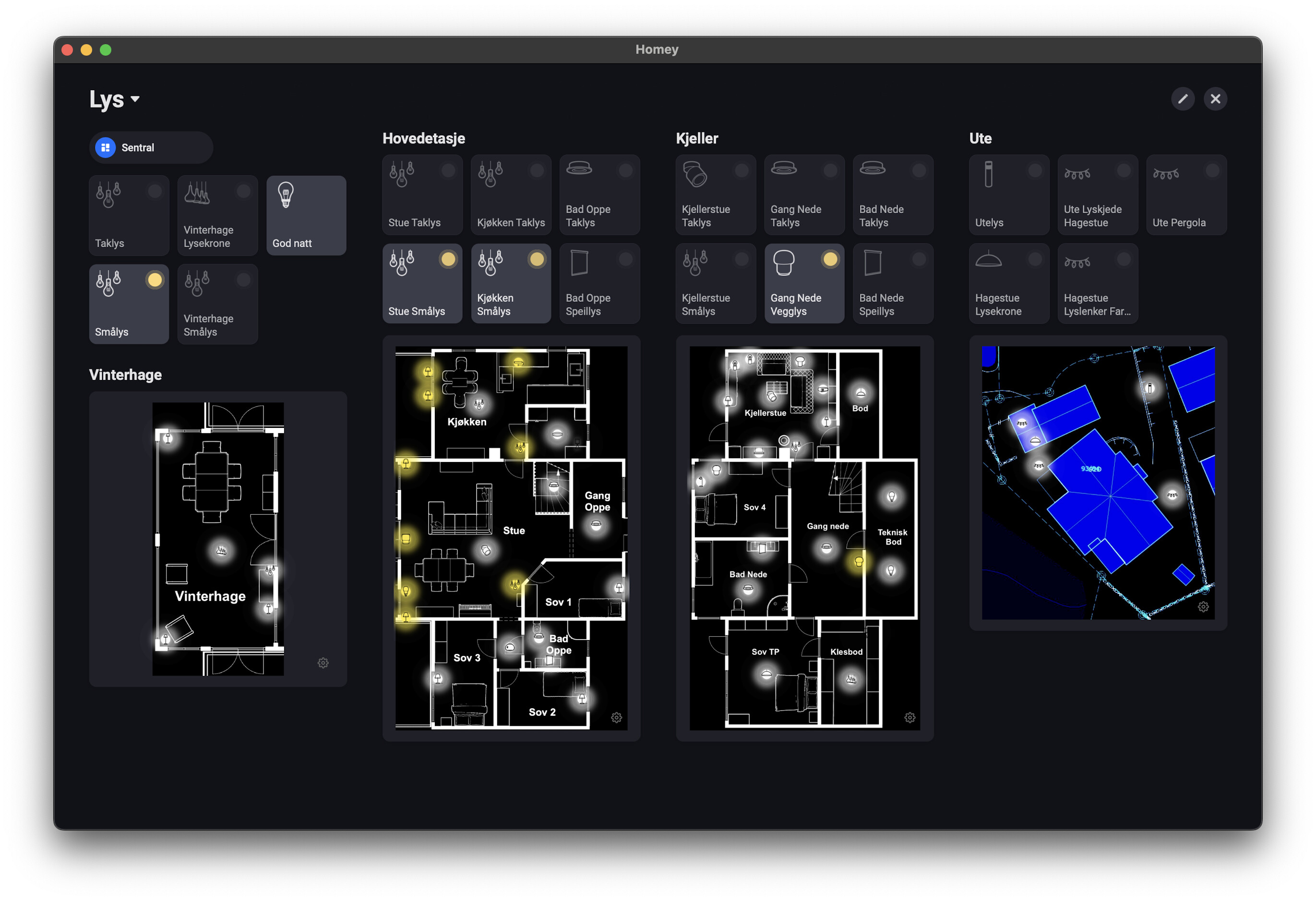
Hmm looks like you are running the dashboard as Window? Are you running an Android emulator? Or do you have any other way? I have seen some type of Docker thing for development but that i guess is more for the hardware.
In the future yes it’s even a must I have to say. I am however still doing architectural stuff and haven’t solved all the things I have in my head. Just started changing how we store images for the third time. But I’m closing in. Then it will be great.
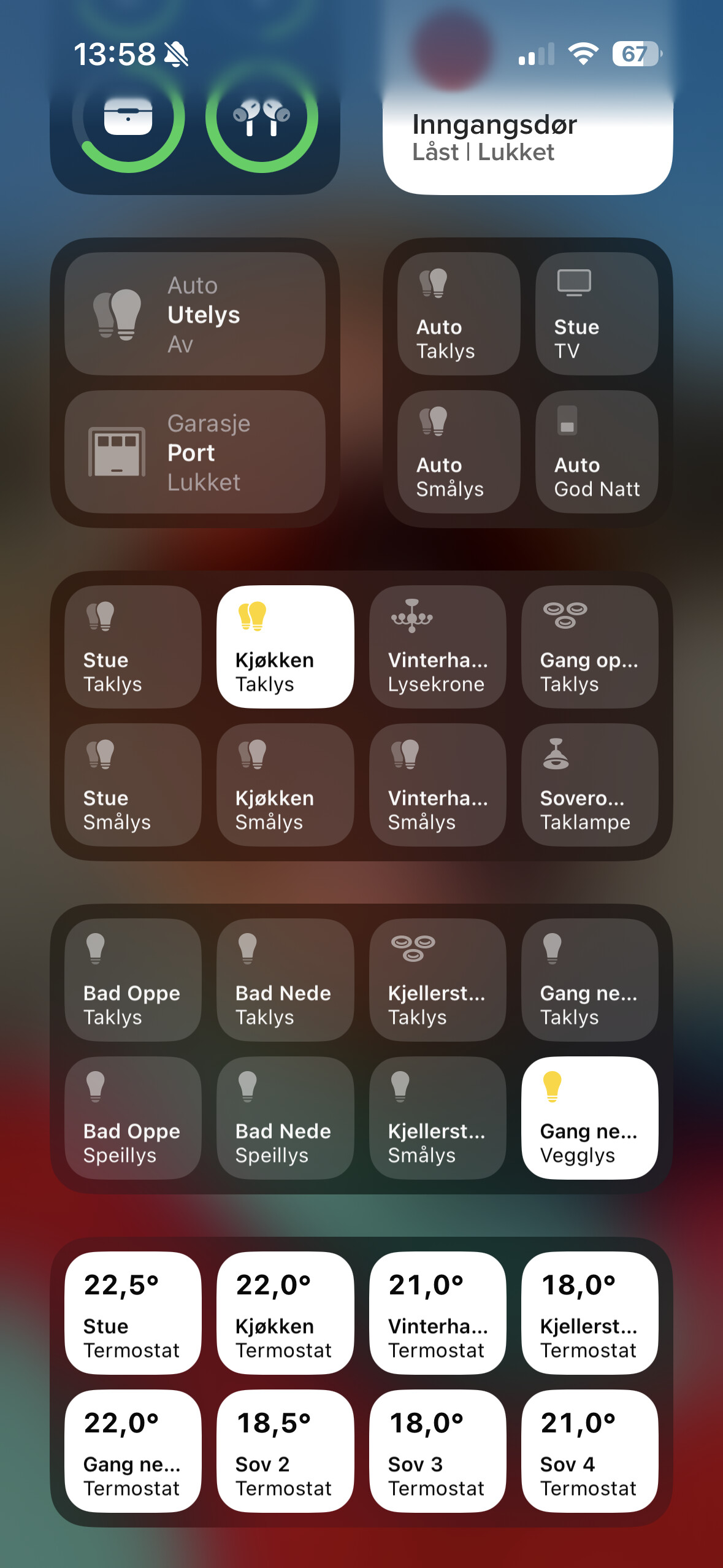
I was thinking about the image where you showed your floorplan layout. It say Homey at the top and I see the Mac buttons on the window.
Correct. Works like a charm. Touch screen and you would have a perfect dashboard with lots of power.
I still want to know which one you use 
On the mac app store you can install ipad apps on the mac and use them. Thats what i think @Paal_Aamaas is using as i do the same thing and works great.
Nu test out 0.1.5
I have changed how we store images and is using Userdata instead. Also made some other fixes.
aaa yes. That is just awesome. Never thought about that.
You can scale the window into any size. Homey just resizes the content. Works amazing.
Looks good. So far no issues. Great app and great work!
Hi @Ludvig
I only saw a spinning wheel after update to 0.1.5. Did not load the images. I had to re-select the images. After that all the lights and smart plugs were working. But none of the motion sensors and door sensors were working. I had to re-add them. If you or some one else mentioned this…Sorry.
Rogier
