Thanks Ludvig, for this really cool app. Still need to create all the floorplans but having the ability to change the status of a device here makes it so much easier.
Really cool that you develop this app, thanks again
Just to let you all know. I have not forgotten about you. I just spent alot of time building this first and since I need also to sit home to do this against my Homey its a bit time conflicting. Im of over easter but then I plan to do more development.
What I have in pipe is (will see in what order etc):
- Temperature / Humidity capability: Make support for this. We also will need to some type of way of selecting default view on Map e.g. Temp, Humidity, Temp and Humidity
- Hue support: Add so you can set colors
- “Map Rule - Size”: I want to add a new icon size that you can scale all icons. Will follow the above idea that you can scale all of them at once but you should then be able to scale a specific one if you want that different
- Replace Floor plan Image: So you can swap the image without having to redo everything
- Better compression logic for images (will make a retry loop to start with best possible, then go more and more down until it works)
Thats what I have in mind right now at least. If you have more ideas just shoot.
I have now fixed so you can replace image on a floor plan
I still have the problem not to be able to add a device to my floor plan. I have zWave and aqara door and temperature sensors. Guess they should be selectable but aint.
Any idea?
Temperatur is no strange at all. I have not added support for them yet. I have to manually build support for each capability. Door sensors should work but depends on what type they are.
Well, in one of your earlier versions (think it was the first test version) I could add an Aqara zigbee door sensor. As said now neither a zWave (devolo) nor a zigbee one. Might be helpful to display a text saying „no suitable device found“ instead of having to wonder why one can’t search for one?
New test version out
Have done a lot:
- Added support for Measure device temperature / Humidity
- Change how we store images for floor plans. They are now uploaded instead and have also added cache feature to speed up frontend. You will not have to remove the old one but i would recommend do a replace since then you get the image in the new format instead of old
- Added so search show all devices and you can also see if it has capabilities we do not support or support for easier debugging.
Measure device is not fully done. I have added a new rule for it Measure - Display Settings. The idea is that I will show the values on the Floor plan if you want. But for now you can press to see them in the modal.
Loads of changes in the code so probably loads of new bugs for you do find out 

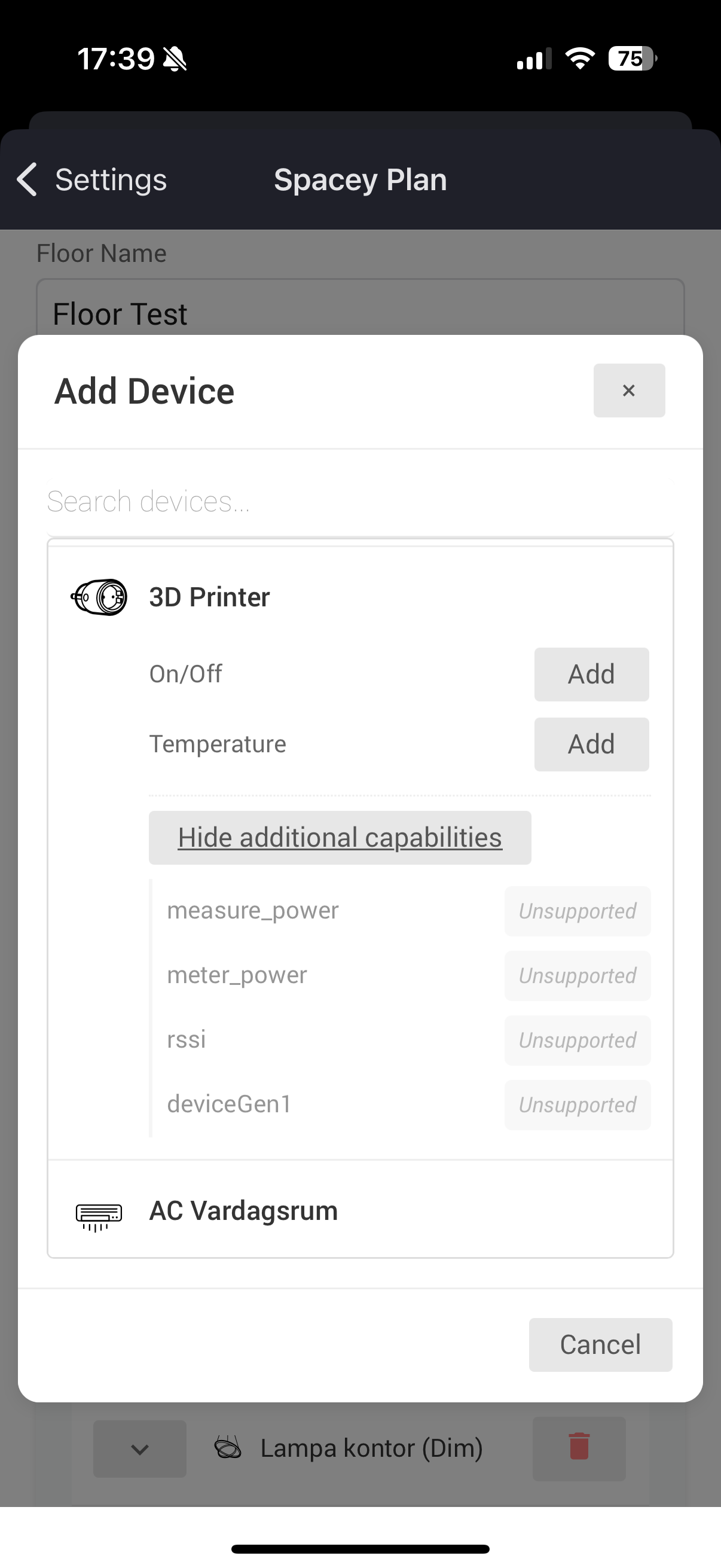
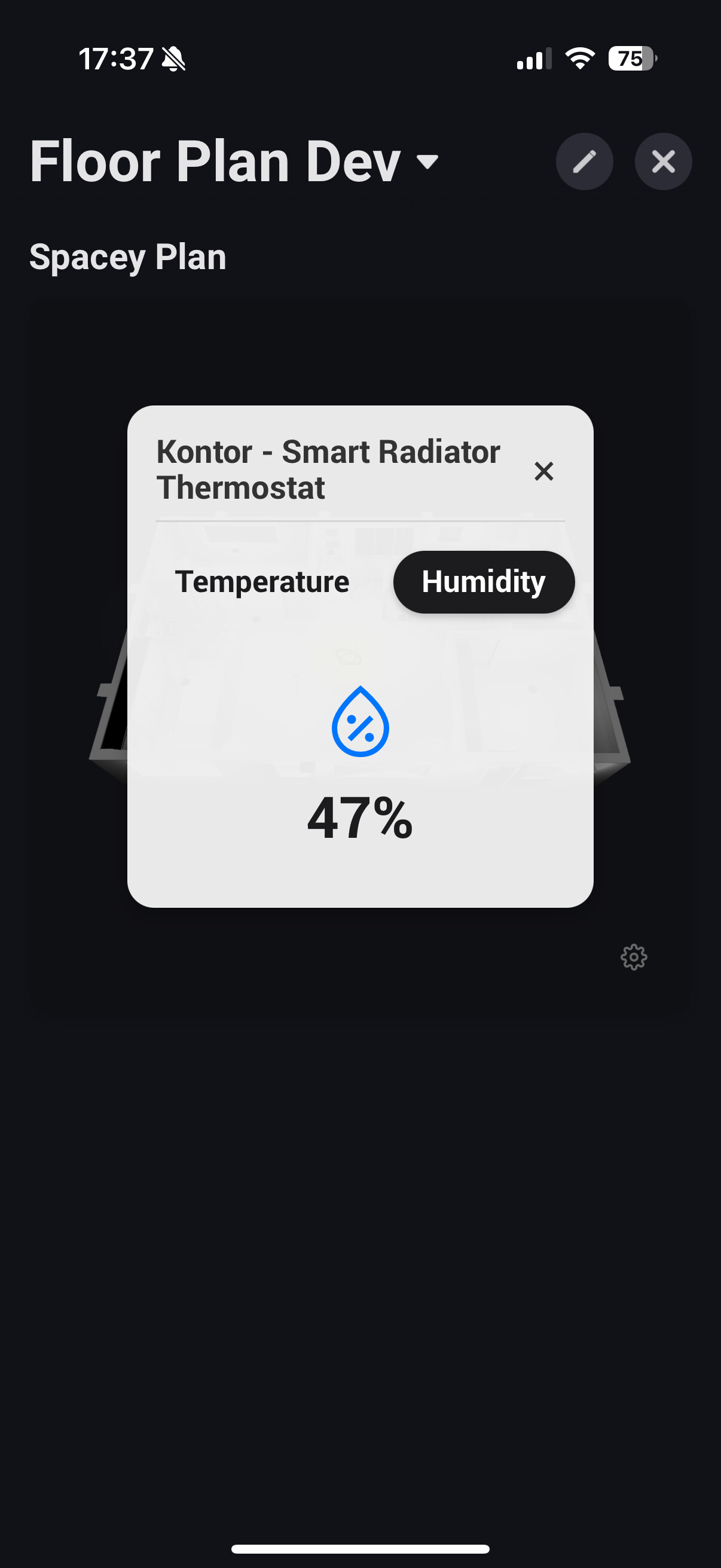

Have added better search in the testversion now. I have not removed any support so that is strange. But try the latest test and see.
Working now as described.
Thanks

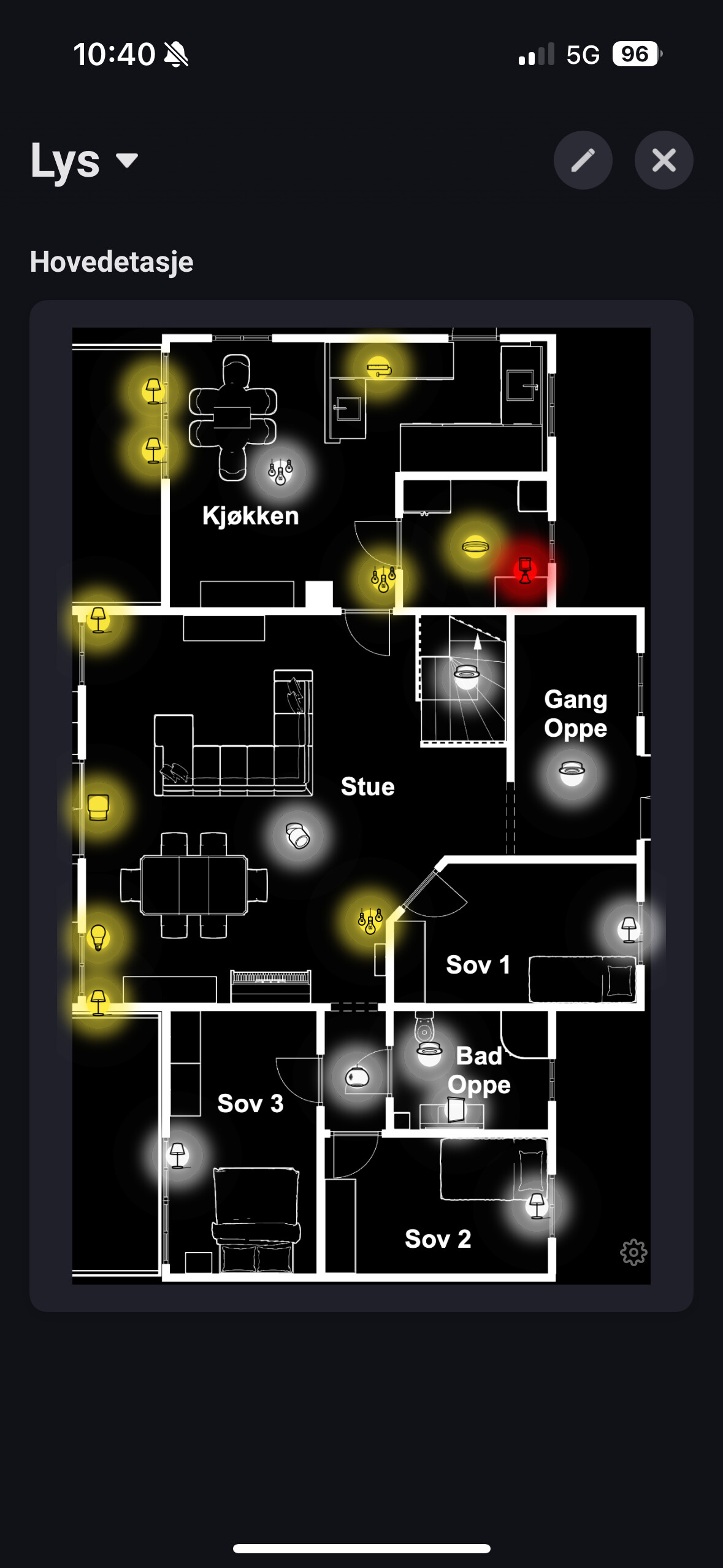
O darn I forgot about that. I have created a new rules for Alarm. So the on off rule for coloring is not working. This is to prepare for the global rules I’m working on. So either re add the device to get the rules automatic or just delete the on off rule and add a n alarm rule and set your colors.
Readding them just results still in blank icons but shows the alarm state only.
I am okay with no background (black) and red alarm state. Easier to see if it is triggered.
If you could make some global rules instead, that can be overruled by local would be terrific.
But do you se the alarm rule? I think it defaults to off when no alarm. Try to change it.
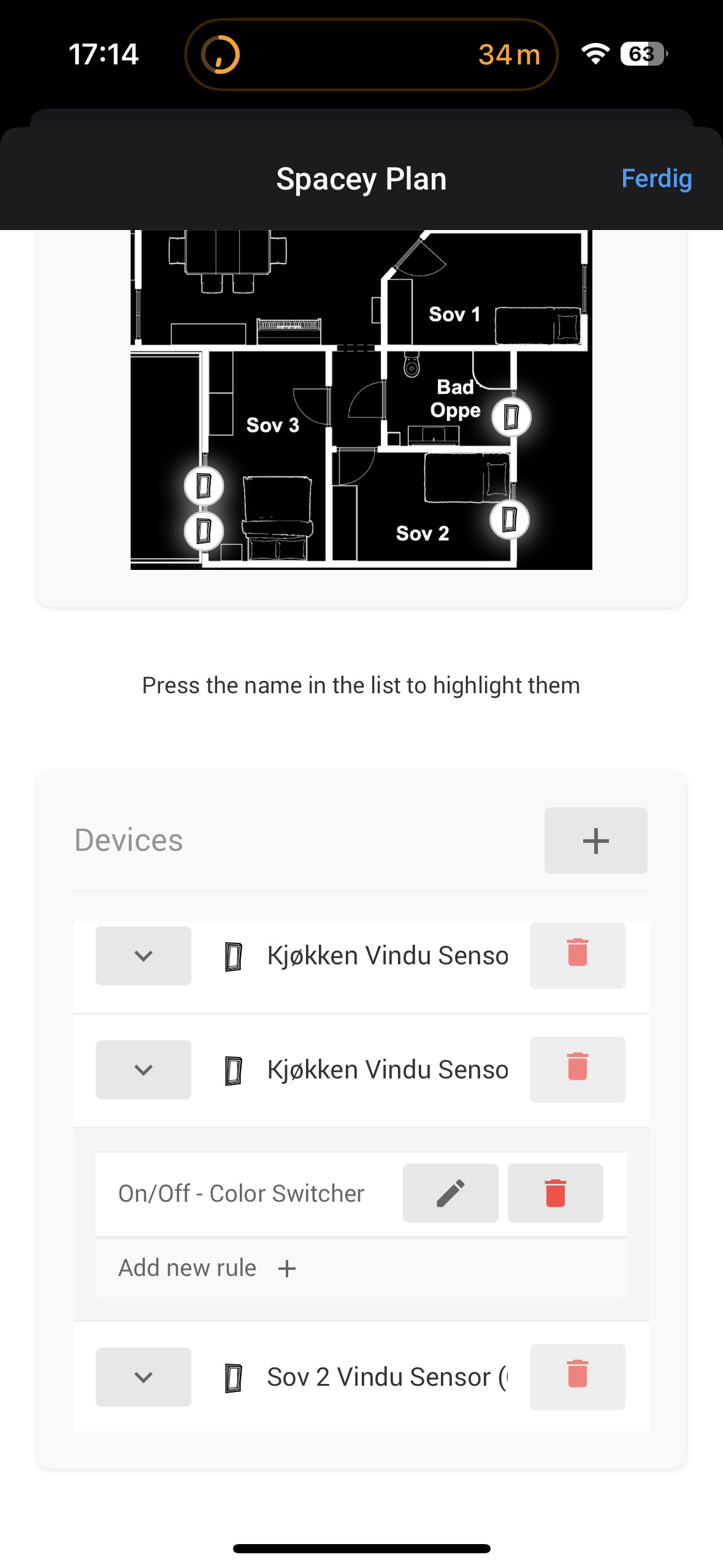

When I changed the rule as left but not working. Alarm is correct one now. Not 3 of them of course. Will look into that.
Please check what you are posting. There’s no screenshot.
