I have made a mental note, and will think of how to implement something
Yes, the SigenStor stack has a single IP address. It is also stated in the first post of this thread.
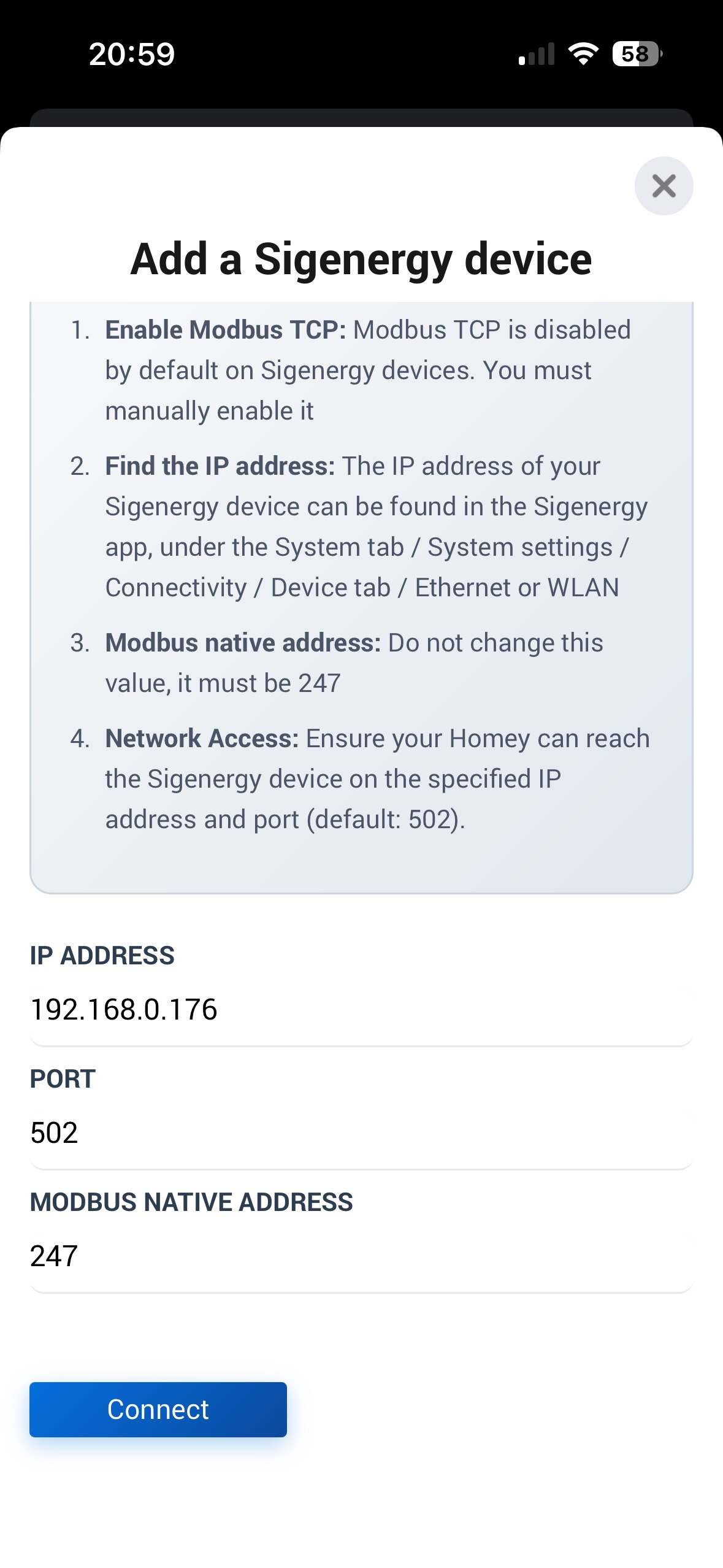
Have you followed the guide that is displayed in the app when you are about to add a device? It states pretty clearly what is required to add a device.
I believe you need to address this with Homey. For a home battery, which the battery device is classified as, perhaps they should exclude the default battery notification logic?
Hi Richard, I followed the guide exactly but then it shows this error message. But I will double check with my installer if they really enabled the modbus TCP as they said.
Yeah, strangely enough, it is not possible to see if Modbus is enabled as a normal user. We can find SigenStor’s IP address, though.
Furthermore, ensure that your Homey can communicate with your SigenStor within your local network. Sometimes, users are unaware that the communication occurs over the local network. If you have segmented networks and your Homey is on a different network from the Sigen devices, this will not work.
Absolutely, I assume you have an energy meter connected to your battery. Then add an energy device to your Homey from the Sigenergy app.
Just add the plant device from the SigEnergy app. The plant is there since this is what Sigenergy calls it, the idea is that a plant can contain more than one inverter/battery.
No.
But, make sure both are on the same subnet / vLAN.
“Measuring is knowing” is a Dutch saying:
With a Net Scan app “TCP port” device you can check if Homey can reach the inverter port 502.
Very easy to set up.
is it posible to make a status indicator for the battery with a percentage in numbers so i can see how much there is left in the battery?
now i have the green bar but it is hard to how much is left.
Thank you for your help @Peter_Kawa and @Richard_B , I finally managed to connect my battery, although it turned out that my installer didn’t have the Modbus settings correct…
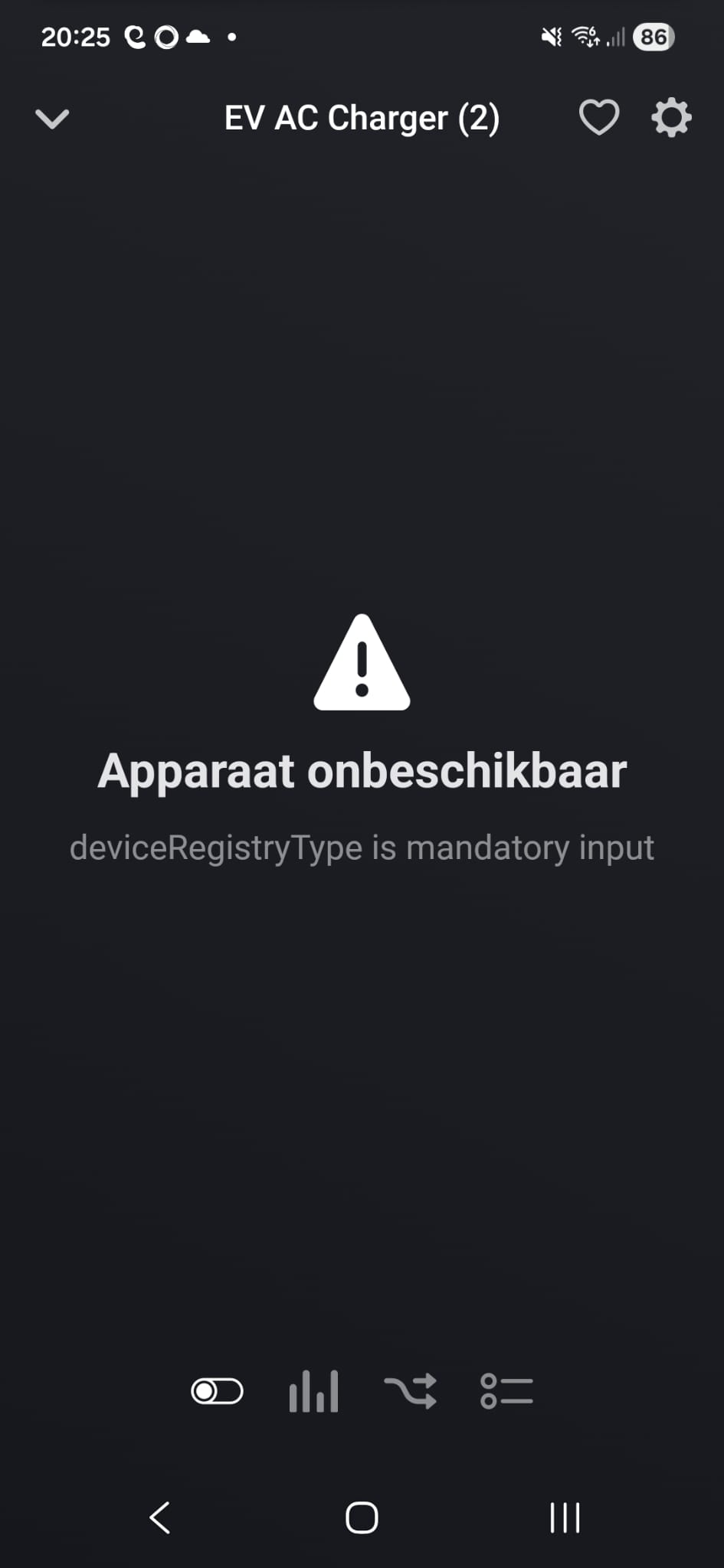
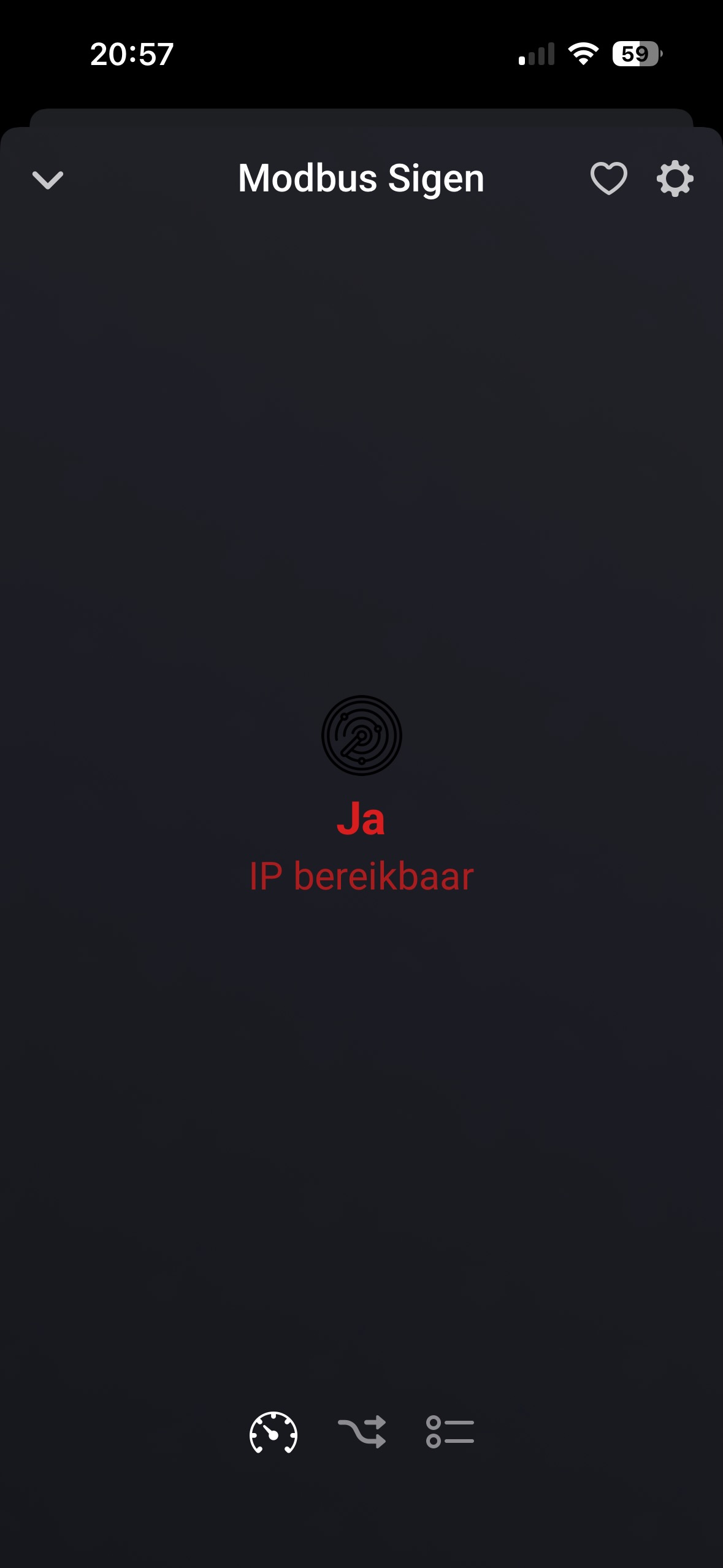
I also wanted to connect my Sigen EV AC Charger and as mentioned in the start post I contacted Sigenergy via a ticket. They explained that when the Sigenstore’s Modbus is enabled, the EVAC’s modbus is automatically also enabled. However, since the default Modbus address for the EVAC is 1, which is the same as for the Sigenstor, I couldn’t connect. So Sigenergy changed it for me to 2, and now I can also find the EVAC charger. However, there is still an issue, see screenshots below:
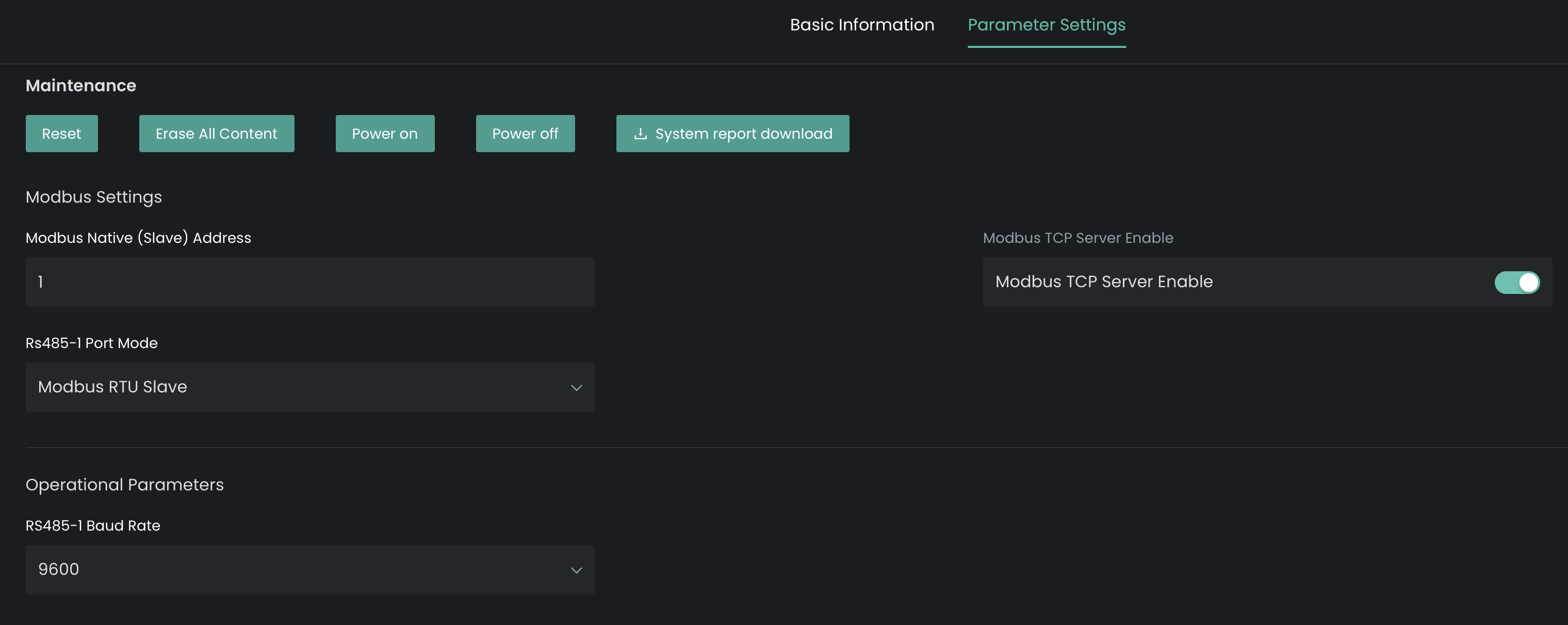
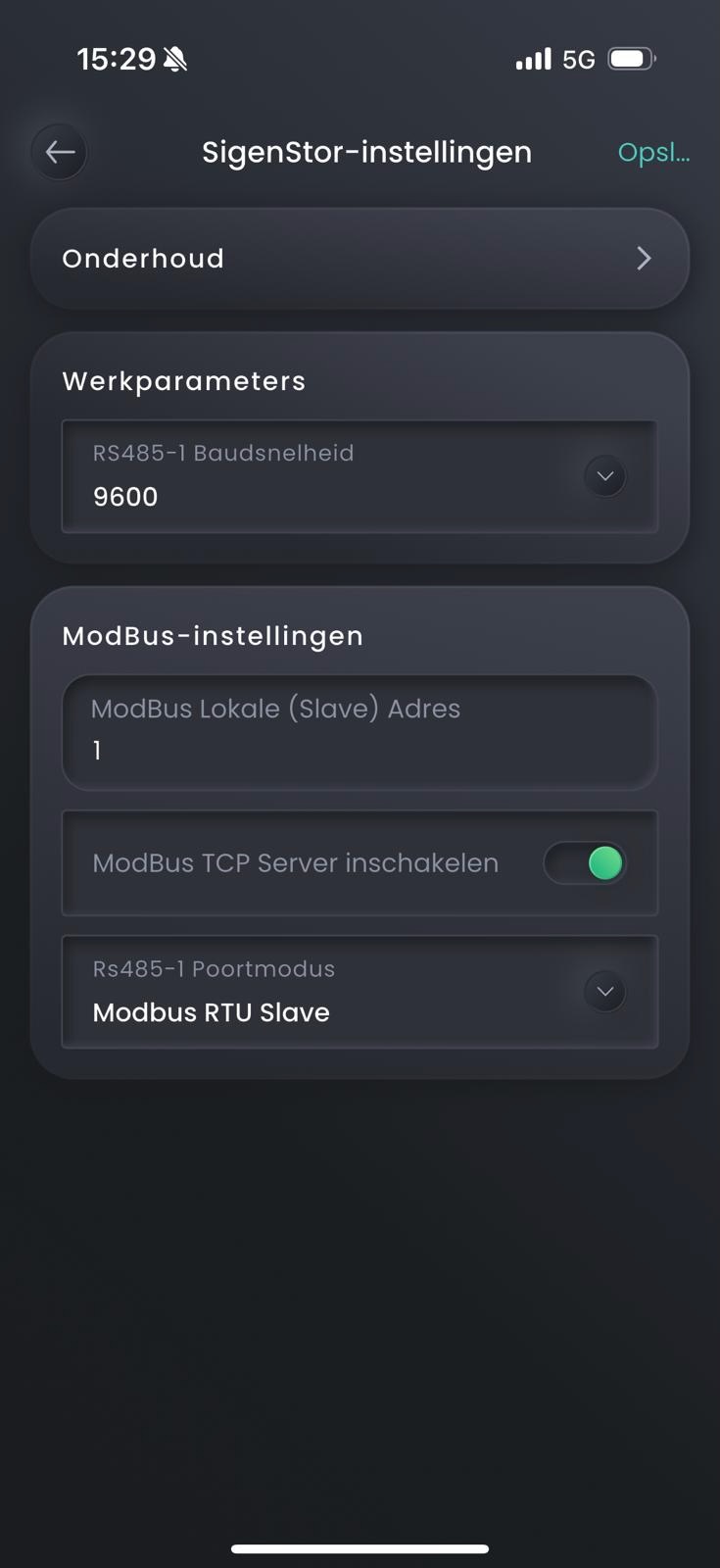
Hello Richard, I installed the Sigen Stor and connected solar Panels, but I have the same problem as @Pieter_S and @Andreas_Jonsson I made sure that my Modbus TCP is enabled:
Hi Cant figure out whats wrong with these settings with the sigen ,. the installer has enabled modbus according to this picture , but cant connect with the sigenergy app ?
When setting up the Sigenergy app in homey , choosing “system” as install .
I can ping the device without any problem , is on the same vlan, using wired cable.
Error: connection to modbus server closed is the error im getting .