Homey app for Ollama. It currently supports the ability to generate a response using an installed model and it supports setting a system prompt. It also supports using images with models like qwen2.5vl or gemma3.
First set the IP address and port (default is 11434) of your Ollama instance and your system prompt in the Settings page of the app, and then you can generate messages using Ollama models from your Flows.
The system prompt that the app uses can also be set via a Flow
Make sure the “Expose Ollama to the network“ is turned on in your Ollama instance

I submitted the app for certification. They say that it can take up to 2 weeks
Hi @smarthomesven
This might more concern Ollama itself than your app but maybe you can still help me:
Is it possible to use Athom´s official Homey MCP Server with Ollama?
If so, how is it done?
AFAIK it’s not possible to use MCP servers with Ollama, maybe with an external/thirdparty software but not officially
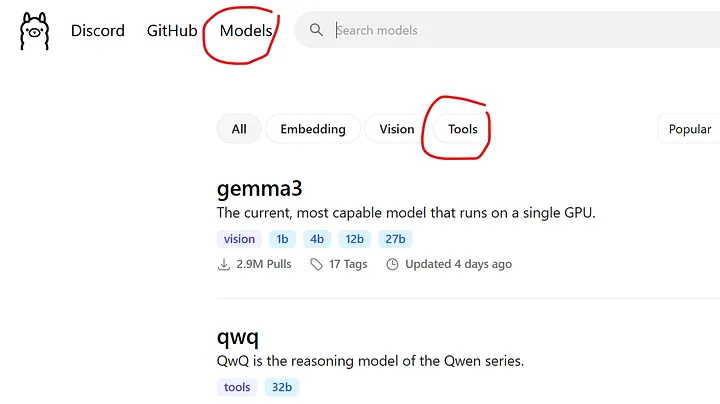
MCP Servers should be supported in Ollama. Isn´t it what the call tools?
I have seen that you can define tools when making a generation request to the API, but it’'s as far as I know not possible to connect to a MCP server from Ollama.
I’'ve never really used the tools so I don’'t know how it would work from the API