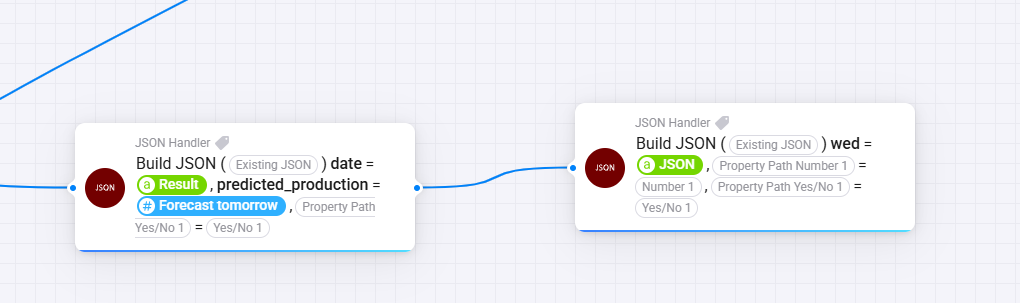
What I’m trying to do is to make a framework to send commands using JSON and Advance trigger to control my Eufy cameras. The JSON are not sent to the cameras, I using them only in my flows.
I have no experiences with JSON and I’m struggling to understand how I should do to make an array of objects using the Build JSON card. Any tips how I could accomplish that?
Se an example below how I think the JSON could look like if i want to sent several “commands”
at ones in an array and how I try to build the JSON.
@janrikard
I am unsure what you are trying todo.
You already get a JSON, but then tou create a new empty json (with the flowcard), set a property (from which the name comes from a tag) with the first json, as text?
Are you trying to modify or read the properties?
In both cases (both different flowcards), place the json tag in the Existing Json field.
Thats not the right flowcard.
There are flowcards to build json’s with text, numbers and yes/no’s.
And there is another flowcard to build a json with properties filled with a json as value. Thats the one you need. Please check my last post for the specific flowcard that your need.
I’m looking to read a json url and found the JSON handler app but am I correct in thinking this doesn’t read a url, just parses it?
I was going to use the http get app but that’s not supporting homey pro.
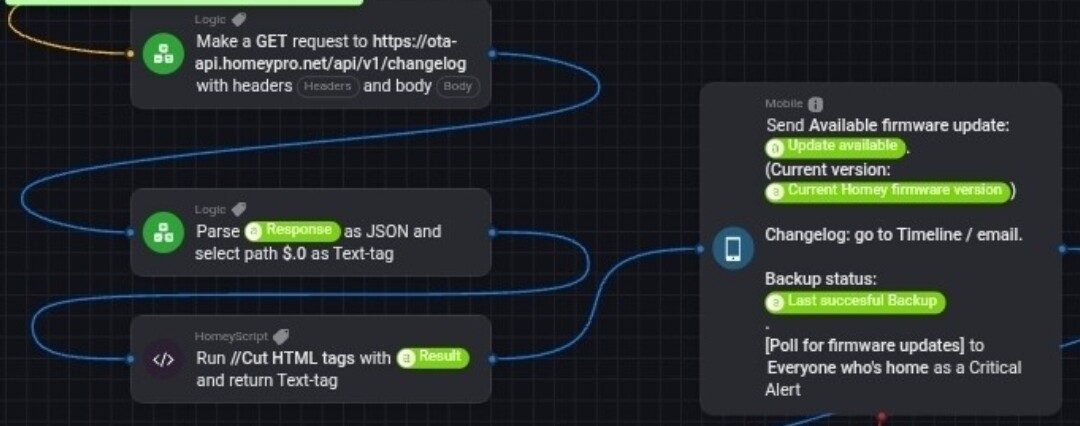
I’m trying not to use the advanced flows for now so what is the best way please (with app or not) to read a json url, parse it and then I can display values.
Yes, only with advanced flow.
Because the standard flow has no options to pass the result of a “Then” card per tag to the next card; plus there’s no “Parse JSON …” card available because of that.
.
I work with Advanced flow on my tablet most of the time, using local account + web app, or my.homey.app.
It only needs an additional BT or USB mouse, to be able to use key functionality, like line drawing and dragging (a selection of) cards around.