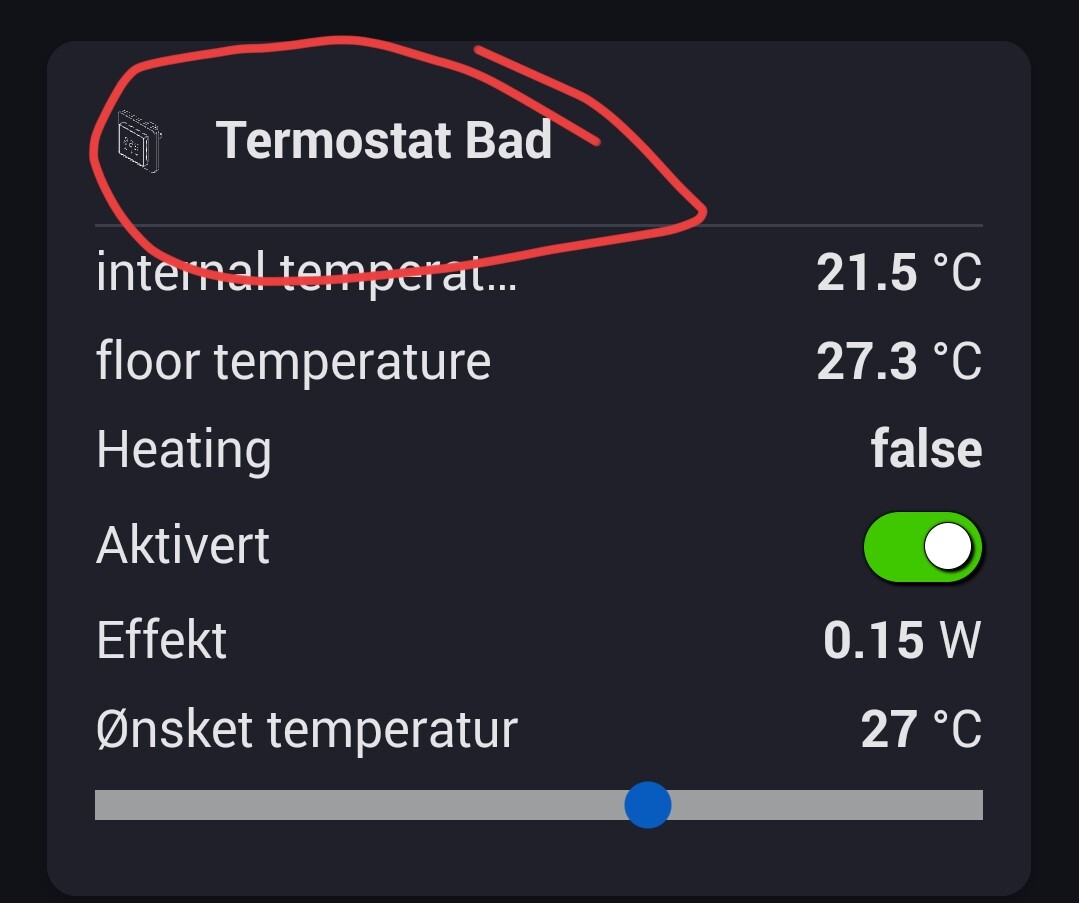
The virtual device is updated at a timed interval. If there is an option to update this would also be oke so I can include it in my flow.
I just tried with normal device but also the values are not updated.
When press Edit on and Off the values are updated.
Do you have a Homey Pro 2019 (ball shape) or a 2023 (disc shape)?
Could you try restarting the app to see if it starts working?
strange, I have to restart the iPad several times a day because the widgets don’t appear. After restarting it works again. Can someone help me?
I Have 2023 version.
I updated Homey to latest version and also app and did restart.
Still widget is not updated and also not standard device
Do you mean any widget or specifically the Enhanced Device widget?
Do they dissappear completely or just not updating?
That’s strange. I have no problems on my HP2023 but I do have a similar issue on my HP2019. For some reason the capability notifications stop working randomly. I have reported it to Athom but it is difficult to track it down. I also have the same issue with other apps that use the capability notifications, but only on my HP2019.
Could you check the log in the app settings page to see if notifications are showing?
I’m not sure an app has that much power to select a device page in the app.
And what a power it would be. So remember, if you can do it. With great power, comes great responsibility 
1 Like
I have published a new test version. I found an issue with updating read-only capabilities.
I have now added a status widget to my Enhanced Device widget, so not sure if that is of interest.
The title, status text, background colour and text colour are set via a flow card.


Tap on the x to clear the message

Always happy to get feedback for improvements.
2 Likes
It works. However, it seems to reset when exiting and entering the dashboard.
ATM the Flow card pushes the data to the widget but there is no where for widgets to store persistent data.
I made a hack in the other widget to save the visible information in the app settings, but I don’t really like that. I am hoping Athom will provide an official way to save things that will clean up if a widget is deleted. If that’s not going to happen then I will use the same method in this widget.
1 Like
Hi Adrian,
Thanks for this, looks very nice!
I can not see the enhanced device cards. In the app is see this error:
Error Not Found: Device with ID 50a0144e-33fe-46b2-aa3e-62c0b103c5e1 when getting device 50a0144e-33fe-46b2-aa3e-62c0b103c5e1
I have tried to remove and reinstall the app and the with the same result. Can you tell me how i can fix this?
Hi Adrian,
Thanks for your effort to make the dashboard more usefully 
This new status is very interesting, especially that you can control the colors with a Flow give me hope we are able to control other widgets as well with a Flow…
I’m a little bit struggling to find a usage for this status, but for sure some idea will come.
I have published an update that persists the values through a restart.
Where are you seeing that error?
What device have you added?
I see this error in the enhanced device widget app, diagnosticslog. I have sent you a log from the app. Hope this helps.
I haven’t received the log. What was the error message?
1 Like
