Thank you for the quick fix! This resolved my issue.
1 Like
Hi @Adrian_Rockall
I think that I have a little bug.
The second card is a “copy - paste” from the first One.
When I am testing the flow, with the first card I get a prompt to specify an Event ID
But not for the second.
Any Idea?


Does’t the second WHEN card provide its own Event ID? Each of the WHEN cards have their own/different Event ID tag. You are using the one provided by the first/original WHEN card.
2 Likes

Oh wow that looks great how can I create similar this table?
Now I have a long table …..
Can you share some flows / codes
You can find a basic explanation op the building blocks here in an earlier post of mine:
I did some further fine-tuning and added additional sensors, but I hope it gives you the basic idea.
One thing to note is that I had to split the flow in multiple canvasses. Putting them in one canvas caused it to get very slow / freeze.
Love the idea to make this for my sonos playlists, but what i do i keep getting a blue colur in my picture. The uploaden ones for example Q music is red with the Q in white. Tried everthing i can think of but cant get it right. So someone knows what iam doing wrong? Looks like they sort of “inverted”


What do you have in the Flow card that fills the widget?

Guess i found out where the problem is. Not sure its on your app side, or its something where athom should look at?
My dash is in Dark mode, and there is the picture “inverted”
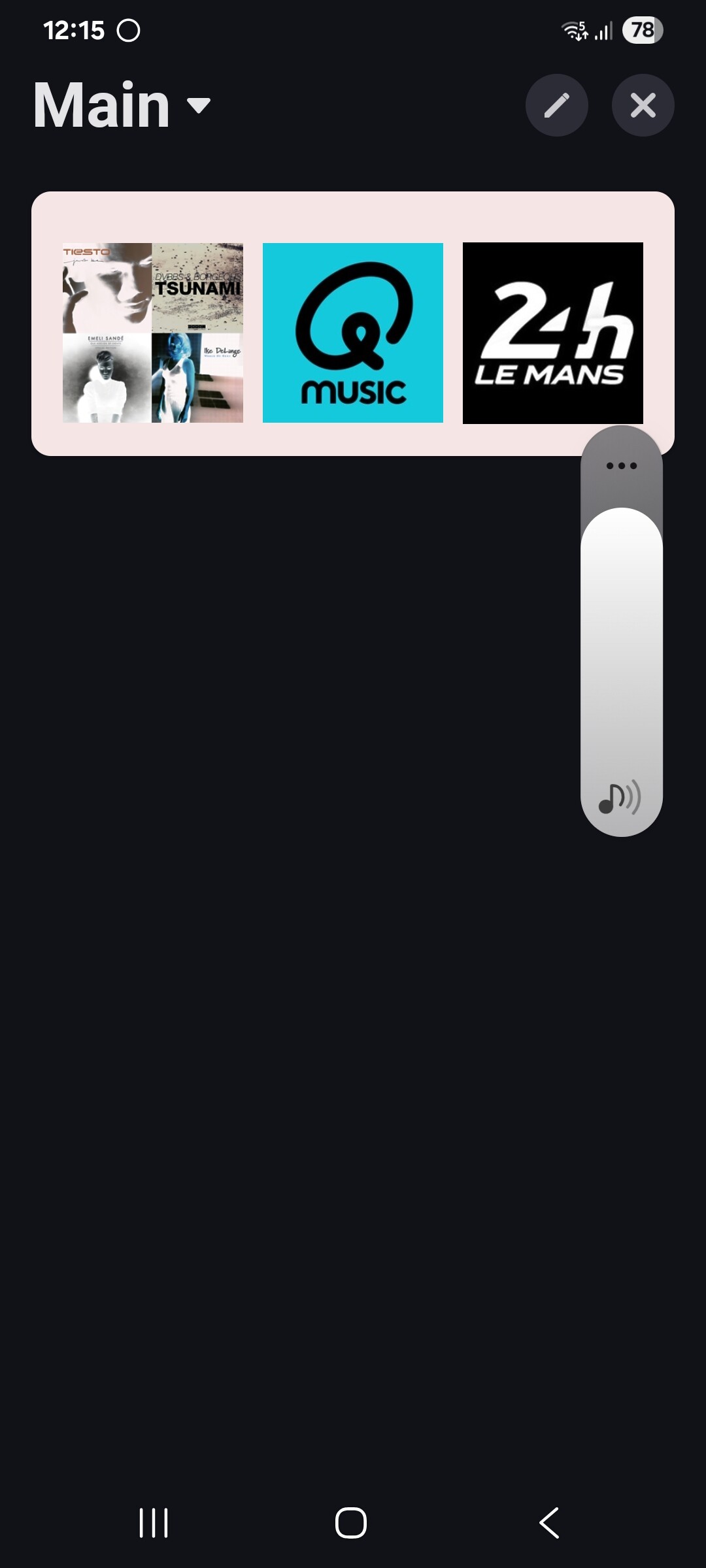
Switching to light mode everything is ok.
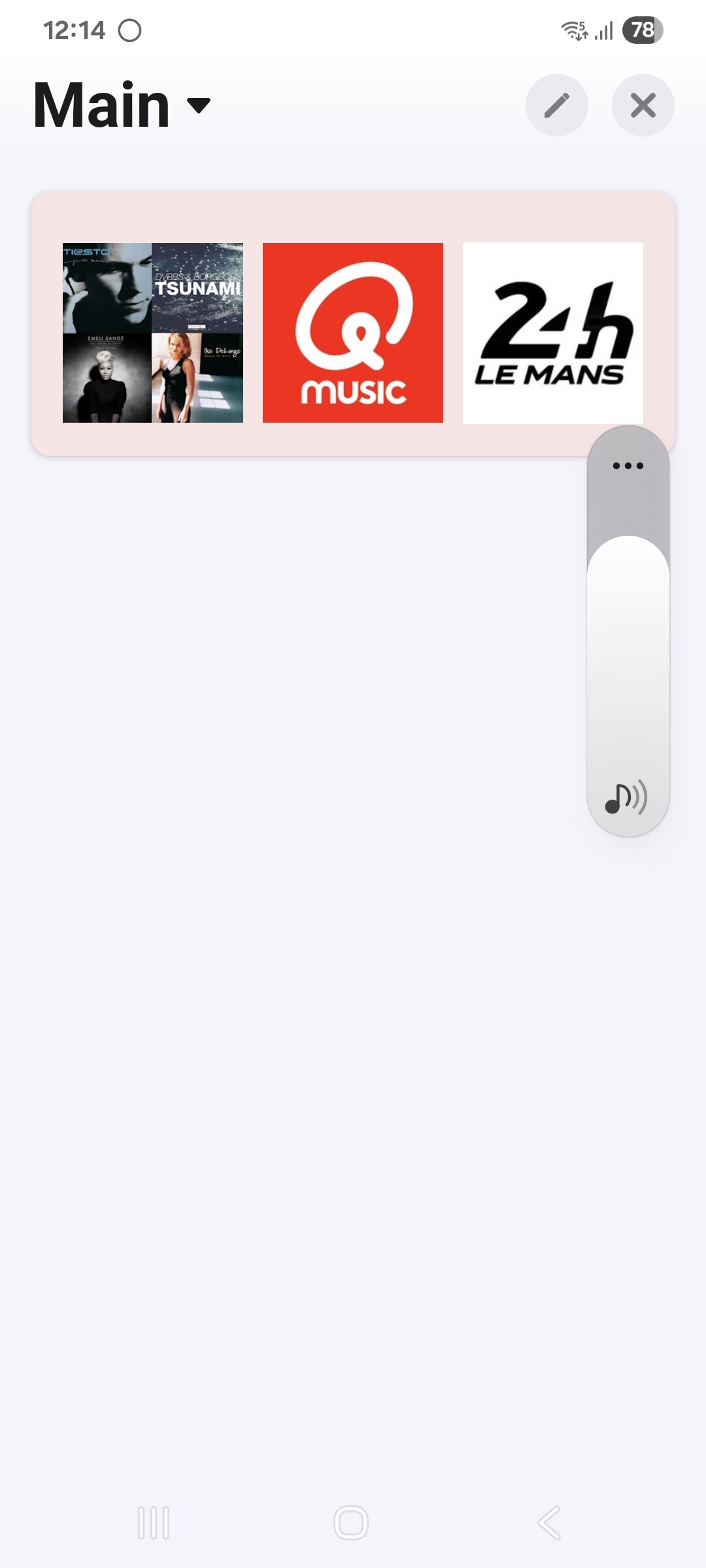
Hmm, good spot. I will check the widget code to see if I can do anything in there.
Great, and thks already 
style="filter: none !important; mix-blend-mode: normal !important;
I see its working, but know the qustion how to implment it in the code i have
<div style="display:flex; padding:0px;margin-left:15px"> <img id="imag1" style="margin:auto;width:35%" src="/app/com.athom.gallery/userdata/58919d9f-8c17-4d42-a8fc-2c93fb54f563.png" onClick="onObjectClick('Watergroen');"> <img id="imag2" style="margin:auto;width:35%" src="/app/com.athom.gallery/userdata/66d55a53-b9ff-4e13-994c-a474c16a3d5d.png" onClick="onObjectClick('Cogroen');">

Here my code
<div style="display:flex; padding:0px;margin-left:-10px;overflow-y: scroll; gap:5px;margin-top:-25px;">
    <img id="imag1" style="filter: none !important; mix-blend-mode: normal !important;margin:auto;width:30%;border-radius:50%" src="/app/com.athom.gallery/userdata/b9297021-3919-4af7-9d36-71833e6faced.jpg" onClick="onObjectClick('CELESTINE');">
    <img id="imag2" style="filter: none !important; mix-blend-mode: normal !important;margin:auto;width:30%;border-radius:50%" src="/app/com.athom.gallery/userdata/39468ad9-90ed-42cb-89f5-e5b318e115bf.jpg" onClick="onObjectClick('MELA');">
    <img id="imag2" style="filter: none !important; mix-blend-mode: normal !important;margin:auto;width:30%;border-radius:50%" src="/app/com.athom.gallery/userdata/50db2b75-4f05-4574-8526-e6c0eb64cbf4.jpg" onClick="onObjectClick('MATTHIEU');">
    <img id="imag3" style="filter: none !important; mix-blend-mode: normal !important;margin:auto;width:30%;border-radius:50%" src="/app/com.athom.gallery/userdata/50a74623-1e33-49cd-9d38-c86d57b8cfbb.jpg" onClick="onObjectClick('PAPY');">
    <img id="imag4" style="filter: none !important; mix-blend-mode: normal !important;margin:auto;width:30%;border-radius:50%" src="/app/com.athom.gallery/userdata/e7bf6792-4700-49d6-9484-6ca6d9d9e3a9.jpg" onClick="onObjectClick('MAMY');">
    <img id="imag5" style="filter: none !important; mix-blend-mode: normal !important;margin:auto;width:30%;border-radius:50%" src="/app/com.athom.gallery/userdata/7a664e17-5959-4c93-8208-2cf41aa38d9c.jpg" onClick="onObjectClick('MAMOU');">
    <img id="imag6" style="filter: none !important; mix-blend-mode: normal !important;margin:auto;width:30%;border-radius:50%" src="/app/com.athom.gallery/userdata/6217b0ff-f419-4db7-b941-9857aee180b3.jpg" onClick="onObjectClick('PEPITO');">
</div>
Thkss a lot, got it working 
I love this app. Thanks so much for the development. I have one question, would it be possible to have the widgets transparent? Maybe via 8-digit-hex-codes in the flow or just in the settings of the widget?
I will investigate.
A little update from my side:
I found out that the text field updates are also showing up in the log so that’s a good thing:

Normally I use the non-editable widgets on my dashboard, and when I do the values aren’t updating except when I refresh the whole dashboard. Now I found that when changing the widget to editable the values update instantly when I check the edit box.
Is this intended behaviour or should the values also update when the widget is non-editable? That is what I was expecting to be honest.
I did some further investigation and what I saw is that the information from for example a number field updates perfectly on my dashboard, but the ones that don’t update are the those with a text field as source type. The info at the device tile itself updates fine, but the widget at my dashboard doesn’t.
That makes me think the issue isn’t the device capabilities app, but maybe I’m the one doing something wrong here?
