Hi Niels.
I have installed your app. But have no idea what to set first in the Ajax app.
Are you willing to help?

Rogier
Go into Ajax app
Devices
Hun
Here u can select ‘meldkamer’ (dutch)
Fill in like in screenshot using the IP of your local homey and a random port
Go into homey add Sia device and fill in the same as on the Ajax… It should connect now.
Verzonden vanaf Outlook voor Android
Thanks Stijn.
Wil try tomorrow
Hi guys,
He does not add a device in Homey.
Getting the message that port is already in use, does’t care what i fill in there.
Hi Rogier,
First you must get the ipaddress from you homey. Go to Setting → General → About:
At connectivity you see the Wi-Fi ip address. Same for the LAN ip address if you use ethernet.
Ajax app:
1 Alarm channel: Wi-Fi on or if you use LAN turn on ethernet
2 Primairy address:The ip address from homey
3 Port: 18000
4 ping-interval: 1 minute
5 Turn on “Make connection on request“
6 Objectnumber: 000
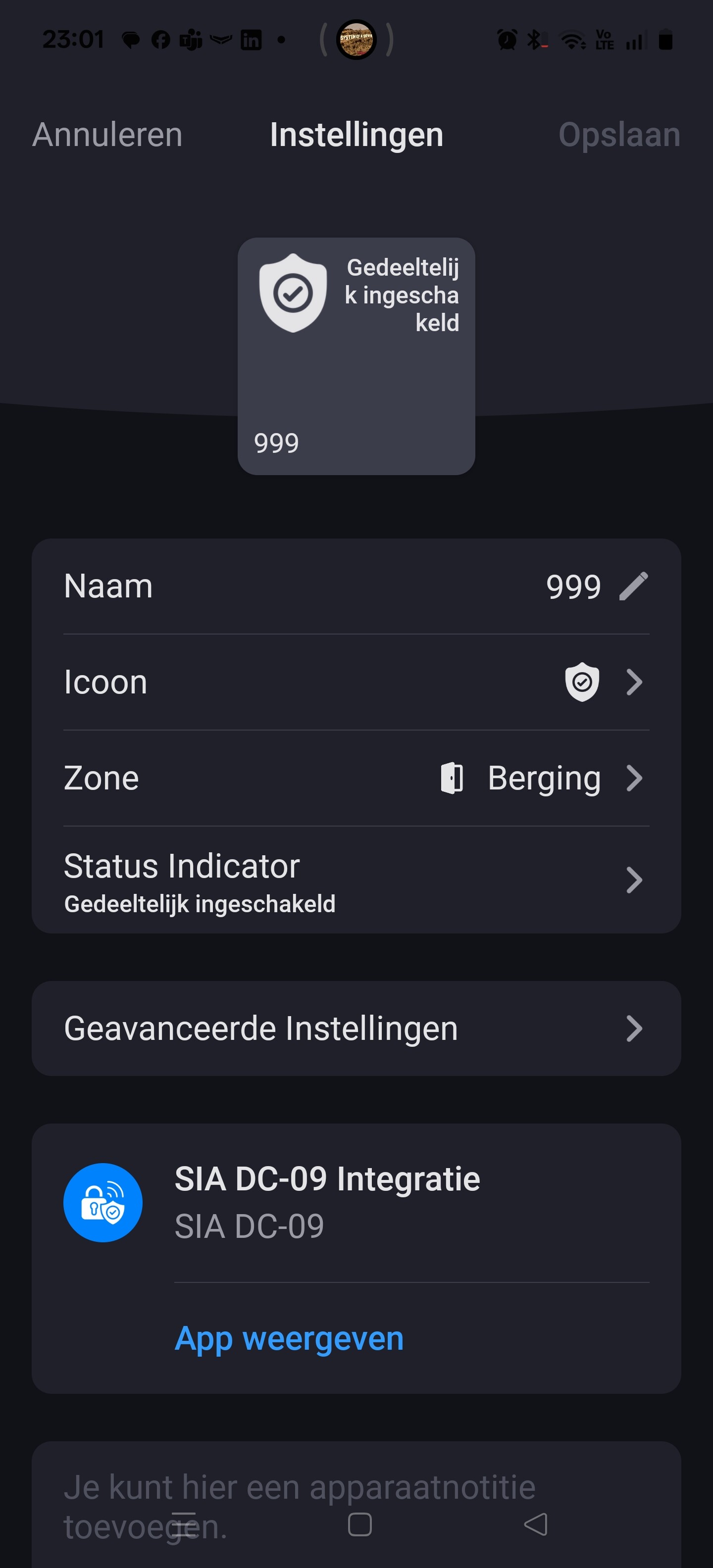
Go to Homey en add a SIA DC-09 device:
1 Set objectnumber: 000
2 Portnumber: 18000
3 continue
4 turn off or on the alarm and the state is changed from unknown to armed / disarmed
Niels
Hi,
I just checked the portnummer check in the app and see that a little bug is introduced… I made a fix for this an uploaded to homey store. If Athom reviewed the app the app will be accepted in the store. So please wait for versie 1.1.2 with the fix.
Niels
Hi,
The version 1.1.2 is approved by Athom and ready for download in the store
Niels
Thanks! Just tried it and the feedback towards Homey seems to work perfectly!
Thank you Niels, it works! 
This app replaces my Ajax relay with the Fibaro Smart Implants.
Works great!
You can still use these for an open door contact.
What do you mean and how does it work?
If you respond to my post… I’m responding to stripfiguurs post. I have for a few years now 2 ajax relays and a fibaro smart implant. The relays are switch by ajax (alarm turned on or off and alarm active / not active) and the relays are hard wired to the smart implant which is connected through z-wave to the Homey.
@Stripfiguur has something similar
Referring to my post… If I can use the new SIA app for ‘alarm turned on / off’ then I can use the 2 relays for front door open / close and the backdoor open / close.
Rogier
But… I think that don’t like the 1 minute interval.
Now (with the hardwired ajax relays / fibaro smart implant) my home is instantly reacting on an alarm. With the new app it waits 1 minute before any other homey respond.
No, I’m just testing the app, and it’s also triggering directly.
I think the “connect on request” option in Ajax is sending a signal immediately.
When switching the alarm on or off, the signal to Homey is sent instantly.
The IF statement with “Alarm trigger goes off” also works immediately.
But the AND statement with “Alarm goes off for burglary” (inbraak) doesn’t work.
If I open the door to trigger the alarm, this statement does nothing.
Maybe it’s a bug? @Niels_Borman
Hello!
I want to try your app, but I don’t understand where I find the settings in the Ajax app.
Would you mind clarifying that part?
Thank you in advance!
Post 246
Hi,
Disarm the Ajax alarm and go to the hub. Select the gear (right on top on the screen). Go to Security companies and then go to Monitoring station.
Protocol: SIA DC-09
Ethernet: Enable
Mobile: Disable
Primairy ip-address: fill in the Homey ip-address
Port: 18000
Monitoring station ping interval: 1 minute
Connect on demand: On
Objectnumber: 000
Encryption: Off
Niels
Hello Niels et al,
Thank you for this app.
I have installed the app and configured my AJAX alarm, and it works .. almost.
When I set my AJAX alarm to perimeter mode, the app imediately indicates this, but when disarming the alarm there is no visible change in the app status and status perimeter_armed remains.
Is this a bug (on my side perhaps) or a work in progress issue?
As family is in house I have not tested full arming and disarming of AJAX alarm yet.
Cheers, Fredde