BLE Mower MQTT - Homey App
Connect Gardena Minimo and Husqvarna BLE mowers locally to Homey via MQTT. This app allows you to integrate your Bluetooth lawnmower with Homey without relying on cloud APIs.
Compatible Mowers
This app is designed for robotic lawnmowers equipped with Bluetooth (BLE) that use the standard Husqvarna/Gardena BLE communication protocol:
- Gardena Sileno Minimo (e.g., Minimo 250, Minimo 500)
- Gardena Sileno City & Life (Bluetooth-enabled models)
- Husqvarna Automower (models equipped with Bluetooth / Automower Connect@Home, such as the Aspire R4 and many 300/400-series mowers within Bluetooth range)
Use Cases
With the integration into Homey, you can set up smart Flows to optimize your mowing schedule. Some popular use cases:
 Do not mow when it rains (Rain protection)
Mowing in the rain is bad for your lawn and makes the mower extremely dirty. Link a rain sensor or a weather app to Homey and activate a Flow: If it rains → Send the mower straight to its charging dock. Do not mow when people are in the garden
Use presence detection or motion sensors in the garden: If motion is detected in the garden → Pause mowing. Once everyone is back inside, the mowing schedule can be resumed. Smart charging based on energy prices
If you have dynamic energy tariffs, you can turn off power to the charging station (via a smart plug) during peak hours and let the mower charge only during cheap hours. Theft and tilt protection
Receive a push notification on your phone or activate your alarm system when the mower is lifted or flipped (Lift Alarm or Upside Down Alarm becomes active).
Prerequisites & Installation (Guide)
To use this app, a local bridge between the Bluetooth mower and your MQTT network is required. Follow these steps to set up the infrastructure:
1. MQTT Broker
An active MQTT broker must be running on your network.
- No broker present? You can easily install the MQTT Broker app on your Homey Pro to spin up a local broker.
2. BLE to MQTT Gateway (Bridge)
Because the Homey Pro is often placed too far from the garden (or to offload BLE connection limits), you need a bridge to capture the BLE signals from the mower and forward them to your MQTT broker.
- You can set this up using a Raspberry Pi (or any other Bluetooth-enabled device) placed near the garden/mower.
- Running the gateway inside a Docker container is recommended for a stable and easy setup.
3. Configuration & Setup Instructions
Please refer to the gateway’s GitHub repository for the full guide, Docker-compose files, and configuration instructions:
 GardenaMower-BLE-MQTT GitHub Repository
Once the gateway is running and publishing data to your MQTT broker, add the mower as a new device in Homey and fill in the MQTT connection details.
DONATE
If you like the app, don’t hesitate to DONATE
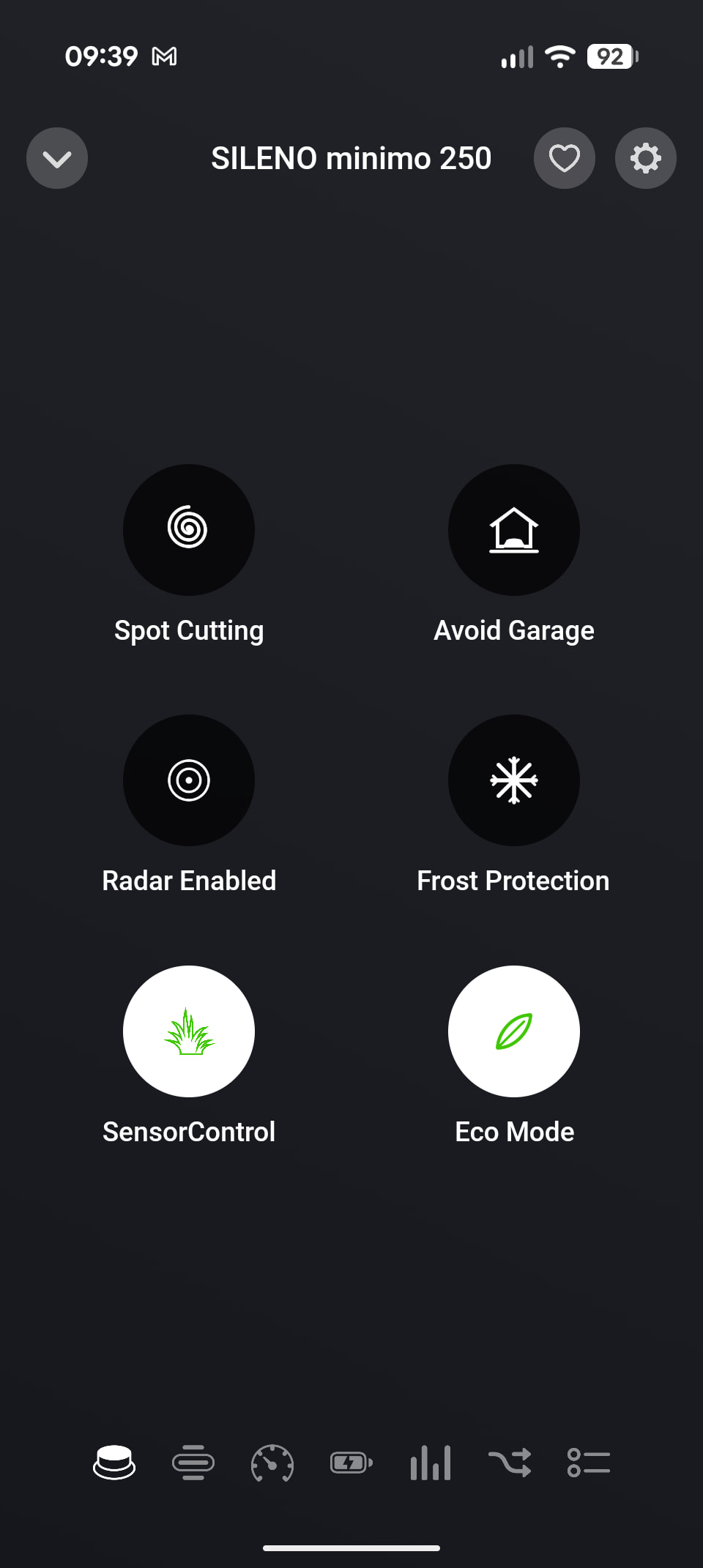
As a summer holiday project I decided to integrate my Gardena Sileno Minimo 250 into Homey. It only has a bluetooth mobile app, and no possibility to connect it to the Gardena cloud. So the official Gardena app does not work for me 
I hoped integrating would not be too difficult since there were 2 projects on Github that should enable it:
I ended up digging up my old Raspberry Pi Zero W to act as BLE bridge. However, as always  , it didn’t work… I had to significantly do more reverse engineering to add fixes and features to AutoMower-BLE. Also I had to make my own, completely different version, for AutoMower-BLE-MQTT. I ended up making my own versions of both (although I hope Alistair will implement my PR’s to his source project).
To make it ‘easy’ for Homey users I created a multi-arch docker image, and spend a lot of time making the installation instructions as bullet proof as possible. But I’m sure you users will manage to find issues  .
.
Since I have only been able to test it on my own mower I am not sure what works on other Gardena/Husqvarna mowers. Please let me know when you find issues. Also let me know when it just works for you!
Enjoy this fun project!
New version 1.1.0 is ready for testing: BLE Mower MQTT | Homey
- Fixed alarm_stuck false positives
- Fixed scheduling timezone
- Fixed appstore compliancy
Also fixed in the docker/native BLE bridge is a possible system hang. So update your docker image!
Have fun!
Hoi
Zou het ook mogelijk zijn om de Bluetooth tuinsproeier toe te voegen ?
Nope. Dont have it. Dont intend to buy it. Dont intend to start the (extremely time consuming) job of reverse engineering the BLE signal for that device. So in short: No 
New version 1.2.0 is ready for testing: https://homey.app/a/com.gruijter.blemower/test/
- Added set mowing schedule
- Added reset blade usage
- Migrated async-mqtt to mqtt
You can now set the weekly mowing schedule from the device settings or from a flow.
DON’T FORGET TO UPDATE YOUR BLE BRIDGE DOCKER AS WELL! Otherwise the new functionality will not work
Now all we need is some rain to get the grass growing again 
New version 1.3.0 is ready for testing:
- Fixed mower showing as mowing while it is still charging in the dock
- Added mow pending and remaining charge time
- Mow pending for the charge to finish now shows as paused
- Pending mow can now be cancelled with dock
- Added mow deferred flow trigger
- Fix recover from disconnect
Again, do not forget to update your bridge docker as well! Otherwise the new functionality will not work . See docker / update instructions here.
New version 1.4.0 is ready for testing:
- Fix MQTT connection recovery
- Fix frost protection
- Add timeline message for new bridge version available
- Update dependencies
Again, do not forget to update your bridge docker as well! Otherwise the new functionality will not work . See docker / update instructions here.